Deep Comparison of AI Coding Tools: Why OpenClaw Is Not Suitable for Writing Code

AI coding tools should support custom model providers; OpenClaw is just a gateway, not suited for coding.
This article compares multiple AI coding tools through a real project, showing VS Code's free tier is limited by weak model routing and Google IDE's advanced model quota depletes too quickly — the core issue being tight IDE-model binding. The author recommends tools supporting custom providers for flexible access to the strongest models, and reveals that OpenClaw is essentially just a messaging gateway plus a modified Aider, with limited coding ability. Claims about multi-Agent collaboration building development teams are severely disconnected from reality.
Core Argument: The Binding Problem Between Coding Tools and Models
The AI coding tool market is flourishing, but a critical issue is being overlooked by many — the binding relationship between coding tools and their underlying models directly determines your development experience and efficiency ceiling. This article compares the real-world performance of multiple AI coding tools through an actual project (automatically generating videos from MD files), and provides an in-depth analysis of why OpenClaw is not suitable for writing code.
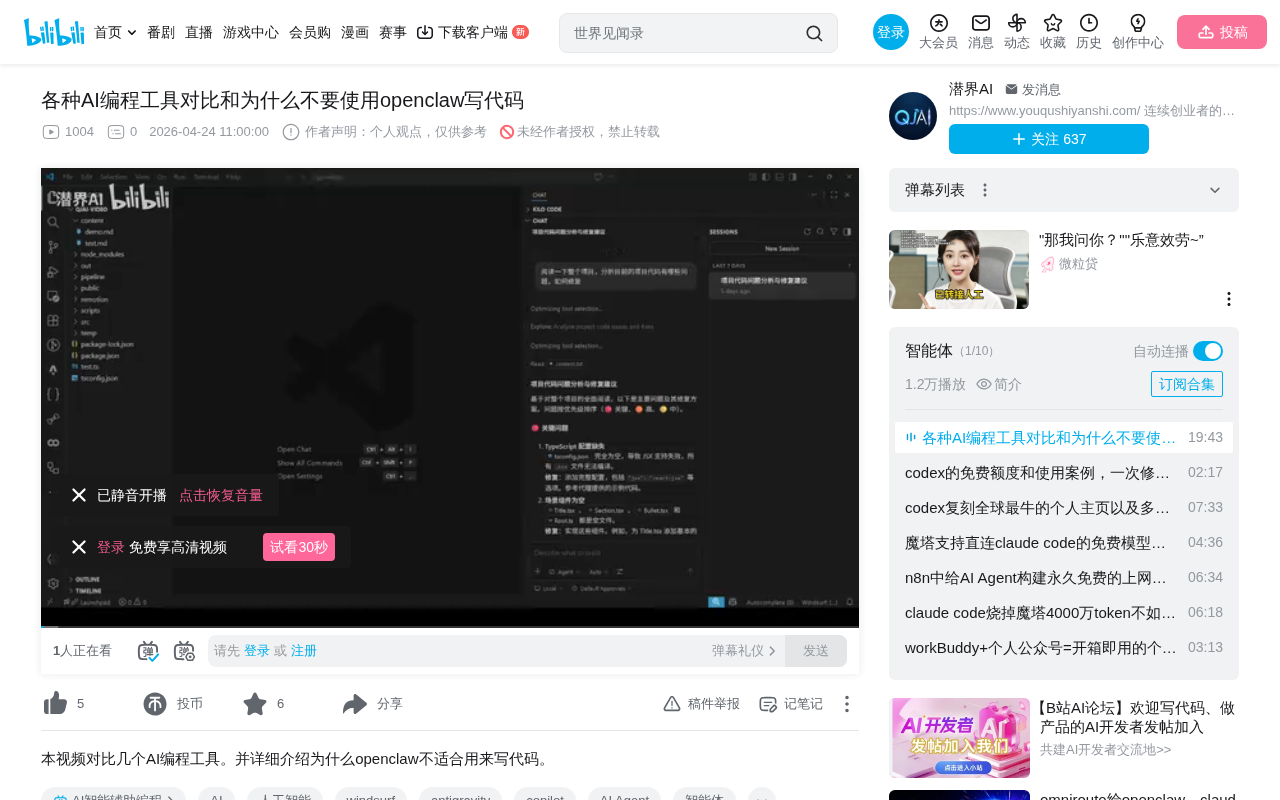
VS Code's Built-in AI Coding Tool: The Free User's Dilemma
The first tool tested was Microsoft VS Code's built-in AI coding feature. After inputting project requirements, the tool generated code, but the code consistently failed to compile. After multiple rounds of communication and modifications, the compilation issues remained unresolved.
The root causes:
- Free users cannot switch to advanced models
- The system automatically routes models in the background, often assigning weaker ones
- Simple chat tasks don't require much from a model, but coding demands higher model capabilities
- Even after dozens of exchanges, weak models still can't resolve compilation issues
Here you need to understand a key concept — Model Routing. Model routing refers to AI platforms automatically assigning user requests to models of different capability levels based on factors like user tier, request complexity, and server load. This mechanism is commercially reasonable — platforms need to prioritize expensive computational resources for paying users. But for coding scenarios, code generation requires precise syntax understanding, context tracking, and logical reasoning capabilities, where weak models perform orders of magnitude worse than strong models. This explains why the same coding task can't be solved by a weak model after dozens of attempts, while a strong model passes compilation on the first try.
More critically, VS Code's coding tool does not support custom providers. Even if you've obtained better free model tokens through other channels, you cannot integrate them.
Google IDE Coding Experience: Advanced Models Exhaust Quota in One Use
After switching to Google's IDE, things improved. It supports free model selection, and after using an advanced model, the compilation issue was resolved in just one run.
But the problems were equally apparent:
- All models share a single free quota pool
- Advanced models consume significantly more credits per use
- In practice, the quota was exhausted after using the advanced model just once
- Quotas refresh weekly — once depleted, you can only wait
To understand this issue, you need to know about Token quotas and model pricing mechanisms. In large model services, a Token is the basic unit of text processing — roughly 1-2 tokens per English word, and about 1.5-2 tokens per Chinese character. The pricing differences between models are enormous: a GPT-4-level model's inference cost can be 50-100 times that of a lightweight model. Google IDE's "shared quota pool" design means that using an advanced model (like Gemini 2.5 Pro) once may consume the equivalent of hundreds of Flash model uses. This design essentially guides free users toward lightweight models, using advanced models as a conversion funnel to paid tiers.
Ultimately, switching to the Flash model (lightweight, with virtually unlimited quota) can handle simple code modifications, but it's powerless against complex problems (like background image anomalies in video generation). Google IDE also does not support custom providers — models are tightly bound to the IDE.
The Truly Flexible AI Coding Solution: Tools That Support Custom Providers
After multiple rounds of testing, the author returned to a coding tool introduced earlier — its core differentiator from other vendors is support for custom model providers.
Specific advantages include:
- Built-in free tokens available
- Support for third-party providers (such as NVIDIA's coding models)
- Ability to configure free OpenAI tokens obtained through platforms like Grip
- Models can be switched at any time, upgrading from built-in free models (like a 2.5 version) to NVIDIA's 2.7 version
Core conclusion: Any tool where the IDE is tightly bound to specific models should be abandoned in the long run. Because coding demands high model capabilities, you need flexible access to the best available models. The logic behind this conclusion is: AI models iterate at extreme speed — today's strongest model may be surpassed in three months. If your coding tool can only use models from a fixed provider, your development efficiency ceiling is locked to that provider's iteration pace, unable to immediately benefit from the latest industry breakthroughs.
The Truth About OpenClaw: It's Just a Gateway
Recently, the topic of "OpenClaw" (小龙虾) writing code has been extremely popular on social media, but the author clearly states: OpenClaw itself is not suitable for coding — it doesn't even qualify as a competent coding assistant, let alone being used to build so-called internet development teams.
OpenClaw's Technical Architecture Revealed
According to OpenClaw's official website:
- OpenClaw is essentially just a gateway that forwards messages to backend coding tools
- Its founder actually uses Claude (currently the consensus strongest coding model) for their own coding
- Originally used WhatsApp + OpenClaw gateway to forward messages to Claude
- After open-sourcing, since Claude's commercial coding model couldn't be integrated, they switched to the open-source coding tool Aider
- OpenClaw integrates Aider's code but has made its own modifications at the prompt level
- Aider is not in a leading position among coding tools
Technical explanation of the gateway architecture: A Gateway in software architecture is a middleware component responsible for receiving requests and forwarding them to backend services. OpenClaw's working principle as a gateway is similar to an API Gateway: it receives messages from instant messaging tools like WhatsApp and Feishu, parses user intent, then forwards coding-related requests to backend code generation tools (like Aider). The advantage of this architecture is flexible channel integration, but the disadvantage is that it has no code understanding or generation capabilities itself — coding quality depends entirely on the backend tool's level.
About Aider's positioning: Aider is an open-source AI-assisted coding tool that supports modifying code through conversation in the terminal. Its core mechanism is sending code file contents as context to a large model, then parsing the model's returned diff-format modifications and applying them to files. In the AI coding tool ecosystem, commercial products like Cursor, Windsurf, and GitHub Copilot offer more complete IDE integration, code indexing, multi-file editing, and automatic error fixing capabilities. While Aider is open-source and flexible, it has clear gaps compared to these commercial products in codebase understanding depth, editing precision, and engineering maturity.
Misconceptions About Multi-Agent Collaborative Coding
Claims circulating online about "building a company with OpenClaw" and "multi-Agent collaboration" are seriously misleading:
About Agent orchestration modes: OpenClaw supports three modes — private chat mode, group chat mode (monitoring group content), and broadcast group mode (for Agent orchestration). However, broadcast group mode currently only supports the WhatsApp channel, not domestic tools like Feishu, which is why many people in China don't understand how it actually works.
About Agent capability boundaries: At the current stage, a single Agent absolutely cannot take on the role of an entire job function. The correct approach is for each Agent to implement only one atomic-level single function. For example, in software development, writing code is one Agent, and debugging/fixing bugs is another Agent. The idea of "one Agent as product manager, one as programmer" is far beyond what current technology can achieve.
To understand this limitation, you need to recognize the technical reality of multi-Agent collaboration. Multi-Agent Collaboration refers to multiple AI agents dividing labor to complete complex tasks. Theoretically, this is similar to human team collaboration. But current technology faces several core bottlenecks: first, individual Agent reliability is insufficient, and errors propagate and amplify between Agents; second, inter-Agent communication protocols are not yet standardized, with significant information loss during transmission; third, task decomposition itself requires deep domain knowledge, and current AI cannot autonomously perform reasonable task splitting. Therefore, the industry consensus is to limit Agents to atomic-level operations (such as code formatting, unit test generation, lint checking, etc.), rather than having them take on complete job roles requiring comprehensive judgment.
The Essential Difference Between OpenClaw and Professional AI Coding Tools
OpenClaw's agent positioning is as a personal assistant, not a professional coding tool. Professional AI coding tools (like Google's coding IDE) are designed for programmer scenarios, internally integrating multiple Agents with different functions, each implementing a single coding assistance capability, continuously optimized by large commercial teams.
Specifically, the Agent division of labor within professional coding IDEs typically includes: code completion Agent (responsible for line-level and block-level code suggestions), code explanation Agent (responsible for understanding and explaining existing code), refactoring Agent (responsible for code structure optimization), debugging Agent (responsible for error localization and fix suggestions), test generation Agent (responsible for automatically generating unit tests), etc. These Agents share the codebase's index information and project context, working together through carefully designed orchestration logic. This deep integration and professional specialization is something a general-purpose messaging gateway can never replicate.
Even with these commercial companies investing massive team resources, many coding problems still can't be solved. Expecting a gateway tool positioned as a personal assistant to replace a professional coding environment is clearly unrealistic.
Summary: How to Choose the Right AI Coding Tool
- Choose coding tools that support custom providers — avoid being locked to a single model
- Don't use OpenClaw for coding — its coding capability is weak; it's essentially just a gateway + modified Aider
- Be wary of social media over-marketing — claims about OpenClaw building development teams are severely disconnected from reality
- Understand Agent capability boundaries — under current technology, a single Agent can only handle extremely singular tasks
- Make good use of free resources — obtain high-quality model tokens through platforms like NVIDIA and Grip, and use them with flexible coding tools
Ultimately, the core principle for choosing AI coding tools can be summed up in one sentence: A tool's value lies in the strongest model it can connect to, not the tool's own brand halo. In today's era of rapidly iterating AI capabilities, maintaining flexibility in model access means maintaining the competitiveness of your development efficiency.
Related articles
 Product Reviews
Qoder vs Cursor Real-World Comparison: Which $20/Month AI IDE Is Better?
Hands-on comparison of Qoder vs Cursor AI IDEs: Agent autonomy, human interaction count, and architecture decisions. Qoder needed only 2 interactions vs Cursor's 8.
 Product Reviews
Cursor Cloud Agent Demo: Eliminating Bottlenecks Across the Entire Software Development Lifecycle
Deep analysis of Cursor's Cloud Agent demo showing how cloud VMs, automated test artifacts, and a full-chain control plane systematically eliminate human bottlenecks across the software development lifecycle.
 Product Reviews
Cursor 3.0 Deep Dive: Multi-Agent Parallelism, Design Mode, and Best-of-N Model Comparison
Cursor 3.0 evolves from an AI coding assistant into an Agent fleet command center. Explore multi-agent parallelism, Design Mode, and Best-of-N model comparison.