OpenSwarm Hands-On: Open-Source Multi-Agent System Generates Complete Investment Package from a Single Prompt
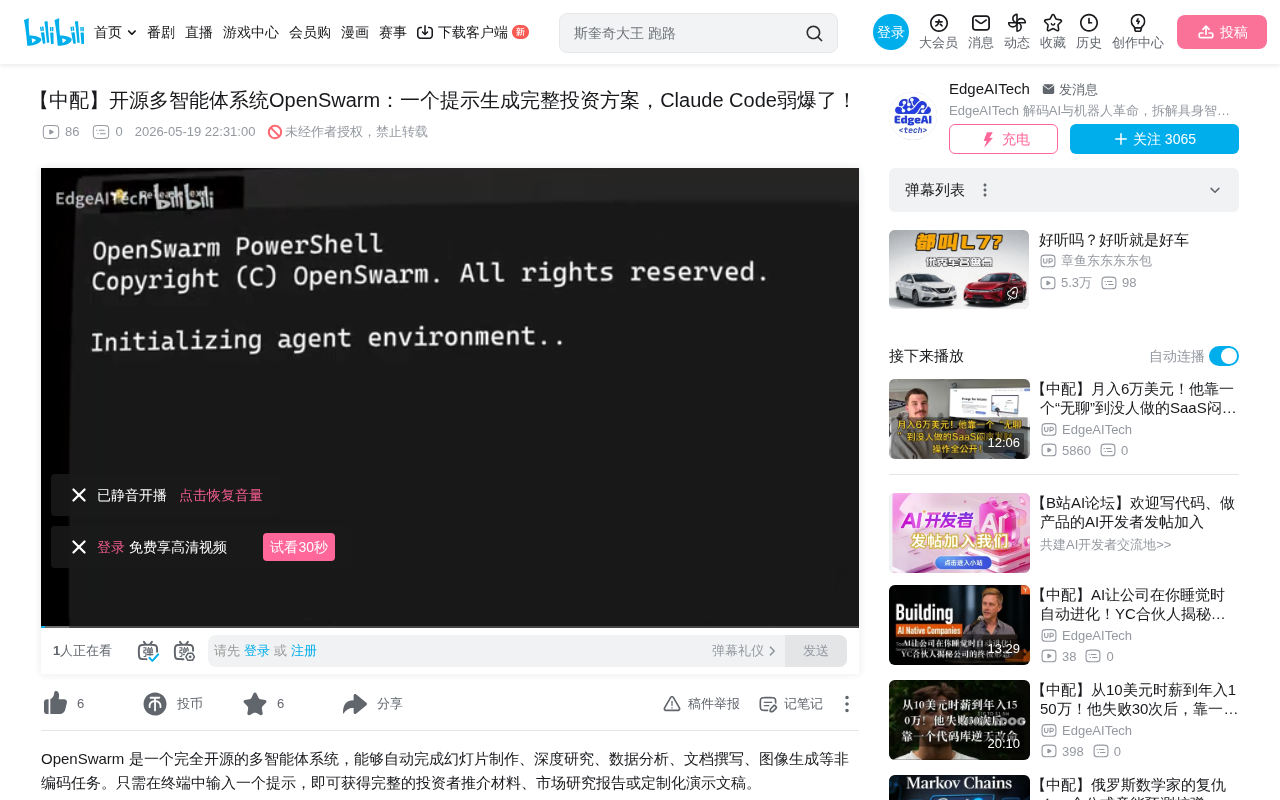
OpenSwarm: open-source multi-agent system that generates complete deliverables from a single prompt
OpenSwarm is a fully open-source multi-agent collaboration system featuring 8 specialized agents (orchestrator, slides, deep research, data analysis, document, video, image, and general) that work together through an intelligent context passing mechanism. Users need only a single prompt to generate complete deliverables including research reports, data charts, presentations, and executive summaries—far surpassing Claude Code and OpenClaw in output quality. The system supports rapid custom agent swarm creation via repository forking, requiring no manual coding.
Why We Need Multi-Agent Collaboration Systems
As AI tools become increasingly prevalent, the limitations of single agents are becoming more apparent. Claude Code excels at coding but can't output real slide decks; OpenClaw attempts to solve problems through browser automation but the quality still falls short. OpenSwarm was created to fill this gap—a fully open-source multi-agent system that can generate complete deliverables including research reports, data charts, presentations, and executive summaries from a single prompt in the terminal.
Multi-Agent Systems (MAS) represent an important branch of distributed artificial intelligence, with core concepts originating from distributed problem-solving research in the 1980s. In the era of large language models, multi-agent collaboration has gained new vitality—each agent is essentially an LLM instance with specific system prompts, toolsets, and behavioral constraints. Compared to a single model handling all tasks, multi-agent architectures effectively mitigate the capacity limitations and attention dilution problems of a single context window through task decomposition and specialization. Existing multi-agent frameworks in the industry include Microsoft's AutoGen, Stanford's Generative Agents, and CrewAI, but most are either academically oriented or limited in their ability to generate practical deliverables.
The project originated from the practical needs of an AI development agency. According to the developers, the current trend is that clients are no longer satisfied with AI agents that only provide simple answers—they need systems that can produce truly usable deliverables: slide decks, documents, research reports, audio, video, and more. OpenSwarm was born in this context.
OpenSwarm System Architecture: How 8 Specialized Agents Work Together
Core Agent Roles
OpenSwarm contains 8 specialized agents, each with distinct responsibilities:
- Orchestrator Agent: Coordinates all other agents, decomposes complex tasks into subtasks and delegates execution
- General Agent: Handles general-purpose tasks
- Slides Agent: Creates presentations—reportedly the best open-source slides agent currently available
- Deep Research Agent: Conducts in-depth market research
- Data Analysis Agent: Processes data, creates charts and visualizations
- Document Agent: Writes structured documents, reports, and executive summaries
- Video Agent: Generates video content
- Image Agent: Generates visual content, product mockups, and graphics
The Orchestrator pattern is one of the most common coordination architectures in multi-agent systems, also known as the "centralized coordination" pattern. Unlike decentralized peer-to-peer communication, the orchestrator serves as a central dispatch node responsible for Task Decomposition, Agent Selection, and Result Aggregation. The advantage of this pattern lies in its global perspective—the orchestrator can understand the overall objective and properly arrange the execution order and dependencies of subtasks. At the implementation level, the orchestrator typically uses the most capable foundation model (such as GPT-4o or Claude 3.5 Sonnet) and triggers other specialized agents through Function Calling or Tool Use interfaces.
Inter-Agent Collaboration and Context Passing Mechanism
The most elegant design of this system lies in its communication and task handoff mechanism between agents. Unlike the brute-force approach of stuffing raw search results directly into the next agent's context window, each agent in OpenSwarm only passes processed, actionable details, keeping the context window clean and effectively reducing hallucinations.
The Context Window is the maximum number of tokens a large language model can process at once, currently ranging from 128K to 200K tokens for mainstream models. However, research shows that even within window capacity, the model's attention to information in middle positions drops significantly (the "Lost in the Middle" phenomenon), and the longer the context, the higher the probability of hallucination. Hallucination refers to the model generating content that appears plausible but is actually incorrect or fabricated. By having each agent pass only refined and structured information summaries rather than raw data in full, OpenSwarm effectively controls the input quality for downstream agents. This design is similar to the "Interface Segregation Principle" in software engineering—each module exposes only the necessary information.
For example, after creating a proposal presentation, if you request an invoice for that proposal within the same workflow, the slides agent automatically hands the task to the document agent, which already has all the prior context. This level of multi-agent collaboration is extremely rare in both open-source and commercial projects.
Practical Demo: Generating Complete Investor Pitch Materials from a Single Prompt
Full Task Execution Workflow
The developers demonstrated a complete real-world case—using just one prompt "Create a complete investor pitch deck for OpenSwarm," the system automatically completed the following workflow:
- Orchestrator analyzes the task: Identifies it as a complex task, decides which agents to invoke and in what order
- Deep Research Agent: Collects data on AI agent framework competitors, market trends, etc., returns structured research findings
- Data Analysis Agent: Transforms market data into TAM/SAM growth projections, competitive landscape charts and tables
- Slides Agent: Receives all research and charts, employs a sub-agent approach—the main agent plans the structure while each slide is handled by a separate sub-agent
- Document Agent: Writes the executive summary and one-pager
TAM (Total Addressable Market) and SAM (Serviceable Addressable Market) are core metrics in investor pitch materials, used to quantify the market opportunity size for a product or service. TAM represents the total market size under ideal conditions without competitive constraints, while SAM is the market share a company can actually reach within its current business model and geographic scope. They're typically used alongside SOM (Serviceable Obtainable Market) to form a market funnel from large to small. The data analysis agent can automatically extract these metrics from research data and generate visualizations, providing important reference value for investor decision-making.
The "sub-agent approach" used by the slides agent is a hierarchical task decomposition strategy. The main agent handles macro planning—determining the overall narrative structure, page allocation, and visual style consistency—while each slide is processed by an independent sub-agent focused on that page's content arrangement, layout design, and data presentation. This design solves a core challenge in AI-generated presentations: when a model tries to generate an entire slide deck at once, the quality of later slides often drops dramatically. By treating each slide as an independent task, each sub-agent gets full attention resources while the main agent ensures overall coherence. This is similar to the "project manager + specialist designer" division of labor in human teams.
The entire process took approximately 15 minutes, ultimately producing fully designed slides with real market data, data charts, an executive summary, and a one-page brief.
OpenSwarm vs. Claude Code and OpenClaw: A Comparison
- Claude Code: The same prompt only generates a Markdown file with rough bullet points—no charts, visualizations, or slides
- OpenClaw: Generates a few slides with only generic text, achieved through browser automation
- OpenSwarm: A complete investor pitch package including research, charts, slides, and executive summary
The browser automation approach used by tools like OpenClaw essentially simulates human interaction with web applications (such as Google Slides, Canva) through tools like Puppeteer or Playwright to generate content. The advantage of this approach is leveraging existing tools' rendering capabilities, but the drawbacks are obvious: slow speed, prone to failure due to UI changes, and difficult to achieve fine-grained control. In contrast, OpenSwarm uses native generation, directly producing PPTX, PDF, and other file formats through code, bypassing the browser as an unstable intermediary layer. Native generation approaches have deeper understanding of underlying file format specifications (such as Office Open XML), enabling more precise typography and richer visual effects.
It's worth noting that Anthropic's Cowork, while decent in quality, is closed-source, non-customizable, and locked into their ecosystem. In the AI agent space, the open-source vs. closed-source battle is particularly fierce. Closed-source solutions offer out-of-the-box experiences, but users cannot modify underlying logic, deploy to private environments, or avoid data privacy risks. Open-source solutions give developers complete control—they can swap out underlying models, customize agent behavior, and deploy locally or on private clouds. For enterprise users, open-source multi-agent frameworks also mean sensitive data can remain within their own infrastructure, which is especially important in regulated industries like finance, healthcare, and legal.
Quick Start Guide and Custom Agent Swarm Creation
Installation and Basic Usage
Using OpenSwarm is straightforward:
- Run a simple command to install
- Choose your authentication method and model provider (supports OpenAI or Anthropic)
- The terminal interface is built on OpenCode, supporting session management, file references, undo/redo, session export, and more
- Use slash agent commands to switch between agents
How to Build a Custom Agent Swarm
This is one of OpenSwarm's most attractive features. To create your own agent swarm, simply:
- Fork the repository and rename it
- The repository already contains an
agents.mdfile with complete customization instructions - Open any coding tool (Cursor, Claude Code, Codex, etc.) and provide a simple prompt
The developers demonstrated creating an SEO agent swarm: with just one prompt "Create an SEO optimization agent swarm," the coding agent automatically reads the framework documentation and determines which agents need to be retained, customized, or duplicated. The research agent becomes an SEO keyword planning agent, the document agent becomes a blog writing agent, and the data analyst becomes an SEO analytics agent—the entire process takes just a few minutes with no code written manually.
This "using AI to build AI" meta-programming paradigm is becoming a new trend in developer tools. By abstracting agent configuration and behavior definitions into structured document formats, OpenSwarm enables non-technical users to customize professional agent workflows through natural language descriptions, dramatically lowering the development barrier for multi-agent systems.
OpenSwarm Future Development Roadmap
The development team revealed several important directions:
- Integration with Open Cloud, Codex, and Claude Code: Enabling all agents to work together, orchestrating 20 Codex agents from a single terminal
- Agent Builder Agent: No need to manually define agents—just describe your requirements and the system automatically creates the entire agent swarm
- Continuous expansion of use cases: Sales, marketing, customer support, legal, finance, and other knowledge work domains
Conclusion
OpenSwarm represents a paradigm shift in AI tools from "one agent does everything" to "expert team collaboration." Its core advantages lie in: fully open-source and customizable, specialized agent division of labor, intelligent context passing mechanisms, and an extremely low barrier to entry. For teams and individual developers who need high-quality, multi-format deliverables, this is a project worth watching and trying.
Related articles
 Product Reviews
Qoder vs Cursor Real-World Comparison: Which $20/Month AI IDE Is Better?
Hands-on comparison of Qoder vs Cursor AI IDEs: Agent autonomy, human interaction count, and architecture decisions. Qoder needed only 2 interactions vs Cursor's 8.
 Product Reviews
Cursor Cloud Agent Demo: Eliminating Bottlenecks Across the Entire Software Development Lifecycle
Deep analysis of Cursor's Cloud Agent demo showing how cloud VMs, automated test artifacts, and a full-chain control plane systematically eliminate human bottlenecks across the software development lifecycle.
 Product Reviews
Cursor 3.0 Deep Dive: Multi-Agent Parallelism, Design Mode, and Best-of-N Model Comparison
Cursor 3.0 evolves from an AI coding assistant into an Agent fleet command center. Explore multi-agent parallelism, Design Mode, and Best-of-N model comparison.