Photoshop 2025 Deep Dive: Seven New Features Including AI Retouching and 3D's Return
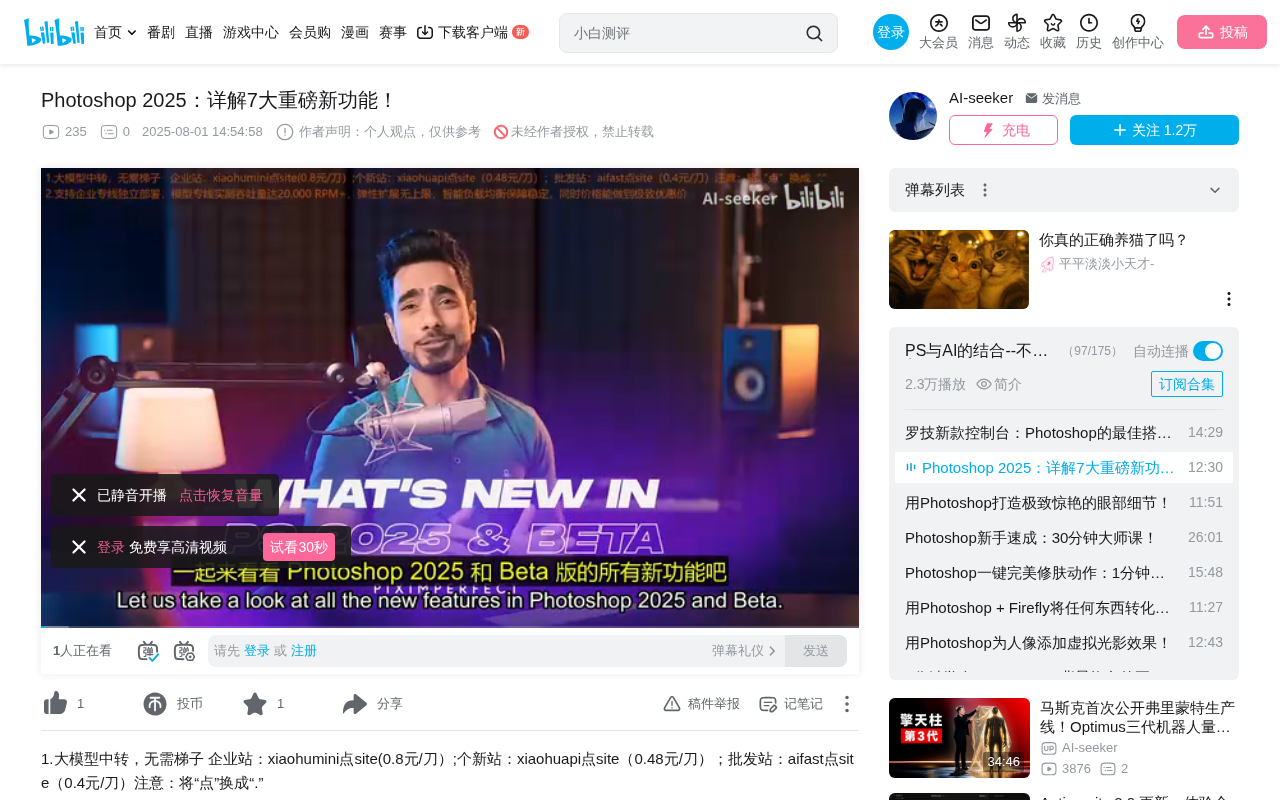
Adobe Photoshop 2025 launches with seven new features deepening generative AI capabilities across the board.
Adobe Photoshop 2025 officially launches with a clear focus on deepening generative AI capabilities. Key new features include 3D object support via Substance 3D Viewer, Find Distractions for intelligent removal of wires and people, Generative Fill upgraded to Firefly Model 3 for higher quality output, and a new Generative Workspace supporting variable-based batch generation. The most practical additions are Find Distractions and the Remove tool's Auto mode, though traditional editing features see virtually no improvements.
Overview
Adobe Photoshop 2025 has officially launched, bringing several highly anticipated new features. From the return of 3D object support to AI-powered distraction removal and the comprehensive upgrade to Firefly Model 3, this update takes a significant leap forward in generative AI capabilities. This article provides a detailed breakdown of seven major features, helping you understand which ones are worth trying immediately and which still need more time to mature.
3D Object Support Returns: Substance 3D Viewer Integration
Drag-and-Drop 3D Workflow
Photoshop previously removed its 3D features, but in the 2025 Beta, 3D makes a comeback in an entirely new form. Users can drag 3D objects directly onto the Photoshop canvas, where the system automatically recognizes them and allows resizing and repositioning.
Double-clicking the layer thumbnail or clicking "Edit Content" in the Properties panel opens a brand-new application—Substance 3D Viewer. This program needs to be downloaded and installed separately from the Creative Cloud desktop app.
Substance 3D Ecosystem Background
Substance 3D is Adobe's 3D tool suite, integrated after acquiring Allegorithmic in 2019. It includes Substance 3D Painter (texture painting), Substance 3D Designer (material creation), Substance 3D Sampler (material scanning), and Substance 3D Stager (scene staging). Previously, these tools primarily served the game development and VFX industries, operating relatively independently from Photoshop's 2D workflow. Through the Substance 3D Viewer integration, Adobe is attempting to bridge the gap between 2D designers and 3D assets, allowing graphic designers to use 3D elements in their compositions without learning complex 3D software. This "viewer-level" integration strategy is similar to Photoshop's early support for video timelines—providing basic operational capabilities while directing users to professional tools for complex needs.
Material and Lighting Editing
In Substance 3D Viewer, you can:
- Apply material presets: Drag and drop materials like metal or rubber onto different parts of the model
- Customize colors: Select specific components and modify their color properties
- Adjust lighting environments: Enable the ground plane to cast shadows, choose different lighting presets, and rotate the light source direction
- Real-time rendering: Enable render mode for reflection effects with adjustable reflection opacity and roughness
After editing, click the "Do Photoshop" button, and the modified 3D object automatically syncs back to Photoshop.
Important note: On first launch, you'll see a prompt stating "This Beta version is free for a limited time." It's currently unclear whether this will be included in existing Photoshop subscription plans or require additional payment. Additionally, this is only a viewer—it cannot create or modify 3D object geometry.
Find Distractions: Intelligent Distraction Removal
One-Click Removal of Wires and People
The Find Distractions feature has finally graduated from Beta to the official release, making it one of the most practical features in this update. After selecting the Remove tool, you'll find the "Find Distractions" option at the top, offering two modes:
Remove wires and cables: Photoshop automatically detects all wires, cables, and even spider-web-thin lines in the image, removing them all with a single click. The results are impressive—replacement content is generated on a new layer, maintaining non-destructive editing.
Remove people: Automatically selects all people in the frame, with support for Alt/Option-click to deselect, or manually adding undetected individuals. After confirming the selection, press Enter to complete the removal.
The Importance of Non-Destructive Editing
Non-destructive editing is a core design philosophy in modern image processing, meaning all editing operations don't directly modify the original pixel data. Instead, they're applied as independent layers, smart objects, adjustment layers, or masks. This allows users to revisit, modify, or delete any editing step at any time. Find Distractions generating results on a new layer follows this principle exactly. This concept was gradually established through Photoshop's Adjustment Layers (introduced in 1996) and Smart Objects (introduced in CS2), and has since become the standard paradigm for professional image editing software.
Comparing Three Processing Modes
The Remove tool now offers three modes:
- Auto mode: Photoshop automatically decides whether to use Generative Fill or Content-Aware Fill—traditional methods for small areas (faster), Generative Fill for complex large areas
- Generative Fill On: Forces the use of Generative Fill—best quality but slowest speed
- Generative Fill Off: No AI generation at all—fastest speed but potentially suboptimal results
Technical Differences Between Content-Aware Fill and Generative Fill
Content-Aware Fill was first introduced in Photoshop CS5 (2010), based on the PatchMatch algorithm, which analyzes surrounding pixel textures and structures to fill selected areas. This technology excels with simple backgrounds but often produces visible artifacts in complex scenes (such as perspective lines or repeating pattern boundaries). Generative Fill, introduced in 2023, is based on diffusion models that can "understand" scene semantics and generate entirely new content, but at the cost of requiring cloud computation, slower speeds, and consuming generation credits. The introduction of Auto mode is essentially an intelligent routing strategy—evaluating selection complexity to choose the most economical processing method. This reflects Adobe's engineering approach to balancing user experience with computational costs.
Real-world testing shows that Auto mode is the best choice in most scenarios, achieving a good balance between speed and quality.
Firefly Model 3: Major Quality Improvements in Generation
The Leap from Model 1 to Model 3
Photoshop 2025 upgrades the underlying model for Generative Fill from Firefly Model 1 to Model 3. Through comparison tests using the same selection and the same prompt (sunglasses):
- Model 1: Insufficient detail, asymmetric eyes, textures resembling a "Van Gogh painting style"
- Model 3: Richer frame details, better symmetry, and overall more photorealistic results
However, Model 3 has its own issues—during testing, it repeatedly generated opaque lenses (a "blind" effect), indicating that while the new model offers quality improvements, some generation biases remain.
Firefly's Technical Background and Copyright Advantages
Adobe Firefly is a generative AI model series launched by Adobe in March 2023. Its core differentiator lies in training data compliance—using only Adobe Stock licensed images, public domain content, and specially permitted data for training, thereby providing copyright safety guarantees for commercial use. The evolution from Model 1 to Model 3 primarily reflects optimizations in diffusion model architecture, expanded training data scale, and improved alignment techniques. Model 3 shows significant improvements in image fidelity, text comprehension, and style consistency, but the inherent randomness of diffusion models still causes generation biases—such as the "opaque lenses" issue mentioned above, which is essentially the result of the model sampling from the multimodal distribution of the "sunglasses" concept in its training data.
New "Generate Similar" and "Enhance Resolution"
Based on Firefly Model 3, two practical features have entered the official release:
- Generate Similar: Click the three-dot menu on a satisfactory generation result and select "Generate Similar"—all subsequent results will be generated based on that style
- Enhance Resolution: Enhances the resolution of generated results, making them sharper. Note that this doesn't introduce new details—it only makes existing content clearer
Background Removal and Generation: All-in-One Compositing Workflow
These features have officially graduated from Beta. The workflow is as follows:
- Click "Remove Background" for one-click subject extraction
- Click "Generate Background" and enter a description (e.g., "lake") to generate a new background
- Hide the subject layer, use the selection tool to select the subject area
- Use Generative Fill with an empty prompt to fill the subject's original position
- Re-enable the subject layer—you can now freely move and scale the subject
The advantage of this workflow is the complete separation of subject and background, providing tremendous flexibility for post-production compositing.
Generative Workspace: A Creative Factory for Batch Generation
Batch Generation and Variable System
Open the brand-new Generative Workspace via Edit > Generative Workspace. This is a standalone dialog that supports:
- Quick mode: Faster generation speed but lower quality, ideal for rapid creative exploration
- Continuous prompting: No need to wait for the previous generation to complete—you can input multiple prompts consecutively, with all tasks processing in parallel in the background
- History: All generated results are automatically saved and remain viewable even after closing and reopening
Variable Feature
The most interesting addition is the variable system. Using bracket syntax or the "Add Variable" button, you can create combinatorial prompts:
[octopus, cat, dog] doing yoga on a [beach, mountain, street]
This produces 3×3=9 combinations, with 4 images generated for each, totaling 36 images. This represents a massive efficiency boost for designers who need extensive creative exploration.
Variable Combinations and Parametric Design Thinking
The variable system in Generative Workspace draws from parametric design and combinatorial testing principles. In traditional design workflows, designers need to manually create each variant for A/B testing or presenting multiple options to clients. Combinatorial generation automates this process, essentially combining prompt engineering with Cartesian product operations. This approach is particularly valuable in scenarios requiring large numbers of visual variants, such as advertising creative, social media content production, and e-commerce product displays. A similar batch generation concept also appears in Midjourney's Permutation Prompts feature, reflecting the industry trend of AI creative tools moving toward "scaled creative production."
Summary and Assessment
The core direction of this Photoshop 2025 update is crystal clear—a comprehensive deepening of generative AI. For everyday retouching professionals, Find Distractions (removing wires and people) offers the most practical value, and the Remove tool's Auto mode significantly improves editing efficiency.
However, as the original author points out, this update brings virtually zero improvements to traditional editing features. Many user-requested features—better hair selection, color matching during compositing, more powerful retouching tools—are nowhere to be found. Adobe's focus has clearly shifted toward generative AI, which may not be the ideal development direction for professionals who rely on precise manual editing.
Overall, if you frequently need to clean up background clutter or create creative composites, this update is worth upgrading for. If your work primarily involves detailed retouching and color grading, you may not notice much difference.
Key Takeaways
- Photoshop 2025 reintroduces 3D object support through Substance 3D Viewer, but with limited functionality and potential additional costs
- Find Distractions is officially released, enabling one-click removal of wires/cables and people, with Auto/Generative Fill On/Off modes
- Generative Fill upgrades to Firefly Model 3, with significantly improved detail and symmetry, plus new "Generate Similar" and "Enhance Resolution" features
- The new Generative Workspace supports batch generation and variable combinations, dramatically improving creative exploration efficiency
- This update focuses entirely on generative AI, with virtually no improvements to traditional editing features
Related articles
 Product Reviews
Qoder vs Cursor Real-World Comparison: Which $20/Month AI IDE Is Better?
Hands-on comparison of Qoder vs Cursor AI IDEs: Agent autonomy, human interaction count, and architecture decisions. Qoder needed only 2 interactions vs Cursor's 8.
 Product Reviews
Cursor Cloud Agent Demo: Eliminating Bottlenecks Across the Entire Software Development Lifecycle
Deep analysis of Cursor's Cloud Agent demo showing how cloud VMs, automated test artifacts, and a full-chain control plane systematically eliminate human bottlenecks across the software development lifecycle.
 Product Reviews
Cursor 3.0 Deep Dive: Multi-Agent Parallelism, Design Mode, and Best-of-N Model Comparison
Cursor 3.0 evolves from an AI coding assistant into an Agent fleet command center. Explore multi-agent parallelism, Design Mode, and Best-of-N model comparison.