A Cautionary Tale from Music Player Development

A negative checklist analyzing the five most common pitfalls and avoidance strategies in music player development.
Using the Hacker News title "How Not to Build a Music Player" as a starting point, this article outlines common pitfalls in music player development from a negative checklist perspective: treating more features as an advantage while neglecting playback core stability, underestimating mobile platform differences in background playback and system media controls, trivializing audio format decoding and abnormal file tolerance, treating permission requests and media library scanning as trivial, and ignoring "non-intrusive" design entry points like notification bar and lock screen. The article emphasizes that a player's essence is to play music stably, quickly, and without interruption; it should first make the minimum viable loop seamless before expanding features, and provides a self-check list covering core stability, real-device verification, abnormal feedback, and format boundaries.
Introduction: Why "How Not to Build" Is Worth a Look
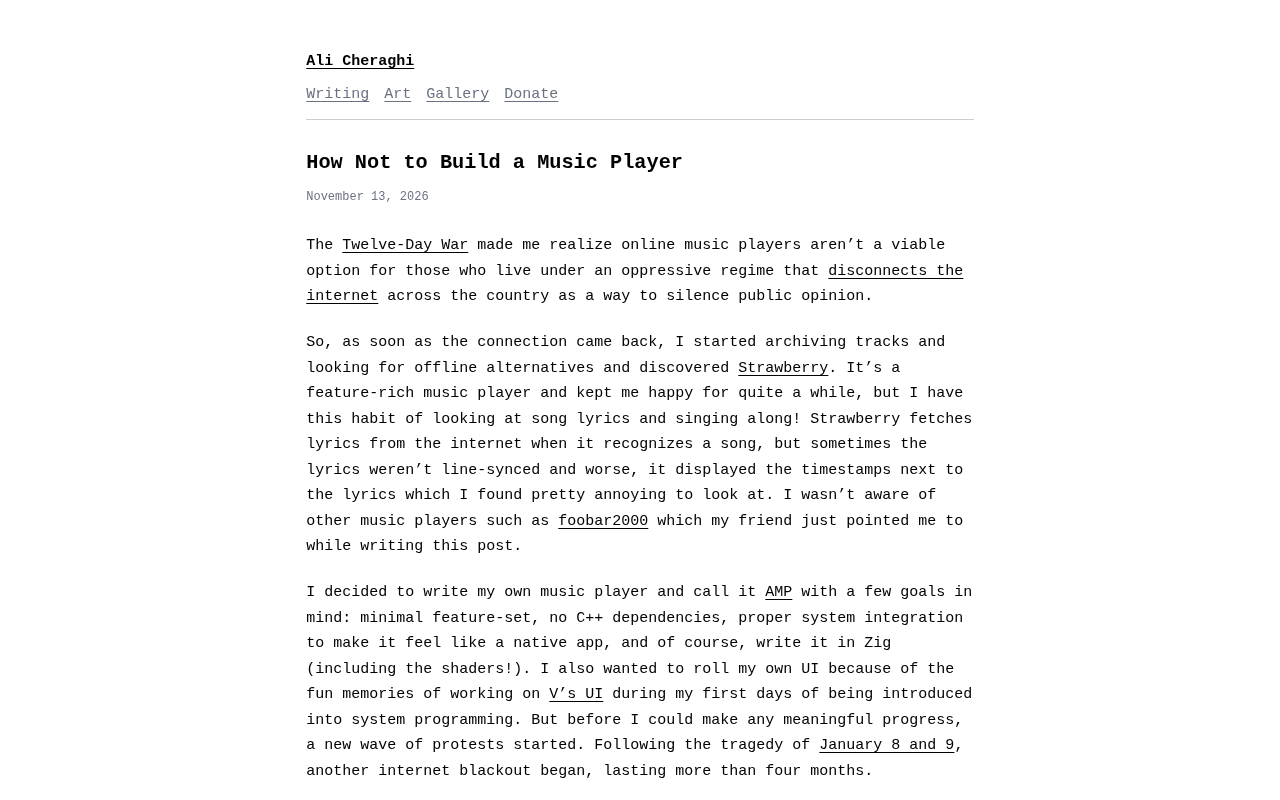
In the tech community Hacker News, an article titled "How Not to Build a Music Player" sparked discussion. Although the original article did not provide specific implementation details or data, the title itself acts like a mirror, reflecting the pitfalls many developers easily fall into when building a product. Rather than retelling a story without details, it's better to use this title as a springboard to discuss: when we decide to build a music player (or any utility product), which mindsets and practices will take us further from our goals.
This article does not provide "correct code," but rather, from the perspective of a negative checklist, it outlines the most common pitfalls in music player development and offers actionable directions for avoiding them.
Pitfall One: Treating "More Features" as a Product Advantage
Many developers start by wanting to make their player an "all-rounder": scrolling lyrics, equalizer, sound effects enhancement, cloud sync, social sharing, podcast subscriptions... the feature list grows longer and longer, while the core playback experience may be pushed into a corner.
The essence of a music player is to "play music stably, quickly, and without interruption." If startup is slow, track switching stutters, or the app is killed in the background, no amount of features will retain users. The typical mistake in a cautionary tale is: before the playback core is stable, rushing to pile on peripheral features, ultimately leaving every module half-finished.
A more reasonable path is to first lock down a minimum viable loop: local scanning, playback control, background playback, and basic notification bar controls. Make these seamless, then consider expansion.
Pitfall Two: Underestimating Platform Differences and Background Restrictions
Mobile and desktop players face completely different constraints. Take mobile as an example: background playback, audio focus management, lock screen controls, pause on headphone unplug, and notification bar media styles—these system-level behaviors all have clear specifications. If you write a native app following a "web player" mindset, it's easy to encounter on real devices: music stops when switching to the background, playback state gets messed up after a phone call, or music keeps playing after Bluetooth headphones disconnect.
The common mistake in a cautionary tale is: passing tests in the simulator or browser and thinking you're done, skipping real-device and multi-device verification. Music players are products highly dependent on system media frameworks; platform differences are not edge cases but core requirements.
Audio Focus is the mechanism by which mobile operating systems manage competition for speaker resources among multiple audio apps. When a user is listening to music and receives a call, or opens a video app, the system notifies the current app that it has "lost focus," and the app should proactively pause or lower the volume; after the call ends, it resumes playback according to policy. Android's AudioManager and iOS's AVAudioSession both provide corresponding focus/session management APIs. If developers ignore this mechanism, common consequences include music and navigation voice playing simultaneously, playback state getting messed up after a call ends, or apps competing with each other for audio output. The correct approach is to play only when focus is obtained, handle loss of focus by type (temporary or permanent interruption), and verify the current playback intent upon resumption, avoiding the awkward scenario of "music suddenly blaring after a call ends."
Pitfall Three: Ignoring the Complexity of Audio Formats and Decoding
"It's just playing MP3s—how hard can it be?"—this is another classic illusion. In real scenarios, users may have FLAC, AAC, OGG, WAV, or even corrupted files, extremely long audio, or files with abnormal sample rates. Decoder selection, format compatibility, memory usage, and seamless switching—each can become a source of crashes.
The mistake in a cautionary tale is to support only one format, and crash or fail silently when encountering an undecodable file. A more robust approach is: clearly define the range of supported formats, give clear prompts for unsupported formats, handle corrupted files gracefully, and let users know what happened in the UI.
Sample rate and bit depth are two fundamental parameters for understanding audio compatibility issues. Sample rate refers to the number of times sound is sampled per second, commonly 44.1kHz (CD quality) and 48kHz (common in video); bit depth determines the precision of each sample point, with 16-bit being the common consumer standard and 24-bit found in high-resolution audio. When a file's sample rate does not match the native sample rate of the device's audio output chain, the system needs to resample, and improper handling can introduce extra CPU overhead, popping sounds, or abnormal playback speed. Some high-resolution FLAC files can have sample rates up to 96kHz or even 192kHz, which may be too demanding for low-end devices to decode. When declaring supported formats, developers should consider the coverage of sample rates, bit depths, and channel counts, and degrade or prompt for files beyond device capabilities, rather than assuming "if it can decode MP3, it can decode everything."
Pitfall Four: Treating Permissions and Scanning as Trivial
A local music player needs storage permission, and platforms are increasingly strict about file access control. If permission requests are mistimed or poorly explained, users may simply deny them, leaving the app "blank after opening."
Another easily underestimated aspect is media library scanning: on large-capacity storage, scanning takes time, duplicate files, album art loading, and metadata garbling all affect the first-time experience. A cautionary tale often involves synchronous scanning of all files at startup, causing white-screen stutter; a reasonable approach is incremental scanning, asynchronous loading, and showing an available list first while gradually completing metadata.
Media library scanning is essentially a batch metadata read: each audio file must be opened, its container format and tags (such as ID3, Vorbis Comment, MP4 Metadata) parsed, and title, artist, album, duration, and embedded cover art extracted. When there are thousands of files, this process can take tens of seconds, and cover art decoding significantly consumes memory. The core idea of incremental scanning is to record the file's path, size, and modification time, and on the next startup only process entries that have changed, rather than rescanning everything. Asynchronous loading requires scanning on a background thread, with the UI first showing ready results. In addition, mixed tag encodings from different sources (GBK, UTF-8, Latin-1) are a common cause of metadata garbling, requiring encoding detection and fallback handling, otherwise users will see a bunch of question marks or garbled album names.
Pitfall Five: Ignoring the "Non-Intrusive" Design Principle
A music player is a typical background app; users spend most of their time not staring at the interface. Therefore, notification bar controls, lock screen controls, headphone wire controls, and Bluetooth controls are the high-frequency entry points. If these entry points are missing or behave inconsistently, users will feel "this player is not good" but can't say exactly what's wrong.
The typical manifestation of a cautionary tale is: the in-app play button is beautifully done, but there are no media controls in the notification bar, or lock screen information doesn't update. A player should design system media sessions as first-class citizens, not as afterthought patches.
How to Avoid Becoming a Cautionary Tale
Starting from the discussion sparked by this title, we can summarize a simple self-check list:
- Ensure the playback core is stable before considering additional features;
- Verify on real devices, multiple devices, and multiple formats, not just simulators;
- Design clear user feedback for permissions, scanning, and abnormal files;
- Treat system media controls (notification bar, lock screen, headphones, Bluetooth) as core features;
- Clearly define supported formats and boundaries; don't promise what you can't deliver.
Conclusion
The title "How Not to Build a Music Player" resonates because "how not to build" is often closer to real development experience than "how to build." A music player seems simple but actually spans audio decoding, system integration, permission management, and experience design. Avoiding the above pitfalls may not produce a stunning product, but at least it won't fail on basic experience.
(Note: The original article did not provide specific implementation details or data; this article analyzes based on the title and common development practices, and does not involve specific numbers or conclusions not mentioned in the original.)
Related articles

AI Writes Your Code—Do You Still Need to Learn Git? Five Reasons
AI coding agents handle Git operations automatically—is it still necessary to learn Git? Five reasons: team communication, reviewing agent PRs, monitoring code changes, fallback when AI goes down, and the joy of learning—plus how the focus of learning Git is shifting in the agent era.

Anthropic Reportedly Prices IPO at $83 Per Share, Valuing Company at $1.5 Trillion
Anthropic reportedly prices IPO at $83 per share, above the expected range, with a fully diluted valuation of $1.5 trillion. This article analyzes the signal significance of the pricing and its impact on the AI industry's financing environment.
Open-Source Code Hosting Platform Codeberg Suffers Outage, Sparking Debate in Developer Community
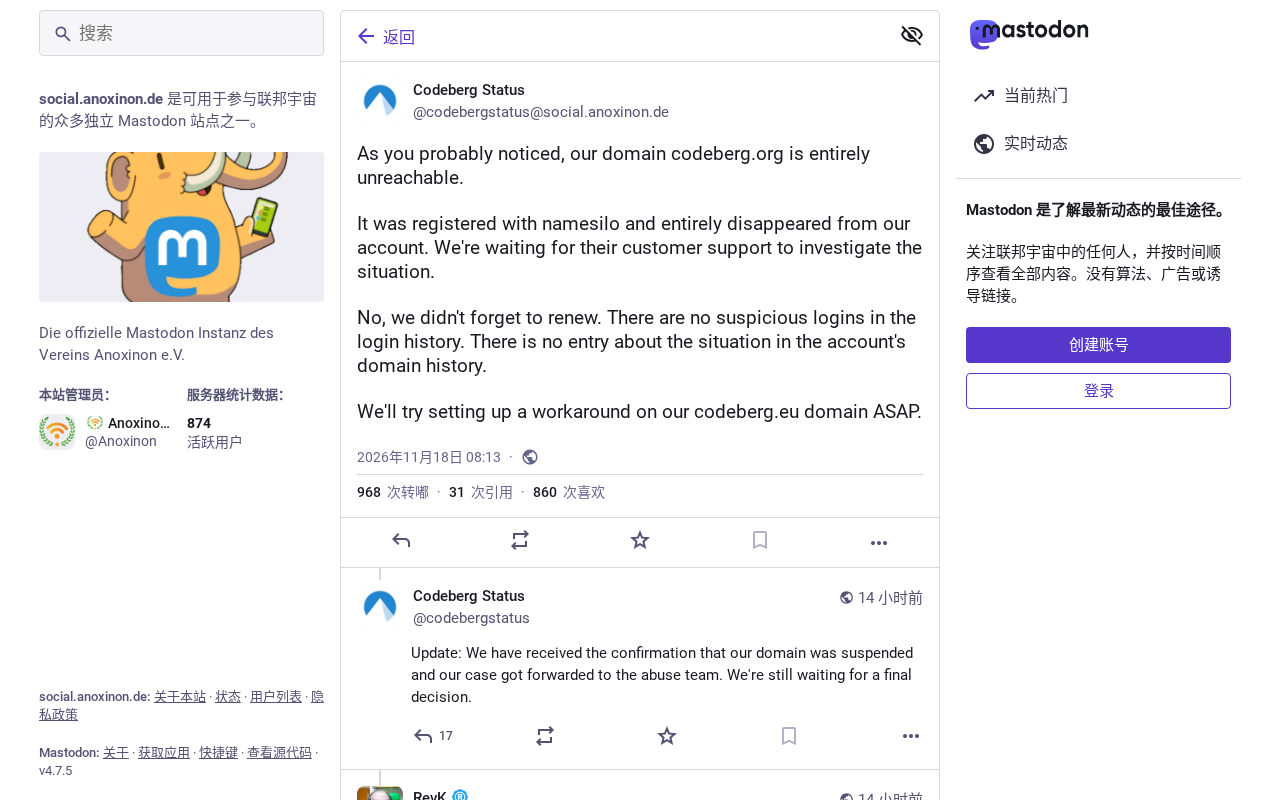
Open-source code hosting platform Codeberg.org suffered an outage, sparking Hacker News debate over nonprofit platform stability and open-source infrastructure dependency risks.