Apple Launches Its First Touchscreen MacBook Pro: PROLED XDR Display Debuts

Apple launches its first touchscreen MacBook Pro with PROLED XDR touch display, targeting professional creators.
At the "Pro and tell" event, Apple unveiled its first touchscreen MacBook Pro featuring a PROLED XDR touch display, breaking the tradition of Mac notebooks without touchscreens. The article analyzes the potential impact of adding touch on macOS interaction logic and professional software layouts, noting that touch must complement rather than interfere with the trackpad and mouse. Apple chose the Pro series for the debut, reflecting market changes and the blurring boundaries between iPad Pro and MacBook, aiming to serve professional users first. PROLED XDR continues the high-end display positioning of Pro Display XDR, but key details such as stylus support, system adaptation, battery life impact, pricing, and availability remain unannounced. The editorial view holds that the real test is whether the software ecosystem can make touch necessary.
Touchscreen MacBook Becomes Reality
At its Wednesday "Pro and tell" event, Apple officially unveiled its first touchscreen MacBook — the all-new MacBook Pro. The device features a touch display called PROLED XDR, marking a significant shift in how Apple approaches notebook interaction.
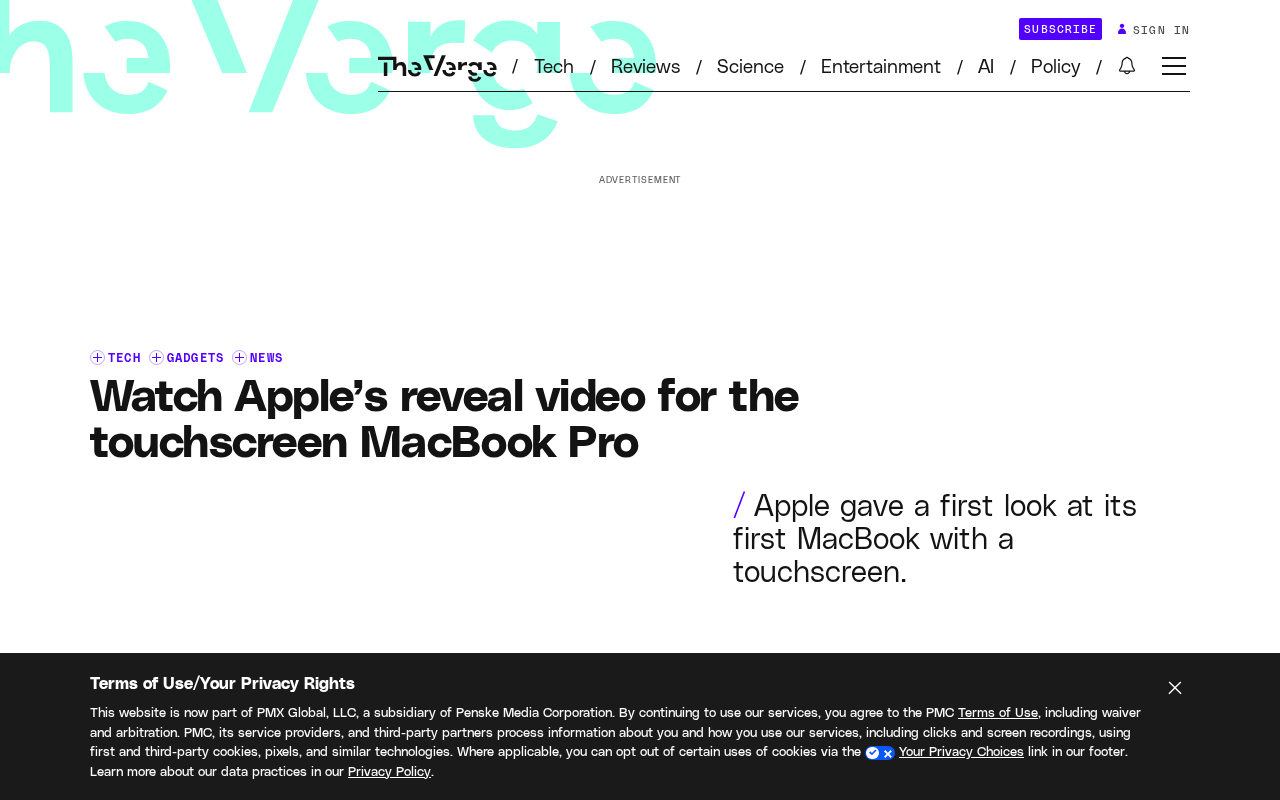
The demo video shown at the event revealed that the new MacBook Pro's screen responds directly to finger input, breaking the Mac product line's long-standing tradition of "no touchscreens on notebooks." While official hardware specs and software adaptation details have not yet been disclosed, the "PROLED XDR" naming suggests it inherits the high-end positioning of Pro Display XDR in display quality while adding a touch layer on top.
What the Fusion of Touch and Professional Displays Means
Potential Shifts in Interaction Logic
Adding touch to the MacBook is more than just another input method. macOS interface elements, gesture logic, and professional software toolbar layouts may all need to be redesigned for finger operation. For scenarios like video editing, 3D modeling, and image retouching, whether touch can complement the trackpad or mouse — rather than interfere with them — is the key to the experience's success.
macOS and Touch Compatibility Challenges
Since its inception, macOS has been designed around the mouse and trackpad, with its menu bar, window controls, and cursor interactions all premised on precise pointer operation. Control sizes are generally smaller than the 44×44 point minimum touch target recommended for finger input. Apple previously accumulated design experience with touch gestures (such as swiping, pinching, and long-pressing) on iPadOS, but migrating this logic to a multi-window desktop environment requires rebalancing: for example, toolbar buttons need to be enlarged, right-click menus need to support long-press invocation, and scrolling and dragging need to distinguish between finger and trackpad operations. Additionally, dense parameter panels in professional software like Final Cut Pro and Logic Pro may become difficult to adjust precisely with touch, requiring gesture layers or floating control bars as compensation.
Guessing PROLED XDR's Positioning
"XDR" in Apple's product ecosystem represents extremely high dynamic range and professional-grade color performance. The addition of PROLED may point to a new backlight or light-emitting technology, but Apple did not elaborate on the technical details at the event. What is certain is that Apple wants this display to simultaneously meet professional creators' requirements for color accuracy and brightness, as well as the direct operational feel that touch provides.
Background on XDR and Pro Display XDR
XDR (Extreme Dynamic Range) is a display standard Apple introduced in 2019 with the Pro Display XDR professional monitor. Its core metrics include sustained 1000-nit full-screen brightness, 1600-nit peak brightness, and a 1000000:1 contrast ratio, far exceeding the requirements of ordinary HDR displays. The Pro Display XDR uses a custom LED backlight array and multi-layer optical films to achieve color precision approaching reference-grade monitors. If PROLED XDR continues this positioning, it means the new MacBook Pro's display will match professional reference monitors in brightness, color accuracy, and dynamic range, while the addition of a touch layer still requires solving engineering challenges such as optical bonding, reflectance, and thickness control.
Why Apple Is Entering the Touchscreen Notebook Market Now
For a long time, Apple executives publicly expressed reservations about touchscreen notebooks, believing that reaching out to touch a laptop screen is not ergonomic. This shift reflects changes in the market environment and user habits: Windows-based touchscreen laptops already cover multiple price segments from entry-level to high-end, creative professionals' demand for styluses and direct manipulation persists, and the functional boundaries between iPad Pro and MacBook are increasingly blurring.
Apple chose to debut touch on the Pro series rather than the MacBook Air, indicating it wants to serve professional users who are relatively price-insensitive and have higher demands for productivity tools. This positioning aligns with PROLED XDR's professional display attributes.
Windows Touchscreen Notebook Market Landscape and the Blurring Boundaries of iPad Pro
The Windows ecosystem has had system-level touch support since Windows 8. Currently, products such as the Surface series, Lenovo Yoga, and Dell XPS 2-in-1s cover the $500 to $3000 price range, and styluses (such as Surface Pen and Wacom AES) have a mature ecosystem among creative professionals. Meanwhile, the iPad Pro paired with a Magic Keyboard and Apple Pencil can already handle some lightweight notebook tasks, and its M-series chip performance is converging with the MacBook, causing the two product lines to overlap in creative workflows. Apple's introduction of touch on the Mac can be seen as a proactive response to this overlap, while also avoiding iPad Pro and MacBook cannibalizing each other in the high-end market.
Unanswered Questions
The event video only showed clips of the screen turning on and touch responses. The following information awaits official announcement:
- Whether touch supports Apple Pencil or other styluses
- Whether macOS provides system-level adaptation for touch operation
- The impact of the touchscreen on battery life and chassis thickness
- Specific pricing and availability
For developers, a touchscreen MacBook means they may need to re-examine the interaction design of existing Mac applications. If Apple opens touch APIs, gestures and shortcut operations in professional software will see a round of updates.
Potential Paths for Touch APIs and Developer Adaptation
If Apple opens touch APIs, macOS developers may gain touch event interfaces similar to UITouch and UIGestureRecognizer in UIKit, used to recognize gestures such as tap, swipe, pinch, and long-press. Existing Mac applications are built on AppKit, whose event model is designed around NSEvent mouse events. Touch support may require new event types or reusing iPadOS touch code through the Mac Catalyst path. For professional software, developers can choose to map touch to existing shortcuts or tool switches, or design entirely new direct manipulation modes (such as dragging clips along a timeline with a finger). Whether Apple provides a system-level gesture framework will determine the cost of adaptation.
Editorial View
The launch of the touchscreen MacBook is an important correction to Apple's notebook form factor, but the real test lies not in the hardware but in whether the software ecosystem can make touch "necessary" rather than merely "nice to have." The PROLED XDR display provides a sufficiently high starting point; what comes next is how macOS and third-party applications leverage this touchable professional screen.
Related articles
Build a Reasoning Model from Scratch: An 11-Hour Open-Source Course Breakdown
Sebastian Raschka releases a free 8-episode, ~11-hour video course teaching you to build a reasoning model from scratch with Python and PyTorch—from a small Qwen3 model through Verifier, Inference Time Scaling, GRPO, and distillation, with open-source code on GitHub.

An 11-Hour Reasoning Model Course in Practice: How Small Models Learn to Think
Starting from Sebastian Raschka's 11-hour reasoning model course and HN buzz, this analyzes small-model training, legal text version control, Anthropic data policy, and product reliability reviews.

Lightpanda: A Headless Browser Built for AI and Automation
Lightpanda is a headless browser built from scratch in Zig for AI and automation, with 37,852 GitHub stars. This analysis covers its technical approach, design choices, and use cases.