Bean Network Tester v0.5: A Deep Dive into This Open-Source Windows Network Simulation Tool

Bean Network Tester v0.5 brings enhanced network simulation, CI/CD automation, and package manager support to Windows.
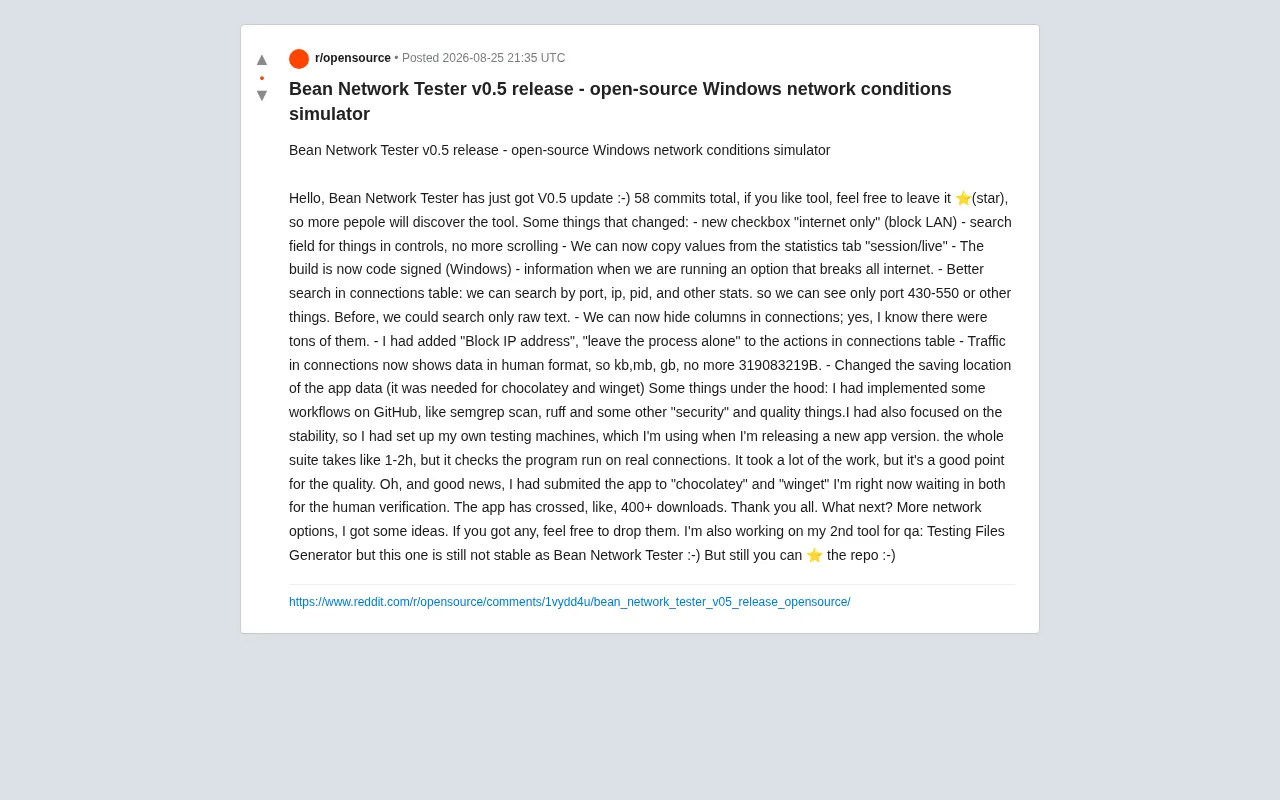
Bean Network Tester is an open-source network condition simulator for Windows that helps developers and QA engineers verify app robustness under controlled network scenarios. v0.5 includes 58 commits with upgrades across three areas: new "Internet only" mode and granular IP/process-level controls; improved usability with search, port range filtering, column hiding, and human-readable traffic formats; and engineering quality improvements including Semgrep security scanning, Ruff linting, CI/CD automation, and a 1–2 hour real-network test suite. The build is now code-signed and has been submitted to Chocolatey and Winget for review.
In software development and quality assurance (QA), simulating various network conditions is an essential testing requirement. Whether you're validating how an app performs on a poor connection or troubleshooting connectivity issues on specific ports, a solid network condition simulator can dramatically boost testing efficiency. The open-source project Bean Network Tester has just released v0.5, bringing a range of practical improvements to Windows developers.
What Is Bean Network Tester: An Open-Source Network Condition Simulator
Bean Network Tester is an open-source network condition simulator for the Windows platform. Its core value lies in helping developers and testers actively create various network scenarios — such as throttling bandwidth, blocking specific connections, and simulating poor network environments — so they can verify application robustness under controlled conditions.
Unlike many commercial network testing tools, Bean Network Tester is fully open source. Anyone can review the source code, contribute to the project, or customize it for their own needs. As of this release, the project has accumulated over 400 downloads and is gradually gaining traction in the community. The author is also actively encouraging users to star the GitHub repository to increase the tool's visibility.
v0.5 Core Updates: Comprehensive Upgrades Across Features, Usability, and Code Quality
This v0.5 release includes 58 commits, with improvements spanning features, usability, and underlying code quality.
Enhanced Network Control Features
The new version delivers a noticeable boost in network control capabilities. A newly added "Internet only" checkbox lets users block LAN traffic with a single click while keeping public internet connections active — particularly useful for testing how an app behaves in a pure internet-only environment.
The connections table also gains new action options such as "Block IP address" and "Leave the process alone", giving users more granular control over network access for individual connections or processes. The app will also display a clear warning when users enable options that would cut off all internet connections, helping prevent accidental misconfigurations.
Improved Search and Interaction Usability
Usability is a major focus of this update. Where users previously had to scroll through numerous controls to find what they needed, a newly added search box makes locating features much easier. The search capabilities of the connections table have also been significantly enhanced:
- Supports structured search by fields such as port, IP, and PID
- Allows filtering by specific port ranges — for example, viewing only connections on ports 430–550
- Moves beyond the previous limitation of raw text-only matching
Users can now also hide columns in the connections table (the author openly acknowledges there were too many columns before), and can copy "session/live" values from the statistics tab. Traffic display has been upgraded from raw byte counts (e.g., 319083219B) to human-readable KB, MB, and GB formats, making the data far more legible.
Engineering Improvements: CI Automation, Security Scanning, and Real-Device Testing
Beyond user-facing features, the engineering quality investments in v0.5 are particularly noteworthy — this is the part of the update that best reflects the project's growing maturity.
Semgrep Security Scanning and Automated CI/CD
The author has implemented multiple CI/CD workflows on GitHub, incorporating Semgrep security scanning, Ruff linting, and other quality and security tools. This means every code change is automatically subjected to static analysis, helping catch potential vulnerabilities and code issues early.
A Testing Framework Built on Real Network Conditions
Perhaps even more impressive is the fact that the author has set up dedicated test machines to run the full test suite before each new release. The entire process takes approximately 1–2 hours and is specifically designed to verify the program's behavior under real network connections. For a personally maintained open-source tool, this level of commitment to stability is genuinely commendable, and it lays a solid foundation for the tool's reliability.
Windows Code Signing and Package Manager Distribution
This build includes Windows code signing, which helps reduce system security warnings and builds user trust. The author has also adjusted the app data save path to align with mainstream package manager distribution conventions. The application has been submitted to both Chocolatey and Winget — the two major Windows package manager platforms — and is currently awaiting manual review. Once approved, users will be able to install the tool via the command line in a single step, further lowering the barrier to entry.
Roadmap and Future Plans
Looking ahead, the author plans to continue expanding more network simulation options and already has some preliminary ideas in mind, while welcoming feature suggestions from the community. The author is also working on a second QA-focused tool called Testing Files Generator, though that project is currently less stable than Bean Network Tester.
Conclusion
The Bean Network Tester v0.5 update is a textbook example of an open-source tool evolving from "functional" to "polished": it combines user-facing feature and experience improvements with engineering-quality foundations like CI automation, security scanning, and real-device testing. For developers and QA engineers who need to simulate network conditions on Windows, this is an open-source alternative well worth keeping an eye on. With the addition of Chocolatey and Winget distribution channels, its accessibility and adoption are poised to grow further.
Related articles

Private Key Set to 4? CA's Elementary Mistake Leaves TLS Exposed
CA eMudra set private keys to tiny values like 4, making TLS certificates brute-forceable. A Computerphile video demonstrates the full process from extracting public keys to forging certificates, and explores the fragility of the PKI trust chain.

How Gen Turns Data into Decisions with ChatGPT Work
In an OpenAI user case, business leader Gen shares how ChatGPT Work turns data into decisions: within hours of launch, teams can judge whether integrations and onboarding flows work, shifting decision iteration from hundreds of trial-and-error attempts to a fast feedback loop.

ChatGPT vs. Claude In-Depth Comparison: Strong at Coding but Weak at Research — How to Bridge the Gap?
A user considers switching from ChatGPT to Claude, finding Claude stronger at coding but shallower at research. We analyze the differences and share tips to make Claude's research deeper.