ChatGPT Images 2.6 Released: GIF Generation, Reference Image Reuse, and 50% Speed Boost

OpenAI releases ChatGPT Images 2.6 with GIF generation, reusable reference images, and a 50% speed boost.
OpenAI released ChatGPT Images 2.6 on Product Hunt, updating ChatGPT, Codex, and the API simultaneously. Though a minor version bump, the features point toward workflow integration: prompt- or image-to-GIF with adjustable speed and frame-by-frame editing; a savable, reusable reference image library to reduce appearance drift across generations of the same character; and a 50% speed boost. Developers get two model variants—GPT-Image-2.6 Flare (speed-focused, as fast as six seconds) and Sunburst (quality-focused)—plus image markup and SVG vector export. The launch received 89 votes and ranked 4th for the day, led by OpenAI officials including Greg Brockman. The article argues the update's focus is not image quality breakthroughs but turning image generation from one-shot gacha into a repeatable, iterable productivity workflow.
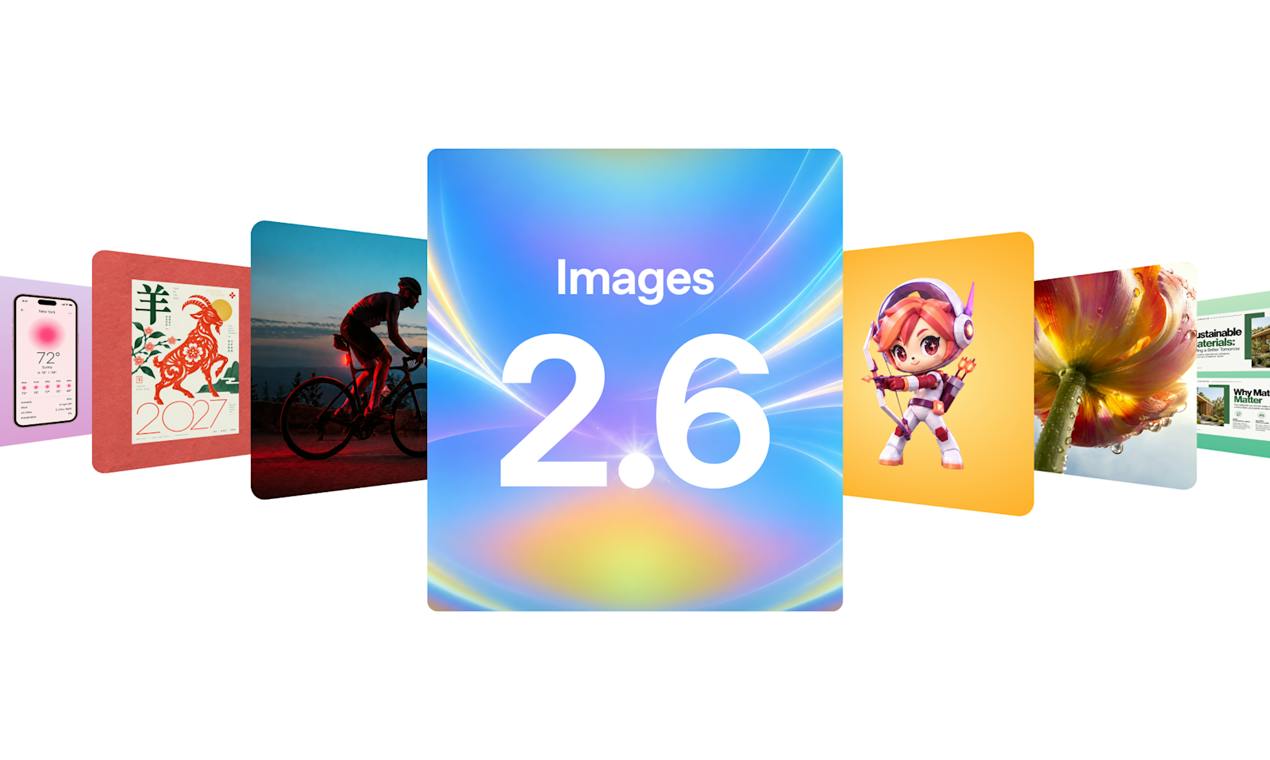
OpenAI released ChatGPT Images 2.6 on Product Hunt, a synchronized update to its image model across three entry points: ChatGPT, Codex, and the API. Judging by the version number, this is a minor iteration, but the feature list hides several changes that will reshape creative workflows: GIF animation generation, a reusable reference image library, and a 50% speed boost.
From Static Images to Animation: GIF Generation Enters the Prompt Workflow
The most visible new capability in ChatGPT Images 2.6 is direct GIF output. Users can provide a prompt or an existing image and have the model convert it into an animated GIF, then adjust playback speed and edit frame by frame. This means workflows that previously required bouncing between image tools and animation tools are now compressed into a single conversational interface.
For content creators and design teams, this lowers the cost of tool switching. Social media memes, looping animations for product demos, step-by-step illustrations in tutorials—these needs previously depended on either professional animation software or online tools with repeated exports. Now a dynamic version can be extended directly from a generated static image.
However, currently available public information does not disclose details on GIF frame limits, resolution constraints, or export formats, so real-world usability still needs hands-on verification.
Reference Image Reuse: Keeping Characters and Styles Consistent
The second change is "reusable reference images." Users can save reference images of themselves, their pets, or specific characters and call them up at any time. This design directly addresses one of the most criticized problems in the current image generation field—the same character's appearance drifting across different generations.
The official statement is "stronger consistency during editing." Making reference images into savable, reusable assets is essentially turning "character consistency" from a one-off prompting trick into a persistent configuration in the user's account. For creators who need to produce batch assets of the same character, this is far more reliable than re-describing appearance features each time.
The reference library also raises an implicit question: how saved portraits and pet photos are managed, and whether they will be used for training. These product details are not covered in the launch information, and privacy-sensitive users should watch for follow-up official documentation.
Character Consistency is a long-standing engineering challenge for diffusion-based image models: the model's interpretation of the same text description produces deviations in each random sampling, causing facial features, hairstyles, and clothing details to drift across multiple generations of the same character. Common industry approaches include LoRA fine-tuning, IP-Adapter reference image injection, and ControlNet pose constraints, but these solutions are mostly developer-oriented and difficult for ordinary users to use directly. Saving reference images as reusable assets within an account means the platform replaces users' manual writing of lengthy appearance descriptions with some form of reference image embedding mechanism at the underlying level, and its effectiveness depends heavily on reference image quality and the model's ability to preserve identity.
Developer Interface: Two Model Variants and SVG Export
The API-side changes are equally noteworthy. Developers get two model variants: GPT-Image-2.6 Flare prioritizes speed, with the official claim of generating images in as fast as six seconds; Sunburst prioritizes quality, targeting scenarios with higher image quality requirements. This "fast/slow dual-tier" division is not uncommon among image APIs, but for developers who need real-time generation in interactive products, the six-second range is already within acceptable bounds.
The API also adds image markup and SVG export capabilities. SVG export is particularly noteworthy—vector format means generated results can enter design drafts, icon systems, and print workflows rather than stopping at the bitmap level. Image markup hints at engineering possibilities for secondary editing and annotation on generated results.
SVG (Scalable Vector Graphics) describes images using paths, Bézier curves, and geometric primitives, fundamentally different from bitmaps (PNG, JPEG) composed of pixel arrays: vector graphics do not lose fidelity at any scale, can be losslessly imported into design tools like Figma, icon libraries, and print workflows, and support recoloring and editing of individual paths. Mainstream diffusion models output bitmaps, and obtaining vector results typically requires additional vectorization steps (such as potrace tracing). If the API can directly export SVG, it means the model side already has structured output capabilities, which is significant for icon, logo, and line art needs, and also facilitates feeding generated results into downstream design systems and front-end code.
What Does the 50% Speed Boost Mean
The core metric officially given is a 50% increase in generation speed. In image generation scenarios, faster speed doesn't just mean shorter wait times—it changes usage habits: a faster feedback loop makes users more willing to repeatedly adjust prompts and try multiple versions, shifting the creative process from "generate once, make do" to "iterate multiple rounds, pick the best."
Combined with stronger consistency, these two improvements actually point in the same direction: turning image generation from a one-shot gacha-like experience into a repeatable, iterable workflow.
Latency in image generation is typically determined by text encoding, diffusion sampling steps, latent space decoding, and other stages. A 50% speedup often comes from sampling step distillation, more efficient schedulers, or inference infrastructure optimization, rather than simply switching to faster hardware. When single-image generation time is compressed from over ten seconds to the range of a few seconds, the product's interaction paradigm changes accordingly: real-time preview while typing prompts, instant redraw after slider-based parameter adjustments, and continuous generation of multiple candidate images in a conversation. This kind of "low-latency feedback loop" is a key prerequisite for image features to be embedded from standalone tools into everyday conversation flows.
Positioning from Multiple Perspectives
Looking at the Product Hunt launch data, ChatGPT Images 2.6 received 89 votes and 4 comments, ranking 4th for the day—a new product with decent attention but limited discussion volume. Greg Brockman's name appears in the Maker list, indicating this is an official OpenAI-led launch rather than a third-party wrapper product.
Compared with the common "image model arms race" narrative in community discussions, the focus of this update is not on image quality breakthroughs but on workflow integration: animation, reference image assetization, and developer interface refinement. This is a productivity-oriented iteration, not a leaderboard-oriented one.
For regular ChatGPT users, GIF generation and reference image saving are worth trying; for developers, the Flare speed tier and SVG export may be more practical entry points. As for how these features perform in real projects, more hands-on data is needed.
Related articles

9 AI Subscription Plans Compared: The Real Cost Per 100M Tokens Revealed
Bilibili creator tests 9 AI subscription plans from Volcano, Alibaba, Tencent, Baidu, Zhipu, Xiaomi, MiniMax and more, converting them all to real cost per 100M tokens, breaking down fixed-quota vs. three-tier coefficient billing and how caching, time-of-day discounts, and window limits affect actual quota.

Vibe Coding for Beginners: Expressing Intent Instead of Handwriting Code
What is Vibe Coding? A 137-episode Bilibili course defines it: the core is expressing intent, not writing code. This article analyzes Vibe Coding's productivity logic, target audience, and entry expectations to help beginners decide if it's worth learning.

LangChain Beginner's Guide: An Agent Development Roadmap from LangGraph to Deep Agents
Clarify the encapsulation relationship among LangChain, LangGraph, and Deep Agents, and master the learning path and selection logic for agent development frameworks—suitable for beginners in large model development.