Claude Code Code Mode: A New Way to Execute Multiple Tool Calls in One Step
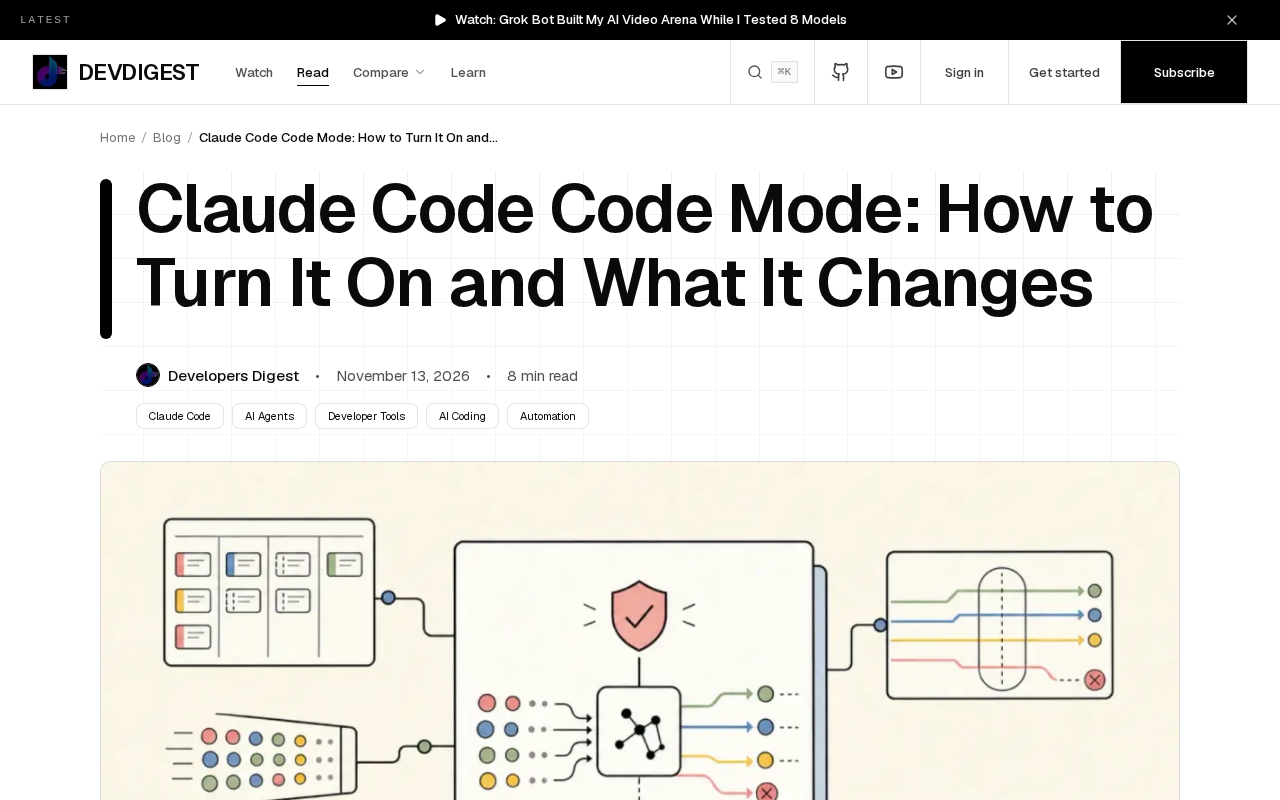
Claude Code introduces experimental Code Mode, using JavaScript scripts to orchestrate multiple tool calls at once.
Claude Code has launched an experimental Code Mode that lets Claude write JavaScript to chain multiple tool calls, compressing multi-round "read—analyze—modify—test" chains into a single step. Beyond efficiency, it makes call order, conditionals, and error handling explicit, improving traceability. Enabled via CLAUDE_CODE_EXPERIMENTAL_CODE_MODE=1 and requiring v2.1.323+, the feature is still experimental—so test on non-critical projects first.
Claude Code has introduced an experimental feature called Code Mode. It allows Claude to orchestrate multiple tool calls using JavaScript, compressing operations that previously required multiple rounds of interaction into a single step. This article explains what it is, how to enable it, and what changes it might bring.
What Code Mode Changes
When traditional AI coding assistants call tools, each call typically corresponds to a single model output. To complete a chain like "read file → analyze content → modify code → run tests," the model needs to repeatedly output tool call requests, wait for results, and then decide the next step. Each round is an independent inference and interaction.
Code Mode takes a different approach. Instead of requesting tool calls one at a time, Claude directly writes a piece of JavaScript code that chains multiple tool calls together and hands it to the execution environment all at once. This effectively turns "conversational calling" into "scripted orchestration."
According to the official description, the core value of this feature is enabling Claude to complete multiple tool calls in a single step. For scenarios that require chaining multiple operations—such as batch file processing or post-refactoring verification workflows—this mode can reduce round trips and make execution more compact.
From Conversation Rounds to Script Orchestration
The significance of this shift goes beyond efficiency. When tool calls are written into code, call order, conditional logic, and error handling can all be expressed explicitly. Claude can define logic like "if tests fail, roll back the changes" within the script, rather than relying on implicit context memory across multiple conversation rounds. For complex tasks, the script form is easier to trace and reproduce than discrete conversation rounds.
The Positioning of an Experimental Feature
It's important to note that Code Mode is currently marked as an experimental feature, enabled via an environment variable. This means it is not yet part of the default workflow, and its interface and behavior may change with version updates. For production environments that prioritize stability, it's more appropriate to observe and test at this stage rather than fully switching over.
An environment variable is an operating-system-level key-value configuration that is read when a process starts, and is often used to control program behavior without modifying code. Using environment variables as feature flags is a common practice in software engineering: it allows the same build artifact to behave differently across environments, facilitating canary releases and quick rollbacks. For experimental features, teams typically document their stability level and reserve the right to remove or change their semantics in future versions. Therefore, scripts or CI configurations that depend on such flags should have fallback plans in place for when the flag disappears, rather than treating it as a long-term stable interface contract.
How to Enable Code Mode
Enabling it is straightforward: set the environment variable CLAUDE_CODE_EXPERIMENTAL_CODE_MODE=1, and ensure Claude Code is version v2.1.323 or above. The environment variable will not take effect on versions below this, so the first step is to confirm your version number.
The naming itself is revealing: "EXPERIMENTAL" means the feature is still being refined. Placing it behind an environment variable rather than exposing it directly in the default configuration is a typical strategy for releasing experimental features—users who want to try it early can opt in voluntarily, while regular users are unaffected.
If you're already using Claude Code, you can add this variable to your environment configuration before launching, then observe how Claude's behavior changes when handling multi-tool tasks. Since it's an experimental feature, it's recommended to validate it on non-critical projects first.
A Few Directions Worth Watching
The emergence of Code Mode reflects a larger trend: AI coding tools are moving from "single-step Q&A" toward "multi-step autonomous orchestration." The ability to orchestrate tool calls is becoming a dimension by which coding assistants are measured.
For developers, this means the way we collaborate with AI may change. In the past, it was more like "ask—answer—ask again"; in the future, it may be more like "assign task—review script—execute result." The script becomes an intermediate artifact between human and machine—both readable and reviewable.
However, experimental features always carry uncertainty. The debugging complexity introduced by multi-tool script orchestration, the risk of error propagation, and the permission boundaries of the execution environment are all points to watch in practical use. The officially disclosed information so far focuses on how to enable it and its basic positioning; more detailed behavioral specifics remain to be verified through actual testing.
If you're interested in the evolution of AI coding tool workflows, Code Mode is an observation window worth trying out firsthand.
Multi-step autonomous orchestration (agentic orchestration) refers to AI systems autonomously planning and executing a series of actions to accomplish high-level goals, rather than just answering a single question. The main engineering challenges it brings include: error propagation—a failure in an earlier step of a script may contaminate subsequent steps, requiring explicit exception handling; observability—discrete conversation rounds naturally leave a complete trace, whereas intermediate states within a script require additional logging to track; permission boundaries—a single script may trigger multiple tools in succession, and its cumulative impact far exceeds a single call, making sandboxing and the principle of least privilege even more critical. These are precisely the core dimensions for evaluating whether such features can enter production environments.
Background
Tool calling is the core mechanism by which large language models interact with the external environment: the model generates structured call requests in its output (usually JSON), the runtime executes them and passes the results back to the model, which then decides the next step based on the results. This mechanism enables the model to read files, execute commands, and query databases—not just generate text. In the traditional mode, each call is an independent model inference, with context passed implicitly through conversation history. As a result, the cost of multi-step tasks grows linearly with the number of rounds, and intermediate states are difficult to audit. Code Mode rewrites the call sequence into a program, effectively borrowing the explicit control flow of programming languages to express task logic—an approach known in agent design as "code as action."
One-line Summary
Claude Code introduces experimental Code Mode, using JavaScript scripts to orchestrate multiple tool calls at once.
Paragraph Summary
Claude Code has introduced an experimental feature called Code Mode, which allows Claude to write JavaScript code that chains multiple tool calls together, compressing the "read—analyze—modify—test" chain that previously required multiple conversation rounds into a single step. The article notes that this shift is not just about efficiency—it also makes call order, conditional logic, and error handling explicitly expressible, making complex tasks easier to trace and reproduce. It is enabled by setting the environment variable CLAUDE_CODE_EXPERIMENTAL_CODE_MODE=1 and requires Claude Code v2.1.323 or above. Since the feature is still experimental and its interface and behavior may change with versions, the author recommends validating it on non-critical projects first rather than switching production workflows directly. The article also frames it within the broader trend of AI coding tools moving from single-step Q&A toward multi-step autonomous orchestration.
Related articles

AI Writes Your Code—Do You Still Need to Learn Git? Five Reasons
AI coding agents handle Git operations automatically—is it still necessary to learn Git? Five reasons: team communication, reviewing agent PRs, monitoring code changes, fallback when AI goes down, and the joy of learning—plus how the focus of learning Git is shifting in the agent era.
Anthropic Reportedly Prices IPO at $83 Per Share, Valuing Company at $1.5 Trillion
Anthropic reportedly prices IPO at $83 per share, above the expected range, with a fully diluted valuation of $1.5 trillion. This article analyzes the signal significance of the pricing and its impact on the AI industry's financing environment.
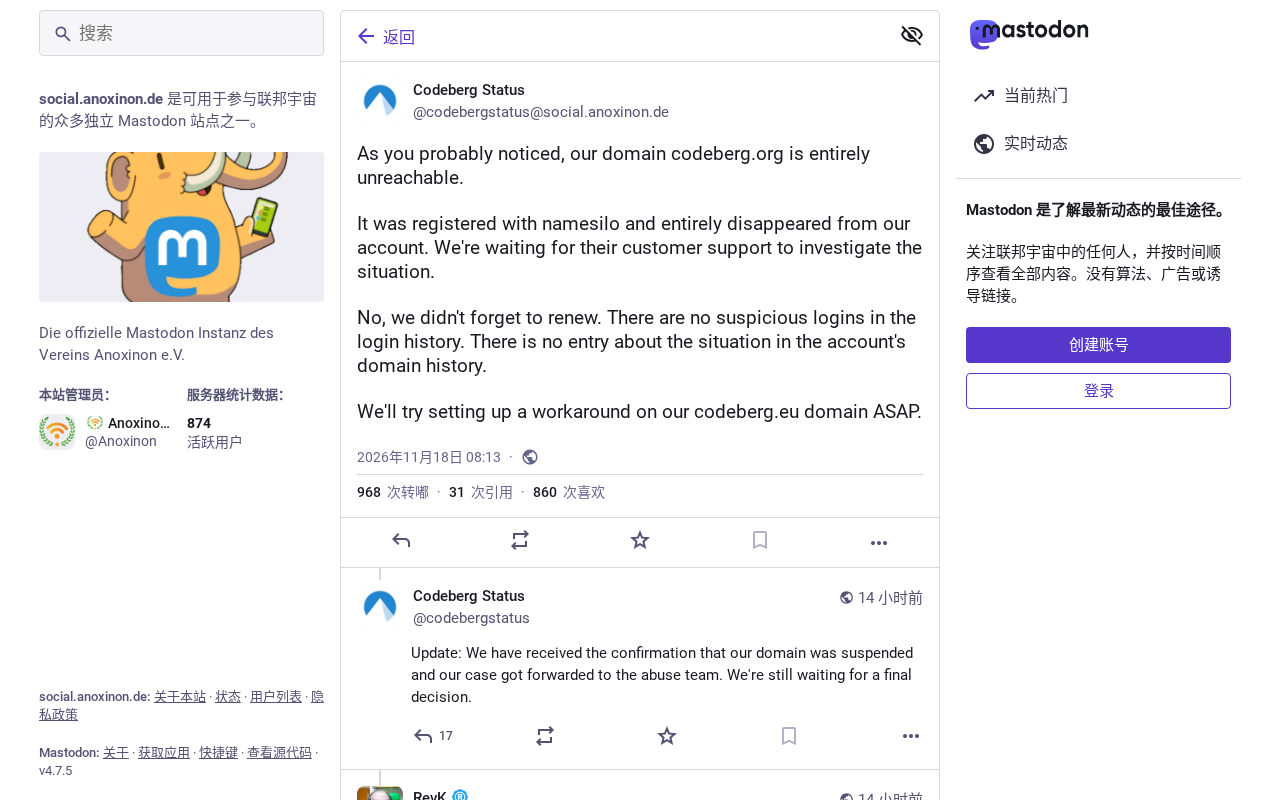
Open-Source Code Hosting Platform Codeberg Suffers Outage, Sparking Debate in Developer Community
Open-source code hosting platform Codeberg.org suffered an outage, sparking Hacker News debate over nonprofit platform stability and open-source infrastructure dependency risks.