Claude Code in Practice: Installation, MCP, Skills, and SubAgent Techniques
A systematic guide to Claude Code installation, login bypass, MCP, Skills, SubAgent, and CLAUDE.md configuration.
Based on a public class, this article links Claude Code's key usage steps into a complete workflow. For installation, it recommends npm over PowerShell/CMD to avoid download failures on mainland networks; for login, it suggests using CC Switch to configure third-party provider API Keys, bypassing official account login to avoid ban risk, and notes that configuration is per-tool. It then covers permission modes and built-in slash commands, explains how MCP connects Claude Code to databases and file systems, how Skills codify recurring flows into reusable capability packages, how SubAgent splits tasks for parallel processing of complex work, and what CLAUDE.md should and shouldn't contain as a project-level context file. It closes by returning to why simply saying "help me write a Snake game" produces poor results—structured input is the prerequisite for making these components effective.
Many developers still use Claude Code by "opening a terminal, typing a natural-language sentence, and waiting for code to appear." That approach isn't wrong, but the results are often mediocre. The problem isn't model capability—it's failing to use the components Claude Code itself provides. Based on a public class, this article walks through the key pieces: installation, permission modes, MCP, Skills, SubAgent, and the CLAUDE.md file.
Installation: Why npm Is Recommended Over PowerShell
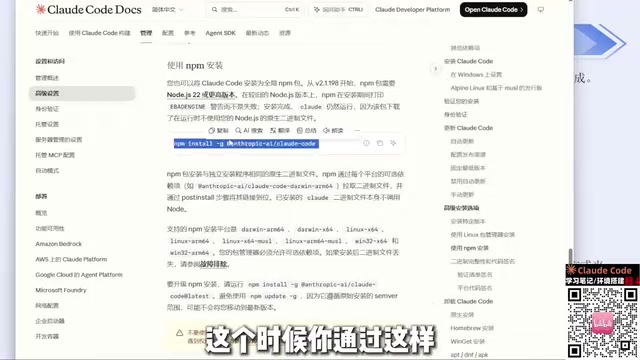
The official site offers several installation methods. Windows users can run the corresponding command in PowerShell or CMD. But in mainland China's network environment, these two methods aren't reliably successful—with so many carrier restrictions, it's easy to get stuck during download.
A more reliable path is installing via npm. The official site provides clear guidance under "Advanced Settings": one npm command completes the install. Two prerequisites: install Node.js (version 22 or higher—just grab the latest from the official site) and install Git. Both are straightforward installs—just click Next through the wizard; if C drive space is tight, you can change the install directory.
After installation, type claude --version in the command line. If it outputs the version number normally, the install succeeded. This method hasn't produced any errors so far.
Bypassing Login: The CC Switch Configuration Approach
On first launch, Claude Code goes through three steps: whether to trust the current folder, choosing a UI theme, and choosing a login method. The third step is the key one—logging in with an official account carries the risk of being banned, and many people have already been banned multiple times.
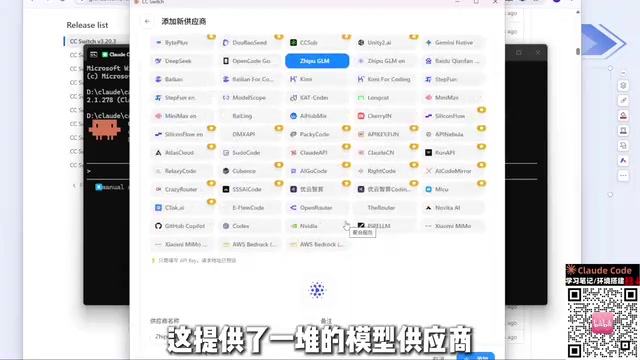
A more convenient approach is to use a tool called CC Switch. It started as an open-source project on GitHub and is now available as a website; you can download the Windows installer from the Release page. After installing and opening it, the interface lets you configure different tools separately—Claude Code, Codex, and so on. Click the plus sign, select a model provider (DeepSeekAd, Zhipu, and other common providers on the market are basically all covered), enter the corresponding API Key, and save. If a provider isn't in the list, you can use "custom configuration" to fill in a relay station address and Key—that works too.
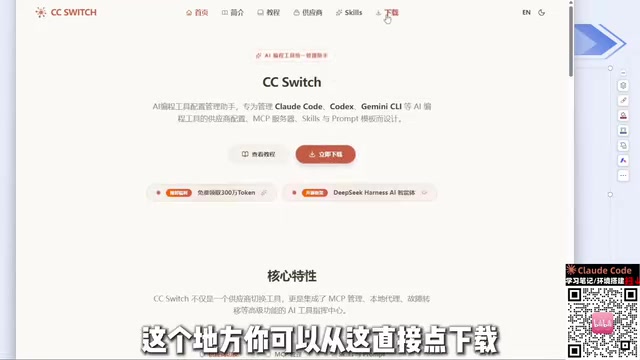
After configuring, launch Claude Code again and the login step will be skipped entirely. Without account login, there's naturally no ban risk. I've used this method for several months and it's been stable throughout.
Note that CC Switch configures each tool separately. Configuring DeepSeek in Codex doesn't mean Claude Code can use it directly—remember to switch the corresponding configuration when switching tools. Also, the previously popular approach of "putting the API Key in environment variables" carries the same ban risk and is not recommended anymore.
Permission Modes and Built-in Commands
After trusting a folder, Claude Code enters a permission mode. Different modes determine whether it needs confirmation each time it executes commands or modifies files. For daily development, it's advisable to keep the confirmation step—especially for irreversible operations like deletions and bulk rewrites. If you're running in an isolated test directory, you can relax this appropriately.
Built-in commands are key to efficiency. Commands starting with a slash handle context management, session recovery, config viewing, and more—much faster than repeatedly typing out descriptions of what you need. Many people use Claude Code only as a chat box, which is exactly what causes them to miss this layer.
MCP: Connecting External Capabilities
MCP (Model Context Protocol) solves the question of "what Claude Code can see and what it can operate on." Through MCP servers, it can connect to databases, file systems, third-party services, and other external resources—not just the current code directory.
The configuration method is to register MCP servers in settings; changes take effect after a restart. In practice, MCP's value lies in reducing manual context shuttling—letting the model query real data directly is far more reliable than copy-pasting data into the conversation.
MCP was proposed by Anthropic in late 2024, and its design philosophy resembles LSP (Language Server Protocol) in the programming world: LSP decouples editors from language analysis capabilities, while MCP decouples AI applications from external tools and data sources. The protocol itself is based on JSON-RPC and defines three core capability types—Tools (functions the model can call), Resources (readable data such as files and table schemas), and Prompts (preset prompt templates). As long as a service implements the MCP server interface, any MCP client—Claude Code, Claude Desktop, etc.—can reuse it directly without writing a separate adapter for each client. This is also why it's more worth investing in than earlier "custom plugins": implement once, use everywhere.
Skills and SubAgent: Breaking Down Complex Tasks
Skills can be understood as reusable capability packages that codify a recurring task flow so you can call it directly when needed, avoiding describing it from scratch each time. For team collaboration, this amounts to turning individual experience into a shared asset.
SubAgent, meanwhile, splits complex tasks among sub-agents for parallel processing. The main agent handles planning and aggregation, while sub-agents execute specific parts. The more complex the task and the broader its scope, the more obvious the benefit of this split.
The key difference between SubAgent and ordinary conversation is context isolation. Sub-agents have independent, clean context windows; they receive only the task description from the main agent and return conclusions when done. This has two benefits: first, it prevents large amounts of intermediate process (such as the contents of dozens of files retrieved at once) from polluting the main conversation—the main agent's context stays at the planning level; second, subtasks can run in parallel without blocking each other. The cost is that sub-agents can't see implicit premises in the main conversation, so task descriptions must be sufficiently self-contained—which also explains why SubAgent effectiveness depends heavily on whether the granularity of splitting is reasonable.
CLAUDE.md: Where Project Context Lives
CLAUDE.md is a project-level context file used to tell Claude Code the project's tech stack, directory conventions, coding standards, and caveats. Writing it well significantly reduces cases of "the model doesn't understand the project structure and generates code in a mismatched style."
You don't need to cover everything in this file. The key is to clearly write down the information that "a newcomer must be told": build commands, testing methods, which directories not to touch, and what historical pitfalls exist. The quality of this content often affects the final output more than the wording of prompts.
It's worth understanding how CLAUDE.md is loaded: when Claude Code starts, it automatically reads CLAUDE.md from the current working directory and each parent directory, injecting the content as part of the system prompt—so project-level conventions don't need to be repeated in every conversation. Correspondingly, there's a cost—the longer the file, the more context budget it consumes, leaving less room for actual code and conversation. In practice, keep it within one screen and write only information that "can't be seen from the code"; keep build commands and directory purposes concise, and move historical background explanations to separate documents for on-demand reference.
An Observation on Model Selection
In CC Switch you can freely switch providers. According to the speaker's own experience, DeepSeek Harness performs relatively better on cache hit rate and is more economical to use; other coding agents have lower cache hit rates. This is a single-source personal experience—for reference only.
Another point: domestic model capabilities are already sufficient for daily development needs, so there's no need to overly pursue overseas models. Taking on ban risk just to experience cutting-edge capabilities isn't a good trade-off.
From Natural Language to Structured Usage
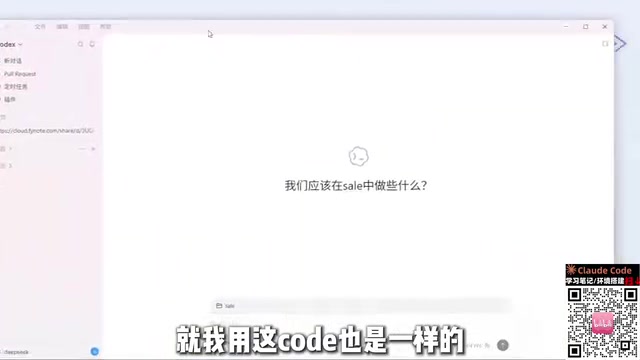
Back to the opening question: why does simply saying "help me write a Snake game" produce poor results? Because that sentence doesn't pin down the tech choice, runtime environment, or feature scope. Newer versions of Claude Code have started proactively asking for this information—for example, letting you choose whether to implement it in HTML or another approach and which gameplay elements to include—which precisely demonstrates the importance of structured input.
Once you put these components to use, Claude Code transforms from a "chat-capable code completion" into a configurable, accumulative, extensible development toolchain.
Related articles
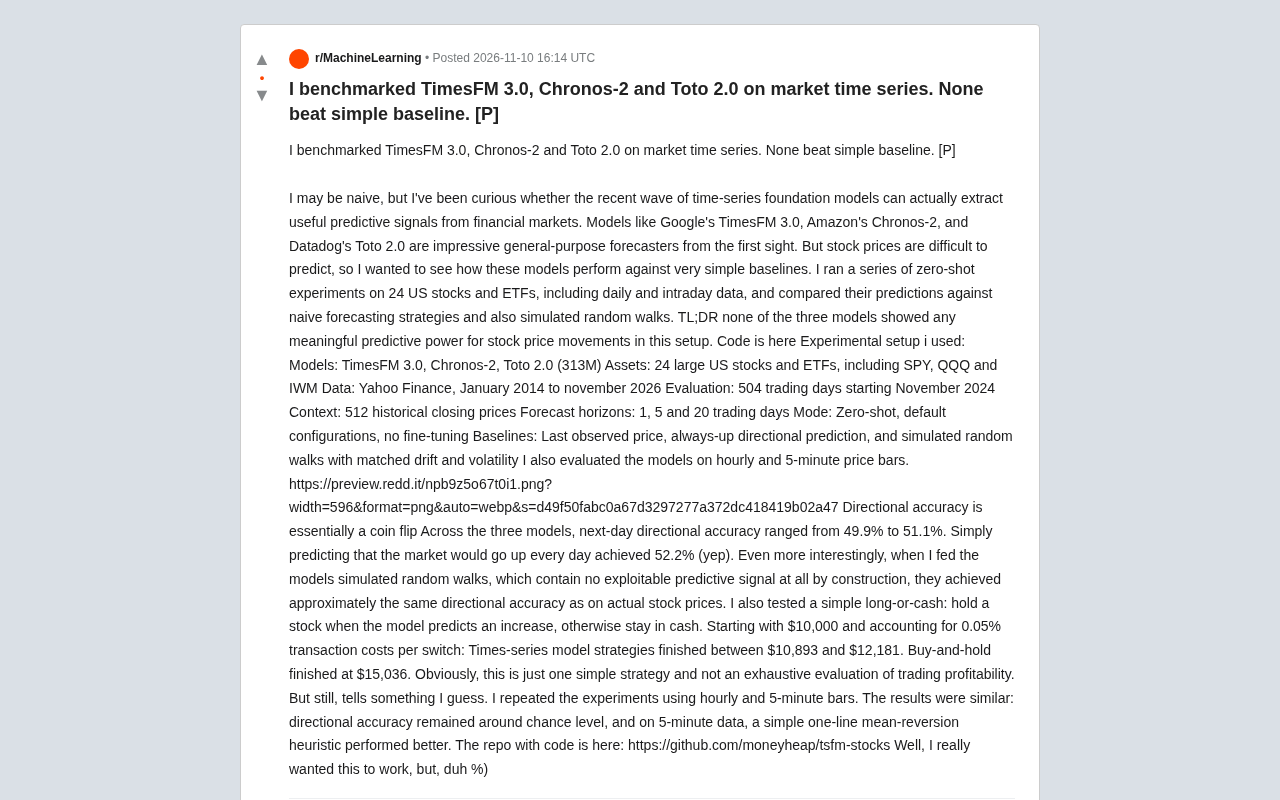
Putting TimesFM 3.0, Chronos-2, and Toto 2.0 to the Test: Time-Series LLMs Can't Beat Simple Baselines
A developer's zero-shot benchmark of TimesFM 3.0, Chronos-2 and Toto 2.0 on 24 U.S. stocks and ETFs: directional accuracy of just 49.9%-51.1%, and simulated trading underperformed buy-and-hold. Time-series foundation models show no edge over simple baselines on financial data.
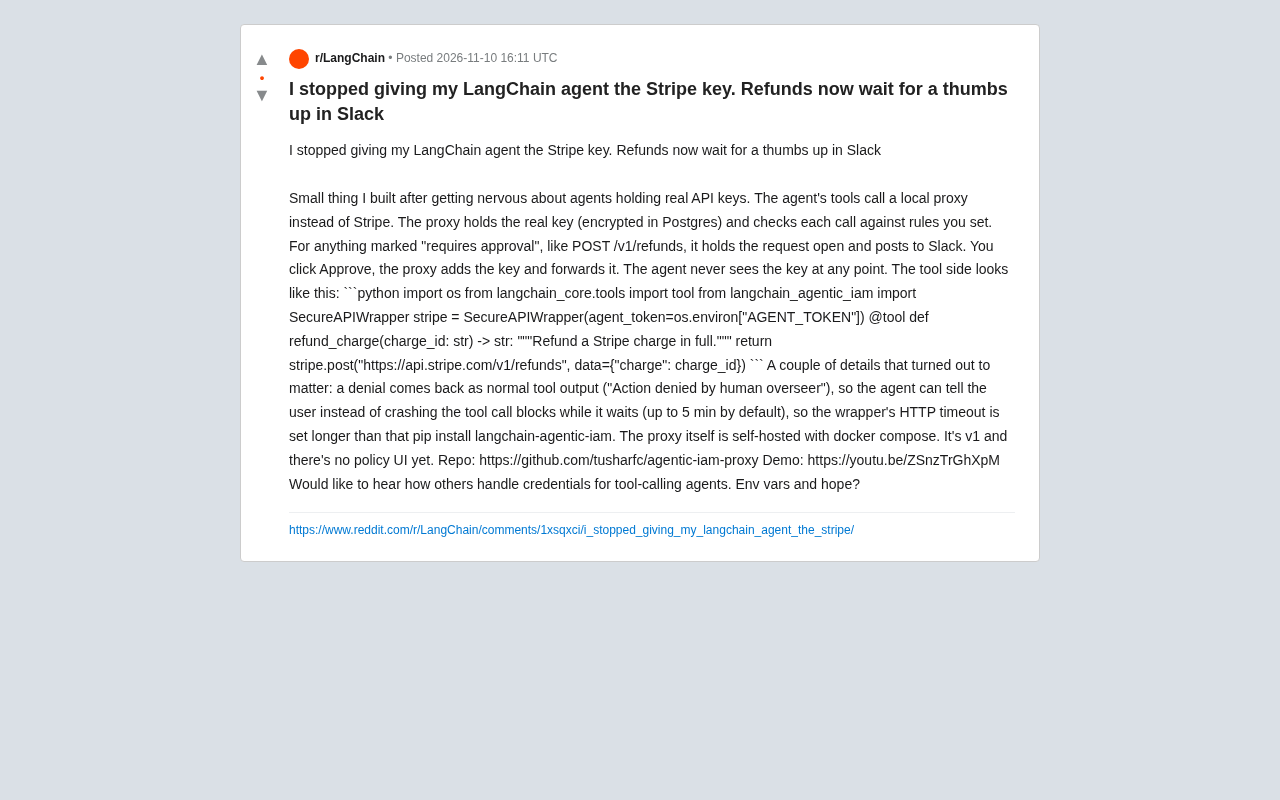
LangChain Agents No Longer Hold Stripe Keys: Refunds Require Slack Approval
A developer shares a credential management approach for LangChain agents: agents don't hold Stripe keys, and sensitive operations like refunds are forwarded through a local proxy and only executed after human approval in Slack, with code examples and engineering details.
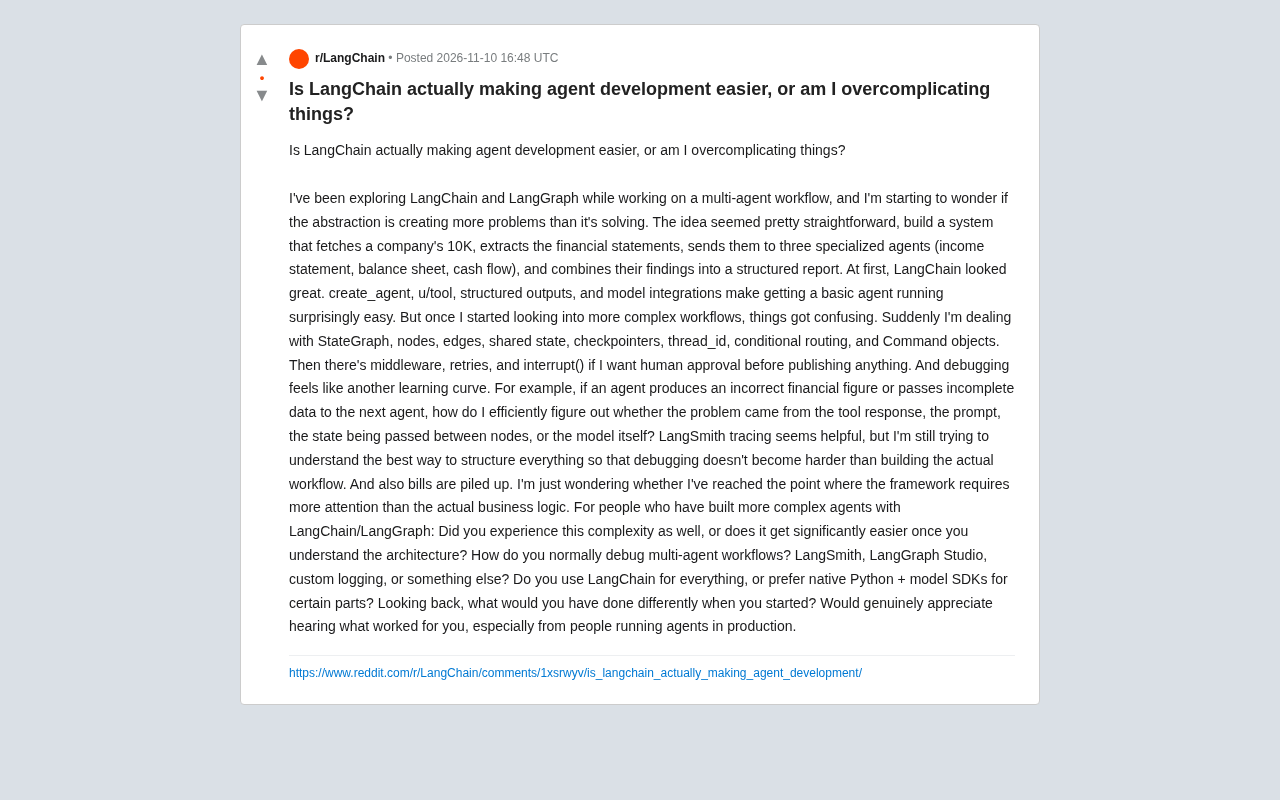
Does LangChain Really Make Agent Development Easier? A Developer Reflects on the Cost of Abstraction
A Reddit developer reflects on the abstraction cost of LangChain and LangGraph in multi-agent workflows: easy to start, but StateGraph, state management, debugging, and cost control add new complexity. The discussion covers debugging methods, whether to mix native Python + model SDKs, and production trade-offs.