DeepSeek Opens Its Official App's Capabilities as a Full API Suite, Plus an Open-Source Frontend Demo

DeepSeek unbundles its app capabilities into a full standalone API suite and open-sources a migratable frontend.
DeepSeek opens its official app's web search, scraping, document/image parsing, TTS, and ASR as standalone APIs, letting developers compose them without going through the chat interface. It also offers a chat integration with embedded search, link reading, file input, and safety checks, plus an open-source frontend that imports history to ease migration and UI building. Pricing separates model quota from tool calls: search/scraping ¥5 per thousand calls, file parsing ¥1.5 per thousand pages, voice 50% off for a limited time. External use requires safety checks and AI labeling. Chat integration currently supports only Flash; Pro availability is undetermined.
Title
DeepSeek Opens Its Official App's Capabilities as a Full API Suite, Plus an Open-Source Frontend Demo
Meta Description
DeepSeekAd unbundles its official app's web search, web scraping, document and image parsing, TTS, and ASR into standalone APIs, with a chat integration and an open-source frontend that can import history. Search and scraping cost ¥5 per thousand calls, file parsing ¥1.5 per thousand pages, and voice is 50% off for a limited time. External use requires safety checks and AI labeling.
Article Content
DeepSeek's move this time is straightforward: it takes the capabilities users have grown accustomed to in the official app and unbundles them one by one into standalone APIs. Search, web scraping, document and image parsing, text-to-speech, and speech recognition are no longer bundled inside a single chat interface. More importantly, it has also open-sourced a frontend project that can import chat history—essentially paving the "copy the homework" path as well.
From "One App" to "A Set of Interfaces"
In the past, developers who wanted to use DeepSeek's web search or file parsing capabilities often had to achieve them indirectly through the chat interface, or write their own glue code to stitch things together. What's opened up this time are standalone interfaces: web search, web scraping, document and image parsing, text-to-speech (TTS), and speech recognition (ASR) each become their own module.
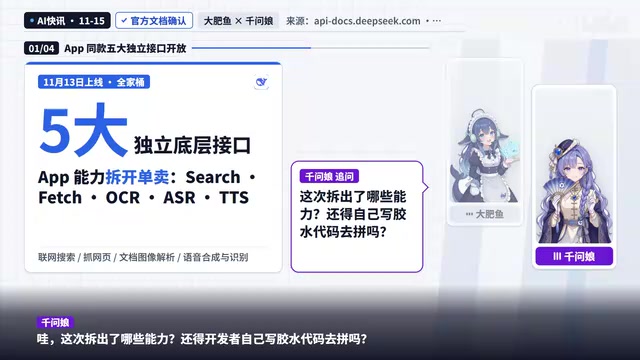
The significance of this unbundling lies in choice. Scenarios that only need search capability no longer have to pay extra for chat logic; pipelines that only need document parsing don't have to detour through model inference. For teams building RAG, content aggregation, or voice interaction, finer-grained interfaces mean more room for composition.
Chat Integration and Open-Source Frontend: Glue Code Saved
If you don't want to pick interfaces one by one, DeepSeek provides a ready-made chat integration solution covering the chat interface, embedded search, link reading, file input, and safety checks. The open-source frontend project supports importing history, meaning developers can modify it directly instead of building a UI from scratch.
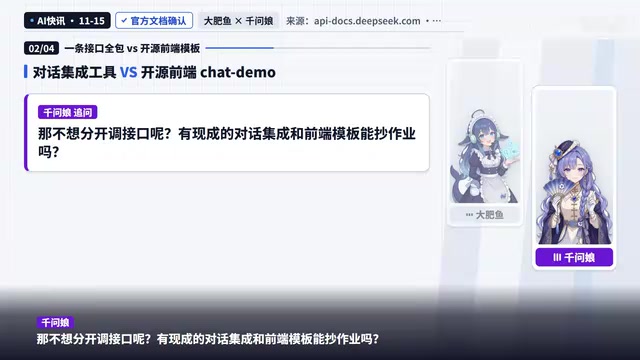
The open-source frontend detail deserves a bit more discussion. Many API platforms only provide documentation and sample code, leaving you to rewrite the frontend yourself; a frontend that can import history directly lowers the friction of "migration." Users who want to move from the official app to a self-hosted service won't have their conversation history cut off.
Pricing Logic: Model Quota and Tool Calls Billed Separately
This is the part developers care about most. Model quota is billed separately, and tool calls are priced on their own: search and scraping at ¥5 per thousand calls, file parsing at ¥1.5 per thousand pages, and voice currently at a limited-time 50% discount.
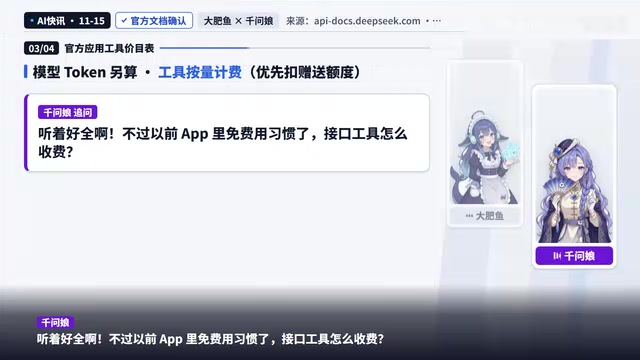
Users who were used to using these features for free in the app need to rebuild their cost awareness. Billing search and scraping per call means the cost of high-frequency retrieval applications rises linearly with usage; per-page file parsing pricing is friendlier for batch document processing scenarios. The limited-time voice discount is a customer acquisition signal, but what cost level it returns to after the discount period ends isn't specified in the source material.
Pay-as-you-go billing versus quota systems is the premise for understanding this pricing. Traditional APIs often convert model inference token consumption into "quota" or "credits" sold as packages, while tool-type calls (search, scraping, parsing) are typically billed separately per call or per volume because they rely on external services or compute-intensive tasks at their core. DeepSeek splits the two here, meaning developers need to manage two cost lines simultaneously: the token budget on the model side, and the call count/page count budget on the tool side. The upside is a transparent cost structure—you can see at a glance which part is costing more; the trade-off is that budgeting and monitoring require separate accounting, especially in high-frequency retrieval scenarios where tool calls may in turn become the main expense.
External Use Requires Safety Checks and AI Labeling
The source material specifically notes that when providing services externally, safety checks and AI labeling must be enabled. This is not optional—it's a compliance prerequisite.
For consumer-facing products, labeling AI-generated content is becoming a widespread requirement; safety checks relate to input filtering and output vetting. Making these two a default part of the integration rather than something developers patch in themselves can reduce post-launch compliance risk.
AI-generated content labeling stems from Chinese regulatory requirements such as the Interim Measures for the Management of Generative AI Services and the Measures for Labeling AI-Generated Synthetic Content. The core idea is to let users distinguish whether content is AI-generated, typically including explicit labels (such as text watermarks or notices) and implicit labels (such as metadata markers). Safety checks generally refer to filtering inputs for sensitive words and prompt injection, and vetting outputs for content compliance. Building these two into the chat integration amounts to the platform taking on part of the compliance implementation work for developers, but the responsible party remains the service provider—developers cannot be exempted from their own review obligations just because it's "enabled by default."
An Open Question: Can the Pro Version Use This Toolset
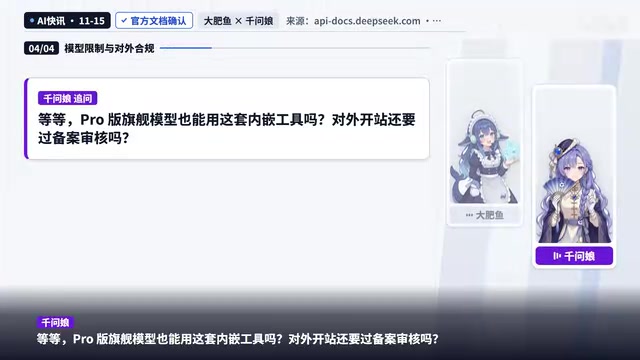
The question left open in the source material is whether the Pro flagship model can use this embedded toolset. Currently the chat integration only supports Flash, and whether and how the flagship model will be supported isn't settled in the original text. For teams that need stronger reasoning capability and want embedded search, this is a key variable in architecture decisions—they can only wait for official clarification.
The positioning difference between Flash and Pro is the backdrop for this question. In DeepSeek's model lineup, Flash typically refers to a smaller-to-mid-size model with faster responses and lower cost, suited to high-concurrency, low-latency chat and tool-call scenarios; Pro (or the flagship edition) focuses on stronger reasoning and complex task capability, with higher per-call cost and greater latency. Tool calls like embedded search and file parsing add extra context length and rounds; applying them directly to the flagship model would significantly raise both cost and latency, which may be one reason the official side hasn't opened it up yet. For developers, if the flagship model supports it later, the architecture should reserve an abstraction layer for model switching to avoid hardcoding Flash.
How to View This Unbundling
DeepSeek turning app capabilities into a full API suite is essentially turning a "product" into "building blocks." Standalone interfaces offer flexibility, the chat integration and open-source frontend lower the barrier to entry, and separate pricing makes costs more transparent. For developers, this is a shift from "using its product" to "using its parts to build your own product." The cost is doing your own accounting and bearing compliance yourself; the benefit is control and freedom of composition. Whether it's worth it depends on how much of your scenario is search, parsing, and voice respectively.
One-line Summary
DeepSeek unbundles its app capabilities into a full standalone API suite and open-sources a migratable frontend.
Paragraph Summary
DeepSeek has opened up the web search, web scraping, document and image parsing, and speech synthesis and recognition capabilities from its official app as standalone APIs, so developers can compose them as needed without detouring through the chat interface. It also provides a chat integration solution with embedded search, link reading, file input, and safety checks, and open-sources a frontend project that supports importing history, lowering the barrier to migration and building your own UI. On pricing, model quota and tool calls are calculated separately: search and scraping at ¥5 per thousand calls, file parsing at ¥1.5 per thousand pages, and voice at a limited-time 50% discount. External services must enable safety checks and AI labeling. Currently the chat integration only supports Flash, and whether the Pro version will be available remains undetermined.
Related articles
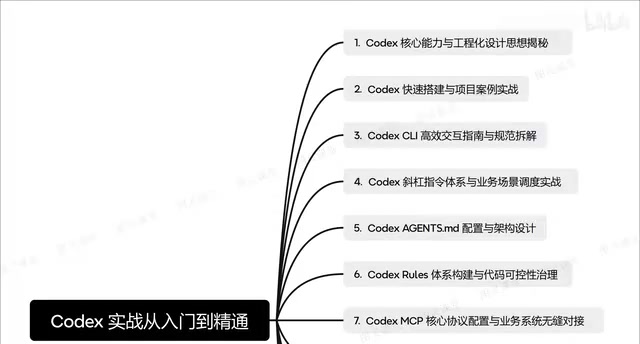
Codex in Practice: From Installation and Configuration to Multi-Agent Collaboration
Based on a Bilibili Codex course overview, this guide maps the full path of AI coding assistants from installation and agents.md context design to CLI commands, MCP integration, and multi-agent collaboration.
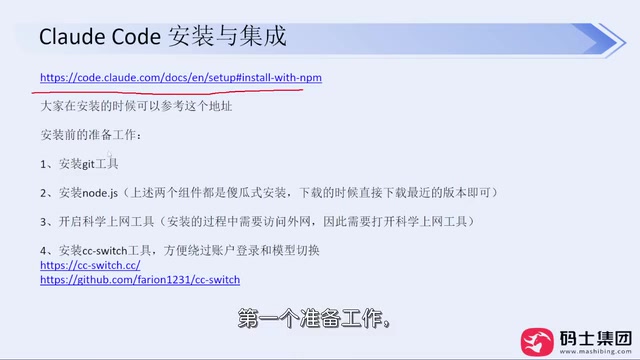
Claude Code Installation and Model Switching Guide for Users in China
How can developers in China install Claude Code reliably? This article compiles a Bilibili creator's hands-on solution: install via NPM, skip official login, use CC Switch to configure API Keys and freely switch between DeepSeek, Kimi, and other models to avoid account bans.
AI Supply Chain Security: What Canary Tokens Reveal
Starting from a Hacker News discussion, this article analyzes the role of canary tokens in AI supply chain security: how they detect abnormal access to model weights, training data, and credentials, as well as coverage blind spots and cost constraints during implementation.