Display 1.0: Build Docs and Apps with Any Agent

Display 1.0 gives Agent output a unified workspace for docs, prototypes, and apps.
Display 1.0 is a productivity tool launched on Product Hunt, positioned as a unified workspace for AI Agent output. It supports creation and collaboration across docs, prototypes, and apps, works with any Agent and any plan, and uses flat pricing to reduce migration costs for teams in multi-Agent environments. Content is organized through two tiers, Spaces and Folders, and ultimately sedimented into a team knowledge base, following a "work first, sediment later" path. The product received 107 upvotes and 32 comments on Product Hunt, ranking #5. The article notes that key details such as collaboration depth, Agent integration method, and app output form have not yet been disclosed — these will determine whether it can become a true workflow hub.
When Agents Start "Producing Files," They Need a Place to Put Them
Over the past while, the capabilities of AI Agents have expanded from "answering questions" to "completing tasks" — writing code, building prototypes, organizing materials. But an overlooked step is: where do the documents, prototypes, and half-finished apps that Agents generate ultimately go? In most cases, they end up scattered across conversation histories, or need to be manually copied into local folders.
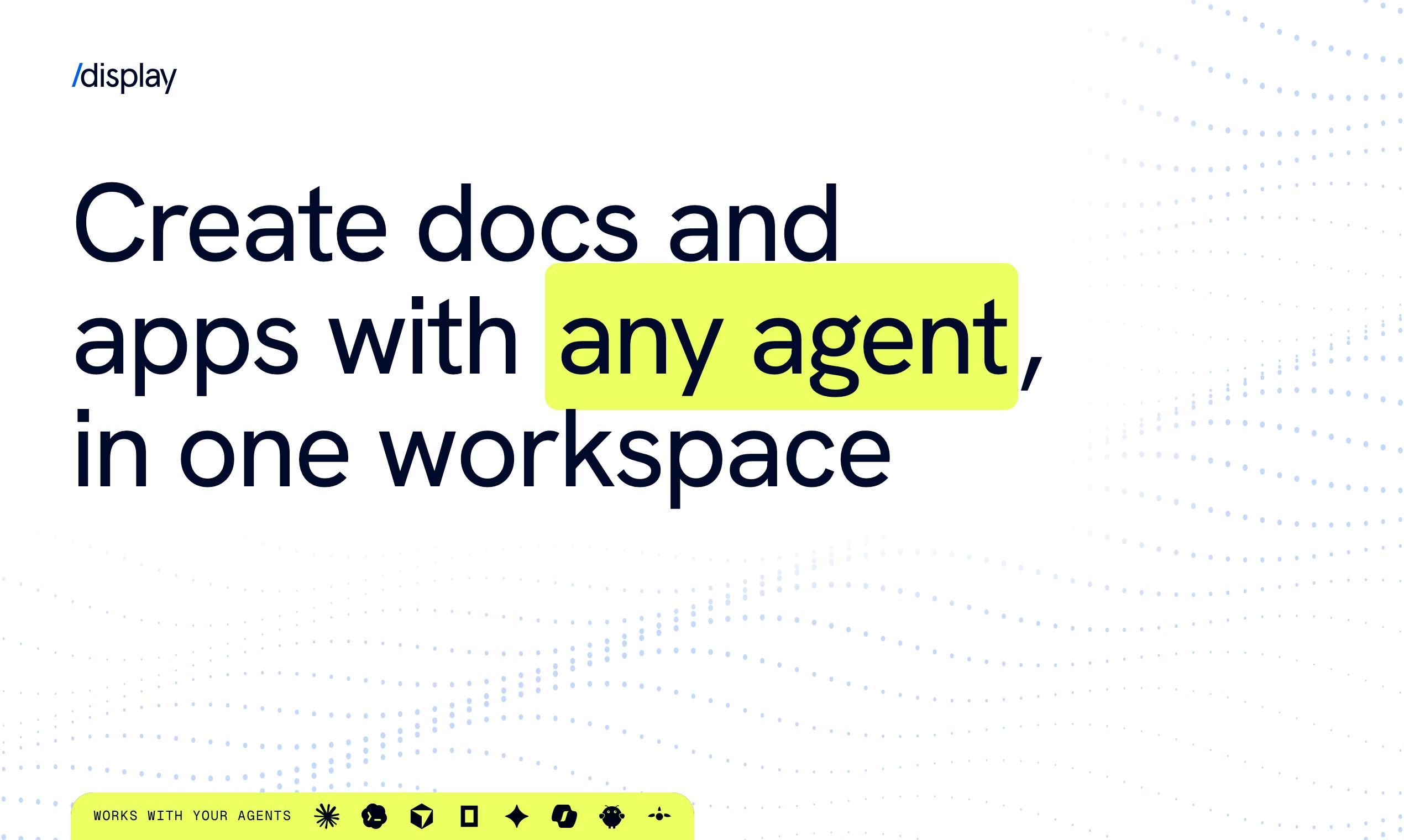
When Display 1.0 launched on Product Hunt, its answer was straightforward: give Agents' outputs a unified workspace. Its tagline is "Create docs and apps with any agent, in one workspace" — create documents and apps with any Agent, all collected in one space. The product ranked #5 on the day's leaderboard, gathering 107 upvotes and 32 comments, with categories under both Productivity and Artificial Intelligence.
Product Positioning: Not Just Another Note-Taking Tool
From the official description, Display's ambition goes beyond "storing files." It emphasizes three things at once: creation and collaboration, storage and organization, and knowledge accumulation.
Specifically, teams can collaboratively edit docs, prototypes, and apps within it; files generated by Agents can be stored directly; content is organized through a two-tier structure of Spaces and Folders; and this accumulation ultimately turns into the team's internal knowledge base. In other words, it attempts to merge "the place where Agents work" and "the place where people collaborate" into a single interface.
This approach differs from products on the market that focus purely on AI writing or AI site-building. The latter tend to focus on a single output format, whereas Display puts docs, prototypes, and apps into the same container, extending use cases from "writing a document" to "building something that actually runs."
Knowledge Base in this context refers to a structured collection of information within a team that is searchable and reusable. Traditional knowledge base tools (such as Confluence, Notion) typically require planning a directory structure first and then manually filling in content — maintenance costs are high and it easily drifts from daily work. Display's proposed path is to let the knowledge base become a "sediment layer" of collaboration and Agent output — docs, prototypes, and apps are categorized by Spaces and Folders at the moment of creation, with no additional organizing step. This model relies on two premises: first, the classification structure is lightweight enough not to interrupt workflows; second, the retrieval capability is strong enough to turn unstructured Agent output into discoverable knowledge entries. If both hold, the cold-start problem of a knowledge base can be bypassed; if not, the sedimented content may instead become new information noise.
What "Any Agent, Any Plan, Flat Price" Means
Display made a fairly aggressive choice on pricing and compatibility: work with any agent and any plan, at a flat price. Unpacked, this statement has three layers of meaning.
First, it doesn't lock users into any single model or Agent product. Regardless of which coding assistant or automation tool users use, the output can go into Display. At a stage when the Agent ecosystem hasn't yet converged, this is a strategy to reduce migration costs — users don't have to switch workspaces just because they switched Agents.
Second, "any plan" implies it doesn't require users to upgrade to a specific subscription tier to use core features.
Third, "flat price" means uniform pricing, rather than per-seat or usage-based tiered billing. For team collaboration tools, flat pricing reduces decision friction during internal rollout, but it also means heavy users' costs are subsidized by light users — whether this model can sustain long-term depends on the user structure.
It's worth noting that the original information doesn't disclose specific price figures, nor does it explain free quotas or team size limits — this part should be verified on the official website.
Flat price is a SaaS pricing model in which all users or teams pay the same rate, regardless of seat count, usage, or feature tier. It contrasts with per-seat billing and usage-based billing. The advantages of flat pricing are simple purchasing decisions, low resistance to internal team rollout, and easy cost forecasting; the disadvantage is that it can't charge in tiers based on actual resource consumption — heavy users (such as teams storing large amounts of Agent output) may have unit costs exceeding what they pay, while light users provide a subsidy. For a product like an Agent workspace, where usage intensity varies greatly, whether flat pricing can persist depends on the distribution of the user structure — if heavy users make up too high a proportion, the model will come under pressure. Additionally, if "any plan" means no feature gating, the product would need to differentiate payment tiers by dimensions such as storage capacity or collaboration scale — specific rules have not yet been disclosed.
Spaces and Folders: The Knowledge Base Is the Destination, Not the Starting Point
Display's organizational structure deserves separate mention. It uses two levels, Spaces and Folders, to categorize content, and the official description contains a key phrase: "turn it all into your internal knowledge base."
This sentence reveals the product's long-term logic — the knowledge base isn't a static repository built from the start, but the natural sediment of collaboration and Agent output. Documents, prototypes, and apps produced by teams in their daily work automatically become searchable internal knowledge assets after categorization. This "work first, sediment later" path is the reverse of traditional knowledge management tools' "build the library first, then fill it" order.
For Agent scenarios, this order is more natural: Agent output is inherently a byproduct of the work process, so rather than having users spend extra time organizing, it's better to let the workspace itself take on the archiving responsibility.
The two-tier structure of Spaces and Folders in collaboration tools typically corresponds to a "space–folder" hierarchy: a Space is a top-level container for a team or project, carrying member permissions and overall context; a Folder is a classification unit within it, used to refine content organization. The advantage of this design is that permission management can be anchored at the Space level, avoiding per-file configuration; at the same time, the Folder level provides enough flexibility to accommodate different projects' directory habits. Compared with a single-level tagging system, a two-tier structure is closer to teams' existing file management mental models, with lower migration costs. But a two-tier structure also means that cross-Space retrieval and association require additional global search capability to support, otherwise content can easily become invisible deep within the hierarchy. For output automatically written by Agents, how to decide which Space and Folder it falls into is a key interaction problem the product needs to solve.
Several Questions Worth Watching
As the first official version, the information Display 1.0 reveals is still mainly about positioning. Judging from the feedback volume of 32 comments and 107 upvotes, it has already attracted interest from some Productivity and AI tool users, but several key questions remain unanswered in the available material.
First, collaboration depth. How conflicts are handled when multiple people edit docs and prototypes simultaneously, and the granularity of permissions, determine whether it can replace existing collaborative document tools.
Second, the Agent integration method. Whether it provides an API, plugins, or relies on each Agent platform's own export capabilities directly affects practical usability.
Third, the form of app output. Whether the "apps" here are complete deployable applications or interactive prototypes makes a big difference in engineering value.
The answers to these questions will determine whether Display is a "filing cabinet for the Agent era" or a true workflow hub. Based on currently public information, its direction is clear — consolidating scattered Agent output into team assets — but execution details still need time to verify.
For teams currently working with multiple Agents in parallel, the need for this kind of "unified collection layer" does exist. Display's choice to enter with flat pricing and open compatibility is a starting point worth watching.
Related articles

VERS: Editing Activation Explanations to Halve Reasoning Model Tokens
VERS guides reasoning models by editing activation explanations, cutting 45.8% of tokens on GSM8K with only a 0.82 pp accuracy drop and transferring to larger models, but losing accuracy on competition problems.

Finding Errors Is Not Enough: Selective Model Escalation for Entity-Targeted Sentiment Analysis
This study explores selective model escalation for entity-targeted sentiment analysis, comparing data collection ordering, uncertainty-driven re-examination, and model routing—finding that minority-class priority only helps at very small data volumes, the oracle upper bound far exceeds actual gains, and escalation must be tailored to each dataset.

WAS-PO: Using Whitened Advantages to Solve the Correlation Trap in Multi-Reward Reinforcement Learning
WAS-PO paper proposes whitening advantages to correct correlation bias in multi-reward RL: when rewards are correlated, naive weighted summation effectively applies Σ^{1/2}w instead of w. Experiments show training reward improves steadily, but held-out accuracy does not improve in sync, and under two rewards it actually falls behind.