Don't Let Your Old Kindle Collect Dust! Transform Your E-Reader with Claude
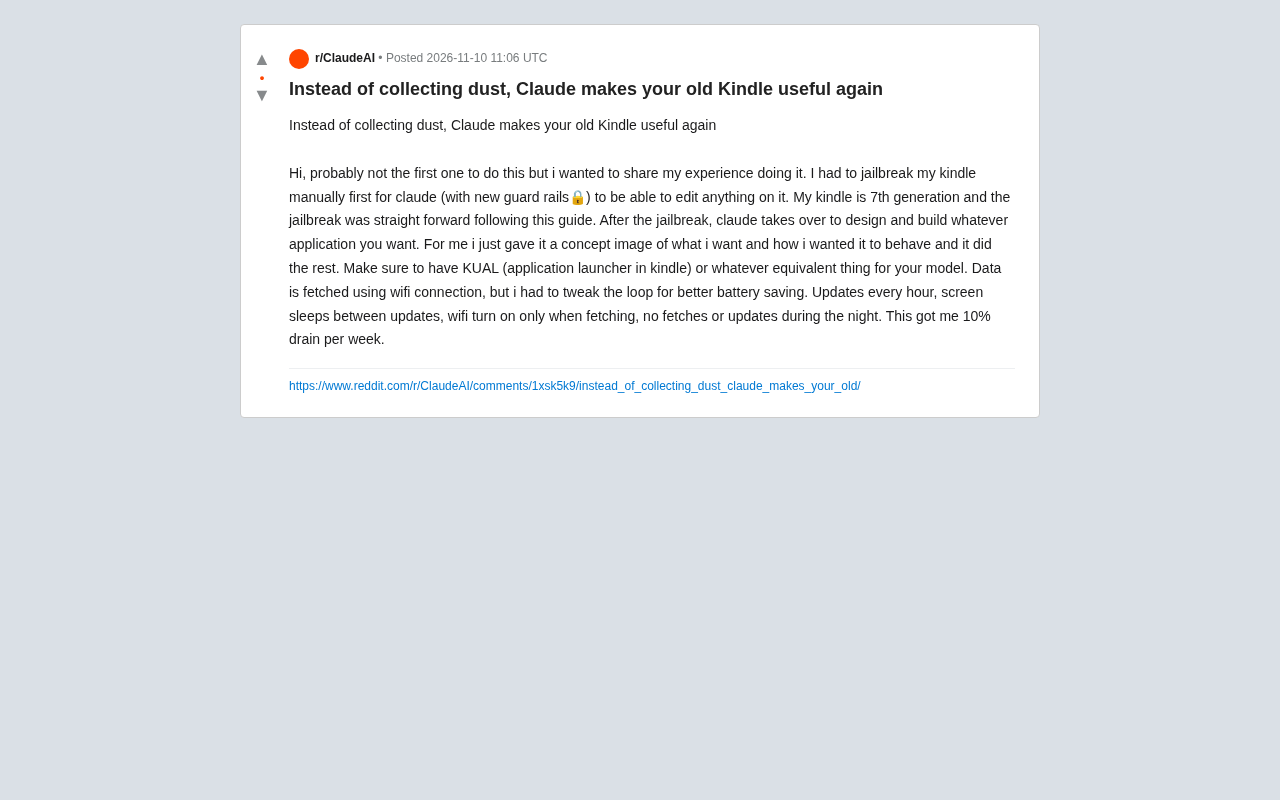
User transforms 7th-gen Kindle with Claude, jailbreaking and customizing apps that use only 10% battery per week.
The article describes a Reddit user's experiment transforming an idle 7th-gen Kindle into a practical device. The process involves manually jailbreaking and installing KUAL to make files editable, then giving Claude concept images and behavior descriptions to design and build apps—bypassing traditional embedded development's SDK and programming dependencies. The app fetches data via WiFi with hourly updates, screen sleep between updates, WiFi only during fetching, and no night updates, achieving ~10% weekly battery drain. The article also notes jailbreaking bricking risks, model differences, stability verification needs, and that this approach suits information display scenarios like weather and schedules.
From Dust Collector to Useful Tool: A Kindle Transformation Experiment
Many people have an old Kindle lying in a drawer. The device isn't broken—it's just limited in functionality, eventually becoming a tool for holding down instant noodle lids. A Reddit user shared a different approach: using Claude to transform a 7th-generation Kindle into a customizable application device. The process starts with manual jailbreaking, followed by Claude handling the app design and development, ultimately resulting in a practical tool that refreshes on demand with decent battery life.
Jailbreaking Is the First Step
The user emphasizes that you must jailbreak the Kindle manually first, otherwise Claude cannot edit files on the device. He used a 7th-generation Kindle, following publicly available jailbreak guides, and described the process as "straightforward." After jailbreaking, you need to install KUAL (Kindle Unified Application Launcher) or an equivalent tool for your model as the entry point for subsequent applications. This step paves the way for Claude to take over development.
Jailbreaking in the Kindle context refers to bypassing Amazon's system signature verification and permission restrictions to gain root-level access to the device. Kindle runs a customized Linux-based system that by default only allows app installation through the official store, and most system partitions are read-only. Jailbreaking typically exploits a vulnerability in the firmware to escalate privileges, then installs a "jailbreak bridge" (such as Hotfix) to preserve the jailbreak state across system updates. After jailbreaking, users can write files to system directories and install third-party launchers to run homebrew programs. Different generations of Kindle firmware vary significantly, and jailbreak methods and compatible version ranges differ—you must verify your model and firmware version before proceeding, or the device may fail to boot. Jailbreaking also voids the official warranty and risks losing the jailbreak when the system updates.
KUAL (Kindle Unified Application Launcher) is the most commonly used third-party application launcher in the jailbreak community. It presents itself as a Kindle "book" entry that opens to a menu list of installed extensions, through which users can launch, configure, or uninstall various homebrew applications—essentially an "app drawer" for jailbroken Kindles. KUAL depends on the jailbreak environment and requires tools like MRPI (Kindle Package Installer) to install extension packages. For different models or firmware, the community also offers functionally similar alternative launchers.
Hand It to Claude: Describe Requirements, Generate Applications
After jailbreaking, the user directly gave Claude concept images and descriptions of desired behavior, and Claude handled the application design and construction. This "describe-to-develop" approach eliminates the traditional embedded development cycle of repeatedly checking documentation and debugging APIs. The user noted that Claude has new guard rails, but in this scenario it could still complete device file modifications and application generation.
"Guard rails" refer to safety and behavioral constraints set by large model providers at the model level—such as refusing certain potentially harmful operations, restricting writes to system-level files, or requiring confirmation for suspicious instructions. In scenarios like modifying a Kindle, Claude needs to generate scripts or programs that run on the device and may involve modifying system files. Such requests can easily trigger the model's safety policies, causing some operations to be refused or requiring users to rephrase their requests. In practice, users often need to break tasks into smaller steps, clearly specify the target and purpose of operations, or have the model output code for manual execution to bypass unnecessary interception. This also means "describe-to-develop" isn't entirely barrier-free—users still need the basic ability to judge whether generated results are safe and correct.
Data Fetching and Battery Optimization
Hourly Updates, On-Demand Connectivity
The application fetches data via WiFi, but the user fine-tuned the refresh cycle to save power: update once per hour, put the screen to sleep between updates, enable WiFi only when fetching data, and skip fetching or updating at night. This strategy ultimately achieved about 10% battery consumption per week. For an old device that's usually plugged in or idle, this battery performance is more than enough for daily use.
Why It Matters
The value of this case isn't the Kindle itself, but rather the demonstration of a path for reusing old hardware: jailbreaking opens up permissions, AI handles development, and users only need to provide concepts and constraints. It bypasses the traditional development dependency on platform SDKs and programming experience, enabling non-professional developers to customize features for old devices. The original Reddit poster also admitted he might not be the first to do this, but hoped to share his experience for others' reference.
Practical Limitations and Use Cases
This approach isn't without barriers. Jailbreaking carries the risk of bricking the device, and different models have varying difficulty levels and available tools; applications generated by Claude require users to verify stability themselves, and guard rails may affect some operations. Additionally, the strategy of hourly refreshes and no night updates suits information display scenarios (like weather, schedules, subscription content) but isn't suitable for applications requiring real-time interaction.
For users with an idle Kindle who are willing to tinker, this path offers a low-cost experiment: use AI to fill in development capabilities and turn a dust-collecting device into an information panel that runs according to your needs.
One-line Summary
A user transformed a 7th-generation Kindle with Claude, jailbreaking it and customizing applications that consume only 10% battery per week.
Paragraph Summary
The article describes a Reddit user's experiment transforming an idle 7th-generation Kindle into a practical device. The process has two steps: first, manually jailbreak following public guides and install KUAL or similar application launchers to make device files editable; then, give Claude concept images and behavior descriptions to handle application design and construction, bypassing traditional embedded development's dependence on SDKs and programming experience. The application fetches data via WiFi, using a strategy of hourly updates, screen sleep between updates, WiFi only during data fetching, and no night updates, achieving about 10% battery consumption per week. The article also notes jailbreaking bricking risks, model differences, the need to verify generated application stability, and that this approach is better suited for information display scenarios like weather and schedules.
Related articles

What Happens When AI Sleeps? Anthropic Agent Memory #TechMalayalam #AgenticAI #ClaudeAI
Starting from Anthropic's Claude and Agent Memory mechanisms, this article explains how AI agents load, organize, and discard memory between sessions, and what self-evaluation loops and note-taking rules mean for developers.
Behind the Nvidia CEO Scandal: The Key Person Risk of AI Infrastructure
Jensen Huang's scandal triggers an independent Nvidia board probe as chip stocks rally and Nvidia falls alone. We break down AI infrastructure's key person risk and how real estate investors can protect deals with a three-step check.
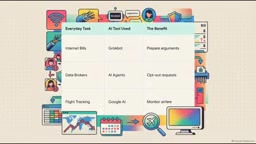
13 Practical AI Tips: Save Money, Protect Privacy, Upgrade Your Digital Life
A roundup of 13 practical AI tips from The Explainer: AI agents for cost-saving negotiations, data deletion requests, Claude Code for computer diagnostics, local offline models, in-car voice learning, and motion pose analysis—with emphasis on human oversight and safety boundaries.