Elegoo Centauri Carbon 2 Combo Drops Nearly $100 — A Great Time to Get Into 3D Printing

Elegoo Centauri Carbon 2 Combo drops to $369 with four-spool multi-filament support — ideal for beginners.
Elegoo's Centauri Carbon 2 Combo 3D printer is now on sale for $369, down nearly $100 from its regular $449 price. This beginner-friendly FDM machine's standout feature is its four-spool multi-filament system, enabling multicolor prints or automatic material switching mid-print without manual intervention — a capability that typically appears only on pricier models. For hobbyists who've long hesitated due to cost or complexity, this discount offers a relatively low-risk way in. Before buying, consider factors like build volume, filament costs, and maintenance needs, and keep an eye on how long the deal lasts.
For hobbyists who've been put off by the steep price tags of high-end 3D printers, now might be a good time to finally take the plunge. Elegoo has discounted its Centauri Carbon 2 Combo 3D printer to $369 — nearly $100 off its regular price of $449.
A High-Value Entry-Level Machine
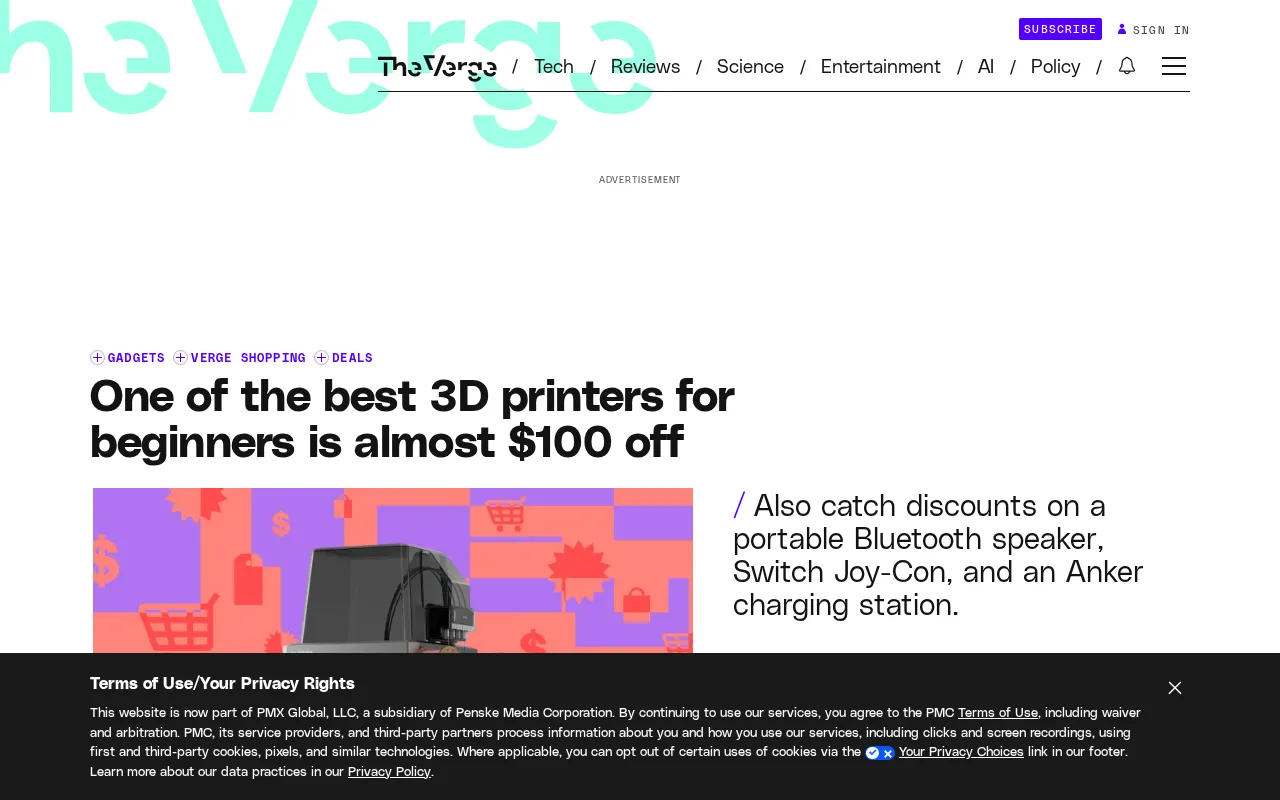
3D printing has always had a relatively high barrier to entry — both in terms of hardware costs and the complexity of setup and calibration. That's why many people who are curious about the hobby end up sitting on the sidelines. With this price drop, the Centauri Carbon 2 Combo comes in at $369, offering a more accessible entry point for budget-conscious beginners.
As a Combo package, the bundle typically includes the printer itself along with additional accessories or a multi-filament system — which happens to be one of this model's standout features.
Elegoo is a Shenzhen-based consumer 3D printer brand with a product lineup spanning both resin (MSLA/DLP) and filament-based (FDM) technologies. The Centauri Carbon 2 is an FDM (Fused Deposition Modeling) machine, which works by melting thermoplastic filament and extruding it layer by layer to build up a print. FDM is cost-effective, supports a wide variety of materials, and remains the most popular 3D printing method for home users and makers. The "Carbon" in the name typically hints at a carbon fiber or carbon fiber composite frame, which offers greater rigidity and reduced vibration compared to standard aluminum extrusion frames — helping maintain print quality at higher speeds.
Multi-Material Printing with Four Filament Spools
One of the most compelling features of this machine is its ability to handle four spools of filament simultaneously. A multi-filament system lets users print in multiple colors or automatically switch between different materials mid-print — no manual swapping required. This kind of functionality has traditionally been reserved for higher-priced machines, making its appearance on a beginner-friendly, sale-priced model especially appealing.
For those new to 3D printing, multi-material capability not only opens up more creative possibilities but also reduces the need for constant manual intervention during a print, significantly improving the overall experience.
Filament is essentially the "ink" of a 3D printer. The most common types include PLA (polylactic acid) and ABS (acrylonitrile butadiene styrene). PLA is inexpensive, easy to print with, and eco-friendly — making it the go-to choice for beginners. ABS is stronger but requires higher temperatures and an enclosed chamber to prevent warping. More advanced materials like PETG and TPU (flexible filament) are also widely available. A multi-filament system doesn't just enable multicolor prints — it also lets users load different materials at once and switch between them based on the model's needs. For example, you could use a soluble material like PVA for support structures and PLA for the main body; once printing is done, the supports simply dissolve away, leaving a cleaner finished piece. For beginners, this kind of automated workflow dramatically reduces the effort involved in post-processing.
Is It Worth Buying?
A discount of nearly $100 is quite significant for a machine with multi-filament capabilities. If you've been holding off on getting into 3D printing because of the price, this promotion genuinely offers a lower-risk opportunity to give it a try.
One thing to keep in mind: promotional pricing is typically time-limited. For the latest availability and deal duration, check directly with official or retail channels. It's also worth evaluating your own needs before buying — things like build volume, filament costs, and long-term maintenance — rather than being drawn in purely by the discount.
All things considered, the Elegoo Centauri Carbon 2 Combo makes a solid case for itself as a beginner-friendly 3D printer, thanks to its four-spool multi-filament support and current sale price.
Related articles
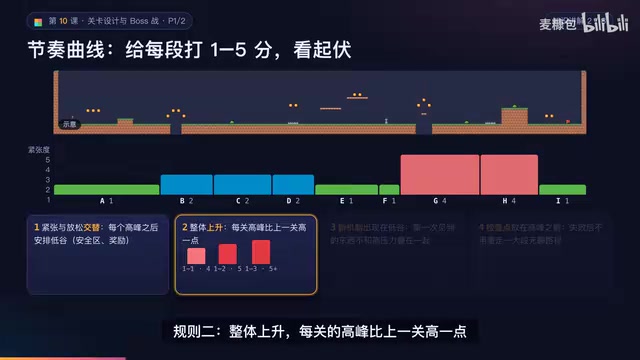
AI Game Development in Practice: Designing Levels with the Four-Step Method and Pacing Curves
AI game development lesson 10: design levels with the four-step method (teach, practice, combine, test) and a 1-5 pacing curve, plus sightline guidance and safety zones—implement Animatable Body 2D moving platforms and generate ASCII sketches for 1-2 Underground Cavern and 1-3 Guard Hall.

AI Game Development in Practice: Two-Phase Boss State Machines and Death Heatmap Tuning
AI game development lesson 10: implement a two-phase Boss with a state machine, guarantee fairness with color signals and a 0.4-second warning floor, locate difficulty cliffs with a death heatmap, and apply lightest-to-heaviest fixes one at a time, with an acceptance checklist and common pitfalls.

AI Game Development in Practice: Audio Buses and Building the Full UI Flow
AI game dev lesson 11 part 2: Godot's audio trio, audio buses and dB conversion, AudioManager's player pool and random pitch, autoload boundaries, the full UI flow from title to clear, fault-tolerant JSON saves, and pixel font anti-aliasing and integer-size rules.