Getting Started with C# Host Computer Development: Method Encapsulation and WinForm Practical Basics
A systematic overview of C# method definition essentials, static calling rules, classes and encapsulation, and parameter conversion for host computer development beginners.
Based on a Bilibili C# basics course, this article covers the methods and encapsulation skills needed before moving from console syntax to WinForm development. It explains reopening solutions via .sln, demonstrates the Tongyi Lingma plugin's comment generation and code optimization in Visual Studio, breaks down the five components of methods, covers static methods and calling rules, breakpoint debugging, public vs. private access via adding classes, and parameter passing with Convert.ToInt32(). It ends by refactoring scattered console code into methods in a standalone class, forming a complete loop for practical work like camera SDKs and image processing.
In the C# host computer (HMI/SCADA) development learning path, transitioning from console syntax to WinForm interface development makes method definition and encapsulation an unavoidable core skill. A basic course on Bilibili uses "method conventions" as its entry point, combined with Visual Studio's AI-assisted tools, to demonstrate how to organize scattered code into reusable structures. This article is based on that course content, organizing the key knowledge points and practical essentials.
Starting with the Solution File (.sln)
The course opens by reminding students of a common problem: how do you reopen a project after closing it? The answer is to go back to the project folder, find the file with the .sln extension, and double-click it to load the entire solution in Visual Studio. This detail seems simple, but it's the first step where many beginners get stuck.
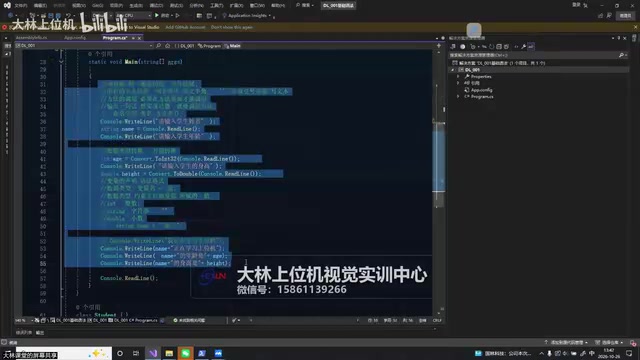
The instructor then demonstrated logging in and using the Tongyi Lingma (Tongxun Lingma) plugin. Due to heavy traffic on the same network, registration or login may fail; switching networks or using a mobile hotspot is recommended. Once logged in, the plugin provides code context hints, intelligent Q&A within VS, and can even generate code comments and optimization suggestions. Right-click the code and select "Generate Code Comments" or "Optimize Code" to see the AI's suggested rewrite; click "Insert" to replace the original code. For students still at the syntax stage, the instructor suggests first understanding the basic structure rather than rushing to adopt complex AI-generated code.
The .sln (Solution) file is a container file that Visual Studio uses to organize one or more projects. Internally it is plain text that records project paths, solution configurations, and build dependencies. A solution can contain multiple .csproj projects (such as class libraries, console apps, and WinForm apps); double-clicking the .sln loads it along with all referenced projects. In team collaboration, .sln is usually committed to version control along with the source code, while the hidden .vs folder and the bin and obj output directories are generally not committed. If you want to open just one project, you can double-click the .csproj directly, but this loses solution-level configuration. Understanding the hierarchical relationship between .sln and .csproj helps you locate the source of compilation errors in multi-project solutions later.
The Five Components of a Method Definition
The core of the course is breaking down the composition of a C# method. A complete method consists of five parts: access modifier, return type, method name, parameter list (parentheses), and method body (braces). Taking public void InputOutput() as an example, public is the access modifier, void means no return value, InputOutput is the method name, the empty parentheses indicate no parameters, and the braces contain the method body.
The instructor emphasized that the parentheses cannot be omitted—they must be kept even when there are no parameters; the access modifier can be omitted, and when it is, the default access level is private (the course says "ProvideFilled," but it is actually private). The method body must appear in pairs; missing braces will cause a compilation error.
Static Methods and Calling Rules
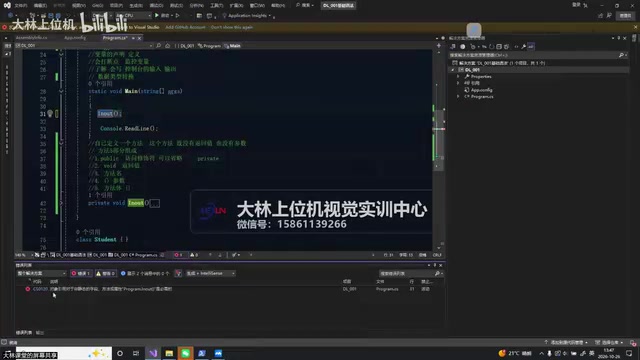
When calling another method directly from within the Main method, if the called method is not static, the compiler throws an error: "An object reference is required for the non-static field, method, or property." The solution is to add the static keyword to the called method, making it a static method. The course explains: members called from within a static method must also be static.
Using breakpoint debugging, the instructor demonstrated the program's execution flow: entering from the Main entry point, executing line by line, jumping into a method when a call is encountered, and returning after execution completes. This intuitive "entry-exit" demonstration helps in understanding the stack-based behavior of method calls.
Static (static) members belong to the type itself rather than to an instance. They are allocated on the type object when the program loads and are shared across the entire program. Instance members are independent for each object created with new. The Main method itself is declared static, so without creating an object, it can only directly access other static members. To call an instance method from Main, you must first new an object and then call it through the object name, for example var p = new Program(); p.InputOutput();. Distinguishing static from instance is fundamental to understanding C# object orientation: utility class methods (such as math calculations and string processing) are often designed as static, while data models with state are usually designed as instances. In later WinForm development, form event handler methods are mostly instance methods—this is exactly why they can access control fields.
The Benefits of Encapsulation and Adding Classes
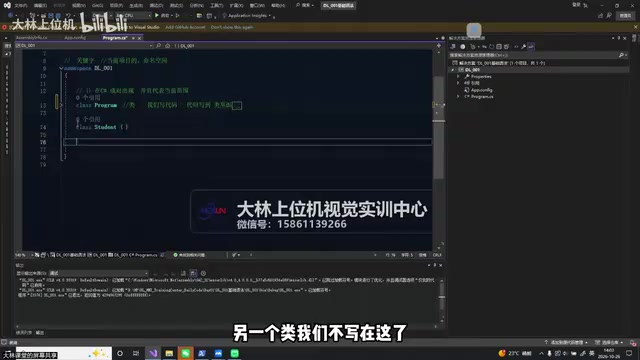
Encapsulating repetitive or messy code into methods improves readability—the code structure becomes clearer when collapsed. The course demonstrated defining and calling a method within the same class, and also showed how to create a new class file by right-clicking the project and selecting "Add Class." In C#, every file with a .cs extension contains a class, and methods must be written inside a class, not outside it.
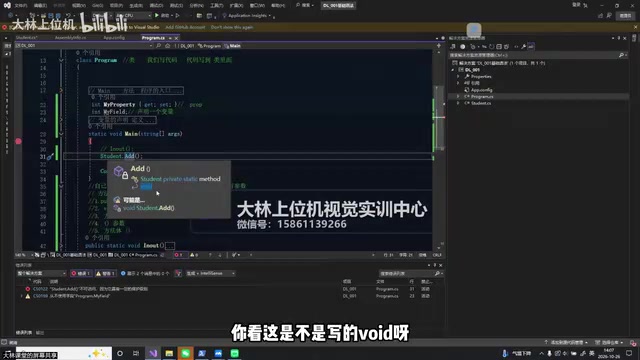
The instructor created a new Student class, defined an addition method in it, and modified it with public and private respectively to demonstrate the difference in access permissions: private methods cannot be called from other classes, and the compiler reports "is inaccessible due to its protection level." Within the same class, there is no difference between public and private.
Access modifiers determine the visibility scope of members. Common C# levels include private (visible only within the class, the default), public (visible to any code), protected (visible to the class and derived classes), and internal (visible within the same assembly). The compiler's "protection level" error is essentially a visibility check performed at compile time, preventing external code from depending on implementation details that should not be exposed. The significance of encapsulation is not just hiding, but separating "what to do" from "how to do it": callers only need to know the method signature, and the internal logic can be refactored at any time without affecting the outside. This also explains why properties are usually exposed with public for reading and writing, while the backing field is declared private—this is the common pattern of C#'s Property mechanism.
Parameter Passing and Type Conversion
When a method needs to receive external data, parameters must be declared inside the parentheses, such as int a, int b. When calling, you must provide parameters of the corresponding type and quantity, otherwise a compilation error occurs. The course further extends to console interaction: use Console.ReadLine() to read user input. Since the return type is string, it must be converted to an integer using Convert.ToInt32(). The instructor reminds students that they don't need to memorize the full English name—just remember the first few letters of Convert.
Finally, students refactored the console code written in the morning into a standalone method, placed it in a custom class, and called it from Main. This process completes the full loop of "define method—add class—call method—pass parameters—convert types," laying a syntax foundation for subsequent WinForm interface development and host computer practical work such as camera SDKs and image processing.
The AI plugin demonstration in the course also hints at a trend: built-in AI assistance in IDEs like VS is becoming the norm, but basic syntax and debugging skills remain the irreplaceable foundation for developers.
Convert.ToInt32() belongs to the System.Convert class. It can convert between many basic types and throws exceptions such as FormatException and OverflowException when the input is an empty string or has an invalid format. Similar methods include int.Parse() (accepts only strings and throws an exception on failure) and int.TryParse() (returns a bool indicating success and does not throw, suitable for handling untrusted data such as user input). In actual host computer development, when converting data read from text boxes or serial ports, a more robust approach is int.TryParse combined with prompts rather than calling Convert directly. In addition, Convert.ToInt32(null) returns 0 while int.Parse(null) throws an exception—this difference requires special attention in boundary handling.
One-line Summary
A systematic overview of the five components of C# method definitions, static calling rules, classes and encapsulation, and parameter conversion for getting started with host computer development.
Paragraph Summary
Based on a basic C# course on Bilibili, this article organizes the methods and encapsulation skills that must be mastered before moving from console syntax to WinForm development. It first explains how to reopen a solution via the .sln file and demonstrates the Tongyi Lingma plugin's comment generation and code optimization features in Visual Studio. The core section breaks down the five components of a method: access modifier, return type, method name, parameter list, and method body, emphasizing that parentheses cannot be omitted and that the default access modifier when omitted is private. It then explains static methods and calling rules, the execution flow of breakpoint debugging, the difference between public and private access demonstrated by adding a class, and parameter passing and Convert.ToInt32() type conversion. Finally, it refactors scattered console code into methods within a standalone class, forming a complete loop and laying the foundation for practical work such as camera SDKs and image processing.
Related articles
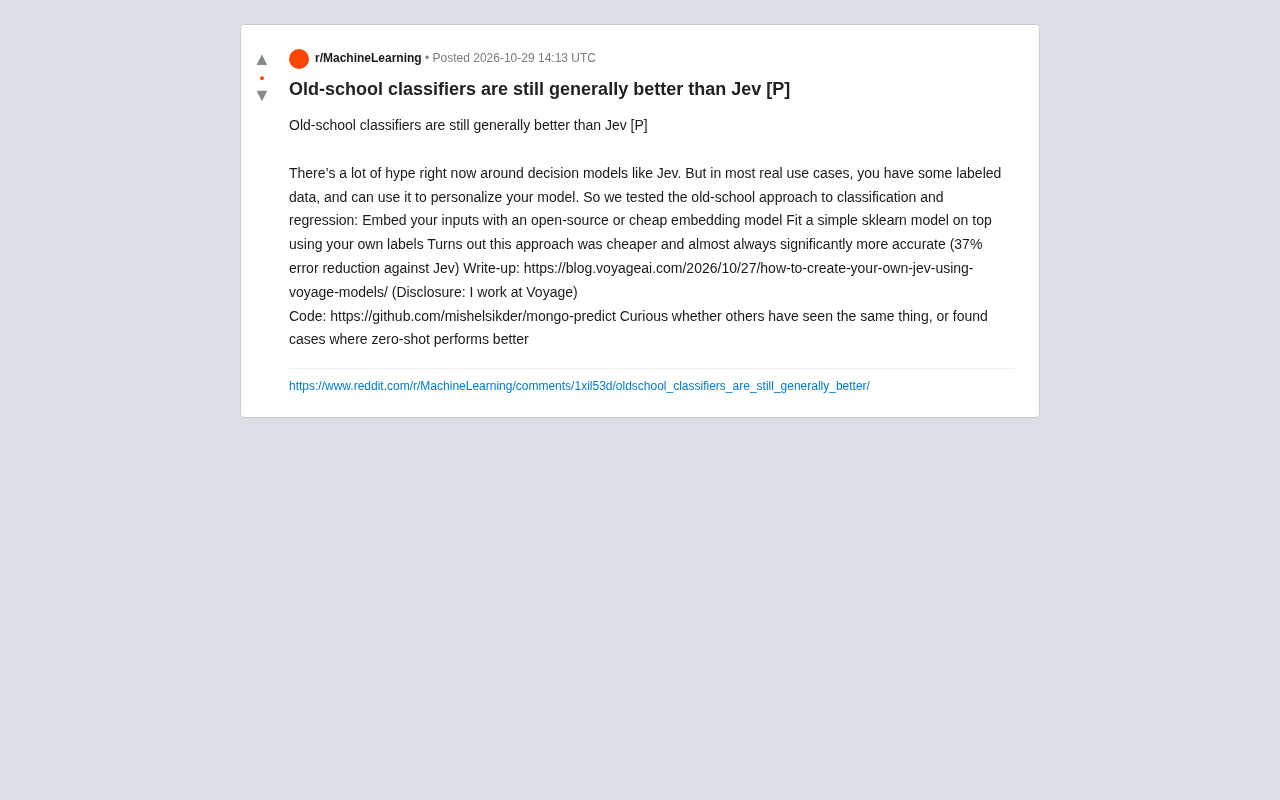
Old-School Classifiers Still Beat Jev: Embeddings + sklearn Cuts Error by 37%
Voyage AI engineers found that an old-school approach using open-source embedding models plus sklearn classifiers is cheaper and cuts error by 37% versus the popular decision model Jev. Discussing whether traditional methods are undervalued when labeled data exists, and the boundaries between zero-shot and supervised learning.

Before AI Writes Code, I Plan Iteratively with Agents
A developer shares an AI coding workflow: before letting AI write code, discuss and iteratively plan with agents connected to Spaceship, using Semantic Router improvements as an example to show how planning before coding reduces rework and improves code quality.

When AI Agents Get Full Access: A Humorous Reflection on Control and Freedom
A Reddit meme sparks discussion on AI agent control: when agents are given full access and vague "be careful" instructions, subagents often run amok. This article analyzes the core tension in agent safety and practical challenges of multi-agent systems.