Getting Started with Ollama: The Best Free Tool for Running Open-Source LLMs Locally

Ollama is a free, open-source tool for deploying and running LLMs like DeepSeek locally with ease.
This article explains why local LLM deployment matters and how Ollama addresses key pain points — API costs and data privacy — associated with online platforms. Ollama is an open-source management tool that lets you pull models like DeepSeek and LLaVA to your local machine for free, with no data leaving your environment. It supports macOS, Windows, Linux, and Docker, auto-schedules GPU and CPU resources, offers both CLI and Web UI modes, and provides a standard API for integrating private knowledge bases to build domain-specific AI applications.
Why Run Large Language Models Locally?
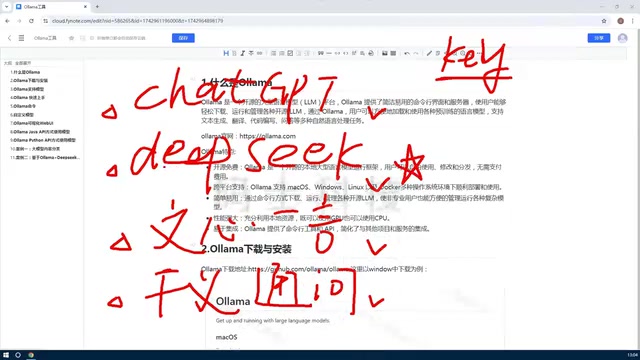
Most people today interact with large language models by logging into online platforms like ChatGPT, DeepSeekAd, or similar services and chatting through a web interface. It's simple and convenient — but it comes with two significant limitations.
The first is cost. Casual conversation is usually free, but the moment you need programmatic access — say, calling a model via API for development purposes — you'll need an API key, and you'll be billed based on the number of tokens returned. DeepSeek is more affordable than many alternatives (early sign-ups even received a small credit, though that offer has since ended), but for high-frequency usage, the costs add up fast.
The second concern is data privacy and control. Using an online model means your data is sent to a third-party server, and you have no say over which model version is running or how it's configured. For enterprise applications — especially those involving internal, proprietary knowledge bases — this model simply isn't ideal.
Given that models like DeepSeek and LLaVA are already open-source, a natural question arises: can we deploy them directly on our own machines? The answer is yes — and Ollama is the key tool that makes it possible.
What Is Ollama? A Powerful Open-Source LLM Management Platform
At its core, Ollama is an open-source LLM management platform. Think of it as a dedicated tool for downloading, managing, and running various large language models locally — one that dramatically lowers the barrier to self-hosting open-source AI.
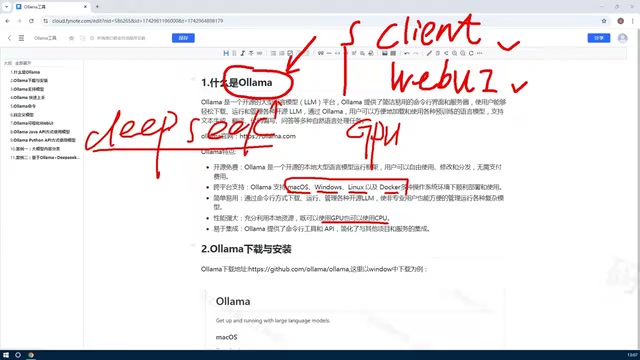
With Ollama, you can pull models from the internet to your local machine, manage your installed models, remove ones you no longer need, and even create or fine-tune your own private models based on existing ones. It supports both a command-line interface (CLI) and a Web UI, catering to different user preferences.
For example, if you want to run the latest version of DeepSeek locally (the full model can be hundreds of gigabytes), you can pull it down with a single Ollama command. Naturally, larger models demand more powerful hardware — so you'll want to choose a model size that matches your setup.
Core Features and Advantages of Ollama
Here's a breakdown of what makes Ollama stand out.
Free, Open-Source, and Cross-Platform
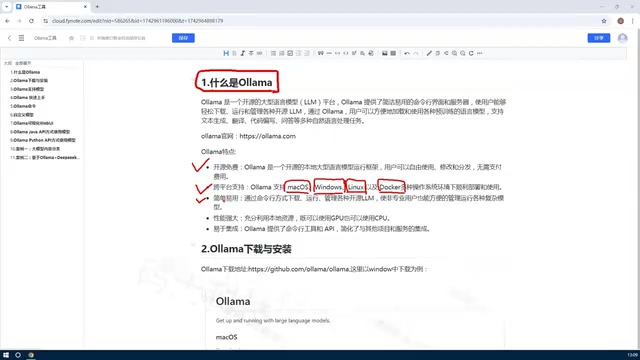
Ollama is completely free and open-source, with support for virtually all major operating systems: macOS, Windows, Linux, and Docker. Individual users can get started on Windows or macOS, while enterprise deployments are better suited to Linux or Docker-based environments for greater stability and scalability.
Intelligent GPU/CPU Scheduling — Automatic Hardware Utilization
This is one of Ollama's most practical features. Running large models typically requires GPU support — and historically, setting that up meant manually configuring complex GPU environments, checking driver compatibility, and dealing with a long list of hardware headaches.
Ollama eliminates all of that. It automatically detects and utilizes available hardware resources, leveraging your GPU when one is present, and gracefully falling back to CPU when it isn't. This means even a modest machine can run smaller open-source models without any manual configuration — truly plug-and-play.
CLI and Web UI — Simple for Everyone
Ollama supports both command-line and Web UI operation modes. The CLI is ideal for developers who want scripted, automated workflows, while the Web UI offers a beginner-friendly graphical interface for downloading models and starting conversations.
Standard API Interface — Easy Integration and Development
Ollama exposes a standard API, accessible via Python, Java, Go, and other programming languages. This makes it straightforward to build on top of.
One of the most common use cases: deploy an open-source model locally, call it through the API, and connect it to a company's or individual's private knowledge base — creating a customized AI assistant for a specific domain. This kind of "private domain Q&A" is a highly common enterprise need, and Ollama makes it remarkably accessible.
Summary
To recap the key takeaways from this article:
First, Ollama is an open-source LLM management tool that lets you deploy open-source models like DeepSeek and LLaVA directly on your local machine — no usage fees, no data leaving your environment.
Second, its feature set is impressive: free and open-source, cross-platform support, both API and CLI access, intelligent GPU/CPU resource scheduling, and strong extensibility.
For developers and organizations looking to break free from the cost and privacy constraints of cloud-based models — and build their own private AI applications — Ollama is an essential, beginner-friendly tool worth mastering. In upcoming guides, we'll walk through the installation process, common commands, and practical usage tips in detail.
Related articles

The Truth Behind Titanic's Sinking: Key Decisions and Communication Failures in the National Geographic Documentary
National Geographic's The Unsinkable Ship uses survivor testimony to reconstruct Titanic's fatal decisions—from the missing MSG telegram prefix and the broken boiler-room-to-bridge link to how 'unsinkable' thinking delayed damage control and evacuation.

74M-Parameter Open-Source Model Partially Outperforms Jev AI in Testing
Fastino AI's Glider 2.5 models, with just 74M–300M parameters, reportedly outperform Jev AI in some guardrail benchmarks per YouTube testing, run on consumer hardware, and even play Doom. We analyze small models' competitiveness and deployment value on specific tasks.

Gemini 4 Argon Hands-On: Aggressive Pricing, 3D Capabilities Need Coaching
Gemini 4 Argon hands-on: limited-time $2/$10 pricing, million-token output, strong 3D and reverse-engineering work, but weak front-end aesthetics and zero-shot ability need coaching.