How One Law Firm Runs Its Entire Business on Free Software

A law firm moved its daily operations to free software, weighing data self-control, subscription costs, and operational responsibility.
The article discusses one law firm's practice of moving its entire daily operations to free software, based on a decoded.legal write-up and an HN discussion with 220 points and 102 comments. Two core motivations: storing client data on self-controlled servers to reduce third-party exposure, and escaping commercial SaaS seat fees that grow linearly with headcount. The main friction is not functionality but responsibility boundaries and operational capability—free software shifts integration and maintenance responsibility to the user, and small teams may spend saved fees on troubleshooting. External collaboration still requires compatibility with commercial tools and formats. Transferable lessons: prioritize self-hosting sensitive data links, maintain compatibility with collaborative interfaces, and invest part of the savings into operations capability.
In an industry wrapped in commercial software subscriptions, one law firm moved its entire day-to-day operations onto free software. This practice write-up from decoded.legal earned 220 points and 102 comments on HN, showing it resonates with teams equally tired of subscription fees and data leakage.
A note up front: the only material available for this piece is the original article link and the community discussion entry point, so the body details are limited. The analysis below is based on the article title, the HN discussion activity, and the general logic of free software in professional services contexts. For the specific tool list and implementation details, please refer to the original article.
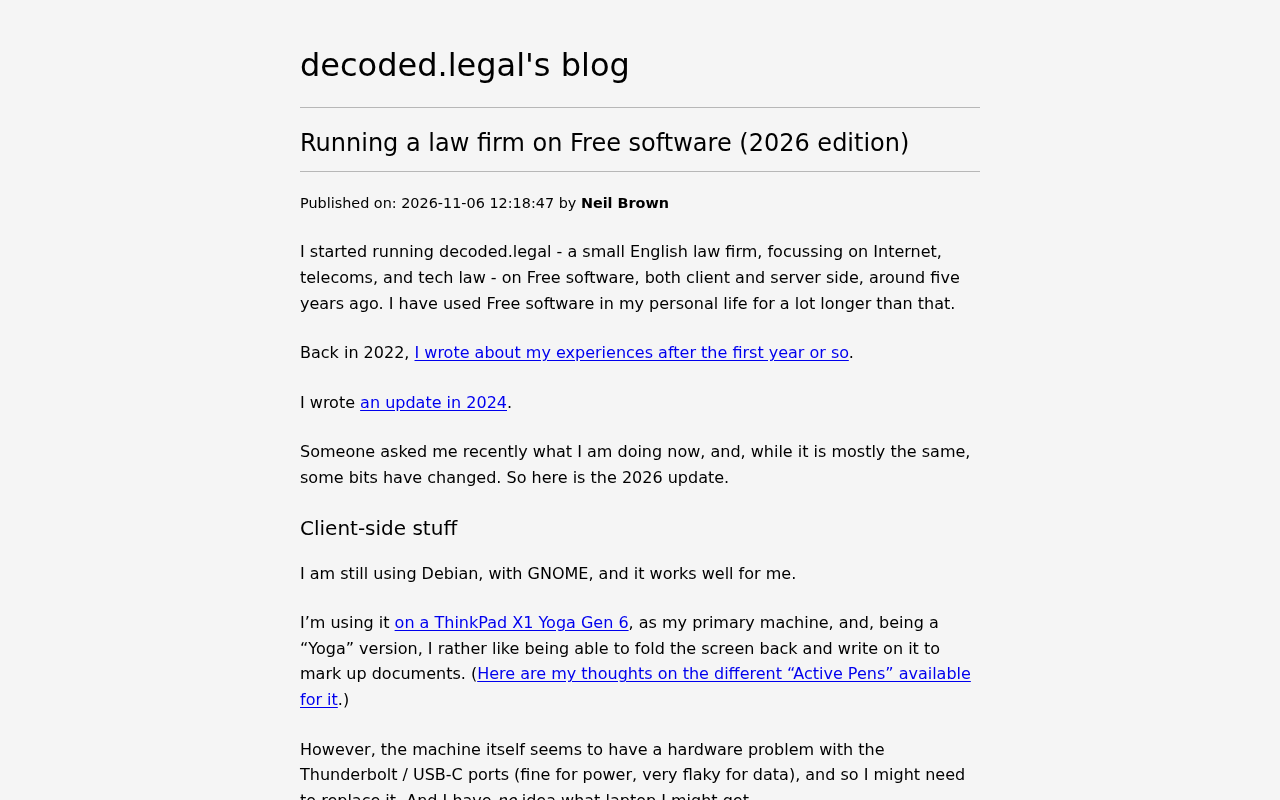
Why a law firm would consider free software
Law firms have two hard requirements for software: the reliability of documents and communications, and the confidentiality obligations around client data. Commercial SaaS usually sells "compliance" as its pitch, but the cost is ever-rising per-seat fees and entrusting sensitive materials to a third party. The value of free software is putting both of these back in your own hands: data lives on servers you control, tools can be reshaped to fit your business processes, and long-term costs don't grow linearly with headcount.
For a small law firm, this logic holds especially well. It doesn't need to buy expensive seats for every legal assistant, and it isn't forced to accept price hikes when a contract expires. The "2026 edition" in the original title suggests this is a continuously updated practice list, meaning the author has run through complete business cycles rather than conducting a one-off technical experiment.
Free Software differs in emphasis from what is commonly called "open source software." Free software emphasizes the four freedoms of running, studying, modifying, and redistributing software, proposed by Richard Stallman in the 1980s and legally guaranteed by licenses such as the GNU General Public License (GPL). It is about who holds control, not merely whether the source code is visible. For institutions like law firms that treat client data as a core asset, free software means being able to audit data processing logic, deploy systems on their own servers, and take over maintenance themselves when a vendor stops supporting a product. Common self-hosted tools in the legal industry include mail servers, document management systems, and case management platforms, most of which use licenses such as GPL, AGPL, or MIT. Note that free software does not mean free of cost: deployment, operations, and customization still require labor investment.
The real barriers in professional services contexts
The friction in adopting free software at a law firm rarely comes from "can it work" but from "who's responsible when something goes wrong." For email, document collaboration, time billing, and case management, commercial products offer a packaged boundary of responsibility; free software transfers the responsibility for integration and maintenance to the user. The activity of 102 comments on HN largely reflects exactly this trade-off: one side argues that self-hosting is the proper stance for professional services, while the other worries that small teams lack operations capability and end up spending the saved subscription fees on troubleshooting.
Another barrier is peer collaboration. When a law firm exchanges files with courts, clients, and opposing counsel, the formats and channels are often determined externally. Free software can cover internal processes, but external interfaces still require compromise. This is also the most valuable part of such practice articles: what they document is not "replacing everything" but which links to insist on controlling and which links to accept interoperability in.
Self-hosting means running software on an organization's own servers or private cloud rather than using vendor-hosted SaaS. It moves responsibility for data storage location, access control, and backup strategy inside the organization. For law firms, the direct benefit of self-hosting is reducing third-party exposure to client materials and not being constrained by vendor seat pricing and contract term changes. The cost is the need for system administration capability: patching, availability monitoring, incident handling, and disaster recovery planning. Small law firms often lack dedicated IT staff, so a common compromise is to concentrate self-hosting on sensitive links like email and file storage while leaving collaboration, billing, and similar links to mature commercial products. Whether self-hosting is more secure depends on operational competence, not on the architecture itself.
Transferable lessons for technical teams
Setting aside the specifics of the legal industry, this approach holds equally well for other professional services teams. The core can be summarized in three points: prioritize self-hosting for the links that carry sensitive data, such as email and document storage; maintain compatibility with external interfaces that demand heavy collaboration and compliance, rather than sacrificing business for purism; and invest part of the saved subscription budget into building operations capability instead of counting it all as profit.
For the original article's specific tool choices and cost comparisons, I recommend reading the full decoded.legal article directly and cross-referencing it with feedback from teams of different sizes in the HN discussion. Free software is not a slogan but an operational choice that requires sustained investment.
Interoperability refers to the ability of different systems to exchange data and work together. In the law firm context, it manifests concretely as whether a system can smoothly connect with court e-filing systems, the Office document formats clients use, and opposing counsel's email and PDF workflows. Free software solutions can be freely chosen internally, but when exchanging files externally they often must follow externally set formats and channels, such as the PDF/A archival standard, encrypted email, or specific e-signature platforms. The key judgment in practice is distinguishing "controllable links" from "interfaces that must compromise": put self-hosting investment into the former and compatibility investment into the latter. Ignoring interoperability and pursuing a purely free software stack usually leads to business friction rather than lower costs.
FAQ
What size of law firm is a free software solution suitable for? From the logic of practice, the smaller and more focused the business, the more obvious the marginal benefit of self-hosting; as scale grows, operations and compliance costs rise and need to be reassessed.
Is client data more secure on self-controlled servers? Self-control reduces third-party exposure, but security depends on the team's own operational competence and cannot simply be equated with being more secure.
Can this approach fully replace commercial legal software? Internal processes can be replaced to a large extent, but external collaboration and specific compliance scenarios usually still require commercial tools as a supplement.
One-line Summary
A law firm moved its daily operations to free software, weighing data self-control, subscription costs, and operational responsibility.
Paragraph Summary
The article discusses one law firm's practice of moving its entire daily operations to free software, based on a decoded.legal practice write-up and an HN discussion with 220 points and 102 comments. There are two core motivations: storing client data on self-controlled servers to reduce third-party exposure, and escaping the pressure of commercial SaaS seat fees that grow linearly with headcount. The friction in adoption lies not mainly in functional availability but in responsibility boundaries and operational capability—free software transfers integration and maintenance responsibility to the user, and small teams may end up spending saved subscription fees on troubleshooting. For external collaboration links, such as exchanging files with courts, clients, and opposing counsel, compatibility with commercial tools and external formats is still required. The transferable lessons are: prioritize self-hosting for sensitive data links, maintain compatibility with heavily collaborative interfaces, and invest part of the saved budget into building operations capability.
Related articles
 Tech Frontiers
MuJoCo: An Analysis of DeepMind's Open-Source General-Purpose Physics Simulator
An in-depth analysis of Google DeepMind's open-source physics simulator MuJoCo: high-performance C++ kernel, MJCF modeling format, contact solving principles, MJX GPU acceleration, and robot reinforcement learning use cases.
 Tech Frontiers
Claude API Quick Start: The Official Quickstarts Project Collection
Anthropic's official claude-quickstarts project collection helps developers quickly build deployable apps with the Claude API. Nearly 20k stars, Python-based, great for beginners and prototyping.
 Tech Frontiers
AI Agents Connecting Directly to APIs: Which Calls Can Be Safely Allowed?
AI agents can call any API, but the real challenge is deciding which calls can be safely allowed. This article analyzes allowance decisions from three dimensions—intent matching, least privilege, and controllable impact—and argues that the control layer should sit outside the agent, combined with audit traceability to build a trustworthy API call governance mechanism.