Local AI Meets Home Assistant: A Practice of Privacy and Risk
Local AI connecting to Home Assistant is proven, but more suitable as assistance than full automation.
Based on Smart Home Solver's video, the article outlines the practice of connecting a fully local AI to Home Assistant. The author compares three connection methods, choosing to connect independent AI via the MCP protocol, with privacy and avoiding cloud lock-in as core motivations. The community MCP version offers over 70 tools but includes delete permissions by default, requiring read-only setup and backup first. In experience, cloud models are clearly stronger in tasks like fixing automations and generating dashboards, while local models need task breakdown and continuous guidance; however, local models shine in log habit analysis and complex sensor entity selection. The author points out that the real cost is time and attention, and local inference also brings heating issues. The conclusion is worth trying but don't rush to full automation.
Title
Local AI Meets Home Assistant: A Practice of Privacy and Risk
Meta Description
Based on Smart Home Solver's practice, this article explains how to connect local AI to Home Assistant via MCP, covering differences between official and community tools, cloud vs. local model performance, security risks and time costs, and offers privacy-first recommendations for implementing AI in smart homes.
Article Content
Connecting a large model to a smart home hub sounds like the opening of a sci-fi film. This video from Smart Home Solver gives a rather pragmatic answer: it's technically proven, but still far from "worry-free." The author connects a fully local AI to Home Assistant, protecting privacy while also hitting quite a few pitfalls.
Why Local AI Instead of Cloud?
The video categorizes connection methods into three types: voice assistants with AI (limited capabilities), running apps within Home Assistant (currently only via cloud), and independent AI connecting through standard protocols. The author chose the third path, with privacy as the core motivation—home data never leaves the house.
But the author's caution about the cloud goes beyond data leaks. He's more concerned about dependency: if daily dashboards and automations are all generated by cloud AI, and users don't understand how it works, then once the service raises prices or shuts down, maintenance costs will rapidly escalate. According to his statement, this "lock-in" risk is more insidious than data outflow.
Home Assistant is an open-source home automation platform with local-first as its core feature: all device control and automation logic run by default on a local server (such as a Raspberry Pi or mini PC), independent of vendor clouds. For this reason, putting AI locally naturally aligns with its design philosophy, giving users full control over data and rules. Conversely, if AI inference is placed in the cloud, although model capabilities are stronger, every interaction requires sending home status, logs, and even camera footage externally, and responsiveness depends on network stability. Understanding this architectural premise is necessary to understand why the author views "independent AI connecting through standard protocols" as the most balanced third path.
MCP: The Standard for AI to Talk to Home Assistant
The key to connection is Model Context Protocol (MCP), an open standard for AI to communicate with external applications. Home Assistant has built-in support, but in practice there are two versions: the official integration provides about seven tools with restrained capabilities; the community version offers over seventy tools and is also easier to connect—just copy and paste the URL, whereas the official version requires manual configuration of a long-lived access token.
With greater capability comes greater risk. The community MCP version has delete permissions by default; the author's exact words are "a few keystrokes can blow up my entire Home Assistant instance." His advice is direct: set to read-only initially, back up before granting write permissions.
The Experience Gap Between Cloud and Local Models
The author tested the cloud connection with Claude Desktop, and the tool list appeared immediately, with a smooth process. Switching to local required downloading models via Ollama. He chose the 26B version of Gemma 4, running on a 36GB RAM MacBook Pro, and specifically mentioned that the MLX version is faster on Apple Silicon.
In actual tasks, the gap is obvious: fixing broken automations and generating dashboards—cloud models perform more reliably; local models are "like Dobby the house-elf"—well-meaning but needing guidance. The author's approach is to break down tasks completed by cloud models into instructions to teach the local model, and use a Markdown file to record Home Assistant-related knowledge so the model gradually builds context.
MCP (Model Context Protocol) was proposed by Anthropic at the end of 2024. It's essentially a JSON-RPC-based client-server protocol: AI applications act as clients, external tools or data sources act as servers, and both parties exchange capabilities through standardized "tool list" and "invocation" messages. It solves the fragmentation problem where previously each AI integration required a separate adapter—as long as the tool side implements an MCP server, any model supporting the protocol can plug and play. In the Home Assistant scenario, the MCP server wraps entity queries, service calls, automation read/write, and other capabilities into "tools," and the model selects which to call based on the task. This is why "number of tools" in the article directly corresponds to "what AI can do."
The Ollama mentioned in the article is an open-source local large model runtime framework responsible for model download, loading, and inference scheduling, and provides services externally through an OpenAI-compatible API. MLX is Apple's machine learning array framework for Apple Silicon chips, which can fully utilize the unified memory architecture, allowing model weights to reside directly in memory and be efficiently computed by the GPU, thus typically faster on Mac than general backends. Gemma is an open-source model series released by Google; 26B means approximately 26 billion parameters, which after quantization still requires ten to twenty-plus GB of memory. This also explains why the author emphasizes a 36GB RAM MacBook Pro—the first barrier to local inference is often not compute power but memory capacity.
What Local AI Can Do in Smart Homes
The author demonstrated several practical scenarios. First, troubleshooting and repair: AI can identify failed automations and directly rewrite them; one broken automation was actually generated by another AI. Second, generating dashboards, with results "good but not excellent"; he reminds to use YAML rather than HTML/CSS for subsequent drag-and-drop adjustments.
What excited him most was habit analysis: AI reads logs and discovers that lights and fans are always manually turned on around computer startup, then suggests automation. This is exactly his ideal form of "smart home evolving itself," but it's still a work in progress.
For complex automation writing, the local model performed beyond expectations. He used a millimeter-wave sensor with multiple entities, and the AI selected the correct target entity on the first try.
The Underestimated Cost: Time and Attention
The author admits that the "danger" of local AI isn't at the security level but in time. Debugging and training models is extremely draining; he describes it as a "bottomless rabbit hole," even encroaching on time with family. At the hardware level, local inference makes computer fans run at full speed; he simply uses an iPad via SSH for remote operation to avoid working next to the machine.
The video is sponsored by Ugreen, whose home agent is positioned as an out-of-the-box local AI box, integrating home photo retrieval, face and package recognition for third-party cameras, Matter device control, and voice interaction. Such products indicate that the barrier to local AI is being lowered by hardware vendors, but for users willing to get hands-on, self-built solutions are still more flexible.
Conclusion: Worth Trying, But Don't Rush to Full Automation
The author's judgment is clear-headed: the possibilities of AI connecting to Home Assistant are almost infinite; some even have AI write custom integrations on the spot to fill in missing features. But at this stage, it's more suitable as an auxiliary tool rather than hands-off autopilot. Users need to weigh privacy, cost, and maintainability themselves.
For those who want to try, the path is clear: enable MCP, start read-only, back up, learn ideas from cloud models, then implement with local models. The rest is to control yourself from falling into the rabbit hole.
One-line Summary
Local AI connecting to Home Assistant is proven, but more suitable as assistance than full automation.
Paragraph Summary
Based on Smart Home Solver's video, the article outlines the practice of connecting a fully local AI to Home Assistant. The author compares three connection methods, choosing to connect independent AI via the MCP protocol, with privacy and avoiding cloud lock-in as core motivations. The community MCP version offers over 70 tools but includes delete permissions by default, requiring read-only setup and backup first. In experience, cloud models are clearly stronger in tasks like fixing automations and generating dashboards, while local models need task breakdown and continuous guidance; however, local models shine in log habit analysis and complex sensor entity selection. The author points out that the real cost is time and attention, and local inference also brings heating issues. The conclusion is worth trying but don't rush to full automation.
Related articles

Why Does Self-Play AI Always Get Crushed by Cheap Units? An RTS Developer's Account of the Dilemma
An independent developer trained an RTS commander AI with pure self-play, only to find it dominated historical versions but was crushed by human players using cheap tier-1 units. This article analyzes the causes of self-play strategy collapse, explores solutions such as exploiters, diversity rewards, and reward design, and introduces the open Bot Kit and AI league plan.
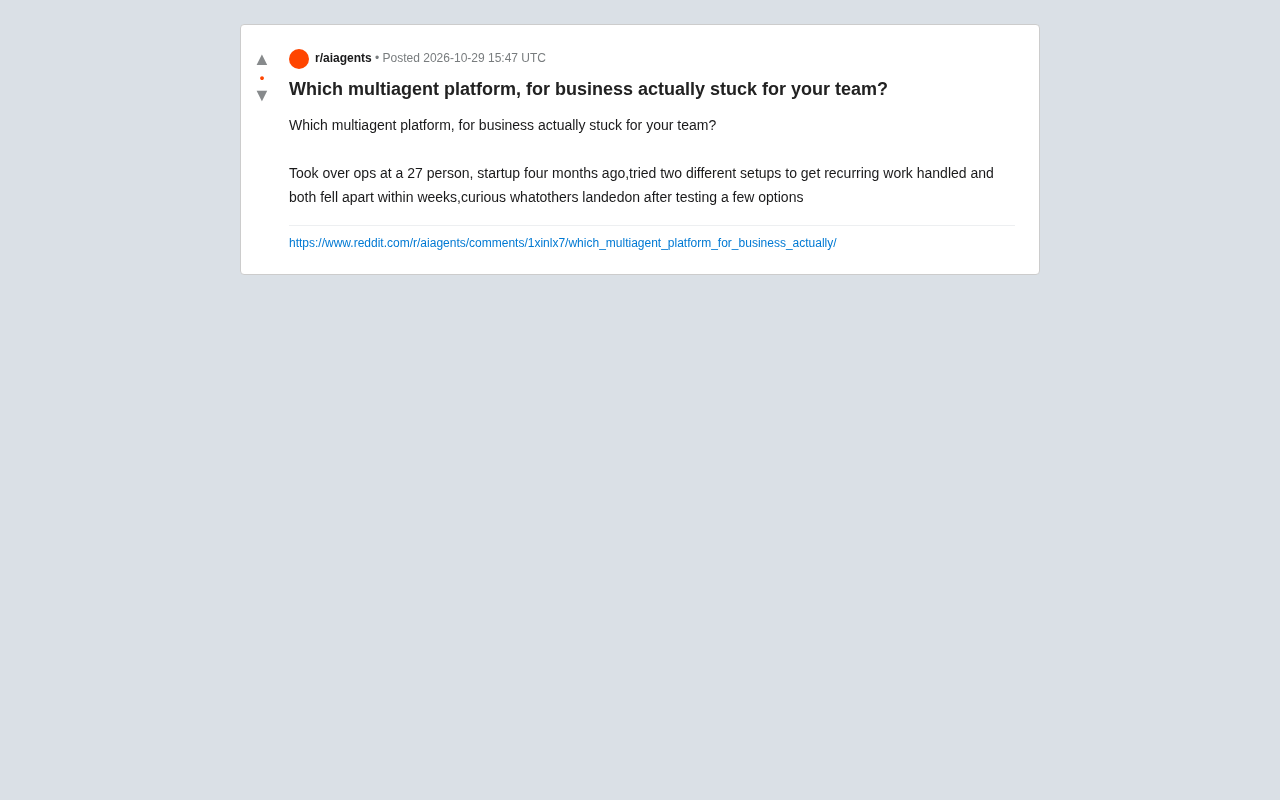
Which Multi-Agent Platform Wins? A Small Team's Battle Scars and Selection Considerations
A 27-person startup's ops lead tried two multi-agent platforms in four months and both failed. This article analyzes why small-team deployments break down, and offers selection guidance on integration depth, observability, and progressive rollout.

Thrive Holdings Takes ADT Private in $7.6 Billion Deal
Thrive Holdings acquires ADT for $7.6 billion in an all-cash take-private deal expected to close in Q1 2027. Analysis of the deal structure, ADT's asset value, and impact on the smart home security industry.