MiniMax H3 Local Deployment Guide: AI Video Generation on 6GB VRAM

Run MiniMax H3 locally on 6GB VRAM with a dual-pass ComfyUI workflow that fixes wide-shot quality and cuts re-roll time.
This article covers a ComfyUI-based local integration workflow for MiniMax H3 AI video generation, requiring as little as 6GB VRAM. The pack supports text-to-video, first/last frame, and reference image pipelines, and bundles Flux image generation, RIFE frame interpolation, and CDVR upscaling. Its core innovation is a dual-sampling strategy — a fast low-res first pass for quick preview, followed by a high-quality second pass — solving both wide-shot facial collapse and excessive re-roll costs. Tests show the two-pass approach is often faster than single high-res generation, with denoising step count as the key quality-vs-speed trade-off.
Since MiniMax H3 launched, AI video generation has been gaining serious momentum, with a wave of acceleration plugins and integrated workflows emerging around it. Compared to paid online services that charge per generation, running MiniMax H3 locally is both free and unlimited — as long as your GPU meets the VRAM threshold, everyday users can get solid results on consumer-grade hardware at home. This article breaks down the core logic and key parameters of a ComfyUI integration pack shared by a Bilibili creator.
A Complete AI Video Creation Integration Pack
This isn't just a model and some nodes stuffed into a zip file — it's a fully assembled ComfyUI AI video creation pipeline built around MiniMax H3. The integration pack covers three core capabilities: text-to-video, first/last frame video generation, and reference image video generation, handling everything from generating footage from scratch to working from keyframes.
Beyond video generation itself, the pack bundles commonly used pre- and post-production steps: Flux-based image generation and editing, inpainting for asset creation, plus RIFE video frame interpolation and CDVR upscaling for final output polish. In other words, the entire pipeline — from creating character and scene assets, to video generation, image enhancement, and HD output — comes pre-assembled. Users don't need to wire up nodes from scratch.
The VRAM requirements are surprisingly accessible, with a minimum of just 6GB. Users with 3060 cards running 8GB or 12GB can adapt by lowering resolution and reducing clip length.
ComfyUI is an open-source AI generation interface built on a node graph system, where users construct generation pipelines by visually connecting functional nodes. It's more flexible than interfaces like A1111 (Automatic1111) but has a slightly steeper learning curve. RIFE (Real-Time Intermediate Flow Estimation) is an optical flow–based video frame interpolation algorithm that can boost a video's frame rate from 24fps to 48fps or higher, resulting in smoother motion. CDVR (typically referring to Clarity AI or similar diffusion-based super-resolution algorithms) is a diffusion model–powered video upscaling solution that adds texture detail during upscaling rather than simply stretching pixels, unlike traditional bilinear interpolation. These two post-processing modules together determine the ceiling of your final output quality — and represent a key value-add of this integration pack over running the model bare.
Why Build a "Two-Pass Sampling" Workflow
The most fundamental design principle of this workflow is "dual sampling" (Pass 1 + Pass 2), and the creator offers two clear reasons for it.
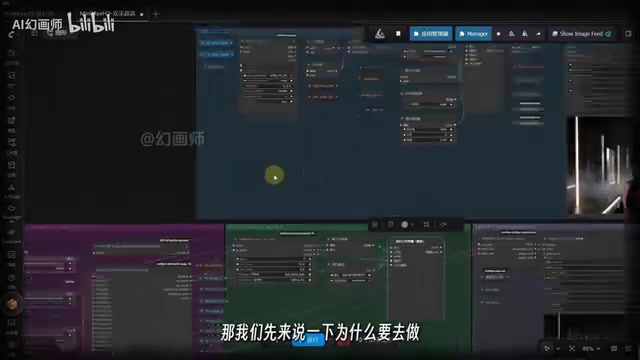
The first reason is image quality. At lower resolutions, MiniMax H3 tends to break down in wide shots — once a character moves far from the camera, facial structure falls apart. The second sampling pass addresses this by applying HD upscaling on top of the first-pass result. The creator's before/after comparison makes this clear: in single-pass output, the distant character's face has completely collapsed, while the two-pass version maintains relatively coherent facial structure.
The second reason is reducing the cost of "re-rolling." If you go straight to a single-pass generation at 800K pixels, one clip might take 15–20 minutes — and if the result isn't usable, that time is simply wasted. The dual-sampling approach lets you first run a quick low-resolution Pass 1 to preview the general result within a few minutes, then decide whether it's worth proceeding to high-quality upscaling. This dramatically cuts down trial-and-error time.
"Re-rolling" is common slang in the AI generation community, borrowed from gacha mechanics — the same prompt and parameters can produce wildly different results each run, so users often generate repeatedly to "pull" a satisfying output. In video generation, where a single run can take 15+ minutes, the cost of re-rolling is far higher than with image generation. The dual-sampling strategy is fundamentally a form of progressive quality filtering: use a cheap, coarse-grained pass for human review, then commit full compute only after approval — conceptually similar to the "Fail Fast" principle in software engineering. Denoising steps refer to the number of iterative denoising passes in the diffusion model's sampling process. More steps give the model more opportunities to refine details, but each step requires a full forward pass, so higher step counts increase compute time linearly.
Single-Pass vs. Two-Pass: Timing Comparison
The creator ran tests with identical assets and prompts — and the results are somewhat counterintuitive: the two-pass workflow is actually faster overall than single-pass direct output.
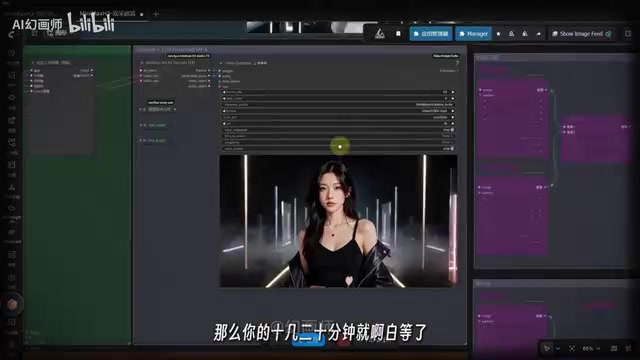
In single-pass testing at 800K pixels, the first run clocked in at over 1,600 seconds — the creator attributed this to an environment variable anomaly — with subsequent runs stabilizing at 865 and 1,153 seconds. The two-pass workflow under the same conditions turned out to be more consistent and faster overall.
The real factor affecting two-pass timing is the denoising step count in the second pass. Higher step counts improve clarity in the second pass, but increase time accordingly. The creator's tests showed that two steps took roughly 700+ seconds, while bumping to three steps pushed that to 1,000+ seconds — longer, but with noticeably better output quality.
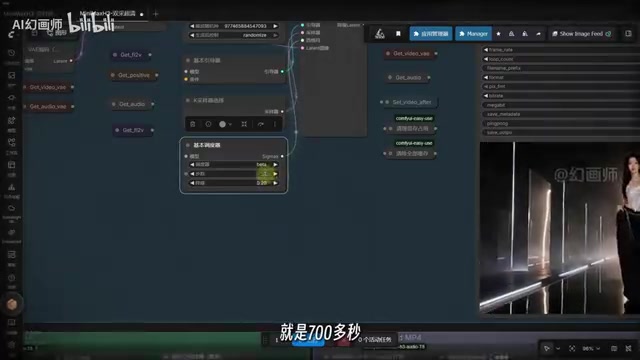
This reveals a core trade-off: more steps equals higher clarity, but longer wait times. Users can tune this based on their own priorities around quality and speed. Overall, based on the creator's testing, the two-pass approach not only tends to be faster — it also consistently produces better image quality than single-pass direct output.
How to Use the Workflow: User Control Panel Explained
The vast majority of operations are concentrated in the "user control panel," keeping the barrier to entry low.
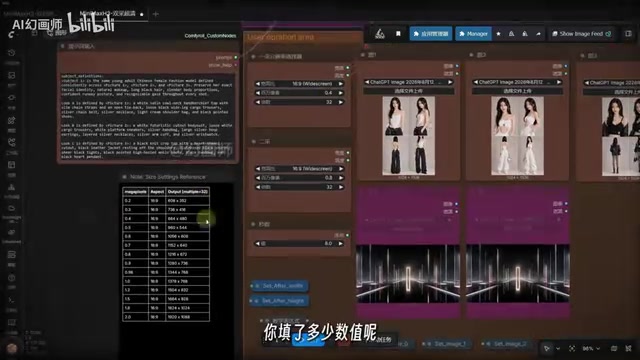
Prompt input: The first input field is where you enter your prompt. If writing prompts isn't your strong suit, you can have a large language model like Doubao or DeepSeekAd generate one for you.
Resolution selector: Pass 1 and Pass 2 each have their own resolution selectors, accompanied by a reference table — enter a value to target the corresponding output resolution. Users with lower VRAM are advised to reduce the value and shorten clip duration accordingly.
Asset upload nodes: The creator pre-built five reference image upload nodes, two video upload nodes, and one audio upload node. Enable the ones you need with Ctrl+B; select and disable unused ones with Ctrl+B as well — flexible, on-demand activation.
Step count (denoising steps) node: If your video includes medium shots, wide shots, or characters whose facial structure needs to hold up, increase the step count accordingly. If facial degradation isn't a concern, lower the step count to speed up generation.
Closing Thoughts
The greatest value of this MiniMax H3 integration workflow lies in packaging the scattered components of AI video creation into a single operable pipeline, while using the dual-sampling strategy to simultaneously address two pain points: wide-shot facial collapse and high re-rolling costs. For users with limited VRAM who want to experiment with open-source video models locally and for free, this is a genuinely worthwhile solution. One caveat: the timing figures cited here come from the creator's single-environment tests — actual results will vary depending on hardware and parameters, so treat your own benchmarks as the reference.
MiniMax H3 is an open-source video generation model released by MiniMax, built on the diffusion model paradigm. It supports multiple conditioning inputs including text, images, and first/last frames, and has attracted attention in the open-source community for its relatively low VRAM requirements and strong motion quality. Compared to contemporaries like Wan2.1 and HunyuanVideo, H3 has its own strengths in motion range and wide-shot stability. The community continues to produce adapters and workflow optimizations around it. The dual-sampling integration pack introduced in this article is a prime example of how this ecosystem addresses local, consumer-hardware deployment scenarios.
Related articles
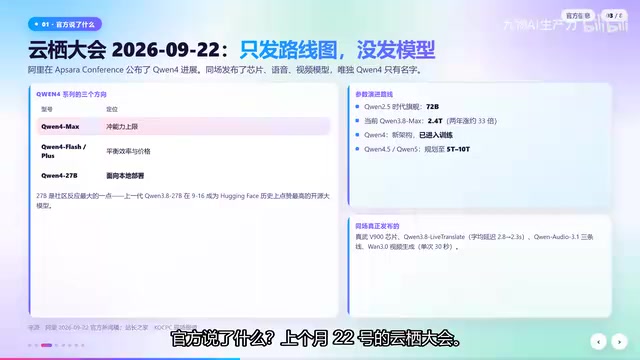
Qwen4 Architecture Preview Open-Sourced: 125B Parameters, 512 Experts, Designed for VRAM-Constrained Hardware
Qwen4 isn't released yet, but its architecture is previewed via open-source Qwen3.8 Flash Next: 125B params, 6B activated per token, 512 experts, 262K context, built for VRAM-limited hardware. This article covers official confirmations, key config.json metrics, and local deployment tests on 24G memory.
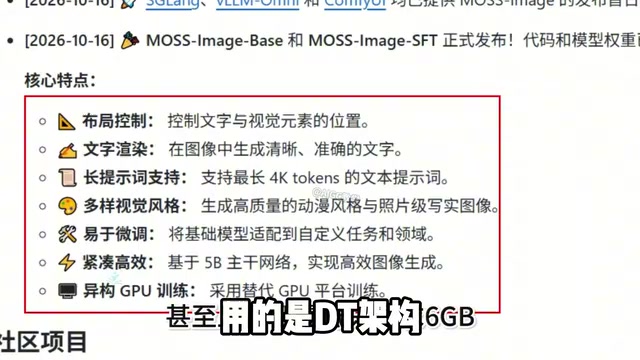
Run 8K Images on 6GB VRAM! Hands-On Test of Fudan's Open-Source MOSS-Image Model
Fudan OpenMouse team and Shanghai MOSS Intelligence open-source MOSS-Image, a 500M-parameter DT architecture text-to-image model that runs locally on 6GB VRAM with precise text rendering, structured layout control, and 4K Token prompt support—ideal for e-commerce posters and local deployment by individual creators.
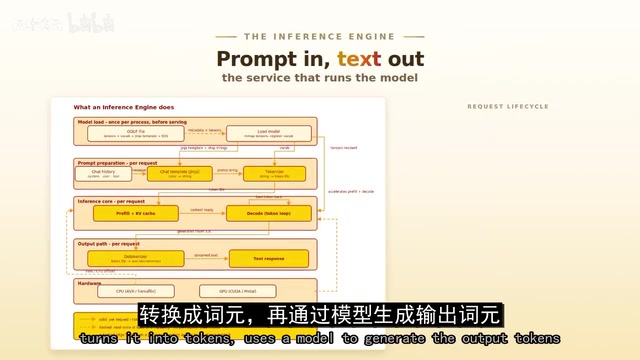
Overseas Blogger Tests Local Deployment of 100B-Parameter MoE Model: Key Lessons on Quantization and Tool Calling
Overseas blogger tests local deployment of Alibaba's Qwen 3.8 Flash Next 100B MoE model on a Strix Halo mini PC and CUDA workstation, revealing how quantization precision affects tool-calling success and the real-world performance of the Strata and GUFO inference engines.