New Vercel CLI Feature: Automatically Set Project Expiration on Deploy

Vercel CLI now lets you set a project expiration time at deploy time, with automatic deletion on expiry.
Vercel introduced project expiration management to its CLI tool, allowing developers to preset an expiration time with the `--delete-project-after` parameter when deploying a new project; the project is then automatically deleted on expiry without manual cleanup. Supported durations include 1h, 1d, 1w, 2w, and 30d, and the CLI prints the exact expiration date after a successful deployment. This parameter only applies to newly created projects; using it on an existing project outputs a warning and does not change its lifecycle, avoiding accidental changes to production projects. To cancel an expiration setting, use the `vercel project keep` command to mark the project as permanently retained. This feature is suitable for short-term scenarios such as prototype validation, temporary demos, and automated testing, and requires CLI version v65.12.0 or higher.
Vercel recently introduced a practical new feature to its CLI tool: developers can now set an expiration time directly when deploying a new project, and the project will be automatically deleted upon expiry without manual cleanup. This update aims to simplify temporary resource management for prototypes, demos, and test apps, reducing the clutter caused by leftover projects.
How to Set Project Expiration
Using the latest version of the Vercel CLI, simply add the --delete-project-after parameter with a duration when running the vercel deploy command. For example, the following command creates a new project that will be automatically deleted after one day:
vercel deploy --delete-project-after 1d
The CLI supports durations including 1h, 1d, 1w, 2w, and 30d, covering common temporary needs ranging from hours to months. After a successful deployment, the command line prints the project's specific expiration date and time for easy confirmation.
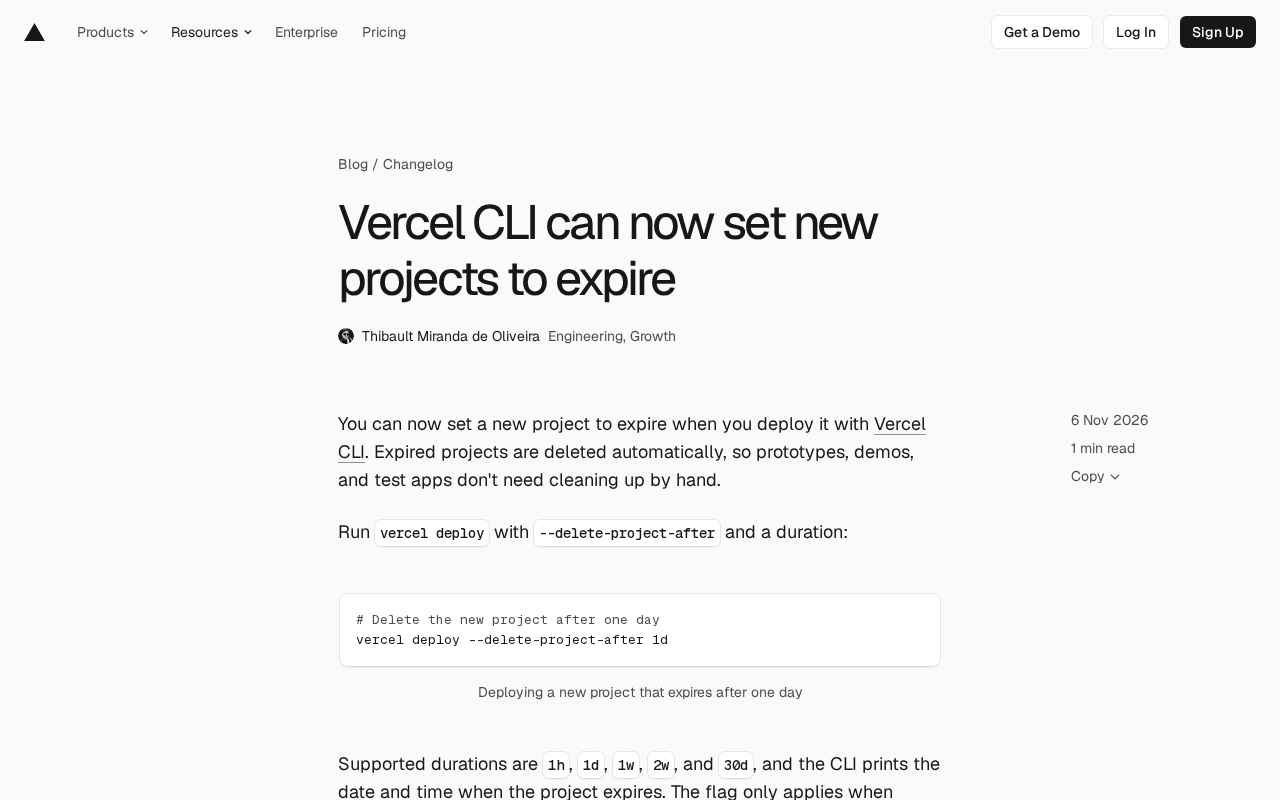
This feature only applies to newly created projects. If you use the parameter on an existing project, the project's expiration time will not change, and the CLI will output a warning. This design avoids accidentally modifying the lifecycle of production projects.
Vercel CLI (command-line interface) is a development tool provided by Vercel that allows developers to deploy, manage projects, and view logs directly from the terminal without relying on the web console. It is commonly used in local development and CI/CD workflows, and vercel deploy is one of its core commands, responsible for uploading local code and building it into an accessible online project. Understanding where the CLI fits in the Vercel workflow helps clarify why moving project lifecycle management earlier into the deploy command can significantly reduce manual operations.
Managing Project Expiration Status
If you need to cancel a project's expiration setting, you can use the vercel project keep command. For example:
vercel project keep my-project
This command marks the project as permanently retained, removing the scheduled automatic deletion. This gives developers flexible control, allowing them to adjust promptly when a project transitions from a prototype to formal use.
Use Cases and Version Requirements
This feature is particularly well-suited for fast-iterating development workflows. Prototype validation, temporary demo environments, and automated test apps often only need to exist for a short time, and manual cleanup is not only tedious but also easy to overlook. By presetting an expiration time at deploy time, teams can ensure resources are released on schedule and reduce management burden.
To use this feature, you need to update the Vercel CLI to v65.12.0 or higher. For more details, refer to the official documentation for vercel deploy.
This update from Vercel reflects its continued optimization of developer workflows by moving resource lifecycle management earlier into the deployment step, and it is expected to become a standard practice for temporary project management.
In Vercel, a "Project" is the basic unit of code deployment, associated with resources such as Git repositories, build configurations, environment variables, and domains. Each project can contain multiple deployments, representing the output of a particular build. The project itself continues to consume storage and configuration resources and may be bound to a domain, so long-abandoned projects can accumulate management burden. Automatic expiration deletion targets the project level rather than individual deployments, which also explains why this parameter only takes effect for newly created projects—once a project exists, its lifecycle may already be referenced by other deployments or domains, and modifying it rashly carries risk.
Related articles

Reason Machines Open-Sources Aspen: A Git Server Built for AI Agents
Reason Machines open-sources Aspen, a self-hosted Git server for AI Agents built on OpenAI's Pando design, sustaining 567 pushes/sec on a single 8-core server.
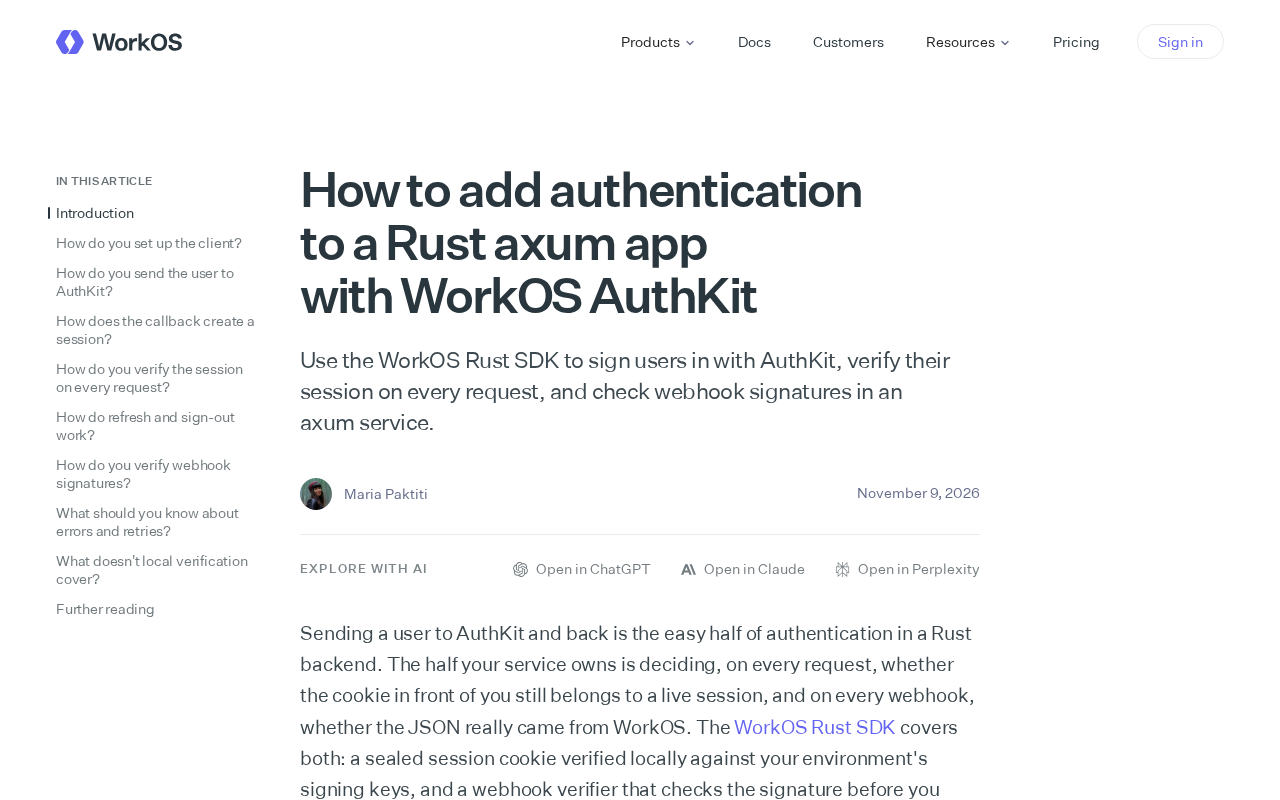
Integrating WorkOS AuthKit Authentication in Rust axum: A Practical Guide
Based on WorkOS's official blog, this article explains how to integrate WorkOS AuthKit into a Rust axum app: use the Rust SDK for login, validate user sessions on every request, and verify webhook signatures, with integration insights and practical tips.
 Tech Frontiers
Pushing the Limits of Extreme Sudoku on a 16GB GPU: Insights from Depth and Flow Matching
A researcher trained a 16.54M-parameter model on a 16GB GPU to solve extreme Sudoku, finding effective depth breaks the 60% plateau and flow matching with improved sampling pushes accuracy past 99% with ~50× lower layer-evaluation budget.