NotchIsland: The Open-Source Tool That Turns Your MacBook Notch into a Dynamic Island
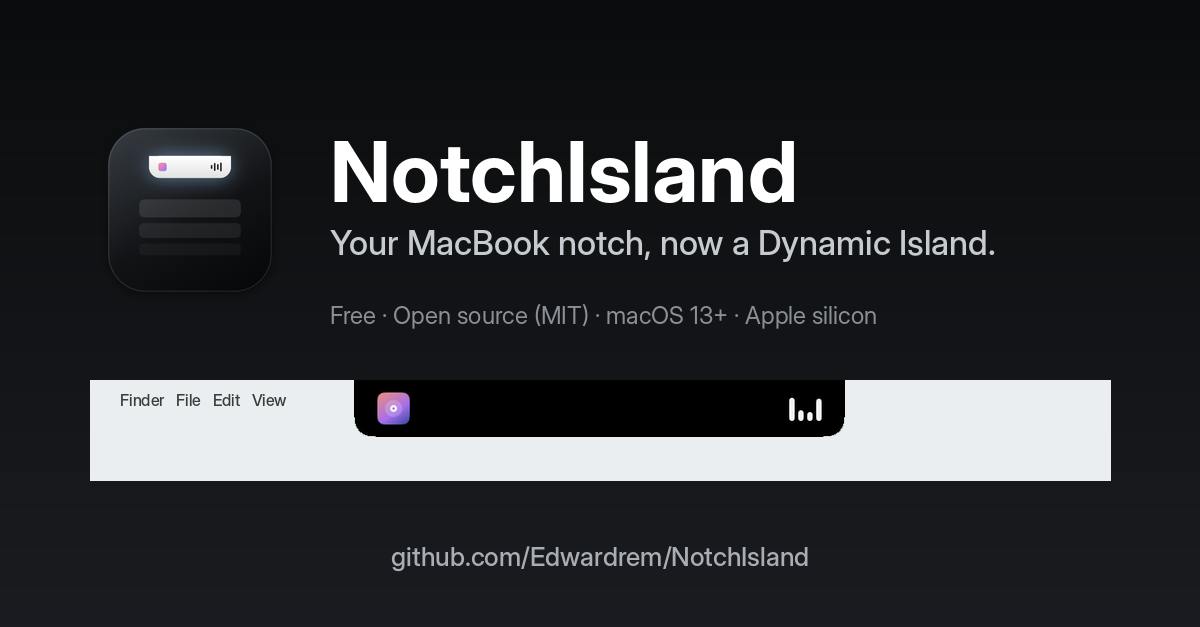
NotchIsland is a free, open-source macOS app that turns the MacBook notch into a Dynamic Island-like information and productivity hub.
Created by independent developer Rufaro Edward Mutepfa, NotchIsland is a free, open-source macOS app that turns the MacBook notch into an iPhone Dynamic Island-style interface. It dynamically displays active tasks like music, timers, AirPods battery, downloads, and notifications, and offers a panel with quick toggles, timers, meeting join, a file shelf, and clipboard history, plus an Option-Space launcher. MIT licensed, macOS 13+, 80 upvotes on Product Hunt.
The MacBook's notch display has always been a controversial design—some find it obtrusive, others consider it useless. But developer Rufaro Edward Mutepfa offers a third answer: turn it into an information hub. NotchIsland is a free, open-source macOS app that transforms the notch area into an interactive interface similar to the iPhone's Dynamic Island, bringing the previously "wasted" space to life.
From Notch to Dynamic Island: Form and Interaction
The core logic of NotchIsland is straightforward: when there's an active task (music playing, a timer, AirPods battery, download progress, notifications), the notch area expands into a pure black surface that grows dynamically like a Dynamic Island; it disappears automatically when the task ends. Hovering shows detailed readouts, and clicking expands a "mask" panel.
This panel integrates quick toggles, timers, the next meeting (with a join button), a file shelf, and clipboard history. In other words, it compresses features that are otherwise scattered across the menu bar and Notification Center into the notch, the visual focal point.
Dynamic Island is an interaction design Apple introduced on the iPhone 14 Pro series: it turns the pill-shaped cutout at the top of the screen into a black capsule that can dynamically expand, used to display background activities (such as music playback, timers, and calls) and support tap-to-expand actions. Its essence lies in turning a hardware cutout from a visual flaw into a focal point for information and interaction, using fluid morphing and animation to reduce the sense of content obstruction. NotchIsland borrows exactly this idea, but the macOS notch is a fixed indentation at the top center of the screen, differing from the iPhone's cutout in form and system integration, so the motion effects, trigger logic, and panel layout need to be redesigned for the desktop environment.
Efficiency Tool Integration: More Than Just Looks
NotchIsland doesn't stop at "showing off." The Option-Space shortcut summons a launcher that supports app search, a calculator, and unit conversion—essentially embedding a lightweight Spotlight alternative at the system level. The file shelf and clipboard history address pain points where macOS lacks native functionality, especially clipboard history, which will feel familiar to users who have long relied on third-party tools.
From a product design perspective, NotchIsland tries to turn the notch from a "hardware flaw" into a "software advantage." It doesn't try to hide the notch; instead, it uses its position and shape to create a new interaction paradigm.
Clipboard history is a feature long missing from native macOS: by default, the system only keeps the most recently copied content and cannot retrieve previous text, images, or files. Third-party tools (such as Paste and Maccy) monitor clipboard changes in the background, persistently store history, and support search, pinning, and quick pasting. NotchIsland integrates this feature into the notch panel, meaning users can access multiple clipboard items without switching apps. Note that clipboard history involves sensitive information, so an open-source app must ensure data is stored only locally and provide a clearing mechanism—this is especially important for privacy-conscious users.
Open Source and Compatibility
NotchIsland is open source under the MIT license, completely free, and requires macOS 13 or later. This means users can review the code, compile it themselves, and even build on it. For Mac users who care about privacy or enjoy tinkering, open source is a plus.
On Product Hunt, NotchIsland received 80 upvotes, ranking 7th for the day in the Mac, open source, GitHub, and menu bar app categories. While the vote count isn't explosive, considering it addresses a niche need and comes from an independent developer, this result reflects the community's recognition of practical open-source tools.
Reasons to Watch and Potential Limitations
NotchIsland's highlights are "free + open source + feature aggregation." It packs multiple small tools into a visually coherent interface, reducing menu bar clutter. But such apps also face challenges: interacting with the notch area may interfere with full-screen apps, and whether the Dynamic Island design feels natural enough on macOS requires hands-on verification.
Additionally, as an app that depends on the system notch position, its performance on non-notch Macs (such as some MacBook Air models) may be limited. The developer needs to continuously adapt to different screen layouts.
Overall, NotchIsland offers Mac users an interesting option: if you're tired of the notch's existence, why not make it useful? Open source and free lower the barrier to trying it, making it worth a look for users interested in macOS productivity tools.
One-line Summary
NotchIsland is a free, open-source macOS app that turns the MacBook notch into a Dynamic Island-like information and productivity hub.
Paragraph Summary
Created by independent developer Rufaro Edward Mutepfa, NotchIsland is a free, open-source macOS app that transforms the MacBook notch area into an interactive interface similar to the iPhone's Dynamic Island. When there's an active task (music, timers, AirPods battery, download progress, notifications), the notch expands into a pure black surface to dynamically display information, disappearing automatically when the task ends; hovering reveals details, and clicking expands a panel integrating quick toggles, timers, meeting join, a file shelf, and clipboard history. The Option-Space shortcut also summons a launcher supporting app search, a calculator, and unit conversion. The app is open source under the MIT license, requires macOS 13+, and received 80 upvotes on Product Hunt, ranking 7th for the day. It turns the notch from a hardware flaw into a software advantage, but potential limitations such as interference with full-screen apps and compatibility with non-notch displays should be noted.
Related articles
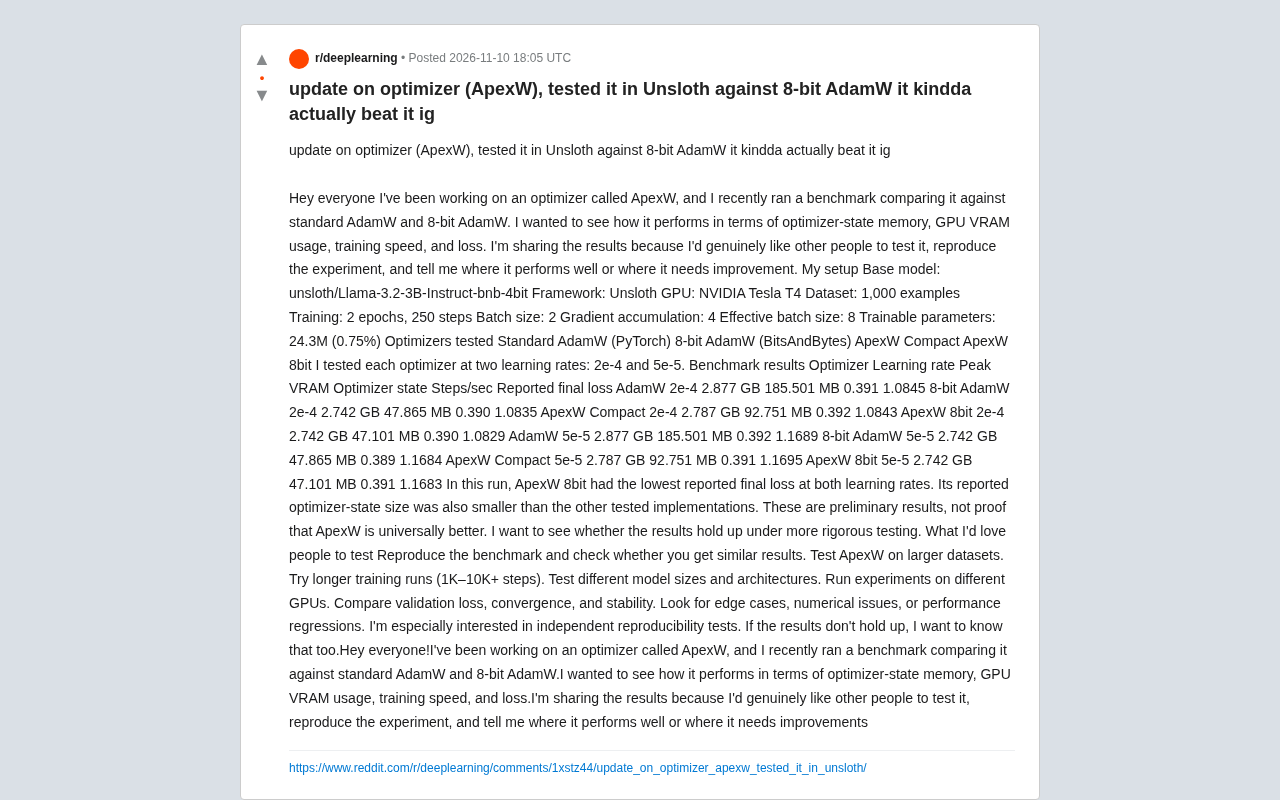
ApexW Optimizer Benchmark: Matches 8-bit AdamW in Unsloth with Lower Memory Usage
Developer shares benchmark of ApexW optimizer in Unsloth: ApexW 8bit has lower optimizer state memory (47.101 MB) and slightly better final loss than 8-bit AdamW, but similar speed. Needs independent reproduction.

US Computer Science Enrollment Drops 12.4% — Is CS Still Worth Studying?
CS enrollment fell 12.4% while health majors grew 6.2%. A CS master's grad explains why the degree's real value isn't coding but systems thinking.
Training 15+ Models on Your Own Data to Predict Blood Glucose: A Personal Health Data Modeling Case Study
A Reddit user trained 15+ machine learning models on personal blood glucose and metabolic data, revealing the technical challenges, overfitting risks, and implications for personal AI health apps.