The Complete Ollama Guide: Deploy Large Language Models Locally with a Single Command

Ollama lets developers run open-source LLMs locally with a single command — low cost, private, and fully customizable.
Ollama is a local LLM management platform designed to eliminate the cost, privacy, and customization limitations of hosted AI services. It abstracts away model downloads, dependency setup, and resource scheduling, working out of the box on macOS, Windows, Linux, and Docker. Key strengths include intelligent GPU/CPU switching, an OpenAI-compatible REST API for near-zero-effort migration, and access to hundreds of pretrained models via Ollama Hub — from general chat to code generation and multimodal understanding.
In the age of large AI models, online services like ChatGPT, DeepSeek, and others are powerful — but API calls typically come with per-token pricing, and data privacy is hard to guarantee. For developers who want to run open-source models locally, Ollama offers a simple and efficient solution: download, configure, and run a large model with just one command.
Why Run Large Models Locally?
Using hosted LLM services comes with some clear pain points:
- Cost pressure: API-based model access is billed per token. While services like DeepSeekAd are relatively affordable, heavy usage over time still adds up.
- Data security risks: Uploading internal knowledge bases or sensitive data to third-party platforms carries leakage risks — a serious concern for industries with strict compliance requirements.
- Limited customization: Hosted services make it difficult to fine-tune models for specific domains, and you have little control over model behavior.
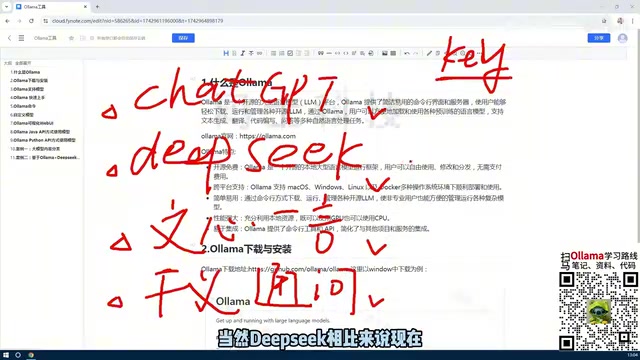
Local deployment of open-source models effectively sidesteps these issues. Leading models like DeepSeek and Llama are open-source and theoretically self-hostable. But traditional deployment requires setting up complex GPU environments and managing messy dependencies — the technical barrier is high. Ollama changes all of that, making local LLM deployment as simple as installing any ordinary application.
Ollama's Core Features
At its heart, Ollama is a large model management platform that abstracts away the download, deployment, runtime, and API layers. Developers don't need to worry about the underlying implementation — a few simple commands handle everything.
Unified Model Management Interface
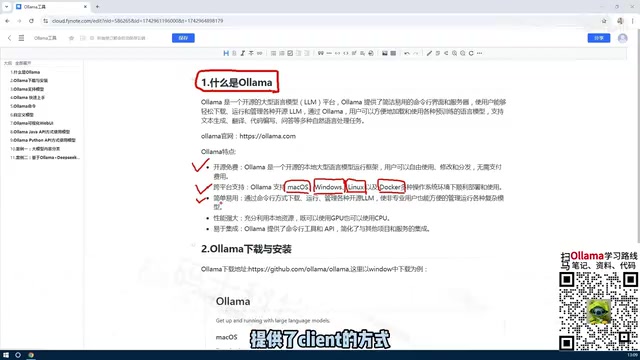
Ollama offers two interaction modes: a command-line interface (CLI) and a Web UI.
- The CLI is ideal for developers who want fast operations — model downloads, switching, and deletion are all supported.
- The Web UI provides a more intuitive visual interface for less technical users.
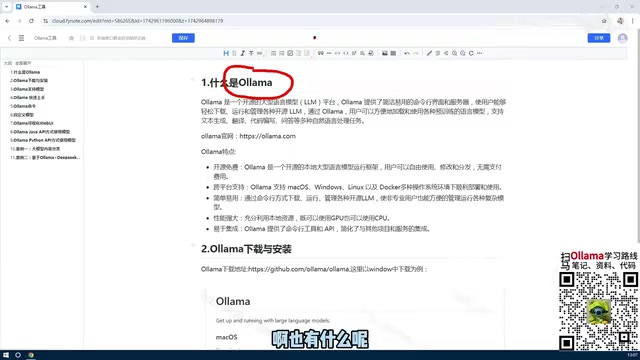
Through Ollama Hub, users can browse hundreds of pretrained models spanning text generation, code completion, multimodal understanding, and more. For example, pulling and running DeepSeek takes just one command:
ollama run deepseek-r1
Intelligent Resource Scheduling
One of Ollama's standout strengths is its resource management. Traditional LLM deployment heavily depends on GPUs — without a high-end graphics card, running these models is nearly impossible. Ollama breaks through that barrier by automatically selecting GPU acceleration or CPU-only mode based on the available hardware.
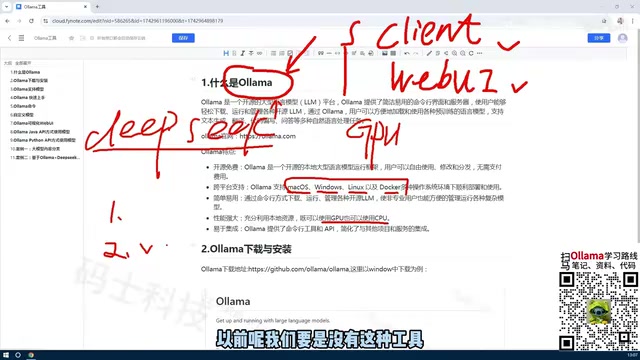
In practice, this means:
- Ordinary laptops can run quantized smaller models (e.g., 7B parameter models).
- Enterprise servers can fully leverage multi-GPU resources for maximum inference performance.
This elastic resource scheduling dramatically lowers the hardware barrier for LLM applications, opening AI development to a much broader audience.
OpenAI-Compatible API
Ollama exposes a RESTful API compatible with the OpenAI format, meaning existing code that calls the ChatGPT API can be switched to a local model with minimal or no modifications. This is a critical advantage for migrating existing AI applications.
Ollama also integrates directly with major AI development frameworks:
- LangChain: Quickly build complex AI workflows
- LlamaIndex: Efficiently implement data indexing and retrieval
- RAG systems: Combine private enterprise knowledge bases with LLMs to build domain-specific intelligent assistants
Four Key Technical Advantages of Ollama
Cross-Platform Compatibility
Ollama natively supports macOS, Windows, Linux, and Docker container deployments. Whether it's a developer's MacBook or an enterprise Linux server cluster, Ollama runs seamlessly.
Zero-Configuration, Out-of-the-Box
Traditional GPU environment setup requires installing CUDA, cuDNN, and other complex dependencies — version conflicts are common. Ollama bundles all dependencies into the installer, eliminating environment configuration pain entirely.
Rich Model Ecosystem
Ollama Hub hosts a wide variety of models ranging from 7B to 70B parameters, including:
| Model Type | Representative Models | Typical Use Cases |
|---|---|---|
| General Conversation | Llama 3, Qwen | Q&A, content creation |
| Code-Specialized | CodeLlama, DeepSeek Coder | Code generation, completion, review |
| Multimodal | LLaVA | Image-text understanding, visual Q&A |
| Reasoning-Enhanced | DeepSeek-R1 | Complex reasoning, math problem solving |
Custom Model Support
Through the Modelfile mechanism, users can apply instruction fine-tuning or parameter adjustments on top of existing models to create customized versions tailored to specific scenarios. This is especially valuable for vertical domains like healthcare, law, and finance.
Who Should Use Ollama?
Individual developers: Ollama provides a free AI experimentation platform to test AI application ideas at minimal cost, without worrying about API bills.
Enterprise users: Deploying Ollama on an internal network enables a private AI service that ensures data security and compliance while eliminating ongoing cloud API costs.
Education and research: Students can run models locally to learn prompt engineering and AI application development; researchers can rapidly deploy the latest open-source models for experimental comparison, accelerating research iteration.
Summary
By simplifying deployment, optimizing resource scheduling, and providing a standardized API, Ollama has brought the barrier to local LLM deployment to an all-time low. It's not meant to replace commercial services like ChatGPT — rather, it gives developers a flexible, cost-effective, and controllable alternative. As open-source models like DeepSeek and Llama continue to improve in capability, the value of the Ollama ecosystem will only grow. Running large models locally is evolving from a niche technical experiment into a mainstream practice.
Related articles

Fifty Years Studying Power: Robert Caro's Writing and Insights on Power
Robert Caro reflects on 50 years studying power: Lyndon Johnson's persuasion and leverage, Robert Moses's transformation from idealist to ruthless builder, the dilemmas of large-scale construction, and his methods of compressing themes and solitary focus in biography writing.

Can a $20,000 Robot Do Your Chores? The Test Results Are Surprising
A YouTube test video shows how a $20,000 robot responds to commands like washing dishes, turning off lights, taking out trash, and feeding the dog. This article analyzes its real capability boundaries, the state of voice interaction technology, and how far household robots are from mainstream adoption.
The Complete Guide to Running AI Models Locally: Inference Engines and Tool Stack Explained
A systematic breakdown of the complete local LLM tool stack: from PyTorch and GGML compute libraries to llama.cpp, vLLM, SGLang inference engines and Ollama, LM Studio wrapper layers, with benchmark data on performance differences and selection logic.