WorkOS User Groups: Assign Roles to Groups, Not Individuals

WorkOS User Groups lets roles be inherited automatically through groups, simplifying permission management.
WorkOS released User Groups, allowing developers to assign roles to user groups so current and future members inherit them automatically, shifting permissions from individual-centric to group-centric. It covers group role inheritance, compares single-role and multi-role resolution logic, and notes that while it reduces configuration and simplifies audits, group hierarchies and role priorities still need careful design.
WorkOS has launched the User Groups feature, allowing developers to assign roles to user groups rather than managing each individual one by one. All current and future members of a group automatically inherit the assigned role, greatly simplifying permission management.
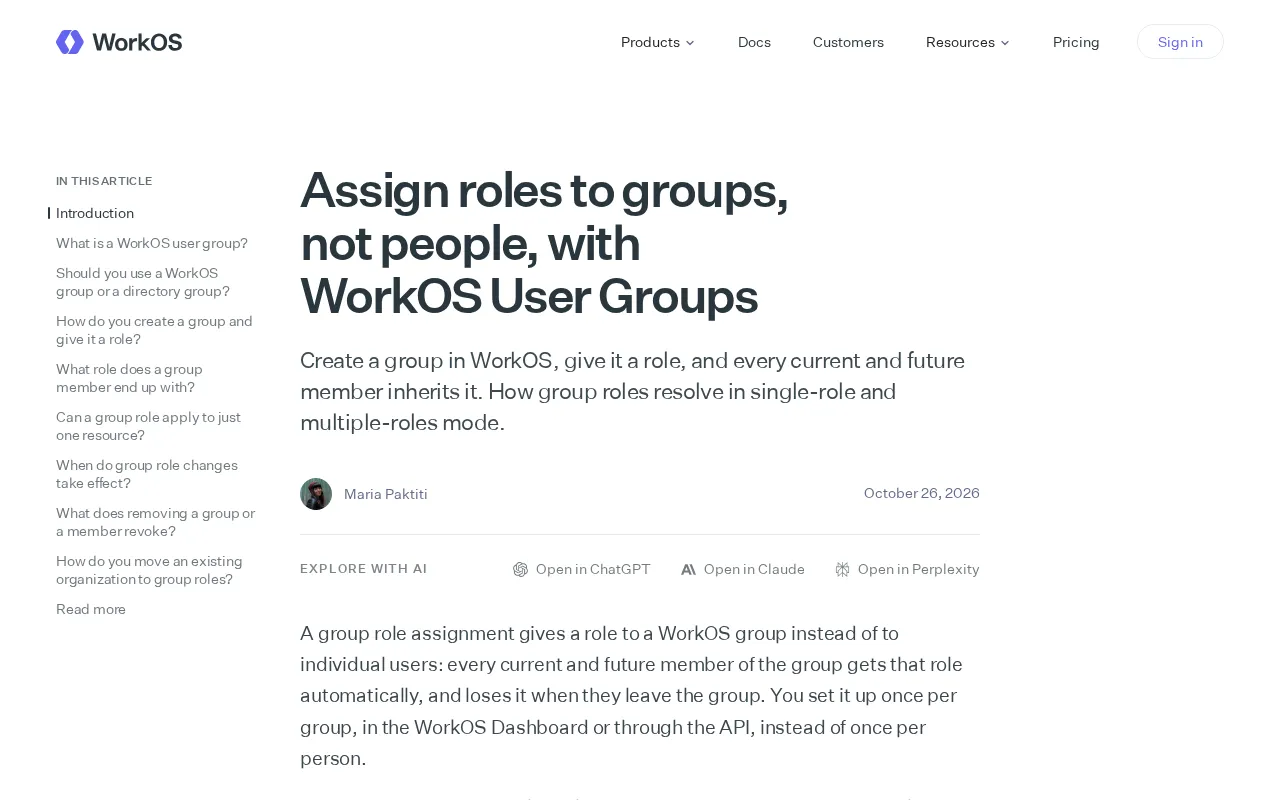
Core Mechanism: Group Role Inheritance
After creating a group in WorkOS and assigning it a role, all members of that group—whether existing members or those who join later—automatically receive the corresponding permissions. This means administrators no longer need to manually configure roles for each new member, shifting the permission model from "people-centric" to "group-centric."
This design is especially well-suited to scenarios where organizational structures change frequently. When team members join, transfer, or leave, you only need to adjust their group membership, and permissions update automatically, reducing omissions and errors caused by manual operations.
WorkOS is a developer identity and access management platform for B2B SaaS applications, offering API services such as SSO (single sign-on), Directory Sync, and audit logs. Its core design philosophy is to let developers integrate enterprise-grade identity capabilities with minimal code, avoiding the need to build complex authentication and authorization infrastructure themselves. User Groups is part of its authorization system, built on top of the existing user directory and role model, enabling permission assignment to align with enterprise organizational structure.
In the RBAC (role-based access control) model, roles are typically bound directly to users, and group role inheritance is an extended practice of RBAC. It introduces a "group" intermediate layer, granting roles to groups rather than individuals, and users obtain roles indirectly through group membership. The benefit of this indirect authorization is that permission change points converge at the group level, while group membership can be flexibly adjusted as the organization changes. Compared with assigning roles user by user, group inheritance can significantly reduce management overhead and the risk of permission drift in scenarios with large, frequently changing membership.
Resolution Logic in Single-Role and Multi-Role Modes
WorkOS supports both single-role and multi-role modes, and group roles are resolved differently in each.
In single-role mode, the system needs to determine the user's single effective role. When a user belongs to multiple groups at the same time, role resolution follows priority rules defined by WorkOS to ensure only one role is ultimately output.
In multi-role mode, users can hold multiple roles simultaneously, and group role inheritance is more direct—roles from all groups the user belongs to stack and take effect, forming a complete permission set. Developers should choose the appropriate mode based on their application's permission model.
Single-role mode means the system constrains each user to only one effective role at any given time, commonly seen in applications with clear permission distinctions and mutually exclusive roles, such as separating administrator, editor, and viewer tiers. Multi-role mode allows users to hold multiple permissions at once, suitable for scenarios requiring combined authorization and stackable permissions. Which mode to choose depends on the application's permission semantics: if roles have containment or exclusion relationships, single-role mode is easier to reason about; if permissions are an orthogonal set of capabilities, multi-role mode is more flexible.
When a user belongs to multiple groups and each group is assigned a different role, a deterministic set of rules is needed to determine the final permissions—this is the core problem of role resolution. Common strategies include taking the highest by group priority, taking the highest privilege by role level, or overriding by explicitly configured order. Determinism in resolution rules is very important; otherwise, the same user may receive inconsistent permissions across different requests, creating security and predictability issues. Developers should explicitly document and test how these rules behave in overlapping-group scenarios.
Implications for Developers
User Groups moves the granularity of permission management from individuals up to groups, aligning with the common enterprise practice of "authorizing by team." For teams using WorkOS for identity and access management, this feature reduces repetitive role configuration work and makes permission audits clearer—you only need to check group role assignments rather than verifying each person individually.
However, group role resolution rules still require careful design in complex scenarios. Developers should plan group hierarchies and role priorities in light of the specific behavior of single-role or multi-role modes, avoiding unexpected outcomes from permission stacking or overriding.
Permission audits focus on "who has what permissions at what time" and whether those permissions are reasonably granted. A group-centric authorization model shortens the audit path: auditors only need to check group role assignments and group member lists to infer the source of each user's permissions, without tracing individual role grants one by one. This clearly helps meet compliance requirements (such as least privilege and separation of duties) and makes it easy to quickly verify whether permissions remain appropriate when personnel are reassigned.
In practical design, group hierarchy relationships need to be handled carefully. If nested groups are supported, role inheritance propagates along the hierarchy, which may cause unintended permission spread; if roles conflict between groups, explicit priority or merge rules are needed. It is recommended to establish clear conventions for group naming and responsibilities, limit the membership scope of high-privilege groups, and periodically review the results of permission stacking in multi-role mode to prevent users' effective permissions from exceeding expectations due to group stacking.
One-line Summary
WorkOS launches User Groups, letting roles be inherited automatically through groups and simplifying permission management.
Paragraph Summary
WorkOS has released the User Groups feature, allowing developers to assign roles to user groups, with current and future members automatically inheriting the role, shifting the permission model from individual-centric to group-centric. The article introduces the core mechanism of group role inheritance and explains how it reduces manual configuration and omissions in scenarios with frequent member onboarding, transfers, and departures. It also compares role resolution logic in single-role and multi-role modes: single-role mode requires priority rules to determine a user's single effective role, while multi-role mode lets roles from each group stack and take effect. The feature aligns with enterprise team-based authorization practices, reducing repetitive configuration and simplifying permission audits, but developers still need to carefully design group hierarchies and role priorities to avoid unexpected outcomes from permission stacking or overriding.
Related articles

The Truth Behind Titanic's Sinking: Key Decisions and Communication Failures in the National Geographic Documentary
National Geographic's The Unsinkable Ship uses survivor testimony to reconstruct Titanic's fatal decisions—from the missing MSG telegram prefix and the broken boiler-room-to-bridge link to how 'unsinkable' thinking delayed damage control and evacuation.

74M-Parameter Open-Source Model Partially Outperforms Jev AI in Testing
Fastino AI's Glider 2.5 models, with just 74M–300M parameters, reportedly outperform Jev AI in some guardrail benchmarks per YouTube testing, run on consumer hardware, and even play Doom. We analyze small models' competitiveness and deployment value on specific tasks.

Gemini 4 Argon Hands-On: Aggressive Pricing, 3D Capabilities Need Coaching
Gemini 4 Argon hands-on: limited-time $2/$10 pricing, million-token output, strong 3D and reverse-engineering work, but weak front-end aesthetics and zero-shot ability need coaching.