8 AI Coding Tools Compared: A 5-Tier Buying Guide

A 5-tier ranking of 8 AI coding tools with practical tips to avoid low-quality plugins.
This article provides an in-depth comparison of 8 mainstream AI coding tools—GitHub Copilot, Cursor, Windsurf, Devin, Replit Agent, OpenCode, Claude Code, and more—ranked into 5 tiers from top to mass-market. It covers each tool's technical architecture, strengths, and ideal use cases, plus offers three practical tips for identifying low-quality AI coding plugins that are essentially ChatGPT wrappers.
Introduction: AI Coding Tools Are Now Standard for Developers
If you're still writing code purely by hand, your efficiency is already far behind the times. The market is flooded with AI-powered coding tools, but quality varies wildly—pick the right tool and you're an architect, pick the wrong one and you're stuck cleaning up after AI.
Based on an in-depth comparative review, this article ranks 8 mainstream AI coding tools into 5 tiers from strongest to weakest, helping you quickly find the one that best fits your needs.
Top Tier: Indispensable Productivity Powerhouses
GitHub Copilot: The Rock-Solid King of Code Completion
Although its interactive experience has been overshadowed by newer tools in recent years, GitHub Copilot—backed by the world's entire open-source code repository—still delivers code completion accuracy at a "bedrock" level. Copilot is built on OpenAI's Codex model (a code-specialized version of the GPT series), trained on billions of lines of public code from GitHub using an autoregressive language model architecture that generates code suggestions by predicting the next token. As the world's largest code hosting platform with over 300 million repositories of accumulated data, GitHub gives Copilot an unmatched advantage in recognizing common programming patterns, API call conventions, and idiomatic code. After 2024, Copilot gradually introduced a multi-model support strategy, allowing users to switch between models like GPT-4o and Claude.
Its strength lies in the code suggestion accuracy that comes from massive training data. For repetitive code writing in daily development, Copilot is practically indispensable.
Cursor: The Pioneer of AI-Native IDEs
As the benchmark product in the AI-native IDE space, Cursor's core capability is understanding your entire project's thought process across files. This means it doesn't just complete the current line of code—it understands your architectural design intent, enabling truly context-aware programming.
To understand Cursor's technical advantage, you need to grasp the fundamental difference between AI-native IDEs and traditional IDE plugins. Traditional IDE plugins (like VS Code extensions) layer AI features on top of an existing editor architecture, constrained by the host IDE's API interfaces and data access permissions. Cursor, however, was designed from the ground up around AI capabilities. Forked and rebuilt from VS Code's open-source version, it has a built-in vector database for semantic code retrieval, supporting embedding indexing of entire codebases so that AI can reference relevant code from anywhere in the project when generating suggestions—not just the currently open file. This deep integration is nearly impossible to achieve with traditional plugin models.
For medium to large-scale project development, Cursor's contextual understanding remains dominant.
Windsurf: The New Force Going Head-to-Head with Cursor
Windsurf is known for its silky-smooth collaboration experience and is currently the only next-generation IDE that can compete directly with Cursor on user experience. Its island-based collaboration mechanism makes team development more fluid, placing it firmly in the top tier.
Elite Tier: Hardcore Toys for the Geek Circle
Devin: The Pioneer of Fully Autonomous Programmers
Devin pioneered the "fully autonomous programmer" category and is a cutting-edge product hotly discussed in geek circles. Released by Cognition AI in March 2024, it's positioned as "the world's first AI software engineer." Unlike code completion tools, Devin uses an Agent architecture—it has its own development environment (including a code editor, browser, and terminal) and can autonomously plan tasks, write code, debug errors, and deploy applications.
This paradigm is called "Agentic Coding," where AI is no longer passively responding to developer commands but actively driving the entire development process. It attempts to achieve full automation from requirements to code. While its success rate on complex engineering tasks in actual evaluations still needs improvement (early autonomous resolution of GitHub Issues was around 13.86% on the SWE-bench benchmark), it represents the ultimate direction of AI programming—making AI a truly autonomous developer rather than just an assistant.
Replit Agent: Full-Stack Deployment on Your Phone

Replit Agent has a very unique positioning—you can generate and deploy a full-site API just by talking on your phone. Replit itself is a browser-based Cloud IDE, and its Agent feature uses large language models to automatically generate complete applications from natural language descriptions. Replit's uniqueness lies in integrating code writing, runtime environments, database configuration, and deployment hosting on a single platform, eliminating the complexity of environment setup in traditional development. Users simply describe the application they want to build, and the Agent automatically selects the tech stack, generates code, configures the database, and completes deployment—all achievable from a mobile device.
This "zero-config full-stack development" model is a powerful tool for entrepreneurs who want to quickly validate ideas and build prototypes—elegant and efficient.
OpenCode: The Privacy-First Local Solution
Focused on privacy protection and absolute control, this is ideal for senior developers who build their own local development environments. If you have extremely high requirements for code security and don't want to upload code to the cloud, OpenCode is the dedicated choice for local AI programming. By running model inference locally, it ensures code data never leaves the developer's machine—particularly important for development scenarios involving trade secrets, financial data, or defense projects.
Claude Code: The Hardcore Warrior in Your Terminal

Claude Code is Anthropic's command-line AI programming tool—it doesn't even need an interface. It checks logs, runs tests, and fixes bugs directly in the terminal until everything passes. Running directly in the terminal environment, it completes programming tasks by reading the file system, executing shell commands, and calling test frameworks. Unlike GUI tools, Claude Code uses a REPL (Read-Eval-Print Loop) interaction mode where developers describe requirements in natural language, and Claude Code autonomously browses the project structure, reads relevant files, writes code, runs tests, and iteratively modifies based on test results until all tests pass.
This "agentic loop" workflow is particularly suited for TDD (Test-Driven Development) workflows, as it can use passing tests as a clear completion criterion. This extremely hardcore approach isn't for everyone, but for senior developers comfortable with command-line operations, it's highly efficient.
Middle Tier: Safe Bets from Big Tech
Tongyi Lingma & Baidu Comate
As standard offerings from major Chinese tech companies, Tongyi Lingma and Baidu Comate can be described as "solid but unremarkable"—no surprises, but nothing majorly wrong either. Suitable for enterprise developers who prioritize stability and don't want to tinker.
Dark Horse Tier: Free and Fierce Domestic Contenders
Doubao MarsCode (ByteDance)
ByteDance's MarsCode is a dark horse among free AI coding tools, closely replicating Cursor's user experience while incorporating top-tier models built in. Its free pricing strategy combined with impressive performance has rapidly attracted a large user base, making it an excellent choice for budget-conscious developers.
Mass Market & Legacy Tiers
Cody X: A Veteran Domestic Plugin
Cody X has broad compatibility as a veteran domestic IDE plugin, but compared to today's fiercely competitive next-generation products, its features are somewhat unremarkable, placing it in the mass-market category.
Codex: The Godfather of AI Programming
Although it has been superseded by newer models, Codex's historical significance as the godfather and origin of AI programming is unshakeable—it holds legendary status. Codex was a code generation model released by OpenAI in 2021, a fine-tuned version of GPT-3 for code tasks, and the original underlying engine of GitHub Copilot. It was the first to prove the enormous potential of large language models in code generation, launching the entire era of AI coding tools. Despite being replaced by more powerful general-purpose models like GPT-3.5 and GPT-4, Codex's milestone significance as "the first product that made programmers truly feel AI's power" is permanently etched in history.
Pitfall Avoidance Guide: Three Tips to Identify Garbage AI Coding Plugins
The market is flooded with so-called "AI coding Agents" and low-quality plugins. How can newcomers quickly identify these snake-oil products? Here are three tips:

Tip #1: Check the Interface Design
If it's just a web chat box hanging beside your editor, and when you ask it code questions, it tells you to copy and paste your code—it's essentially a ChatGPT wrapper with zero IDE integration. A real AI coding tool should be able to directly access your code files and understand your project structure without you manually feeding it context.
Tip #2: Check Context Understanding
Ask it about code logic in a neighboring folder, and it starts hallucinating. This means it fundamentally cannot understand your local project context and is only doing single-file-level text processing.
The technical reason behind this: advanced AI coding tools commonly use RAG (Retrieval-Augmented Generation) technology, first semantically segmenting and vectorizing the entire codebase. When a user asks a question, it finds the most relevant code snippets through semantic retrieval, then injects these snippets into the LLM's prompt. Even though the latest models support 128K or even 200K token context windows, for large projects (often hundreds of thousands of lines of code) this still isn't enough. Therefore, codebase-level indexing and retrieval capability is the key technical indicator that separates professional tools from wrapper products. Low-quality plugins simply haven't implemented this layer of capability, so they can only process the current file's content.
Tip #3: Check the Code Modification Mechanism
After generating code, there's no red-green highlighted diff comparison—it just forcibly replaces your original file. Once it introduces a bug, there's no one-click revert, and fixing the bugs it created takes ten times longer than writing from scratch.
Diff (difference comparison) is a core concept in version control systems, originating from Unix's diff command. In AI coding tools, diff comparison means displaying AI-generated code modifications with red (deletions) and green (additions) highlighting, allowing developers to review changes line by line before deciding whether to accept them. The importance of this mechanism is that AI-generated code isn't 100% correct—developers need to maintain ultimate control over code changes. Tools lacking diff comparison mean AI modifications are a "black box operation." Once a bug is introduced, developers struggle to locate the problem and cannot quickly roll back to the pre-modification state. Mature AI coding tools typically also integrate Git-like version snapshot functionality, supporting one-click undo of any AI operation.
When you encounter these "three-no plugins," uninstall and blacklist them immediately—don't waste your time.
Conclusion
The AI coding tool landscape is now very clear: Cursor and Windsurf represent the highest level of AI-native IDEs, GitHub Copilot remains the cornerstone of code completion, while Claude Code and Devin represent more cutting-edge explorations. When choosing tools, the key is matching your development scenario and skill level rather than blindly chasing the newest thing. Remember: tools are meant to serve you, not the other way around.
Related articles
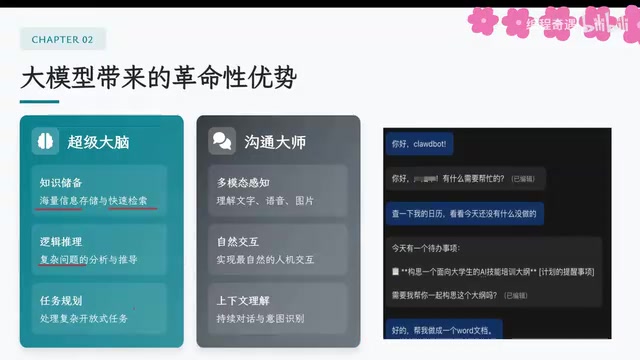
AI Agent Core Architecture Breakdown: From Concept to Enterprise-Grade Intelligent Agent Development
Deep dive into AI Agent architecture: perception, brain, and action modules. Covers RAG memory systems, tool calling mechanisms, Chain of Thought reasoning, and enterprise agent development roadmap.
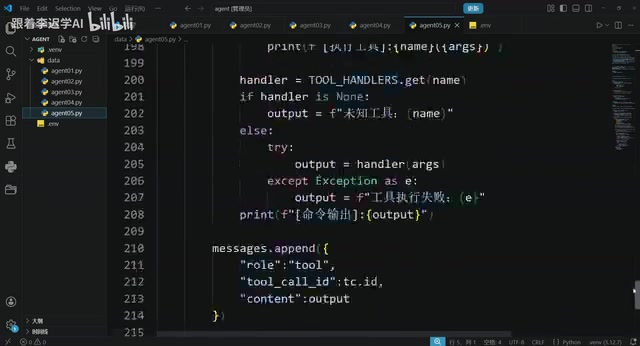
Hands-On Tutorial: Build an AI Agent from Scratch with 200 Lines of Python
Build an AI Agent from scratch with 200 lines of Python, covering prompts, memory, tool calling, RAG, and Skills — a practical guide for developers.
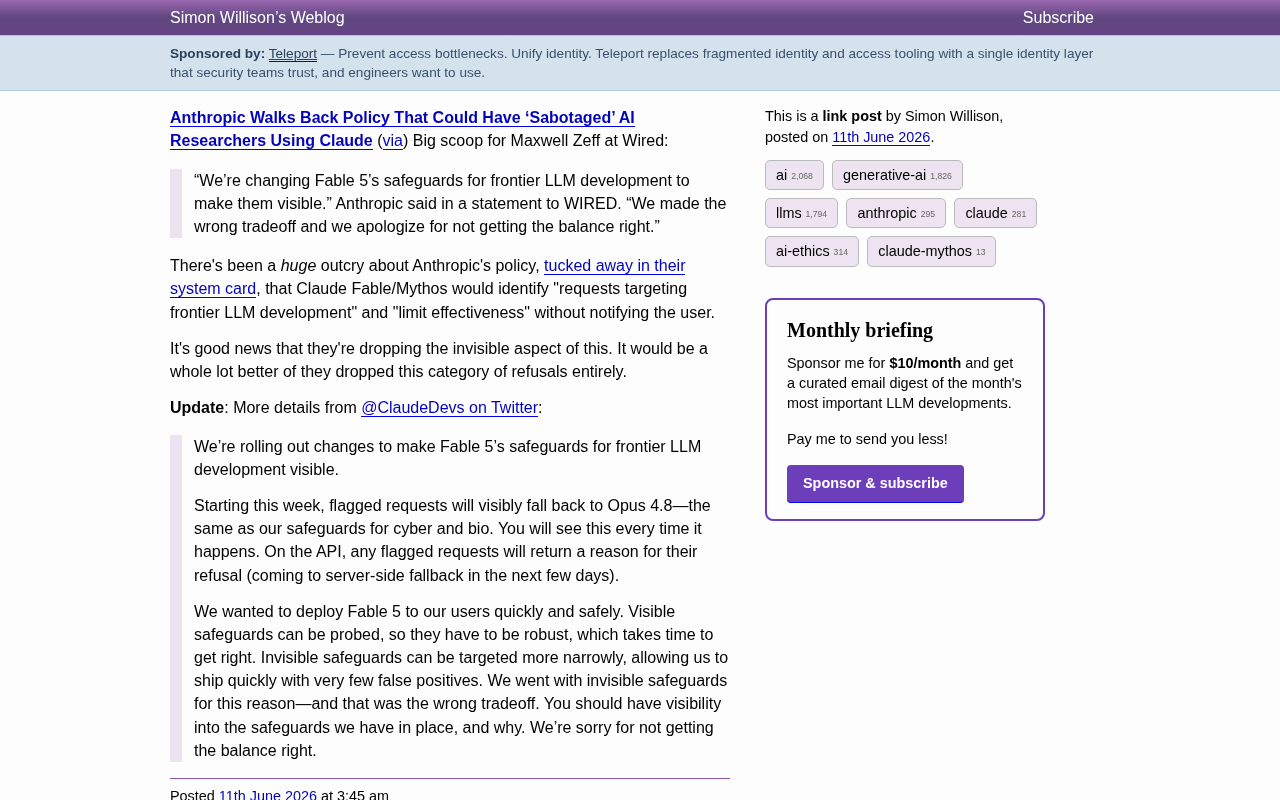
Anthropic Reverses Controversial Policy of Secretly Throttling AI Researchers Using Claude
Anthropic reverses its controversial policy of secretly throttling Claude Fable/Mythos responses to frontier LLM development requests after community backlash, raising critical questions about AI transparency.