Aleph 2.0 Deep Dive: Edit One Frame to Transform an Entire Video
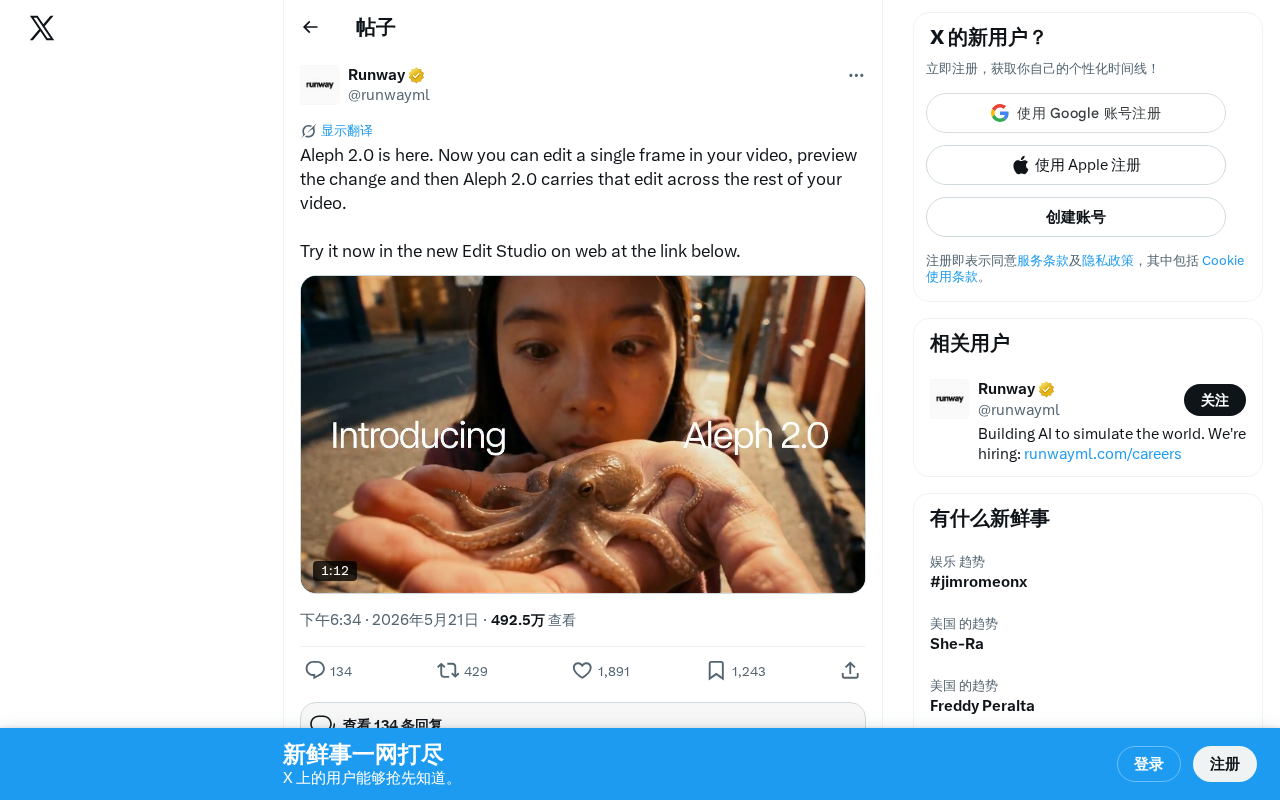
Aleph 2.0 lets you edit one video frame and automatically propagate changes to the entire clip.
Aleph 2.0 introduces a groundbreaking single-frame edit propagation feature that automatically applies visual changes made to one frame across an entire video. Powered by temporal attention mechanisms and video diffusion models, it tackles the core challenge of temporal consistency. The new web-based Edit Studio eliminates hardware requirements, positioning Aleph as a leader in the shift from AI video generation to fine-grained video editing.
A New Paradigm for Video Editing
AI video editing tool Aleph has officially released version 2.0, introducing a remarkable core feature: edit just a single frame in a video, and the system automatically propagates that edit across the entire remaining footage. This launch signals that AI video editing is moving from "generation" into a new phase of "fine-grained control."
Aleph 2.0's Core Feature: Edit One Frame, Apply Everywhere
In traditional video editing, if you want to modify the color, shape, or style of an element in a video, you typically need to process it frame by frame or rely on complex keyframe animations and tracking tools. Even with professional software like After Effects, these operations demand significant technical expertise and time investment. In After Effects, achieving a similar effect usually requires combining Motion Tracking, mask path keyframes, expression scripts, and other tools. For complex scenes, you might even need specialized tracking plugins like Mocha — the entire workflow demands a high level of technical proficiency.
Aleph 2.0 takes a fundamentally different approach. The user workflow is simplified to three steps:
- Select and edit a single frame: Choose any frame in the video and make the desired modifications
- Preview the changes: The system displays a preview of the edited result, letting users confirm the direction of the modification
- Automatic edit propagation: Once confirmed, Aleph 2.0 intelligently applies the edit to all remaining frames in the video
This "edit one frame, change the whole video" interaction model essentially leverages AI's understanding of temporal consistency in video, coherently extending static image edits across the time dimension. From a technical implementation perspective, this process likely involves feeding the edited keyframe as a conditioning signal into a video diffusion model. The model uses temporal attention mechanisms to understand the editing intent and, combined with its modeling of motion, occlusion, and lighting changes in the video, naturally propagates the edit to every frame. Academic works such as TokenFlow, Rerender-A-Video, and CoDeF have explored similar edit propagation mechanisms from different angles — using token-level feature propagation, keyframe-guided rendering, and content deformation fields respectively to ensure spatiotemporal consistency of edits.
Edit Studio: Web-Based AI Video Editing
Alongside the release, Aleph 2.0 introduced a brand-new Edit Studio web-based editing tool. Users don't need to download or install any software — the full video editing experience is available directly in the browser. This web-first product strategy dramatically lowers the barrier to entry and aligns with the broader trend of cloud-based AI tools.
The viability of this strategy rests on multiple technological advances: the maturation of cloud GPU inference infrastructure makes offloading heavy computation to servers economically feasible; model inference optimization techniques (such as TensorRT acceleration, model quantization, and speculative decoding) have significantly reduced per-inference latency and cost; and new browser-side standards like the WebCodecs API and WebGPU provide more efficient low-level support for frontend video decoding and preview rendering. The core advantage of this architecture is that users don't need to worry about local hardware configurations (no high-end GPU required), and the product team can rapidly iterate on the underlying model without requiring users to update a client application.
From a product positioning standpoint, Aleph 2.0 isn't targeting traditional video editing (the timeline-based editing covered by tools like CapCut or Premiere), but rather visual modification of video content — something closer to "image editing for video." Current competitors in this space include Runway's video editing features and Pika's modification mode, but Aleph 2.0's emphasis on "single-frame edit propagation" offers a distinctly unique interaction design. Specifically, Runway's Gen series excels at text-driven generation and style transfer, with its Motion Brush allowing users to specify regional motion direction; Pika's Modify feature drives local modifications through text commands; and Adobe Firefly Video emphasizes workflow integration with Premiere Pro. By contrast, Aleph 2.0's direct visual manipulation paradigm — where users edit what they see on screen rather than conveying intent through language descriptions — has a natural advantage in precise control, since visual operations can express spatial positions, color details, and shape changes far more accurately than text descriptions.
Technical Significance and Industry Impact
A Critical Breakthrough in Temporal Consistency
The biggest technical challenge in propagating a single-frame edit across an entire video is temporal consistency. Objects in video move, lighting changes, and viewpoints shift — the AI needs to understand these dynamic changes and adapt to each frame's specific conditions while preserving the editing intent.
Temporal consistency is one of the most critical technical challenges in video generation and editing. In static image editing, AI only needs to handle pixel relationships within a single image. But video typically contains 24–60 frames per second, and adjacent frames must maintain visually smooth transitions. If the AI processes each frame independently, even if each frame looks fine on its own, visible flickering, jittering, or style jumps (known as temporal flickering) will appear between frames — something extremely jarring to the human eye. Mainstream technical approaches to solving this problem include: inter-frame pixel alignment based on optical flow estimation, 3D attention mechanisms in video diffusion models (simultaneously modeling spatial and temporal correlations), and implicit neural representations for modeling continuous changes in video content. Additionally, occlusion handling (maintaining edit consistency when objects are occluded and then reappear) and stability in scenes with large-scale motion are also key challenges.
The fact that Aleph 2.0 can launch this as a core selling point indicates substantial progress in video understanding and generation consistency — its underlying model's capabilities in motion estimation, occlusion reasoning, and lighting change modeling have reached a commercially viable level.
Dramatically Lowering the Barrier to Video Creation
For content creators, the value of such tools lies in compressing what would have been hours of professional work into just a few minutes. Whether it's changing the clothing color of a person in a video, replacing background elements, or adjusting the overall visual style, the single-frame editing mode provides an extremely intuitive way to work.
Consider a concrete scenario: an e-commerce video creator needs to change a model's top from blue to red in a product showcase video. In a traditional workflow, this might require color keying in After Effects, manually tracking the garment's contours, handling color mapping in creased and shadowed areas — a process that could take hours. Under Aleph 2.0's paradigm, the user simply paints the top red in a single frame, and the system automatically handles the color change across all subsequent frames — including deformation during movement, lighting variations, and partial occlusion. This efficiency gain is particularly critical for creative scenarios that require rapid iteration on visual concepts.
The Evolution of AI Video Editing Tools
From a broader perspective, Aleph 2.0 represents the trend of AI video tools evolving from "text-to-video generation" toward "fine-grained video editing." Early AI video tools primarily focused on generating videos from scratch (such as text-to-video models like Sora, Kling, and others), but the industry is now shifting toward more practical editing scenarios — intelligently modifying existing videos.
There's a profound business logic behind this shift. While pure text-to-video generation is technically impressive, it faces controllability challenges in real-world commercial applications — users struggle to precisely describe every visual detail they want through text, and generated results often require extensive "re-rolling" before they're satisfactory. By contrast, editing scenarios based on existing video inherently offer greater controllability (users already have a baseline version) and are easier to integrate into existing video production workflows. For professional users such as advertising agencies, post-production studios, and e-commerce content teams, the demand for "modifying existing footage" far exceeds "generating from scratch" — meaning editing tools may achieve scalable commercial revenue faster than generation tools.
Conclusion
While the Aleph 2.0 launch was light on details, its core concept of "single-frame edit propagation" is clear and compelling. In an era where AI video tools are becoming increasingly homogeneous, this kind of differentiation strategy focused on specific editing scenarios deserves attention. For video creators, it's worth trying out the web-based Edit Studio firsthand to see how this feature performs in real projects.
It's worth noting that the actual performance of such tools often depends on the complexity of the specific scenario — simple color replacements and style adjustments may work excellently, but scenes involving complex occlusion, rapid motion, or significant viewpoint changes may still pose challenges for maintaining temporal consistency. As the underlying video understanding models continue to improve, the ability to handle these edge cases will be the key factor in determining whether such tools can truly replace traditional workflows.
Related articles
Vibe Coding in Practice: A Junior Student Uses Cursor to Build a Multi-Agent System with 51 AI Officials Based on the Three Departments and Six Ministries Framework
A junior student uses Cursor and Vibe Coding to build a multi-agent system with 51 AI officials modeled on China's Three Departments and Six Ministries, featuring task distribution, approval workflows, and Token cost visualization.
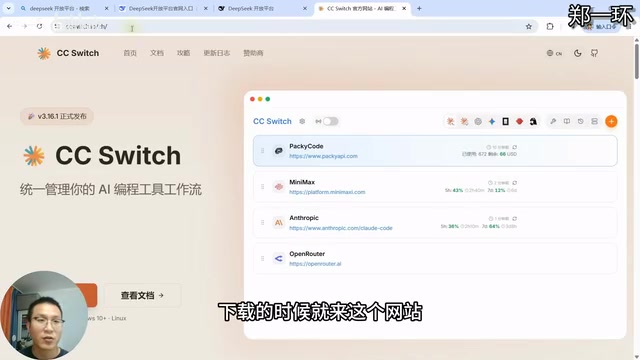
How to Connect Codex to DeepSeek Models: Free Switching via CC Switch
Learn how to connect OpenAI Codex to DeepSeek models via CC Switch, enabling free switching between DeepSeek and GPT with complete setup and routing guide.
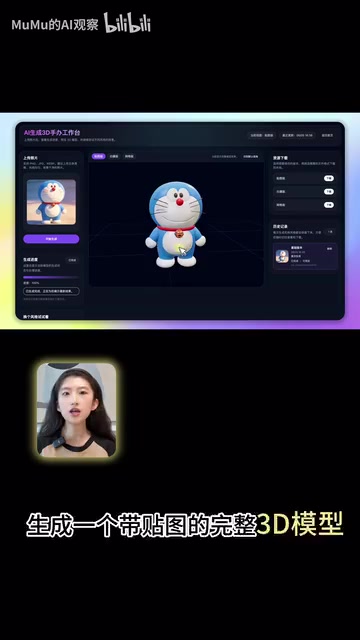
AI Coding Deployment Guide: A Complete Hands-On Workflow from Local Demo to Live Website
Most AI Coding tutorials stop at local demos. This guide walks through 8 key steps to deploy an AI-powered 3D figurine website from Codex coding to live server deployment.