feishu-claude-bridge Open Source Project Analysis: A Practical Guide to Integrating Claude Code with Feishu

Open-source feishu-claude-bridge lets teams use Claude Code for programming directly within Feishu
feishu-claude-bridge is an open-source project that bridges Feishu and Claude Code CLI through a Daemon process architecture, supporting multi-session management, real-time streaming output, Slash commands, and other core capabilities. Each session runs in an independent subprocess with process-level isolation for security. Compared to similar solutions, it runs on your own infrastructure with complete data control, making it ideal for enterprise teams with security requirements.
Project Overview: Making Feishu a Gateway to AI Programming
Directing Claude Code to write code directly from Feishu — this isn't science fiction, but a recently open-sourced real-world solution. feishu-claude-bridge is an open-source project that lets you chat directly with an AI programming assistant within Feishu, and it has already garnered over 4,000 Stars on GitHub.
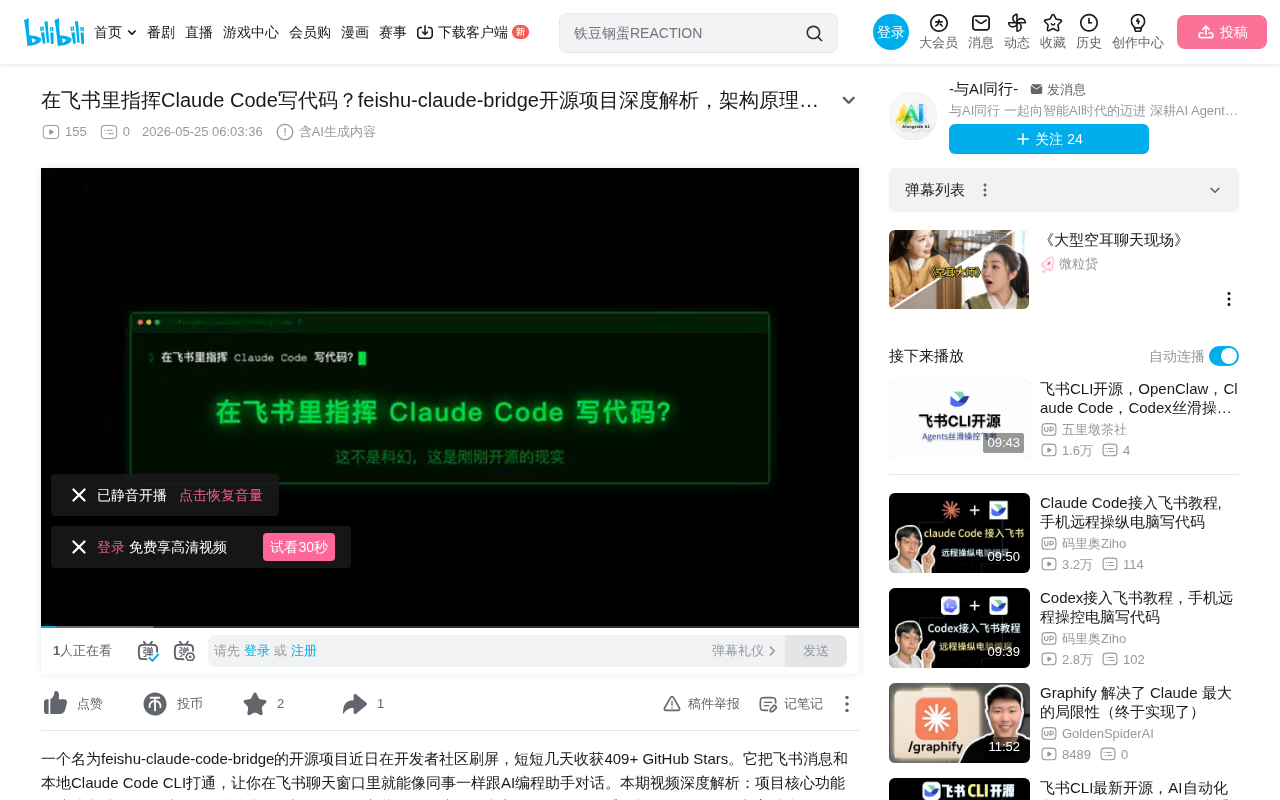
The project's core capability is forwarding Feishu messages in real-time to Claude Code's CLI process and returning code execution results back through the same channel. In simple terms, it builds a bridge between Feishu and Claude Code, allowing team members to complete AI-assisted programming without ever leaving Feishu.
Core Features of feishu-claude-bridge
Six Core Capabilities
feishu-claude-bridge offers the following key features:
- Multi-session Management: Each Feishu conversation corresponds to an independent Claude Code session, with no interference between them
- Full Context Preservation: Conversations can be interrupted and resumed at any time without losing context
- Slash Command Support: Enter slash commands directly in Feishu to control Claude Code
- Real-time Streaming Output: Claude's thinking process and code generation are pushed to Feishu cards in real-time
- Workspace Naming: Save and switch between different development environments
- Built-in Self-diagnosis: Quickly identify the root cause when issues arise
Among these, the real-time streaming output experience relies on the coordination of two technical layers: Claude Code CLI itself writes generated content in chunks to standard output, and Bridge captures these data chunks and continuously refreshes the same card's content through Feishu's Interactive Card dynamic update API. This design avoids the conversation chaos that would result from sending a new message for each response, making AI's "thinking process" appear naturally like a typewriter — a standard interaction paradigm for modern AI applications.
Rich Command System
The following slash commands are available in Feishu:
/newand/reset: Clear the current session/cd: Switch working directory/wsseries commands: Manage workspaces/status: View current status/stop: Terminate a running task/doctor: Self-diagnose issues
These commands are fully consistent with Claude Code's native command system, meaning zero learning curve. For developers already familiar with Claude Code, migrating to the Feishu interface is virtually seamless.
Deep Dive into Architecture
Webhook-Driven Message Routing
From an architectural perspective, feishu-claude-bridge is essentially a Daemon process with the following workflow:
- Receives messages via Feishu Open Platform's Webhook
- Routes each message to the corresponding Claude Code subprocess
- Each Claude Code subprocess has its own independent working directory and session
- One Feishu conversation maps to one subprocess, with complete isolation
Understanding the Webhook mechanism here helps grasp the source of real-time responsiveness in the entire architecture. Feishu Open Platform (Lark Open Platform) is ByteDance's complete API ecosystem for enterprise developers. Its Webhook uses a "push" model — when a user sends a message in Feishu, the platform proactively sends an HTTP POST request to Bridge's pre-configured URL, carrying structured data including message content and sender information. Compared to polling, this mechanism has lower latency and less resource consumption, making it the industry standard for building real-time responsive bots.
Security Design with Process-Level Isolation
The elegance of this design lies in process-level isolation. Each user's session runs in an independent subprocess, with each process having its own memory space, working directory, and session context, ensuring security and context integrity in multi-user scenarios. This design solves two core problems: context contamination — User A's code generation history won't affect User B's session; fault isolation — if a subprocess crashes due to executing an abnormal command, it won't bring down the entire Bridge service. Even if one session encounters an anomaly, it won't affect other users. Compared to thread-based or coroutine-based concurrency models, process isolation offers stronger security at the cost of slightly higher memory overhead — a worthwhile tradeoff for enterprise use cases.
Advantages of Direct CLI Process Control
Unlike traditional API proxy solutions, Bridge directly controls the CLI process. Claude Code is Anthropic's command-line AI programming tool, and its CLI process has local capabilities such as reading/writing files, executing Shell commands, and calling external tools — far exceeding the permission boundaries of ordinary API calls. Bridge interacts with it by capturing the subprocess's standard input/output streams, serving as a transparent message relay layer that fully inherits the CLI's complete capability set, including file operations and command execution, without needing to re-implement any functionality.
Installation and Deployment Tutorial
Prerequisites
- Create an application on Feishu Open Platform and obtain the App ID and App Secret
- Configure the message card request URL to point to Bridge's address
- Ensure the server has Claude Code CLI installed
Local Build Steps
The deployment process is very straightforward:
- Clone the repository
- Install dependencies
- Configure environment variables (App ID, App Secret, etc.)
- Start with a single command
Supports Mac, Linux, and WSL environments. Running as a Daemon process is the recommended production deployment method. A Daemon is a special process in Unix/Linux systems that runs continuously in the background without being attached to any terminal session, surviving even after the user logs out. Once Bridge runs in Daemon mode, it can listen for Feishu Webhook events 24/7 without manual intervention. In production environments, it's typically used with process management tools like PM2, systemd, or supervisor to ensure automatic restart after crashes, guaranteeing that any team member can get a response whenever they send a message.
Security Configuration Recommendations
- Configure independent application credentials for each team
- Use environment variables to manage sensitive information
- Rotate keys regularly
- Never hardcode App Secret in the codebase
Solution Comparison and Use Cases
Comparison with OpenAI Codex Bridge
Compared to OpenAI's Codex Bridge solution, feishu-claude-bridge's biggest advantage is: it runs on your own infrastructure with complete data control. For enterprise teams with strict data security requirements, this is crucial.
Typical Use Cases
- Remote Collaborative Development: Team members communicate directly with the AI programming assistant through Feishu
- Code Review: Submit code for Claude to review within Feishu conversations
- Rapid Prototyping: Initiate new development sessions anytime, anywhere
- Workflow Integration: Integrate AI programming capabilities into existing workflows through comprehensive API interfaces
Important Billing Changes to Note
An important reminder: starting June 15, 2026, Claude Code's Prompt mode will be billed separately. The background to this change is Anthropic's ongoing adjustment of Claude Code's commercialization strategy — System Prompt token consumption will be priced independently and no longer included in the base subscription. For teams that heavily use Bridge, especially when multiple concurrent sessions each maintain lengthy system prompts, costs may increase significantly. Teams should evaluate average monthly token consumption in advance when planning budgets, and consider controlling costs through methods like compressing system prompts and setting reasonable session timeouts.
Summary and Outlook
feishu-claude-bridge is currently the most elegant solution for using AI programming assistants within the Feishu ecosystem — open-source, flexible, extensible, and completely under your control.
The project provides comprehensive API interfaces supporting session management, status queries, and command sending via HTTP requests, which is very friendly for teams needing deep integration. As the Claude Code ecosystem continues to mature and Feishu Open Platform capabilities expand, this Bridge solution has significant room for imagination, potentially supporting integration with more AI programming tools in the future.
For development teams already using Feishu as their collaboration platform, this project is worth serious evaluation and experimentation. It seamlessly integrates AI programming capabilities into the team's existing communication tools, lowering the barrier to entry and improving collaboration efficiency.
Key Takeaways
- feishu-claude-bridge bridges Feishu and Claude Code through a Daemon process architecture, with each session independently isolated for security
- The project supports six core capabilities including multi-session management, real-time streaming output, and Slash commands, with a command system consistent with native Claude Code
- Compared to OpenAI Codex Bridge, this solution runs on your own infrastructure with complete data control
- Deployment supports Mac/Linux/WSL environments, with Daemon process mode recommended for production
- Starting June 15, 2026, Claude Code Prompt mode will be billed separately, potentially affecting usage costs
Related articles
 Product Reviews
Qoder vs Cursor Real-World Comparison: Which $20/Month AI IDE Is Better?
Hands-on comparison of Qoder vs Cursor AI IDEs: Agent autonomy, human interaction count, and architecture decisions. Qoder needed only 2 interactions vs Cursor's 8.
 Product Reviews
Cursor Cloud Agent Demo: Eliminating Bottlenecks Across the Entire Software Development Lifecycle
Deep analysis of Cursor's Cloud Agent demo showing how cloud VMs, automated test artifacts, and a full-chain control plane systematically eliminate human bottlenecks across the software development lifecycle.
 Product Reviews
Cursor 3.0 Deep Dive: Multi-Agent Parallelism, Design Mode, and Best-of-N Model Comparison
Cursor 3.0 evolves from an AI coding assistant into an Agent fleet command center. Explore multi-agent parallelism, Design Mode, and Best-of-N model comparison.