Getting Started with ChatGPT Codex and Claude Code: A Hands-On AI Programming Tutorial for Beginners
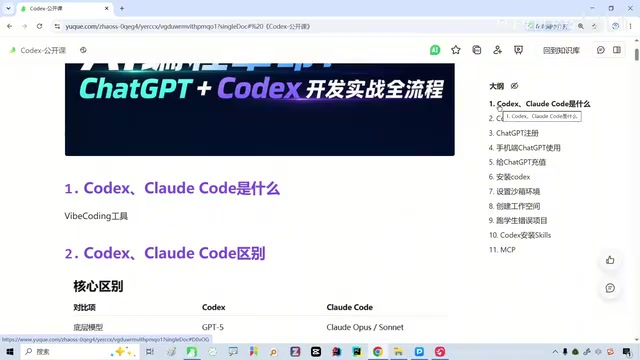
A beginner's guide to getting started with ChatGPT Codex and Claude Code for AI-powered programming.
This guide breaks down the two leading AI agent programming tools — OpenAI's Codex and Anthropic's Claude Code — for beginners. It explains how AI agents differ from traditional LLMs, compares cloud-based vs. local workflows, walks through setup and API configuration, and offers a practical 5-step path to your first AI-powered project. Whether you're a developer or a non-coder, these tools can dramatically boost your productivity.
Introduction: AI Programming Tools Are Now an Essential Skill
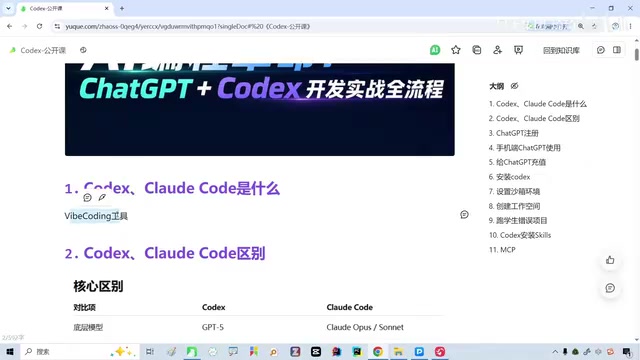
If you've been following developments in AI, you've surely heard names like Codex and Claude Code. They represent a new category of tools — AI agent programming tools (Vibe Coding). The concept of Vibe Coding was coined by OpenAI co-founder Andrej Karpathy in early 2025. The core idea is that developers no longer write code line by line; instead, they describe their intent and "vibe" in natural language and let AI handle the actual code implementation. This represents a fundamental shift in software development from "precise instruction-based" to "intent-driven" — the human role evolves from "code writer" to "requirements definer and quality reviewer."
Unlike traditional conversations with large language models, these tools can not only "think" but actually "get things done" for you.
This article is based on a hands-on live workshop designed for beginners. It covers the core concepts of AI programming tools, comparison criteria for choosing between them, and key points for getting started — helping you quickly pick up this essential skill for the new era.
The Fundamental Difference Between AI Agent Tools and Traditional LLMs
Many people use ChatGPT only at the "conversational Q&A" level — you ask a question, and it gives you an answer. Essentially, you're communicating with a brain that can think and analyze, but that's about it.
Tools like Codex and Claude Code, on the other hand, equip that brain with hands, feet, and tools. This involves one of the most important paradigm shifts in AI over the past two years — the AI Agent architecture. Traditional large language models (LLMs) are fundamentally "text-in, text-out" systems, while agents build upon this foundation by introducing a "perceive-plan-act" loop. Agents can invoke external tools (such as file systems, terminal commands, browsers, API endpoints, etc.), dynamically adjust strategies based on environmental feedback, and autonomously complete complex tasks across multiple steps. The theoretical foundation of this architecture traces back to the Agent-Environment interaction framework in reinforcement learning, but what truly made it practical was the breakthrough in reasoning capabilities achieved by models like GPT-4 and Claude 3.5.
Specifically:
- Traditional LLMs: Think of them as a brain that can only think. You ask how to write some code, it tells you the answer, but you have to copy, paste, debug, and run it yourself.
- AI Agent Tools: They can not only think but also directly manipulate your code files, read project structures, execute commands, and auto-debug — they are assistants that can roll up their sleeves and do the work.
This distinction is crucial. It means that even if you have zero knowledge of Java or Python, you can still use these tools to accomplish real development tasks.
Codex vs. Claude Code: A Deep Comparison — Which One Is Right for You?
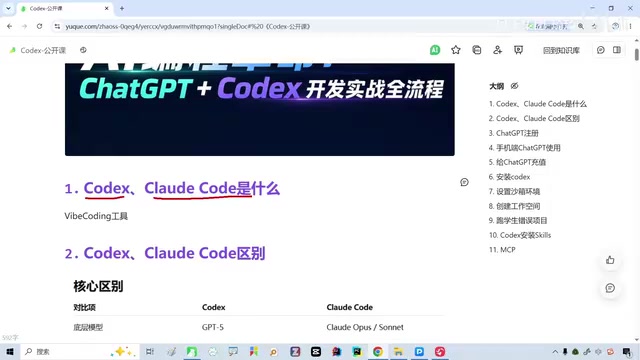
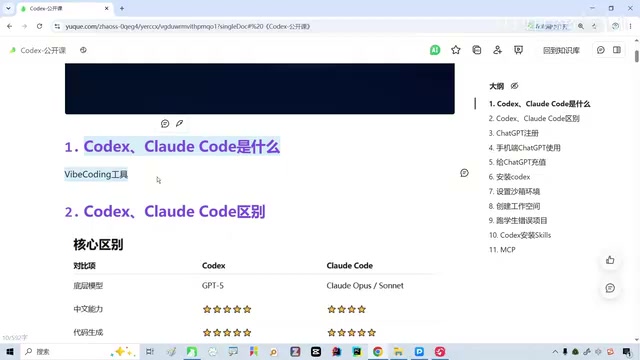
Among the many AI programming tools available, the two most widely used by the developer community are OpenAI's Codex and Anthropic's Claude Code. They sit side by side at the top tier of the industry.
Codex: A Cloud Sandbox Agent
OpenAI's Codex has gone through multiple product iterations. The original Codex was a code generation model released in 2021 (a fine-tuned version of GPT-3) that later became the underlying engine for GitHub Copilot. In 2025, OpenAI revived the Codex brand and launched a cloud sandbox-based agent programming tool. The new Codex runs in an isolated containerized environment, capable of reading and writing files, executing code, running tests, and submitting results as Pull Requests. It's powered by OpenAI's latest codex-1 model, which has been trained with reinforcement learning and specifically optimized for code generation, debugging, and engineering best practices.
Claude Code: A Local Terminal Programming Partner
Claude Code is a command-line AI programming agent released by Anthropic in 2025. Unlike Codex's cloud sandbox approach, Claude Code runs directly in the user's local terminal, with access to the local file system, shell commands, and Git. It's built on the Claude Sonnet and Claude Opus model series and is renowned for its ultra-long context window (supporting up to 200K tokens), giving it a natural advantage when understanding large codebases. Claude Code's design philosophy emphasizes "Human-in-the-loop" — it requests user confirmation before every file modification or command execution, striking a balance between autonomy and safety.
Why Do Codex and Claude Code Stand Out?
There's no shortage of AI programming tools on the market, including Cursor, Windsurf, and GitHub Copilot. These tools represent another approach to AI programming — IDE-integrated solutions. Cursor is a fork of VS Code with built-in AI chat, code completion, and multi-file editing, offering a user experience closer to traditional IDE workflows. GitHub Copilot started with code auto-completion and has gradually expanded into chat and agent capabilities. The core difference between these tools and Codex/Claude Code lies in the interaction paradigm: the former emphasize seamless integration within the editor, while the latter lean more toward standalone task-execution agents. In practice, many developers use multiple tools simultaneously, switching flexibly based on the task at hand.
But based on real-world usage and community feedback, Codex and Claude Code excel in the following areas:
- Depth of code understanding: They can comprehend the context of an entire project, not just a single file
- Multi-step task execution: They can autonomously plan and execute complex development tasks
- Self-healing error correction: When encountering errors, they can automatically analyze the cause and attempt fixes
Getting Started: Setup and Configuration
Many people want to use Claude Code but keep putting it off, mainly getting stuck at a few steps:
- Account registration and login: Some tools require overseas accounts or special network environments
- Download and installation: You need to set up a local development environment (e.g., VS Code, Node.js, etc.)
- API configuration: You need to properly configure your GPT or Claude API key. An API (Application Programming Interface) key is the core credential for using AI programming tools, used for authentication and usage billing. The mainstream billing model is per-token pricing — a token is the basic unit of text processing for models, with roughly 1–2 tokens per English word and about 1–2 tokens per Chinese character. For Claude Code, a moderately complex programming task might consume tens of thousands to hundreds of thousands of tokens, costing anywhere from a few cents to a few dollars. Some tools (like Cursor) offer monthly subscriptions that include a certain usage quota, which is more friendly for individual users.
- Basic operations: Learn how to initiate tasks, review code, and confirm execution
These steps may seem tedious, but in reality, most people can complete the entire setup within an hour by following a tutorial.
Who Should Learn AI Programming Tools?
The answer is: almost everyone.
Programmers: 2–5x Efficiency Boost
AI programming tools have become standard equipment for boosting development efficiency. Whether it's quickly generating boilerplate code, writing unit tests, refactoring legacy code, or exploring unfamiliar tech stacks, these tools can significantly shorten development cycles. According to feedback from many developers, daily development efficiency improves by 2–5x after adopting AI programming tools.
Non-Programmers: Build Software with Zero Coding Background
This is the group that deserves even more attention. Product managers, designers, operations staff, entrepreneurs — if you have an idea but can't write code, AI programming tools make "zero-code-background development" a reality. You can describe your requirements in natural language, and the tool will generate a complete, runnable project for you.
Even if you're not building software, simply setting up a GPT for daily queries and work assistance is already a worthwhile investment.
The Gap Between Domestic and International AI Coding Models: Making Rational Choices
The workshop raised a point worth discussing: international models currently hold a slight edge over domestic Chinese models in programming capabilities.
This assessment is based on real-world usage experience, with the gap being particularly noticeable in the following scenarios:
- Accuracy of code generation for complex logic
- Contextual understanding across multi-file projects
- Compatibility with English technical documentation and open-source ecosystems
However, it's important to emphasize that this gap is closing rapidly. China's AI programming tool ecosystem is also developing at a breakneck pace: Alibaba's Tongyi Lingma integrates with VS Code and JetBrains IDEs, supporting code completion, generation, and explanation, with a natural advantage in understanding Chinese-language requirements; ByteDance's Doubao MarsCode offers a cloud IDE and AI programming assistant, lowering the barrier for environment setup; additionally, Baidu's Comate, Huawei's CodeArts Snap, and others are iterating quickly. These tools have unique advantages in handling Chinese comments, domestic tech stacks (such as WeChat Mini Programs and Alipay development), and compliance requirements. They typically don't require special network environments, making them more accessible for users in China.
From a pragmatic standpoint, the core criteria for choosing a tool should be: which one solves your problem and which one offers the best value — rather than blindly chasing the "most powerful model."
Practical Guide: 5 Steps to Your First AI Programming Project
If you're a complete beginner, here's the recommended path to get started:
- Experience before diving deep: Start with the ChatGPT web interface and try having it write simple scripts for you (e.g., data processing, web scraping)
- Set up your local environment: Install VS Code + Claude Code or Cursor, and configure your API
- Start with small projects: Don't jump into complex systems right away — begin with a simple to-do app or personal website
- Learn to review code: AI-generated code isn't always 100% correct, so developing basic code-reading skills is important
- Iterate continuously: Through ongoing dialogue with AI, refining requirements, and gradually improving your project
Conclusion
AI programming tools are redefining the answer to "who can write code." As the current top-tier tools, Codex and Claude Code are worth investing time to learn and master — whether you're a seasoned programmer or a complete coding novice. What matters isn't whether you can write code right now, but whether you're willing to embrace this new productivity paradigm.
Related articles
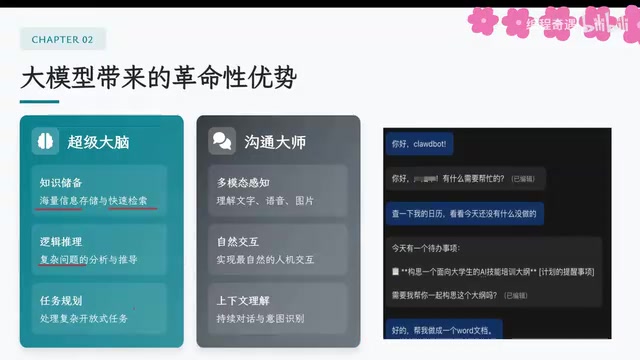
AI Agent Core Architecture Breakdown: From Concept to Enterprise-Grade Intelligent Agent Development
Deep dive into AI Agent architecture: perception, brain, and action modules. Covers RAG memory systems, tool calling mechanisms, Chain of Thought reasoning, and enterprise agent development roadmap.
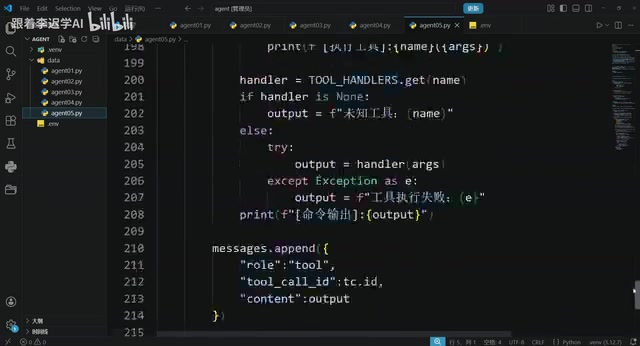
Hands-On Tutorial: Build an AI Agent from Scratch with 200 Lines of Python
Build an AI Agent from scratch with 200 lines of Python, covering prompts, memory, tool calling, RAG, and Skills — a practical guide for developers.
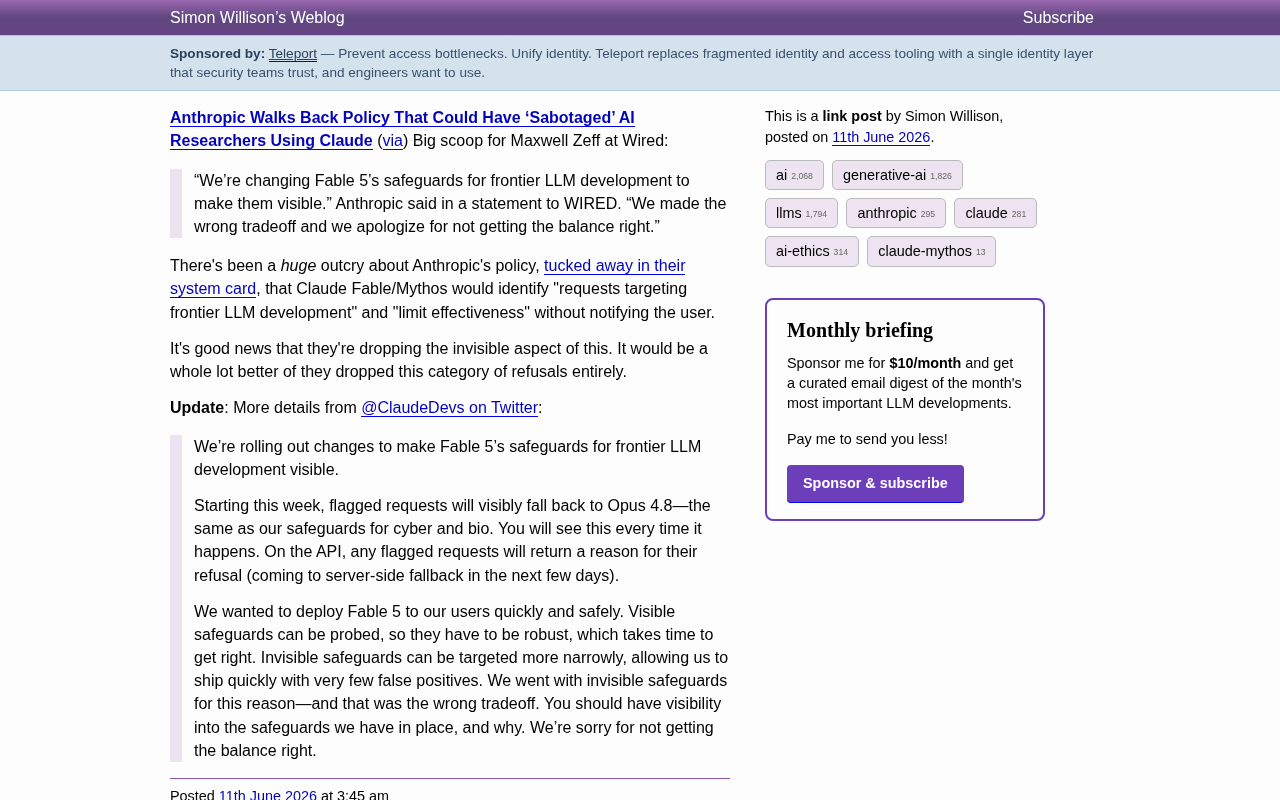
Anthropic Reverses Controversial Policy of Secretly Throttling AI Researchers Using Claude
Anthropic reverses its controversial policy of secretly throttling Claude Fable/Mythos responses to frontier LLM development requests after community backlash, raising critical questions about AI transparency.