PyCharm 2026.1 Deep Dive: Native AI Coding Assistant & Legitimate Licensing Guide
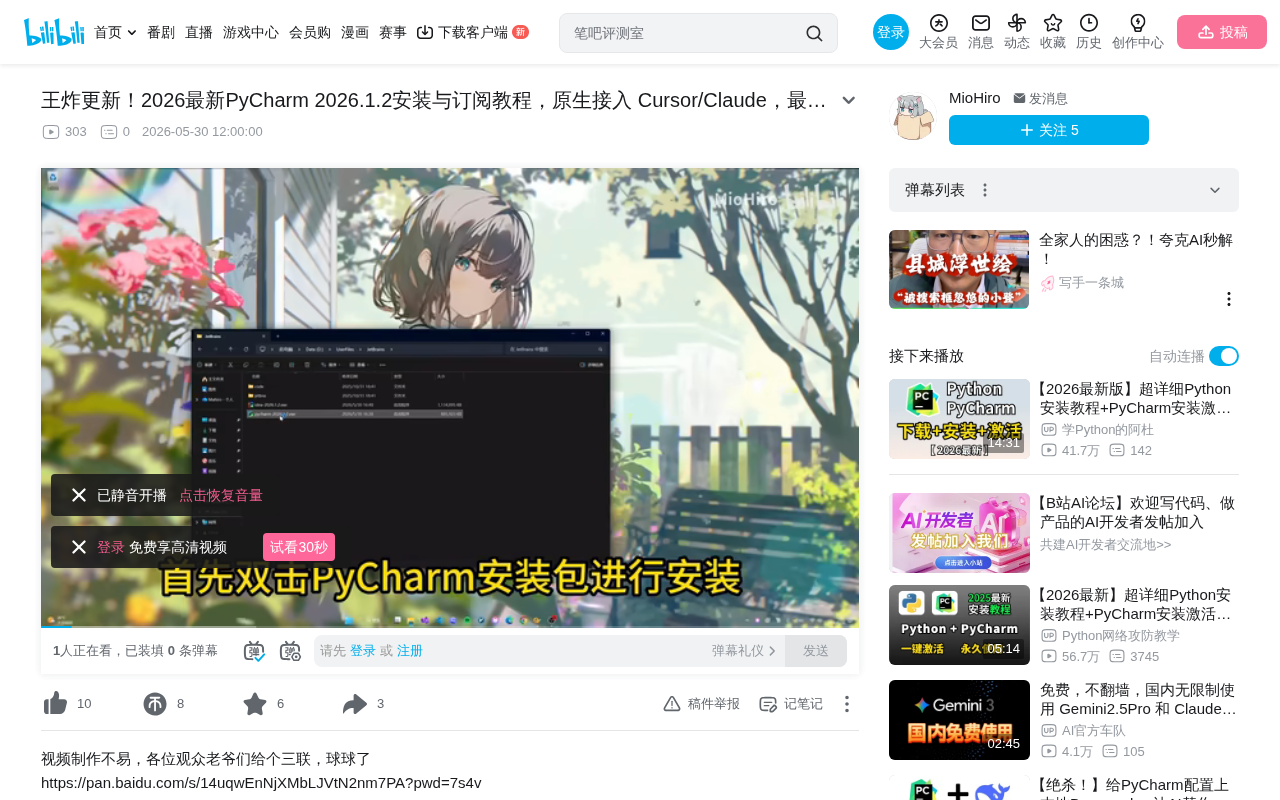
PyCharm 2026.1 natively integrates AI models like Claude, competing directly with Cursor for Python developers.
PyCharm 2026.1 introduces native AI coding assistance with Claude and GPT integration, positioning itself as a direct competitor to Cursor. This article covers the technical implementation of AI features, compares the IDE-first vs AI-first approaches, outlines legitimate licensing options including free alternatives, and warns against security risks of pirated software.
Introduction
JetBrains recently released PyCharm 2026.1, an update that many developers are calling a "game-changer." The biggest highlight is the native integration of AI coding capabilities, supporting connections to large language models like Claude, allowing Python developers to enjoy AI-assisted programming without ever leaving the IDE.
However, alongside this update, numerous so-called "free subscription tutorials" have appeared online—which are actually piracy and cracking guides. This article provides an objective overview of PyCharm 2026.1's core feature updates and reminds developers to stay mindful of software compliance.
PyCharm 2026.1 Core Feature Updates
Deep AI Assistant Integration
The most eye-catching update in PyCharm 2026.1 is the significant enhancement of its AI coding capabilities. The new version natively supports multiple AI models, including Claude, GPT, and other mainstream large language models. Developers can access code completion, code explanation, refactoring suggestions, and other AI-assisted features directly within the editor.
From a technical implementation perspective, Large Language Models (LLMs) are deep learning models based on the Transformer architecture, pre-trained on massive text datasets to achieve powerful natural language understanding and generation capabilities. Claude is an AI model developed by Anthropic, known for its safety and code comprehension abilities; the GPT series comes from OpenAI. Integrating these models into an IDE is typically achieved through API calls—the IDE sends the user's current code context (including cursor position, open files, project structure, etc.) as a prompt to the model, which returns completion suggestions or code explanations. The technical challenge of this integration lies in efficiently constructing the context window: it must include enough code information for accurate suggestions while controlling token consumption to reduce latency and cost.
This means developers no longer need to switch back and forth between PyCharm and AI coding tools like Cursor—a single IDE can satisfy both traditional development and AI-assisted programming needs.
PyCharm vs. Cursor: The Competitive Landscape
With Cursor's rapid rise in the AI coding space, JetBrains has clearly felt the pressure. PyCharm 2026.1's AI integration strategy can be seen as a direct response to Cursor—preserving JetBrains' deep expertise in code analysis, debugging, and project management while filling the AI-assisted programming gap.
Cursor is a deeply customized AI-native coding tool built on the VS Code open-source codebase (Electron + Node.js architecture), developed by Anysphere. Its core innovation is designing AI capabilities as the editor's first priority rather than an afterthought. Cursor's Tab completion, Composer multi-file editing, and codebase-indexed context understanding helped it rapidly win over a large developer following during 2024-2025. JetBrains' response strategy includes launching a standalone AI plugin (JetBrains AI Assistant) and investing in Junie (an AI agent). The fundamental difference between the two: Cursor is an "AI-first" lightweight editor, while PyCharm is an "IDE-first" heavyweight development environment with over a decade of technical accumulation in static code analysis, type inference, database tools, remote interpreters, and more.
For Python developers, this is good news: market competition is driving rapid tool evolution.
How to Properly Obtain PyCharm
Official Subscription Plans
PyCharm offers multiple legitimate acquisition methods:
- Community Edition: Completely free and open-source, suitable for basic Python development
- Professional Edition Personal Subscription: Approximately $89/year for the first year, with decreasing renewal costs
- Student/Teacher Free License: Available with a valid educational email
- Open Source Project Free License: Active open-source project maintainers can apply for free licenses
It's worth noting that PyCharm Community Edition is released under the Apache 2.0 open-source license, with source code hosted on GitHub. It includes core Python editing, debugging, testing, and version control features, but lacks web development framework support (Django, Flask, FastAPI), database tools, remote development, scientific computing mode (deep Jupyter Notebook integration), and Docker/Kubernetes support. For data scientists and web backend developers, these Professional Edition features are often essential; for those learning Python, writing scripts, or developing pure Python libraries, the Community Edition is already powerful enough.
Security Risks of Pirated Cracks
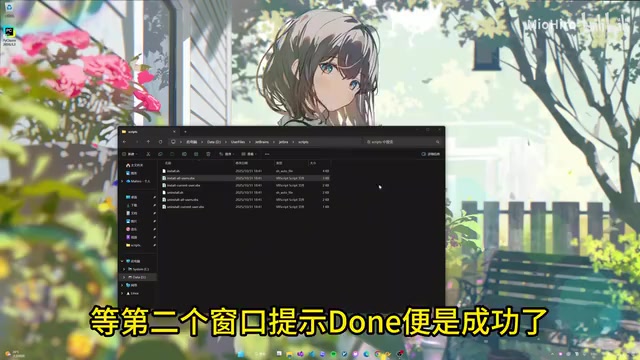
The so-called "activation tutorials" circulating online typically require users to run scripts of unknown origin (such as .vbs scripts), which pose serious security risks:
- Malware Risk: Crack scripts may carry trojans, cryptominers, or ransomware
- Data Breach Risk: Scripts may steal sensitive information from your system
- Legal Risk: Using pirated software violates computer software protection regulations
- Stability Issues: Cracked versions cannot update normally and may encounter various compatibility problems
From a technical perspective, JetBrains products use an authorization verification mechanism based on License Server or JetBrains Account online verification. Common cracking methods include: modifying the local hosts file to redirect verification requests to a fake server, using a Java Agent to intercept and tamper with verification logic at runtime, or deploying a local fake License Server. These operations typically require executing scripts with system administrator privileges—which provides perfect cover for malicious code injection. In recent years, security researchers have repeatedly discovered that popular IDE cracking tools bundle information-stealing trojans (such as RedLine Stealer) capable of extracting browser-saved passwords, cryptocurrency wallet private keys, and SSH keys.
Making Rational Choices as a Developer
Free Python IDE Alternatives
If budget is limited, the following options can fully meet Python development needs:
- PyCharm Community Edition: JetBrains' official free version with complete core coding features
- VS Code + Python Extension: Microsoft's free editor with a rich ecosystem
- Cursor: AI-native coding tool with a free tier
The Value of Investing in Licensed Software
For professional developers, spending less than $90 per year on a core tool used 8+ hours daily is an excellent value proposition. Licensed users receive: continuous security updates, full AI functionality, official technical support, and most importantly—peace of mind.
Additionally, JetBrains' subscription model includes a user-friendly "Perpetual Fallback License" mechanism: after 12 consecutive months of subscription, even if you stop renewing, you can permanently use the version available at the time your subscription ended. This means your investment won't be completely "wasted," reducing the uncertainty that comes with subscription-based pricing.
Conclusion
PyCharm 2026.1 is indeed a significant update—native AI integration puts it back in the running for the strongest Python IDE. But good tools need to be obtained the right way. Whether you choose the free Community Edition or invest in a Professional subscription, either option is far wiser than risking security and legal consequences by using pirated software.
Tech professionals should respect the value of technical labor—and that includes respecting the work of IDE developers.
Key Takeaways
Related articles
Launching on the App Store for Under $…
Launching on the App Store for Under $120: A Full Cost Breakdown of AI-Powered Development
Develop an app with AI coding tools and publish it on the App Store for as little as $99. A detailed breakdown of Apple Developer fees, servers, domains, AI tools, and compliance costs.
CODESYS MCP Tools Explained: Configura…
CODESYS MCP Tools Explained: Configuration and Practice for AI-Driven PLC Programming
Detailed guide on CODESYS MCP Server architecture, 19 tool capabilities, IDE and AI client configuration, with traffic light and motion control program generation demos.

In-Depth Review of AI Role-Playing Chat Apps: A Realistic Analysis of High-Freedom AI Companion Experiences
In-depth analysis of high-freedom AI companion chat apps covering character customization and immersive dialogue, with rational comparison to Character.AI and other mainstream AI role-playing products.