A Hardcore Fighter Jet Simulator in the Browser: An Indie Developer's AI-Powered Hit

Indie dev builds a browser fighter jet simulator with Claude Opus 5.5 and fal, gaining 25K players in two weeks.
An indie developer built a hyper-realistic fighter jet simulator in the browser entirely with Claude Opus 5.5 and fal models, attracting 25,000 players in two weeks with about 1,000 daily active pilots, and earning a threejs.org homepage feature. His core workflow runs multiple AI agents in parallel, each on its own branch handling mission logic, sound fixes, load optimization, and trailers, merged after his review. Visually, he adapted a GoPro fisheye effect and wrote a canopy shader for scratch reflections and sliding raindrops; physically, he used AI for long research sessions to port real flight behavior to the browser and fixed load times and iPhone crashes. The project also includes multiplayer rooms and a ranked ladder, boosting retention. The case highlights AI agents as a "virtual team" across the full development pipeline of complex web apps, while stressing that human review remains key to quality.
A Hardcore Fighter Jet Simulator in the Browser: An Indie Developer's AI-Powered Hit
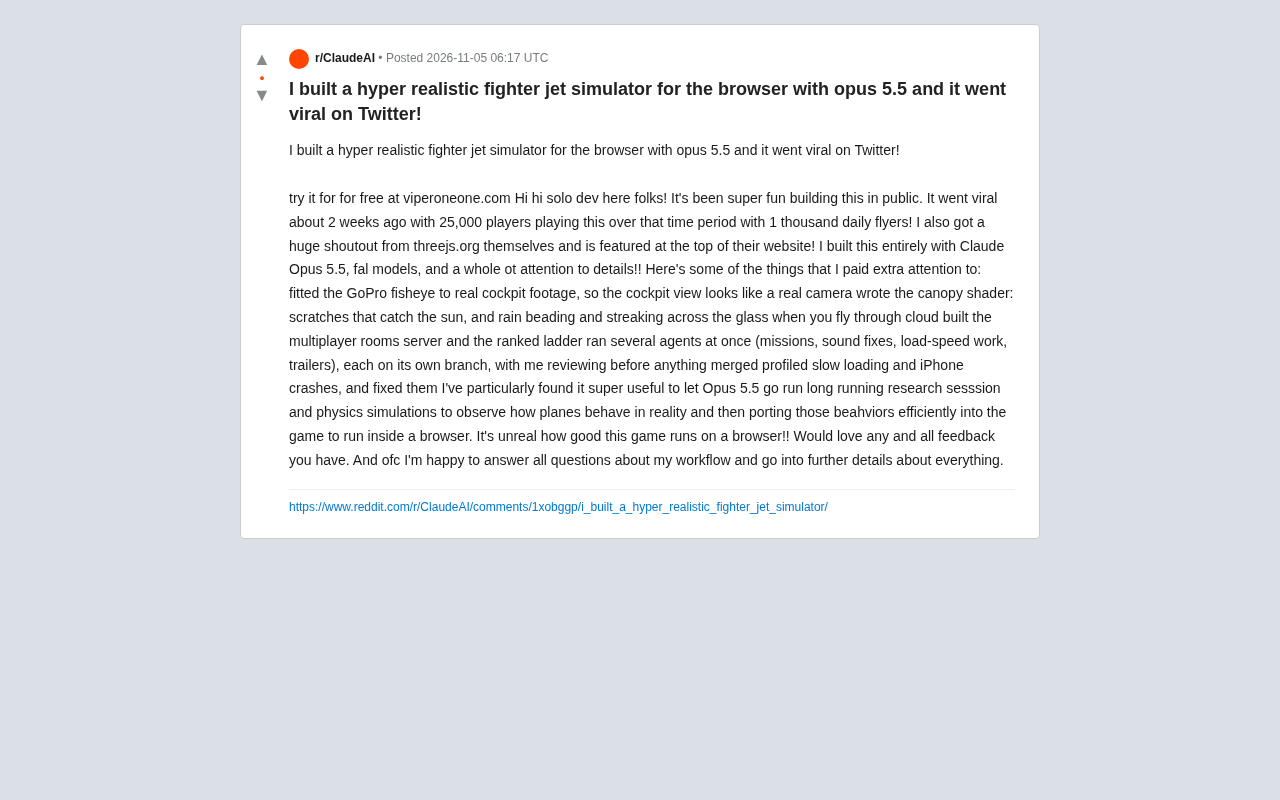
An indie developer used Claude Opus 5.5 and fal models to build a hyper-realistic fighter jet simulator in the browser, and it quickly went viral on Twitter. Over the past two weeks, the game has attracted 25,000 players, with about 1,000 daily active pilots. Even more impressive, it earned an official recommendation from threejs.org and is featured at the top of the site's homepage.
One-Man Army: How AI Became an Indie Developer's "Virtual Team"
The developer emphasizes that the entire project was built entirely with Claude Opus 5.5 and fal models, with a great deal of effort put into polishing details. He specifically shared an efficient workflow: running multiple AI agents simultaneously, each responsible for different tasks—such as mission logic, sound fixes, load-speed optimization, and trailer production—with each agent working on its own branch and merging only after his review. This "parallel agent development" model lets a solo developer push multiple modules forward at once, greatly boosting efficiency.
"I ran several agents at once (missions, sound fixes, load speed, trailer), each on its own branch, and I review each one before merging."
This model not only saves time but also lets the developer focus on review and integration rather than repetitive labor. For indie developers, AI agents are becoming a scalable "virtual team."
Detail Obsessive: From GoPro Fisheye to Raindrops on the Canopy Glass
To create a "hyper-realistic" flight experience, the developer put considerable effort into visual details. Based on real cockpit footage, he adapted a GoPro fisheye lens effect into the game so the cockpit view looks like footage shot by a real camera. He also personally wrote the shader for the canopy, simulating scratches on the glass reflecting in the sunlight and raindrops condensing and sliding down the glass when flying through clouds.
These details seem minor but greatly enhance immersion. The developer admits that his extra attention to detail is one of the keys to the game standing out.
Shaders are small programs that run on the GPU, divided into vertex shaders and fragment shaders, the latter determining color and lighting pixel by pixel. The reflections on canopy scratches and the condensation and sliding of raindrops are essentially simulated through procedural noise, normal perturbation, and Fresnel reflection in the fragment shader: scratches use high-frequency noise to generate normal offsets, raindrops use a time-varying height field to create a sense of flow, and environmental reflection is layered on top so the glass produces highlights in sunlight. The GoPro fisheye effect is achieved by modifying the projection matrix or applying barrel distortion in post-processing, causing exaggerated curvature at the edges of the frame to mimic the imaging characteristics of a wide-angle action camera. All these effects are computed in real time on the browser side, with strict constraints on GPU performance and shader instruction count.
Physics Simulation and Performance Optimization: Running a Hardcore Simulator in the Browser
Fighter jet simulators demand extremely high physical realism. The developer used Opus 5.5 for long research sessions and physics simulations, observing how the aircraft behaves in reality and then efficiently porting those behaviors into the game so it runs smoothly in the browser. He specifically noted that the game runs "unbelievably well" in the browser.
To ensure a smooth experience, he also profiled and fixed slow load times and crashes on iPhone. These optimization efforts were likewise assisted by AI agents.
The core challenge of real-time physics simulation on the browser side is that the JavaScript main thread must handle input and rendering while also executing complex flight dynamics calculations, which easily causes frame-rate fluctuations. Modern approaches typically use Web Workers to move physics computation off the main thread, or use WASM (WebAssembly) to run high-performance physics code compiled from C++/Rust. Three.js, as a wrapper library over WebGL, handles scene graph management, shader orchestration, and the rendering pipeline, but the physics part often requires an independent lightweight engine or a custom integrator. The "long research sessions" the developer mentions essentially involve using AI to help establish aerodynamic parameters and flight dynamics equations, then discretizing them into numerical integration steps computable each frame, thereby approximating real flight behavior within the browser's limited compute budget.
Multiplayer and Leaderboards: From Single-Player to Community
Beyond the single-player flight experience, the developer also built multiplayer room servers and a ranked ladder system. This means players can compete with others in the browser and fight for rankings. The addition of multiplayer significantly improves retention and community activity—among the 1,000 daily pilots, many are likely drawn by the competitive elements.
Real-time synchronization in browser multiplayer games typically relies on WebSocket or WebRTC DataChannel. WebSocket suits a client-server architecture, where the server maintains authoritative state and broadcasts it to clients; WebRTC supports low-latency peer-to-peer transmission, suitable for direct communication within small rooms. Since browsers cannot directly open UDP ports, low-latency solutions often require WebTransport or WebRTC's unreliable transmission modes. A ranked ladder system involves server-side persistent storage, ELO or similar rating algorithms, and anti-cheat validation. For indie developers, using hosted services (such as Firebase, Supabase, or the Colyseus framework) can greatly reduce the complexity of building multiplayer backends from scratch, which also explains how a solo developer could launch multiplayer rooms and leaderboards in a short time.
Multi-Source Verification and Community Response
Cross-checking the original Reddit post with the official recommendation on threejs.org confirms that the game has indeed earned recognition from the technical community. threejs.org featured the project at the top of its homepage—for developers using Three.js, this is a tremendous honor. In the post, the developer stated that after going viral on Twitter, the game attracted 25,000 players in two weeks, with about 1,000 daily active pilots. These figures come from the developer's own account and have no third-party statistics to corroborate them, but the threejs.org recommendation provides strong endorsement of the project's technical quality.
Implications for AI-Assisted Development
This case demonstrates AI's potential in complex projects: from physics simulation research and code generation to performance debugging, AI agents can cover the entire development pipeline. Developers no longer need to face every task alone; they can orchestrate multiple AI agents like directing a team. At the same time, this raises the bar for developers' review capabilities—AI-generated content needs human oversight to ensure quality.
For developers who want to try a similar workflow, this indie developer's experience is worth referencing: define clear task boundaries, use branch isolation, and strictly review before merging. The barrier to entry for browser games is being lowered by AI and modern web technologies together, and more "one-person hits" may emerge in the future.
Want to try it yourself? The developer offers a free demo at viperoneone.com.
One-line Summary
An indie developer built a browser fighter jet simulator with Claude Opus 5.5 and fal models, attracting 25,000 players in two weeks.
Paragraph Summary
An indie developer built a hyper-realistic fighter jet simulator in the browser entirely with Claude Opus 5.5 and fal models, attracting 25,000 players in two weeks with about 1,000 daily active pilots, and earning a homepage feature on threejs.org. The core workflow is running multiple AI agents simultaneously, each handling mission logic, sound fixes, load optimization, and trailer production on its own branch, merged after developer review. Visually, he adapted a GoPro fisheye effect and wrote a canopy shader to simulate scratch reflections and sliding raindrops; physically, he used AI for long research sessions to port real flight behavior to the browser while fixing load times and iPhone crashes. The project also includes multiplayer rooms and a ranked ladder, significantly improving retention. This case shows the potential of AI agents as a "virtual team" across the full development pipeline of complex web applications, while emphasizing that human review remains key to quality assurance.
Related articles

WorkBuddy in Practice: How Tencent's AI Agent Is Reshaping Office Workflows
An in-depth analysis of Tencent WorkBuddy AI agent: it reads local files, executes multi-step tasks, runs on schedules, and supports remote control—how is it fundamentally different from conversational AI? This article combines practical cases to help you understand its core capabilities and use cases.

Codex App Complete Guide: From Installation to Hands-On Practice — AI Automatically Organizes Files and Builds Reports
Codex App complete guide: install from the app store, configure everyday work mode, and use real coffee shop data to practice file organization, Excel reports, and visual dashboards. Learn Plan Mode and the little pet feature — master Codex's AI automation workflow in one episode.

Getting Started with Langfuse: Building a Financial Analysis Agent and Evaluation Platform
A Langfuse tutorial: explore the core capabilities and boundaries of this open-source AI Engineer platform, and learn how to build an enterprise-grade log tracing, evaluation, and observability platform for a Harness-architecture financial analysis multi-agent system, covering prompt management, token cost analysis, and integration with frameworks like LangChain.