Building a RAG Assistant with Dify: A Practical Guide to Knowledge Bases, Workflows, and Agent Nodes

Distinguish retrieval, orchestration, and decision-making to build a shippable Dify RAG assistant.
The article breaks down, from a hands-on perspective, how knowledge bases, workflows, and Agent nodes divide responsibilities and connect in Dify. Dify's visual drag-and-drop helps beginners build intuition about agents, RAG, and knowledge bases, but it isn't the endpoint. Knowledge bases only store and retrieve reference material without generating answers; workflows orchestrate deterministic, debuggable paths; Agent nodes make autonomous decisions—flexible but less controllable. Common mistakes include stuffing a knowledge base into an Agent or letting an Agent retrieve without boundaries. A shippable assistant should orchestrate the main input→retrieval→generation→output chain with a workflow, using Agents only where dynamic judgment is needed. The article then recommends advancing to LangChain, LangGraph, and Harness architecture.
Why Dify Is a Good Entry Point for RAG and Agents
Many people building RAG assistants in Dify habitually wire knowledge bases, workflows, and Agent nodes together however they like—and end up with apps that either answer the wrong questions or can't be shipped at all. This article breaks down, from a hands-on perspective, how these three components divide responsibilities and connect, so you can build a RAG application that actually works.
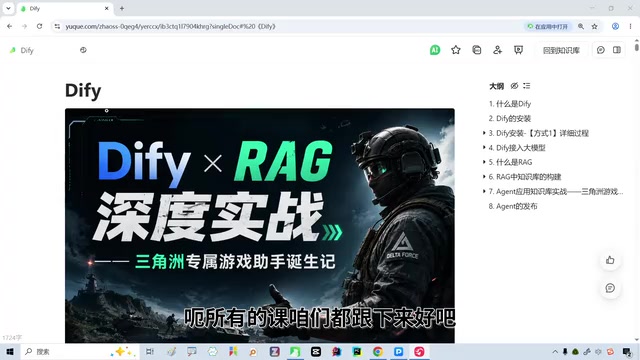
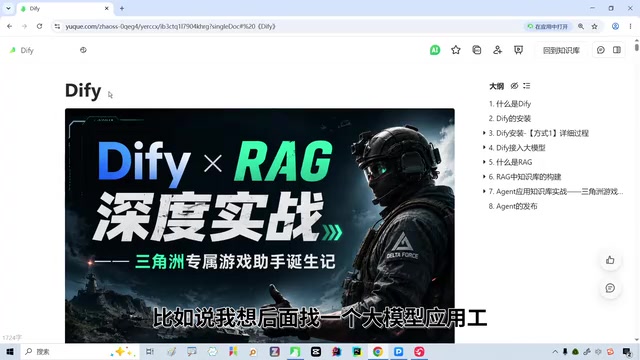
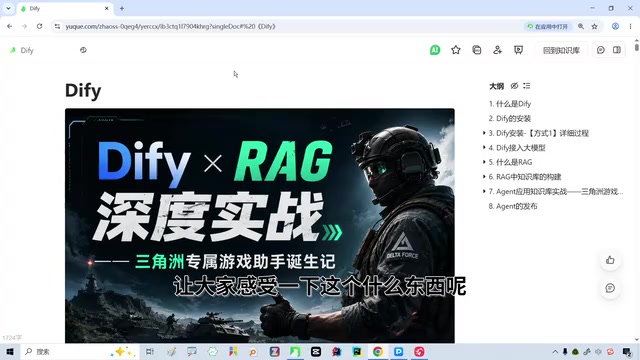
Dify is a visual LLM application development tool that lets you build agents, knowledge base Q&A, and workflows by dragging and dropping. According to a course shared by a Bilibili creator, for beginners or those just getting started with LLMs, Dify presents abstract concepts like "agents," "RAG," and "knowledge bases" in a very intuitive way, lowering the barrier to understanding.
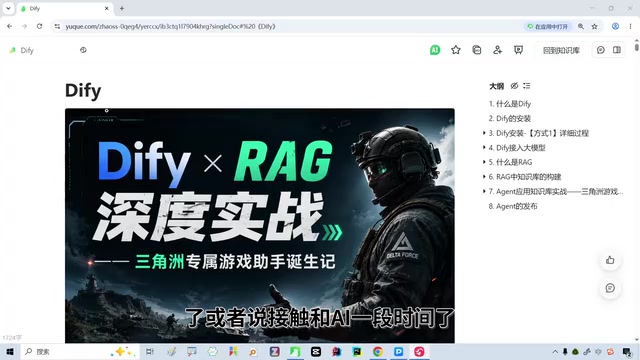
Tools similar to Dify include Coze, and both are well suited for beginners to get up to speed quickly. But the creator also cautions that if you really want to pursue LLM development and become an LLM application engineer, drag-and-drop alone isn't enough—you also need to understand frameworks like LangChain, LangGraph, and Deep Agent, as well as the concept of Harness architecture. Dify's value is in helping you first build an intuitive grasp of agents and RAG, which makes tackling code frameworks smoother afterward.
RAG (Retrieval-Augmented Generation) is a technical approach that has the LLM retrieve external materials before answering. An LLM's parameters bake in the knowledge from its training—which may be outdated and cannot cover an enterprise's private documents. RAG works by first retrieving relevant text chunks from a vector database using the user's question, then stitching those chunks into the prompt so the model answers based on the provided material. Its core value is reducing hallucination, making answers traceable, and allowing knowledge updates by simply swapping documents rather than retraining the model. Understanding this makes clear why "retrieval quality" and "how the prompt constrains the material" are the keys to a RAG application's success.
LangChain and LangGraph are the two most common Python frameworks for LLM application development. LangChain provides standardized components such as model calls, prompt templates, retrievers, and tools, organizing scattered API calls into reusable chains; LangGraph builds on top of it with a "graph" execution model, using nodes and edges to describe complex flows with branching, loops, and state passing—well suited to building agents that need multi-turn reasoning and multi-role collaboration. A useful comparison: Dify's drag-and-drop canvas is conceptually close to LangGraph's graph structure, just replacing code with visual nodes. Familiarizing yourself with the wiring logic on the canvas first makes it easier to understand the functions and state transitions behind each node when you later read framework code.
What Knowledge Bases, Workflows, and Agent Nodes Each Handle
This is the part most easily confused when building a RAG assistant. The three are not interchangeable building blocks—they serve different responsibilities.
Knowledge bases handle storage and retrieval. The documents you upload are chunked and vectorized, and relevant chunks are retrieved when a user asks a question. A knowledge base does not generate answers itself—it only provides "reference material."
Workflows handle orchestration. They define which steps a request goes through from input to output—for example, first retrieving from the knowledge base, then having the LLM generate an answer based on the retrieval results, and finally formatting the output. A workflow's strength is a deterministic path and strong controllability.
Agent nodes handle autonomous decision-making. They can decide on their own which tool to call and whether multiple rounds of retrieval are needed, offering high flexibility but relatively weaker controllability.
Common wiring mistakes include stuffing a knowledge base directly into an Agent node, or letting an Agent repeatedly call the knowledge base inside a workflow without setting boundaries. The former dilutes retrieval results with the Agent's free-form improvisation; the latter easily leads to runaway flows and slow responses.
Vectorization and similarity thresholds are two key mechanisms in the knowledge base retrieval step. After upload, documents are split into text chunks, each converted by an embedding model into a high-dimensional vector and stored in a vector database; when a user asks a question, it is likewise converted into a vector, and the system uses measures like cosine similarity to find the closest chunks. The number of retrieved chunks determines how much reference material the LLM gets—too many easily introduces noise and eats into the context window, while too few may miss key information. The similarity threshold is a filter line: chunks below it are discarded, preventing irrelevant content from being forced onto the model. In practice, you typically start with a moderate threshold and observe retrieval performance, then adjust based on specific symptoms like off-topic or incomplete answers.
The Connection Logic for a Shippable RAG Assistant
A shippable RAG assistant's core chain should be: user input → knowledge base retrieval → LLM generates based on retrieval results → output. Orchestrating this chain with a workflow is the most reliable approach, because every step is predictable and debuggable.
Specifically, in the workflow, first place a knowledge base retrieval node and set the retrieval count and similarity threshold; then pass the retrieved chunks as context into the LLM node, and explicitly require in the prompt that it "answer only based on the provided material"; finally add an output node to format the result. Agent nodes are better suited to scenarios requiring dynamic judgment—for example, when a user's question falls outside the knowledge base's scope, the Agent decides whether to hand off to a human or call other tools.
The creator also emphasizes in the course that these skills need to be followed from start to finish, because the connections among knowledge bases, workflows, and Agent nodes are continuous—skipping around makes it easy to err at the wiring stage.
From Drag-and-Drop to Code: What to Learn Next
Dify gives you an intuitive feel for agents and RAG, but it's not the destination. The creator notes that to truly enter the field of LLM development, you need to master frameworks like LangChain and LangGraph, understand Agent orchestration logic, and know what Harness architecture is. These are all necessary steps on the path from "using tools" to "doing development."
For beginners, the suggested path is: first use Dify to get thoroughly familiar with the concepts and wiring of knowledge bases, workflows, and Agent nodes, and build a small app that runs end to end; then take that intuition into learning framework code and understand what's really happening behind the drag-and-drop. This way, learning won't feel abstract, and it's easier to combine tool proficiency with development skills.
Back to the opening question: don't wire things arbitrarily when building a RAG assistant in Dify. The key is to distinguish that knowledge bases handle retrieval, workflows handle orchestration, and Agents handle decision-making—let each module do its own job, and the application will truly be ready to ship.
Harness architecture, in the LLM context, refers to a runtime framework wrapped around the model that handles engineering concerns such as context assembly, tool-call dispatching, multi-turn state maintenance, error retries, and safety constraints. The model itself only handles "generation," while a real, usable agent request also involves extensive peripheral logic like prompt assembly, feeding tool results back in, and deciding when to terminate loops—exactly what the Harness handles. It's fitting to think of it as "the agent's shell and orchestration hub": the same model, wrapped in different Harnesses, can differ greatly in stability and capability boundaries. That's also why, when moving from using visual tools to real development, understanding this layer of architecture matters more than memorizing a particular API.
Related articles
 Tech Frontiers
Sherlock: An Open-Source Tool for Tracking Usernames Across Social Networks
Sherlock is an open-source Python tool that tracks social accounts across networks by username. This article covers its core features, why developers love it, typical use cases, and privacy compliance considerations.
 Tech Frontiers
GitHub Daily·Nov 07: Agent-Ready and Context Compression
GitHub Trending Nov 07: meta's agent-ready design system astryx, billion-context's 5x context compression, sherlock nearing 100k stars, plus local-first localthings and bare-metal GPU orchestration nvke.
 Tech Frontiers
Buoyant Open-Sources Kinference: An Inference Control Plane for vLLM on K8s
Buoyant open-sources Kinference, an inference control plane for vLLM on Kubernetes, with declarative routing, KV-cache-aware load balancing, and per-tenant metrics—claiming 95% lower median TTFT in official benchmarks.