CaptureFlow: An Open-Source Screen Recorder That AI Agents Can Use Too
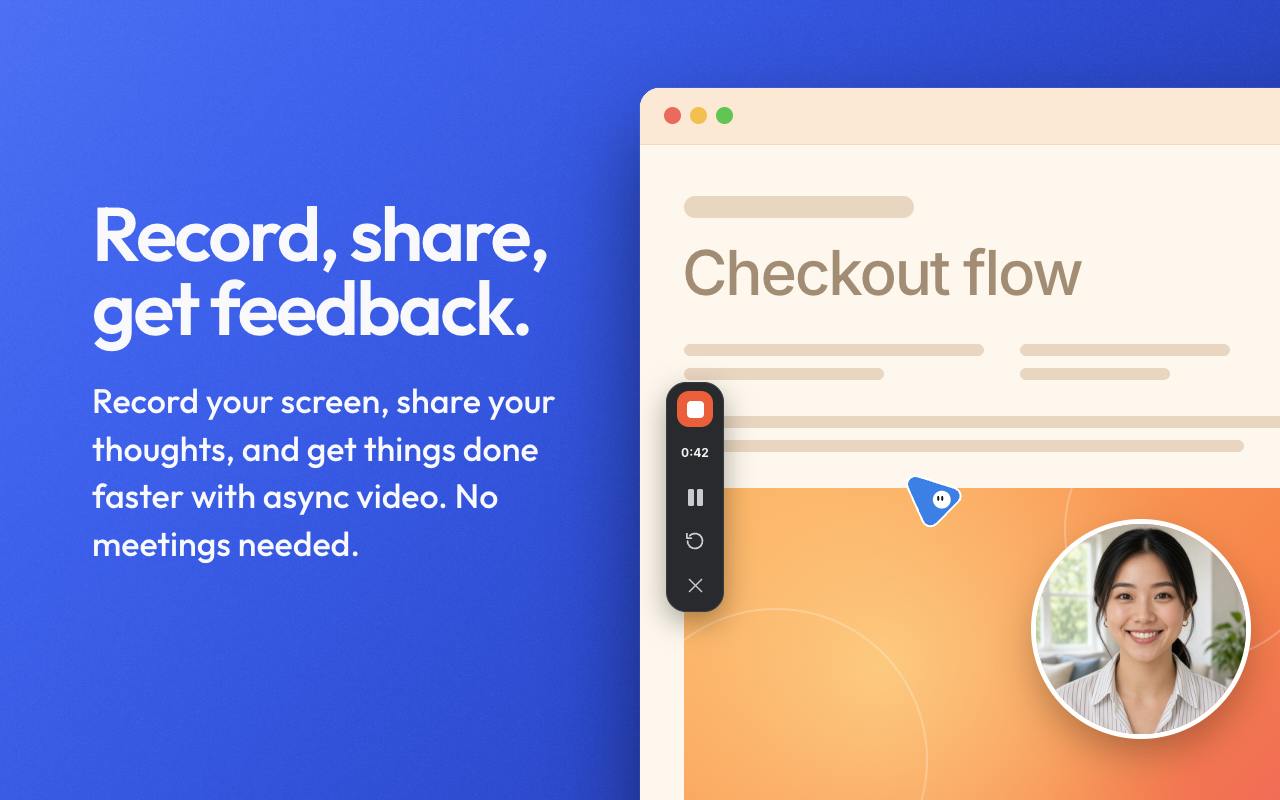
Open-source Chrome screen recorder CaptureFlow records and shares in one step and opens recording to AI agents.
CaptureFlow is an open-source Chrome extension on Product Hunt. Its core selling point is generating a shareable link right after recording, skipping the export-upload-copy-link steps, while supporting annotated screenshots so dynamic demos and static annotations live in one tool. Its most distinctive feature is an MCP server that lets MCP-compatible AI agents call screen recording themselves for demos, tutorials, and bug reports. It supports Docker or Cloudflare self-hosting for data-sensitive teams, but as an early-stage project its depth of polish remains to be verified.
The screen recording tool market has always been crowded, but most products either lock users into paid subscriptions or make the sharing process unnecessarily long. CaptureFlow, which recently appeared on Product Hunt, tries to solve this problem a different way: open source, record-and-share in one step, and it opens up the act of "recording" to AI agents as well.
A Chrome Extension That Collapses Recording and Sharing Into One Step
CaptureFlow's core form is a Chrome extension. After recording the screen, users don't need to export a file, upload it to cloud storage, then copy a link to send to colleagues—instead, a shareable link is generated directly. For people who frequently need to demonstrate workflows to teams or clients, the efficiency gain from this shortened workflow is very real.
Beyond video, it also supports annotated screenshots. This means a single tool can handle both "dynamic demos" and "static annotations," so you don't have to switch back and forth between screen recording software and screenshot annotation tools.
The reason a Chrome extension can change the screen recording experience is that it runs directly inside the browser process and can call native browser APIs like chrome.tabCapture and getDisplayMedia, with no need to install a standalone desktop client. This also means the recording scope naturally covers three modes—tab, window, and full screen—and it can capture in-page audio and mouse interaction events. Compared with desktop screen recording software packaged with Electron, the extension form has lower installation cost and a more transparent permission model, but due to the browser sandbox it still has boundaries in system-level recording (such as recording other application windows) and global shortcuts. Understanding this difference in form helps explain why CaptureFlow's "record-and-share" workflow can be shorter than traditional tools—recording, encoding, and uploading can all happen almost within the same page context.
MCP Server: Letting AI Agents Record Their Own Screens
CaptureFlow's most distinctive design is that it provides an MCP server. MCP is a protocol layer that lets AI agents call external tools, and through it CaptureFlow exposes screen recording capabilities to agents. The typical scenarios listed officially include product demos, operation tutorials, and bug reports.
This idea is worth expanding on. When an AI agent can independently complete a task, it can also record the execution process as part of its deliverable. For example, after an agent fixes a bug, what it attaches is not a text description but a replayable screen recording. Collaboration between humans and agents thus gains another communication medium—the agent doesn't just "say" what it did, it "demonstrates" what it did.
MCP (Model Context Protocol) is a protocol proposed and open-sourced by Anthropic at the end of 2024 to establish standardized connections between LLM applications and external data sources and tools. It uses a client-server architecture: AI applications (such as Claude Desktop and various agent frameworks) act as clients and communicate with MCP servers via JSON-RPC, while servers expose three types of capabilities in a unified way—Resources (readable data), Tools (callable functions), and Prompts (preset prompt templates). Before MCP appeared, every AI application had to write separate integration code for every tool, creating an N×M adaptation explosion; MCP abstracts this layer into "write a server once, and all compatible clients can use it." Therefore, when CaptureFlow provides an MCP server, it means any agent that supports MCP can call the screen recording tool through a standard interface, without custom development for CaptureFlow.
Control Through Self-Hosting and Open Source
CaptureFlow is open source and supports self-hosting via Docker or Cloudflare. For teams that care about where their data flows, this matters more than the features themselves: screen recordings often contain internal system interfaces, customer information, or even credentials, and hosting them on a third-party service is always an added risk. Being able to deploy it yourself means the domain of the share link, the storage location, and access control all stay in your own hands.
Compared with similar open-source solutions, CaptureFlow's differentiator is that it treats "instant sharing" as a first-class citizen, rather than making users assemble their own combination of storage and CDN.
Self-hosting means deploying a service on servers or cloud accounts you control, rather than using a vendor-provided SaaS instance. For products like screen recording that generate large amounts of binary files, self-hosting involves three key components: object storage (to save videos and screenshots), a metadata database (to manage links, permissions, and expiration policies), and a reverse proxy or CDN (responsible for link distribution). Docker deployment packages these dependencies into container orchestration, lowering the operations barrier; the Cloudflare option uses edge services such as Workers, R2, and Pages, so share links naturally have global acceleration and access control. The common significance of both is that the boundary of data sovereignty shifts from "trusting the vendor" to "trusting your own configuration," which is often a hard prerequisite for procurement in compliance-sensitive industries (finance, healthcare, government and enterprise).
Trade-offs Worth Noting
Judging from the product page, CaptureFlow currently has 66 votes and 4 comments, ranking 18th on that day's list—an early-stage project. Its ambitions are not small—covering human screen recording, AI agent screen recording, screenshot annotation, and self-hosting all at once—but that also means the depth of polish in each direction will take time to verify.
This is especially true of the MCP server selling point. The protocol-layer capability is already there, but the quality of content recorded by agents, how it's named and organized, and how it connects with existing workflows all still need real usage scenarios to test. Open source and self-hosting lower the barrier to trial, and also leave these questions for the community to answer together.
One-line Summary
Open-source Chrome screen recording extension CaptureFlow records and shares in one step and opens screen recording capabilities to AI agents.
Paragraph Summary
CaptureFlow is an open-source Chrome extension that appeared on Product Hunt. Its core selling point is generating a shareable link directly after recording, eliminating the intermediate steps of exporting, uploading to cloud storage, and copying links, while also supporting annotated screenshots so dynamic demos and static annotations live in one tool. Its most distinctive design is providing an MCP server, letting AI agents that support the MCP protocol call screen recording capabilities on their own for product demos, operation tutorials, and bug reports—so agents can not only describe what they did but demonstrate the execution process. The product supports self-hosting via Docker or Cloudflare, suiting teams sensitive to where their screen recording data flows. However, it is still an early-stage project with few votes and comments, and the depth of polish across its many parallel directions remains to be verified.
Related articles

Palmer Luckey Interview Goes Viral: From Ukraine to a Floating City, the Complete Worldview of a Tech Hawk
A deep dive into the Palmer Luckey interview: his take on Trump and Ukraine, why he favors public executions, and the governance logic behind Slab, the billion-dollar floating city project from 2017.
Worst Gmod TTT Round Ever: When the Random Role Pack Hits Rock Bottom
Yogscast's Gmod TTT series hits its worst random role pack yet: Illusionist, Marshal, and Quartermaster all flop, the Frenchman is absurdly broken, and Gun Game drags on forever. A breakdown of role balance and mode design issues.
Debian Developer Quits: Controversy Over Politicization of Open Source Projects
Debian senior developer Cyril Bouthors quits, saying the project is more like a political movement than a technical one. AI policy is the trigger. This article covers the departure statement, cases of open-source politicization, and its impact on the ecosystem.