Claude Opus 5.5 Writes Blender Scripts: The Photorealistic Rendering Workflow I Built After Three Failures

AI-assisted Blender rendering needs a closed loop: generate, compare, targeted fix—not one-shot generation.
Through a Reddit creator's practice, this article summarizes lessons from using Claude Code to generate photorealistic Blender scenes. Core takeaways: procedural noise textures cause a cartoonish look, so use scanned assets; building scenes from text descriptions alone is inevitably sparse, so introduce reference images and enforce comparison; whole-frame comparison masks local defects, so break references into individual objects and fix one at a time; real measurement data (like USGS lidar) beats complex algorithms. The author also built a linter script and blind-test agent for automated QA, finding that post-processing cannot compensate for fundamental geometry and material flaws. The result is a closed loop of "generate—compare—targeted fix," where humans identify problems, AI executes fixes, and scripts provide fallback checks.
Using AI to write Blender Python scripts for photorealistic scenes sounds like a one-step solution. But a creator on Reddit shared a more realistic account: the first three versions of every scene were near disasters. He repeatedly overturned and fixed the 4K Cycles stills generated by Claude Code, eventually developing a workflow that teaches AI to "see." These hard-won lessons are more valuable than any tutorial.
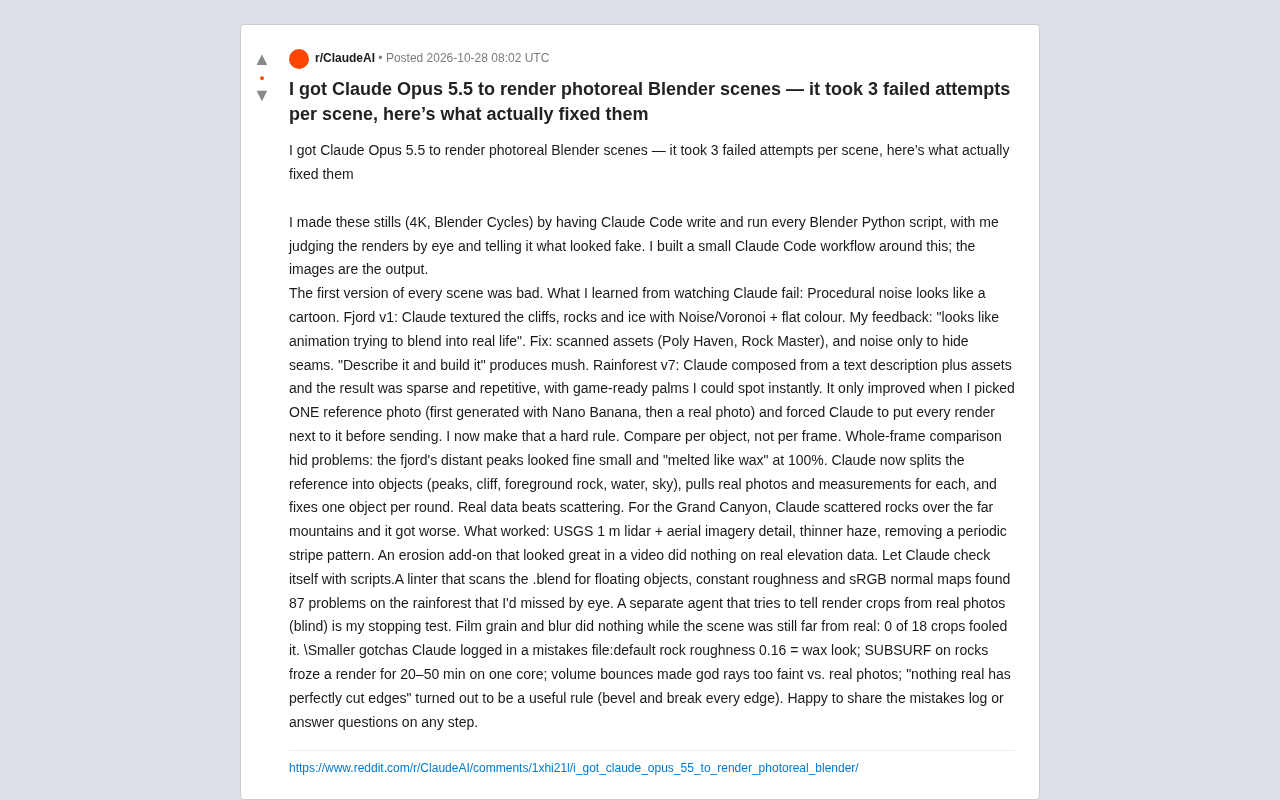
Common Failures: Procedural Textures and "Describe-and-Generate"
Procedural Noise Looks Cartoonish at a Glance
In the first version of the fjord scene, Claude used Noise and Voronoi nodes combined with flat colors to texture the cliffs, rocks, and ice. The author's feedback was blunt—"like a cartoon trying to sneak into live footage." After switching to scanned assets (Poly Haven, Rock Master), with noise used only to mask seams, the image immediately shifted from illustration to live-action quality. This lesson applies to all AI-assisted modeling scenarios: procedural noise excels at adding detail, not at building realism from scratch.
Procedural noise textures (such as Blender's Noise and Voronoi nodes) generate random patterns through mathematical functions, with the advantage of infinite resolution and seamless tiling. However, natural surfaces like rocks and ice are formed by geological processes over long periods, possessing multi-scale details and directional features. Procedural noise lacks this structured information, often exhibiting uniform, repetitive statistical properties that result in a "cartoonish" look. In contrast, scanned assets (such as Poly Haven's PBR materials) capture the albedo, normal, and roughness maps of real surfaces through photogrammetry, preserving micro-geometry and light response details, thus quickly enhancing realism. In AI-generated scenes, procedural textures are better suited as supplementary layers—masking seams or adding micro-variation—rather than building base materials from scratch.
Building Scenes from Text Descriptions Alone Is Inevitably Sparse
The rainforest scene barely became usable by version 7. In earlier versions, Claude assembled assets based on text descriptions, resulting in sparse, repetitive layouts where the palm trees were obviously game assets. The turning point came when the author picked a single reference photo (first generated with Nano Banana, then replaced with a real photo) and required Claude to compare side-by-side with the reference before every render output. He considers this the only action that truly changed the results, and later made it a hard rule.
Comparison Granularity Determines Fix Efficiency
Whole-Frame Comparison Masks Local Defects
The distant peaks in the fjord looked fine in thumbnails, but at 100% zoom they "melted like wax." The reason: during whole-frame comparison, local errors in a single frame are diluted by the overall composition. The author switched to breaking the reference image into individual objects—peaks, cliffs, foreground rocks, water surface, sky—finding real photos and measurement data for each object separately, fixing only one object per round. The fix speed was actually much faster than repeatedly adjusting the whole frame.
During whole-frame comparison, the human eye is easily influenced by overall composition and lighting, ignoring local anomalies. For example, distant peaks may be masked by the overall color tone in a thumbnail, but detail errors (like a waxy texture) become glaring when zoomed in. Breaking the reference into individual objects (peaks, cliffs, water surface, etc.) for separate comparison forces attention onto the geometry, material, and lighting consistency of each region. Meanwhile, finding real photos and measurement data (such as elevation, texture scale) for each object provides an objective basis for fixes, avoiding guesswork. This "divide and conquer" strategy not only improves fix precision but also reduces trial-and-error time, since each modification targets a specific problem.
Real Data Beats Volume
In the Grand Canyon scene, Claude scattered a large amount of rubble on the distant mountains, making the image worse. What actually worked was integrating USGS 1-meter precision lidar and aerial imagery detail, thinning the fog, and removing periodic banding. Notably, an erosion algorithm plugin that looked stunning in a demo video had almost no effect when applied to real elevation data. This suggests a counterintuitive conclusion: when AI-generated content "fits reality," data precision matters more than algorithm complexity.
USGS 1-meter lidar data provides elevation and morphological information of the terrain, which can drive terrain meshes and displacement to ensure macro-geomorphology realism. Aerial imagery provides color and texture details to aid material creation. In contrast, procedural algorithms (like erosion simulation) without real data constraints tend to produce unnatural patterns. This is because AI-generated content, when fitting the real world, depends on the quality and resolution of input data. High-precision data directly provides correct geometric and texture statistical features, while complex algorithms may introduce artifacts or oversimplification. Therefore, when resources are limited, prioritizing real measurement data is more effective at enhancing scene realism than optimizing algorithms.
Let Claude Check Itself
The author built two automated quality-check steps. The first is a linter script that scans .blend files for floating objects, constant roughness values, sRGB normal maps, and other issues—catching 87 problems the human eye missed in the rainforest scene alone. The second is a "blind test agent": render crops are mixed with real photos, and an independent agent judges which are renders—only when it can't tell does the author consider the scene acceptable.
Interestingly, film grain and blur are completely ineffective when the scene is far from photorealistic: 0 out of 18 crops fooled the blind test agent. This confirms an often-overlooked principle—post-processing effects cannot compensate for fundamental flaws in geometry and materials.
The blind test agent is a quality-check method based on an independent AI model. Its principle is to have a model not involved in generation judge the source of crops, thereby avoiding subjective bias. Specifically, local crops of the render are mixed with real photos, and the agent makes a binary classification. If the agent cannot distinguish them, the render has reached photorealism at the local detail level. This method simulates the discriminative ability of the human visual system but is more objective and repeatable. Blind test results can also be used to locate weak areas and guide subsequent fixes. Note that blind tests should be conducted after the scene is basically complete, because in early stages (e.g., when geometry is incomplete), even post-processing effects cannot fool the agent—confirming the importance of basic realism.
Detail Rules from the Error Log
At the author's request, Claude kept an error log, several rules from which are universally applicable:
- Rock default roughness of 0.16 produces a waxy look and needs to be significantly increased.
- Enabling SUBSURF subdivision on rocks causes single-core rendering to freeze for 20 to 50 minutes.
- Insufficient volume bounce counts make volumetric light effects much fainter than real photos.
- The intuitive rule "there are no perfect edges in reality" proved valid—every edge needs beveling and damage treatment.
The core of this workflow is not having AI generate a perfect scene in one shot, but placing AI in a closed loop of "generate—compare—targeted fix." Humans judge what looks fake, Claude executes fixes, and scripts provide fallback checks. According to the author, the complete error log and step-by-step details can be shared further. For those looking to integrate AI coding into 3D production pipelines, this is more worth referencing than any ready-made prompt template.
Related articles

Microsoft Fabric Database Agent in Action: From Reactive Firefighting to Intelligent Detective
A deep dive into the Microsoft Fabric Database Agent: how to enable it, supported monitoring scenarios, a blocking-issue demo, and the roadmap from reactive to autonomous operations.

Zendesk Uses ChatGPT Enterprise to Build a Sales Agent with 1,000 Daily Active Users
Zendesk opened ChatGPT Enterprise to all employees, who built about 600 apps themselves, including a sales expansion agent with about 1,000 daily active users. This article analyzes how it turns internal data into sales opportunities and its "don't wait" implementation strategy.

Google Releases Gemini 4 Carbon: Its Strongest Model Yet, Debuting with a Cybersecurity Focus
Google releases Gemini 4 Carbon, calling it its strongest model, with a cybersecurity focus. It tops the third-party composite ranking at 59 points but leads by only one or two. This article analyzes its security test results, staged rollout, token pricing, and the divergence between self-reported and third-party tests on hallucinations.