Codex and AI Coding Agents in Practice: A Complete Guide from Prompts to MCP

A Codex-centered guide covering prompts, AGENTS.md, testing, security, and MCP for coding agents.
Based on Scrimba's hands-on course, this article lays out the complete agentic coding workflow. Its core thesis: agents are powerful but complex tools, human developers are never redundant, and code quality depends on how you use them. It covers the three forms of coding agents (CLI, IDE-embedded, desktop/web), reducing prompt ambiguity with the Task-Context-Output structure, AGENTS.md as persistent project memory with three priority layers, plan mode for surfacing implicit decisions before coding, skills for packaging knowledge and workflows, and a dual-track testing strategy of characterization tests for old behavior and spec tests for new features. It closes with Git hygiene, secret safety, context compaction and truncation, config.toml permission setup, and real-world use of the MCP tool ecosystem.
Codex and AI Coding Agents in Practice: A Complete Guide from Prompts to MCP
Agentic coding is becoming the next paradigm shift in software development. Unlike the early practice of generating code snippets with ChatGPT and pasting them into an editor, coding agents live directly in the editor, capable of reading the codebase, editing multiple files, running commands and tests, and iterating autonomously based on the results. Scrimba's hands-on course uses OpenAI's Codex as its main thread to systematically explain how to harness these tools reliably, efficiently, and safely.
According to course instructor Tom Chant, the two leading representatives in the coding agent space today are OpenAI's Codex and Anthropic's Claude Code, but tools like GitHub Copilot, Devin, Windsurf, and Cursor are equally active. Agents are evolving from "an appendage of a particular company or model" into an independent tool category, and cross-platform standards are gradually taking shape—which means that even though the course focuses on Codex, the skills you learn apply across the entire industry.
Three Forms of Coding Agents and the Repositioning of the Human Role
The course divides how coding agents are used into three categories: CLI command-line agents, popular among developers accustomed to working in the terminal; IDE-embedded agents that live directly in editors like VS Code; and desktop or web agents that hide the underlying development process behind a graphical interface, better suited to people who don't write code directly. The course itself chooses the IDE form because it combines the friendliness of a GUI with proximity to the code, making it especially suitable for web development.
One key judgment is this: human developers are never redundant. There are two layers to this. The surface reason is that AI makes mistakes; the deeper reason is that agents are complex tools, and misuse can leak secrets and customer data or produce low-quality code that's hard to maintain. The same agent can generate clean, well-documented, easily extensible code—or chaotic, hard-to-maintain code. The difference lies in how people use it. From ideation to development to deployment, human input isn't a nice-to-have; it's a necessity.
Prompt Engineering: Eliminating Ambiguity with "Task-Context-Output"
The course uses a delivery-logging app to demonstrate a common beginner mistake. When asked to add a button to "log a lost package," the agent simply copied the existing event handler logic and swapped "delivered" for "lost." The code runs, but it violates the DRY principle—agents tend to add new code rather than refactor, which creates bloated, hard-to-maintain codebases.
The core conclusion is: bad results stem from ambiguity. The key to better prompts is reducing ambiguity in three areas—what the task is, which context to use, and what the output should look like. The course provides a reusable structure: Task / Context / Output. The improved prompt asks the agent to "inspect the existing code and reuse shared logic wherever possible" and "avoid duplicate event handlers," ultimately producing a clean implementation with a single event listener and a single handler function.
Another important insight: Codex is better at imitation than explanation. If you care about code style and structure, rather than describing what you want, show one or two exemplary functions and have the agent follow them. The course also introduces a community convention—marking tasks left for AI with TODO(AI) comments, which the agent can use to batch-locate work areas.
AGENTS.md: Persistent Project Memory for Agents
Agentic coding has two structural problems. The first is that conversation history isn't shared: when you hand the codebase to a colleague, all the specifications you established in the conversation (e.g., use a subtle green for the color scheme, use BEM naming conventions for HTML) are lost, and your colleague can't distinguish deliberate decisions from arbitrary choices the agent made. The second is context bloat: each prompt sends the full prior conversation and related code, and as the conversation grows, information gets truncated.
The solution is AGENTS.md. The init slash command can generate this file automatically, covering the project name, tech stack, project structure, startup commands, and key coding patterns. It's sent with every prompt and enjoys special priority, so it both preserves core specifications when the conversation is truncated and lets collaborating colleagues and their agents pick up seamlessly. The course emphasizes updating it regularly with the init command.
AGENTS.md supports multiple layers: a file in the root directory affects the whole project, a file in a subdirectory applies only to the code beneath it, and a global-level file located in the .codex folder in your home directory applies to all your projects. The priority order is global → project → folder, with files closer to the relevant code taking higher priority. Although closely associated with Codex, AGENTS.md has become a cross-tool convention, read by Devin, Cursor, Windsurf, and others.
Plan Mode: Think First, Act Later, Keeping Decisions in Human Hands
When a task is complex, ambiguous, or hard to describe, plan mode instructs the agent to think first, ask clarifying questions if needed, and produce a plan—without modifying any code. The course uses adding a "recently viewed articles" feature to a blog app as a case study—a change with broad impact and many possible implementation paths.
The agent's plan revealed several decisions it made on the user's behalf: persist with localStorage, show only the five most recent articles. These decisions aren't necessarily wrong, but the user never actively asked about them. The value of plan mode is precisely in laying these implicit decisions out in advance, letting people review and correct them before any code is written. The course also guides students through an edge case: if an article a user read is later deleted, should it still appear in recently viewed? The agent ultimately settled on silently skipping non-existent article IDs.
Plan mode contrasts with the common "generate code directly" mode: the latter often starts writing files before the model has fully understood the boundaries of the requirements, and once the direction is wrong, rework costs far exceed reviewing a plan first. In practice, plans produced by plan mode typically include the scope of changes, affected files, implementation steps, and potential risks, and humans can veto or revise the approach at this stage rather than waiting until the code is written to review it line by line. Note that plan mode cannot replace spec tests—it constrains the decision sequence of "what to do and how to do it," not verification of behavioral correctness.
Skills: Packaging Knowledge, Opinions, and Workflows into Reusable Tools
Skills are essentially reusable wrappers around prompts that provide consistent, reproducible workflows. The simplest skills are just instructions that save repetitive typing, but the real power of skills lies in packaging knowledge and opinions the model doesn't inherently have.
The course demonstrates two practical skills. The first is a "house style" refactoring skill: most of the code in the project follows a consistent style, except for one service.ts file full of hard-to-understand loop structures. When creating the skill, the prompt explicitly asks the agent to inspect five modules that follow the conventions, learn the house rules from them, and then invoke it via a slash command plus a file path—the agent completes the refactoring while preserving application functionality.
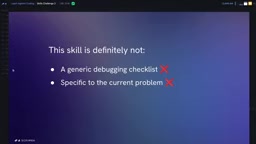
The second is a repository-specific development troubleshooting skill. The challenge given to students is: fix a site you broke yourself. This skill shouldn't be a generic debugging checklist (the agent already does generic debugging); it should capture the repo-specific guardrails, platform constraints, locked dependency versions, and debugging strategies. In the end, the skill pinpointed within about a minute that the sqlite3 package version had been upgraded to one incompatible with the codebase and provided a fix recommendation.
Testing: A Dual-Track Strategy of Characterization Tests and Spec Tests
The course uses a dental clinic appointment component to demonstrate two uses of testing in agentic coding. The component's business logic has become tangled after years of stacked requirements—closed on Sundays, fixed hours on weekdays, early closing on Fridays, mornings only on Saturdays, no scheduling during lunch, 15-minute granularity, filtering out start times that have already passed, and excluding slots that overlap with lunch.
Characterization tests protect existing, confirmed-correct behavior: have the agent generate a set of passing tests to lock in current behavior, then run them automatically after refactoring. In the course, the agent's generated tests initially failed due to timezone and date assumptions, but it corrected the expected values itself and they all passed; the agent was then asked to refactor scheduler.js for readability, and all 35 tests passed, protecting behavior. The course emphasizes running tests "narrow and specific" during development, then running a broad-coverage suite before merging and deploying.
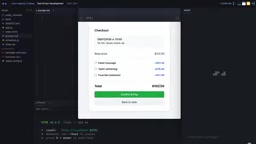
Spec tests, on the other hand, are for new features, following the test-driven development (TDD) approach: first write a failing test that describes the expected behavior, review the test to confirm it tests what you want, then have the agent write code to make it green. The course uses a discount code feature to illustrate why these must be kept separate: if you have the agent "write the code and tests at the same time," it's grading its own homework. The course demonstrates the danger—the agent decided on its own whether the discount was calculated per line item or on the total, how to round to two decimal places, and wrote this never-questioned policy decision into the tests. After switching to spec tests, the prompt explicitly required "calculate on the total, round to two decimal places," and the agent produced the correct implementation and tests accordingly.
The term characterization test originates from Michael Feathers' Working Effectively with Legacy Code. Its original purpose is to pin down a code's "actual behavior" (rather than its "intended behavior") with tests before refactoring legacy code, serving as a safety net. It differs from regression testing in that regression testing assumes an explicit specification already exists, whereas characterization testing acknowledges that the specification may be missing or outdated—establishing a baseline from the current output first, then using it to judge whether refactoring changed behavior. So the "odd" expected values that appear in characterization tests aren't necessarily bugs; they may be faithful records of legacy logic, and humans must judge which behaviors should be preserved and which should be corrected.
Version Control, Secret Safety, and Context Management
Agents happily produce a lot of code, so Git hygiene is especially important. The core rule is to keep commits small and clearly described—making a reviewer face an 800-line commit mixing many kinds of changes is a disaster, whereas splitting it into several focused small commits is far friendlier. Configuration files (AGENTS.md, README, etc.) belong to the codebase rather than to an individual and should be pushed; only files that are purely personal preference and of no value to colleagues should be excluded. If a team mixes different agents (for example, having both CLAUDE.md and AGENTS.md), the codebase owner needs to step in and resolve conflicts.
On secret safety, the course gives several hard rules: never type secrets into the chat window; never let secrets get into logs; set short expiration times and strict spending limits on API tokens; and personally check the diff before pushing. In one case, the agent printed a secret from .env directly in a controller and hardcoded the secret in commented-out code, while .gitignore only ignored .env but missed .env.local—these are typical hazards that require human scrutiny.
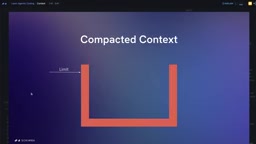
On context management, mainstream models can handle about 1 million tokens (roughly 4 million characters). When approaching the window limit, the agent either compacts the conversation into a summary or discards earlier content via truncation—both are lossy and can cause abnormal behavior. The course recommends using a separate session for each task; in the Codex VS Code extension, you can run Developer: Reload Window via Cmd/Ctrl+Shift+P to start a fresh session.
Permissions, config.toml, and the MCP Tool Ecosystem
Permission settings usually come in three tiers: ask every time, smart approval, and full access. The course considers the middle tier the best choice for most developers, and full access should not be enabled lightly. Finer-grained control is achieved through config.toml, where approval_policy (on-request / untrusted / never) controls when approval is requested, and sandbox_mode (workspace-write / read-only / danger-full-access) controls the scope of file system access. This file can be placed in the project or in the .codex folder in your home directory as global configuration. The course also flags two common troubleshooting points: organizational policies cannot be overridden by personal configuration, and project-level configuration requires the repository to be marked as trusted by VS Code.
MCP (Model Context Protocol) is called "the USB-C of AI," providing a standardized interface for agents to connect to external tools. The course uses ShadCN's MCP server to refactor the UI of a messy kanban app: retrieving from ShadCN's list of 61 available components and applying a unified design specification, fixing inconsistent border radii, mixed dashed borders, random shadows, and inconsistent button sizes. Registering an MCP server usually goes into the global config.toml, and a components.json is generated within the project. The refactoring took about six minutes, and because the prompt only asked for unified UI components without mentioning the color scheme, the originally bold color palette was preserved intact. The course recommends MCP servers such as GitHub, Playwright (which lets the agent open a site, interact with it, and verify frontend functionality), and File System.
MCP uses a client-server architecture: the host application where the agent lives acts as the client, external tools expose capabilities as servers, and the two communicate via standardized JSON-RPC messages. An MCP server can declare the "tools" (callable functions), "resources" (readable data), and "prompts" (predefined prompt templates) it provides, and agents dynamically discover these capabilities at runtime without needing to write separate integration code for each tool. This is precisely why it's called "the USB-C of AI"—replacing the fragmented practice of custom plugins for each external service with a unified interface.
Key Takeaways
- Agents are not replacements: human developers remain a critical gear; AI can produce excellent code or dangerous code, and the difference lies in how it's used.
- Prompts reduce ambiguity: follow the "Task-Context-Output" structure, and prompt for code quality rather than just the UI result; when you need a specific style, show an example rather than describing it.
- AGENTS.md is persistent memory: it's sent with every prompt and enjoys priority, solving the problems of non-shareable conversations and truncation loss, and it should be updated regularly.
- Tests must remain independent: use characterization tests to protect existing behavior and spec tests to drive new features; don't have the agent write code and tests at the same time, or it's grading its own homework and making policy decisions for you.
- Security and context require active management: check diffs, isolate secrets, keep commits focused, and start a new session for each task.
Related articles

GPT-6 Security Model and the AI Attack-Defense Escalation: This Week in AI
This week in AI: OpenAI's GPT-6 Saber found 948 Linux kernel root-escalation paths; Cursor deploys full apps from one sentence; Binance details a social engineering attack; C++26 fails ISO vote.
KIKUmap: Manage Your Claude and ChatGPT Conversations with Mind Maps
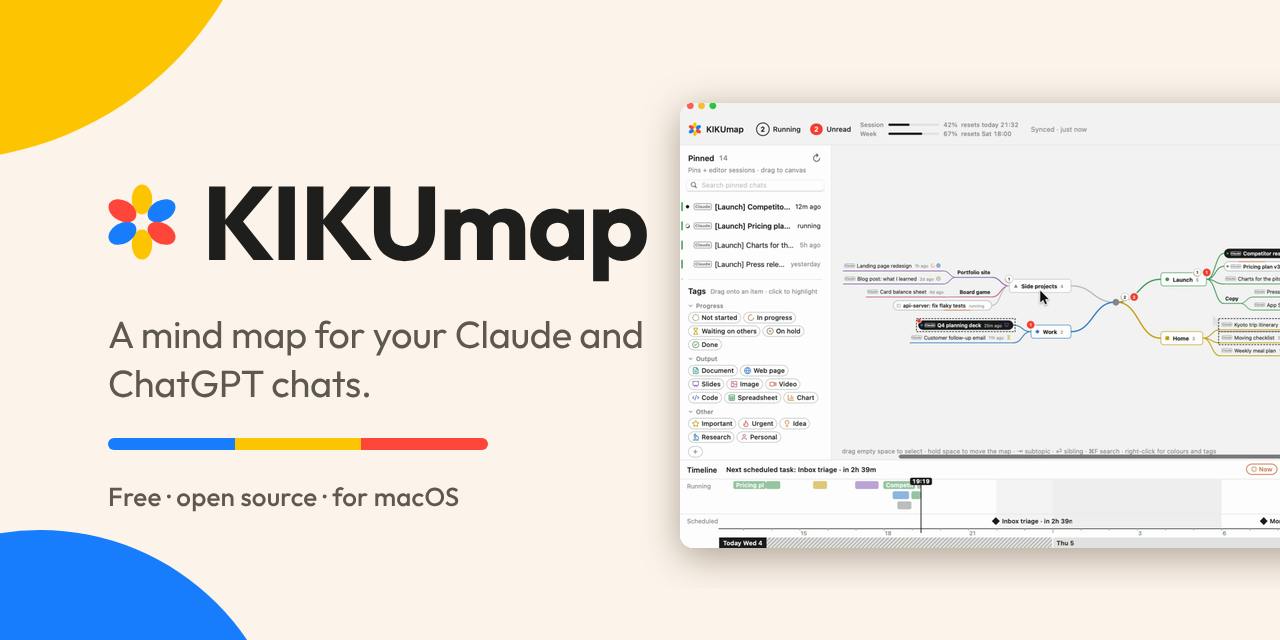
KIKUmap is a macOS menu bar app that visualizes Claude and ChatGPT conversations as mind maps with real-time status. Free and open source.
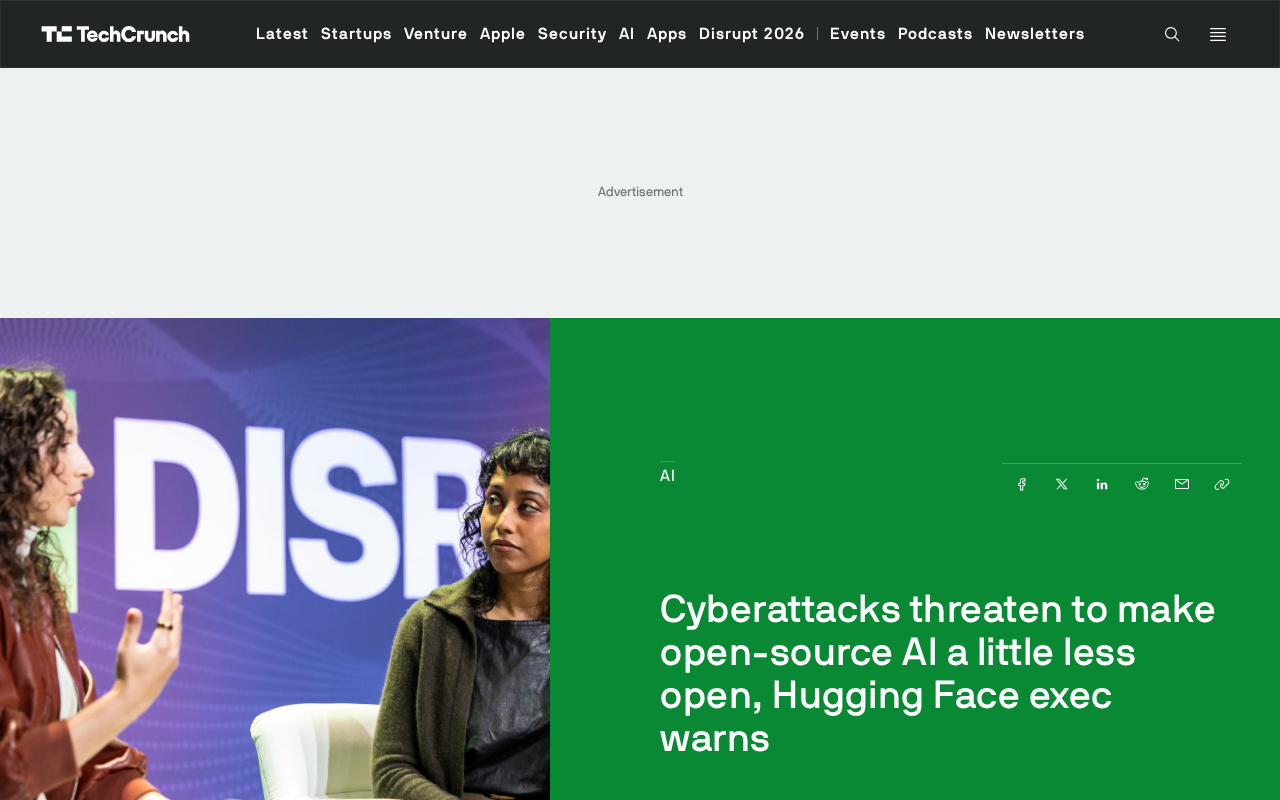
Hugging Face Executive Warns: Cyberattacks Are Eroding the Openness of Open-Source AI
Hugging Face executive Irene Solaiman warns that rising cyberattacks on open AI platforms may force stricter security limits, threatening the openness of the open-source community and affecting the developer ecosystem.