Firebase Extensions Shutdown in 2027: A Function Kits Migration Guide
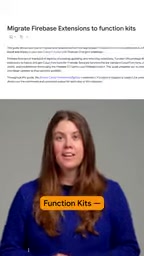
Firebase Extensions shuts down March 2027; Function Kits replaces it, transferring code ownership to developers.
Firebase Extensions will stop serving in March 2027, replaced by Function Kits—not a simple rename but a shift from black-box extensions to Gen2 function NPM packages in your codebase. Migration uses two CLI commands: ext:list inventories replaceable extensions, ext:migrate auto-copies config, creates least-privilege IAM roles, and deploys with zero downtime. After migration, code is yours—auditable, modifiable, forkable—and leverages Gen2's long timeouts, large specs, and traffic splitting. Teams should start evaluation next cycle; new projects should adopt Function Kits directly to avoid technical debt.
Firebase Extensions will stop serving in March 2027, and the official replacement is Function Kits. This is not just a name change—it means developers shift from "renting" pre-built functionality to "owning" customizable Gen2 function code. This article breaks down why migration is necessary, the specific steps involved, and the deeper architectural implications of this shift.
Why Do We Need to Say Goodbye to Extensions?
Firebase Extensions once let developers gain ready-made capabilities like authentication, database sync, and payment notifications through simple configuration. But its limitations have become increasingly apparent: extension logic is encapsulated in a black box that's hard to customize deeply; when business logic needs adjustment, developers are often constrained by the extension's fixed behavior. According to the official announcement, Extensions will officially shut down in March 2027, meaning all projects relying on extensions must complete migration before then.
The replacement, Function Kits, offers the same "out-of-the-box" experience as extensions, but is built on standard Gen2 functions. The key difference: the code now lives in your codebase, and you can directly modify, extend, and debug it. This essentially combines the convenience of pre-built functionality with the flexibility of custom functions.
Preparation Before Migration: Understanding Function Kits' Positioning
Function Kits is not a brand-new runtime, but rather an NPM-packaged encapsulation of official extension logic. Each Function Kit corresponds to the functionality of an original extension, but is introduced into projects as an ordinary dependency. This means you can manage versions, read source code, and even submit PRs to improve the official implementation just like any other NPM package.
For teams, this shift brings two direct benefits: first, code is auditable—security teams can review every line of logic; second, the permission model is more granular—the migration process automatically configures least-privilege IAM roles, avoiding the over-authorization issues that extensions may have had in the past.
Gen2 functions refer to Firebase's second-generation Cloud Functions runtime built on Cloud Run and Eventarc. Compared to the first generation, Gen2 offers longer timeout durations (up to 60 minutes), larger instance specifications (up to 32GB memory and 8 vCPUs), concurrent processing (a single instance can handle multiple requests simultaneously), and traffic splitting capabilities. Gen2 functions essentially run in Cloud Run containers, so they natively support containerized deployment and more granular resource control. Function Kits being based on Gen2 means that after migration, you not only gain code ownership but also directly benefit from these infrastructure-level improvements.
Three Steps to Complete Migration: CLI Command Details
The official team provides two core commands to simplify the migration process, designed to be automated and zero-downtime.
Step 1: List Replaceable Extensions
Run firebase ext:list, and the CLI will check all extensions installed in the current project and display the official NPM replacement package (Function Kit) corresponding to each extension. This step is essentially an asset inventory, letting you clearly identify which extensions need migration and whether official replacements exist.

Step 2: Execute Automatic Migration
Run firebase ext:migrate, and the CLI will perform a series of operations: copy existing configurations, create least-privilege IAM roles, deploy the replacement Function Kit, then safely deactivate the old extension. The entire process is designed to be zero-downtime, so your business won't notice the switch.

Least-privilege IAM roles are a core principle of Google Cloud's permission model: each service account or user should only be granted the minimum permissions necessary to complete its tasks. In the Firebase Extensions era, extensions often requested broader permissions during installation (such as read-write access to the entire project) to cover various use cases. The ext:migrate command analyzes the APIs and resources each Function Kit actually calls, automatically creates custom roles containing only those permissions, and binds them to the corresponding service accounts. This reduces security risks caused by excessive permissions and also meets the least-privilege requirements in compliance audits.
Step 3: Verify and Take Over the Code
After migration is complete, the replacement Function Kit code will appear in your codebase. You need to check whether the configuration is complete, whether functions trigger properly, and adjust logic according to business needs. Since the code is now fully under your control, future modifications no longer require waiting for extension updates.

Post-Migration Architectural Impact: From Black Box to White Box
The most fundamental change brought by Function Kits is the transfer of ownership. In the past, extension upgrades, security patches, and bug fixes were handled by the Firebase team, but you couldn't intervene in their behavior. Now, the code belongs to you—you can freely add logging, modify retry strategies, adjust concurrency configurations, or even fork and maintain it yourself.
This model is particularly advantageous for medium-to-large projects. For example, when extension logic deviates from business needs, you can directly modify the Function Kit source code instead of working around the extension by writing a separate set of functions. At the same time, since Function Kits are based on Gen2 functions, you can also leverage new Cloud Functions features such as longer timeouts, larger instance specifications, and traffic splitting.
Zero-downtime migration means the business is not interrupted and users are unaware during the switch. ext:migrate achieves this by: first deploying the new Function Kit functions and ensuring they run properly, then gradually shifting traffic from the old extension to the new functions, and finally deactivating the old extension. Since both old and new logic exist in parallel during the switch window, and Cloud Functions supports traffic splitting (allocating requests by percentage), the migration process can achieve a smooth transition. Developers should still perform migration during off-peak hours and verify in a pre-release environment in advance to handle edge cases such as configuration differences or inconsistent trigger conditions.
Who Should Act Immediately?
The March 2027 deadline may seem like there's still time, but migration involves testing, verification, and potentially code adjustments. We recommend all teams using Firebase Extensions start evaluation within their next development cycle. Especially for projects with many extensions and deep business dependencies, early migration can avoid being caught off guard near the deadline.
For new projects, adopting Function Kits directly is the wiser choice. It preserves the development efficiency of pre-built functionality while avoiding future migration technical debt. This shift by Firebase is essentially telling developers: convenience should not come at the expense of code ownership.
One-line Summary
Firebase Extensions will shut down in March 2027, with Function Kits as the official replacement, enabling code ownership transfer.
Paragraph Summary
Firebase Extensions will stop serving in March 2027. The official replacement, Function Kits, is not just a rename—it transforms pre-built functionality from black-box extensions into Gen2 function NPM packages in developers' codebases. The article breaks down why migration is necessary: extension logic is closed and hard to customize, and there's a shutdown deadline. Migration requires just two CLI commands—ext:list to inventory replaceable extensions, and ext:migrate to automatically copy configurations, create least-privilege IAM roles, and deploy with zero downtime. After migration, code belongs to developers—auditable, modifiable, forkable—and can leverage Gen2's longer timeouts, larger specifications, and traffic splitting. We recommend all teams using extensions start evaluation in their next development cycle, and new projects adopt Function Kits directly to avoid technical debt.
Related articles
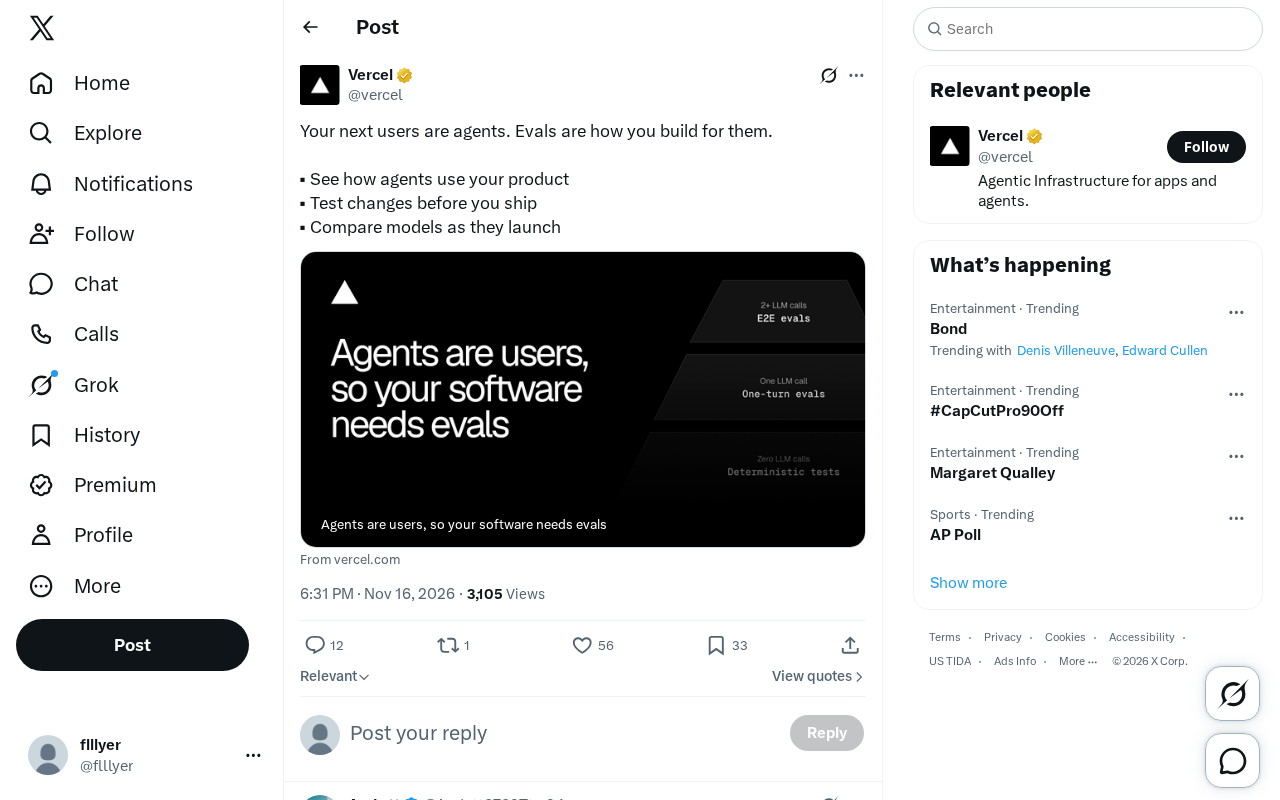
The AI Agent Era: Building a New Product Paradigm with Evals
AI Agents are becoming the next users of products. This article explains how to use Evals to observe Agent usage behavior, test changes before launch, and compare new model performance, helping product teams establish a development methodology for the Agent era.

Microsoft Global Email Outage Leads to Chlorine Leak at German Hotel, Injuring 15
A Microsoft 365 and Outlook global outage prevented a chlorine safety alert from reaching a German Phantasialand hotel, injuring 15 guests and exposing the fragility of cloud-dependent safety systems.
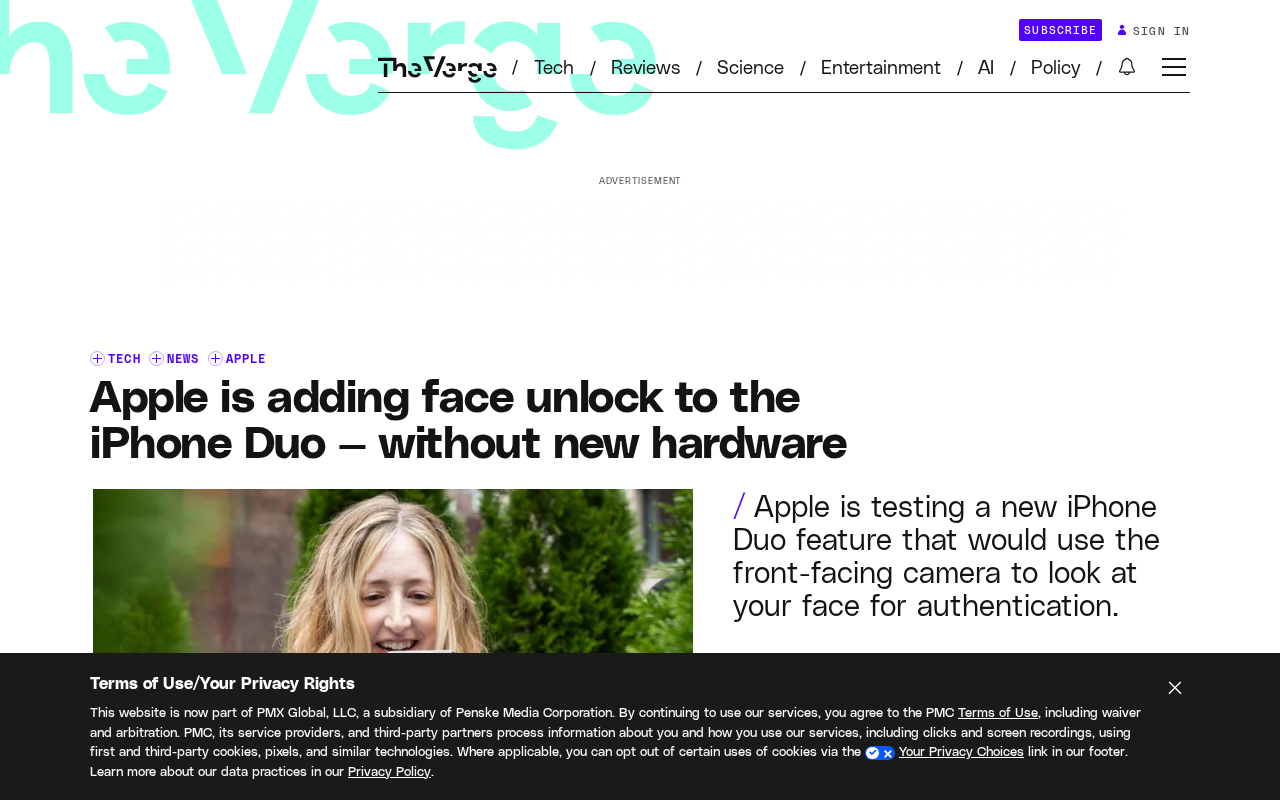
iPhone Duo to Support Face Unlock Using Only the Front Camera
Apple is developing front-camera-only face unlock for the iPhone Duo, now testing in the iOS 27.3 beta. We analyze the technical approach, user experience, and security trade-offs.