Major macOS Permission Overhaul: Device Control and Full Disk Access Become More Transparent
macOS 27.3 restructures high-sensitivity permission authorization, splitting settings and strengthening transparency and scope control.
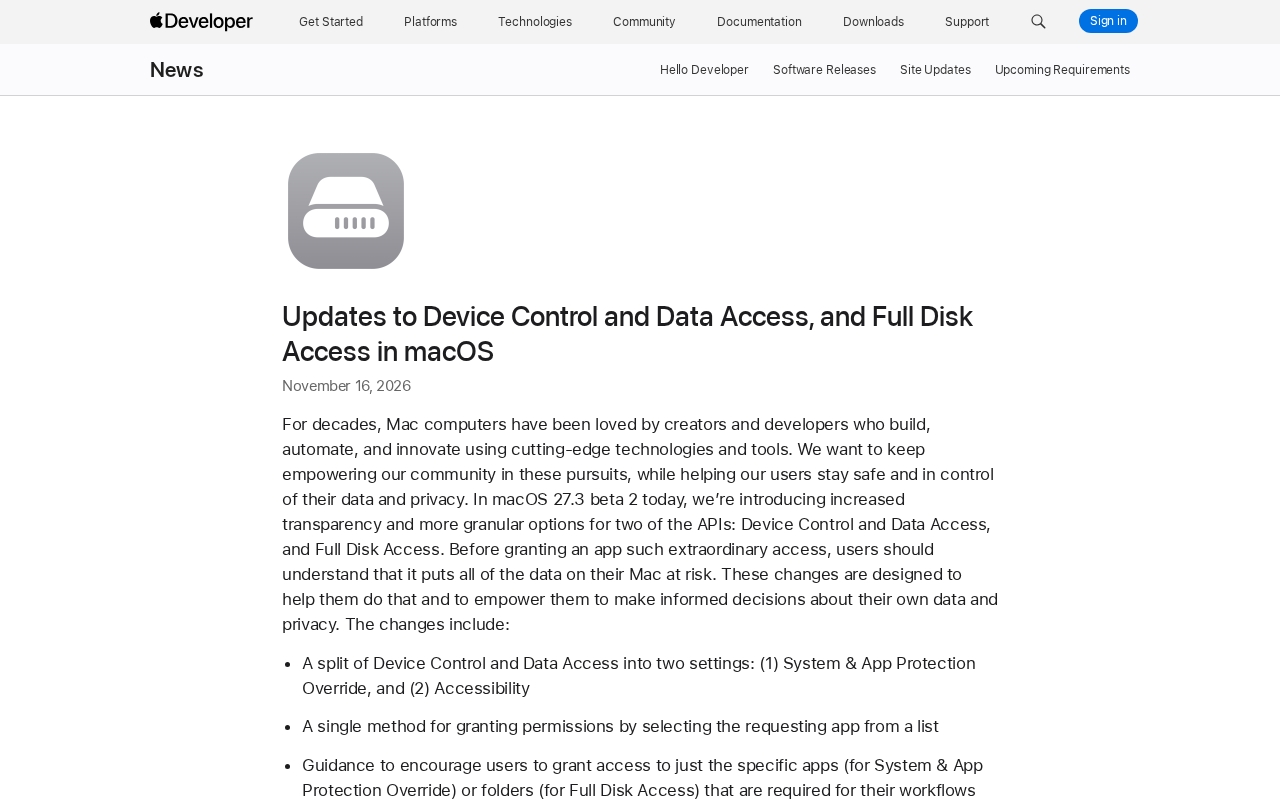
macOS 27.3 beta 2 makes structural changes to high-sensitivity API authorization. Device Control and Data Access is split into System & App Protection Override and Accessibility so users can distinguish whether an app wants to control other apps or read interface content. Authorization is unified into selecting the requesting app from a list, with guidance to grant only specific apps or folders rather than everything. Apple adds pre-authorization data visibility, per-request prompting, and a runtime indicator for cross-app control. Developers must adjust onboarding and support degraded operation under partial permissions; existing authorizations remain valid, and backup and assistive technology apps can apply for an entitlement to keep the old experience.
Apple has performed structural surgery on the Mac permission system. In macOS 27.3 beta 2, the authorization methods for two highly sensitive APIs—Device Control and Data Access, and Full Disk Access—have been redesigned. The core idea is to let users truly see what they are handing over before giving away "all the data on the entire Mac."
One Split: From Vague Authorization to Two Clear Settings
The most substantive change is splitting the previously bundled Device Control and Data Access into two independent settings: System & App Protection Override and Accessibility.
This split is not a naming game. In the past, when an app requested this type of permission, users saw a generic authorization prompt and could hardly tell whether the app wanted to control other apps or use accessibility interfaces to read screen content. After the split, each type of capability has its own clear entry point; requesters must state their intent, and users can grant access as needed.
Apple's stated rationale is direct: before granting an app such "special" access, users should understand that this means all data on the Mac is at risk. That statement also explains why the split is necessary—the more specific the risk description, the more meaningful the authorization decision.
TCC (Transparency, Consent, and Control) is the underlying framework of the macOS privacy permission system. It is responsible for showing authorization requests when apps access sensitive resources (such as camera, microphone, contacts, Full Disk Access, etc.) and recording the user's choices in a protected database. Full Disk Access and Device Control and Data Access mentioned in this article are both managed by TCC. Understanding TCC helps clarify the nature of this change: Apple has not changed TCC's authorization core, but has reorganized the layer of "how users express consent"—splitting permission names, consolidating authorization entry points, and adding scope selection are all essentially improving the information quality of TCC authorization decisions. This also explains why existing authorizations are unaffected: historical records remain in the TCC database, and the new flow only applies to subsequent authorization requests.
Authorization Path Consolidation: Select Apps from a List, Grant Scope as Needed
The second change is that authorization is unified into a single method: "select the requesting app from a list." Previously, authorization entry points differed across permissions and system versions, and users often found themselves navigating around Settings. With a single consolidated method, the path is more predictable.
Alongside path consolidation is scope consolidation. Apple has added guidance encouraging users to grant only specific apps (for System & App Protection Override) or specific folders (for Full Disk Access)—that is, only the small slice the workflow actually needs, rather than opening everything wholesale.
For Full Disk Access, this guidance is especially critical. Backup and sync tools habitually request full-disk read access, but in most scenarios users only need to open a few directories. Apple now makes "grant only what is necessary" the default encouraged behavior.
Three Levers for Transparency: Visibility, Per-Request Prompting, and Runtime Indicators
Apple has broken "transparency" into three mechanisms that can be put into practice:
- Pre-authorization visibility: If full permission is granted, the scope of data the app will be able to access or control is displayed more fully, so what users see before clicking "Allow" is no longer just an abstract description.
- Per-request prompting: Users can configure an app to "ask every time access is needed," changing a one-time long-term authorization into per-use confirmation. For low-frequency but highly sensitive tools, this is a more reasonable default posture.
- Runtime indicator: When an app is controlling another app through System & App Protection Override, the system provides a transparency indicator. Control behavior moves from the background to the foreground.
Each of these three mechanisms addresses one part of the problem: knowing what is being granted before authorization, being able to avoid granting permanently at authorization time, and knowing who is using what after authorization.
Two Things Developers Need to Do: Revise Onboarding and Implement Graceful Degradation
The permission model has changed, so apps' onboarding flows must change with it. Apple explicitly reminds developers to adjust their user guidance and ensure that apps using these APIs can gracefully handle cases where they receive only partial folder or partial app access.
This is an easily underestimated requirement. In the past, many tools simply stopped working or repeatedly showed pop-ups when they could not obtain Full Disk Access. Now that users are encouraged to limit scope, apps must accept that "incomplete permissions" are the norm rather than an exception. Being able to run in degraded mode and prompt users to grant additional authorization will become part of the baseline experience.
Existing authorizations are unaffected, which provides a buffer for existing users. Users will see the above changes when approving new permission requests.
Existing Apps and the Entitlement Channel
Apple has left a compatibility channel: apps that use Full Disk Access for disk backup, or use the new Accessibility setting to provide assistive technology, can apply for an entitlement so that the experience remains consistent when newly installed on versions before macOS 27.3. Currently known apps are unaffected and can maintain their existing experience without an entitlement; details of the entitlement will be announced later.
The practical significance of this channel is to distinguish two types of needs: one is scenarios such as backup and assistive technology where permissions are tightly bound to functionality, and the other is ordinary apps casually asking for a little extra permission. The former can preserve the full experience through an entitlement, while the latter is naturally constrained by the new flow. As for how strict the entitlement review will be, the announcement does not elaborate, and this will determine the actual pressure the new rules place on developers.
Entitlement is a declarative permission marker in the macOS code signing system. Developers write it into the signature information when signing an app, and the system uses it at runtime to determine whether the app is eligible to call certain protected capabilities. It is different from runtime authorization where users click "Allow" in Settings: an entitlement is part of the app's "identity" and usually requires Apple review or specific developer account conditions to obtain. The compatibility channel mentioned in this article is precisely about allowing backup and assistive technology apps to maintain their original experience on older system versions by applying for an entitlement. This also means that the issuance standards for entitlements directly determine how strict or loose the new rules are—if review is lax, high-privilege tools can bypass the new flow; if strict, developers must seriously adapt to the scope-limited authorization model.
Several Judgments on the Mac Ecosystem
Mac has long been the primary platform for creators and developers, and automation, productivity tools, and backup software rely heavily on high-privilege APIs. This adjustment does not tighten the capabilities themselves, but rather returns more control to users over "whether to grant, how much to grant, and for how long."
In the short term, tools that rely on Full Disk Access and cross-app control will need to add degradation logic and more detailed onboarding copy; otherwise, users may grant a smaller permission scope under the new authorization flow, causing functionality to perform worse than expected. In the medium term, finer permission granularity will push tools to rethink which data they truly need to touch—this is good for privacy but adds engineering work for developers.
The real thing worth watching is implementation: whether scope-limiting guidance is clear enough, whether per-request prompting becomes a new annoyance, and whether entitlements become an entry point into a gray area. The difficulty of permission design has never been the number of options, but whether users can understand the cost of each option.
One-line Summary
macOS 27.3 restructures high-sensitivity permission authorization, splitting settings and strengthening transparency and scope control.
Paragraph Summary
macOS 27.3 beta 2 makes structural adjustments to the authorization system for highly sensitive APIs. Device Control and Data Access is split into two independent settings, System & App Protection Override and Accessibility, allowing users to distinguish whether an app wants to control other apps or read interface content. The authorization path is unified into selecting the requesting app from a list, and users are guided to grant only specific apps or specific folders rather than opening everything wholesale. Apple also introduces three transparency mechanisms: pre-authorization data visibility, per-request prompting, and a runtime indicator for cross-app control. Developers need to adjust onboarding and support degraded operation under partial permissions; existing authorizations remain valid, and backup and assistive technology apps can apply for an entitlement to preserve the old-version experience.
Related articles
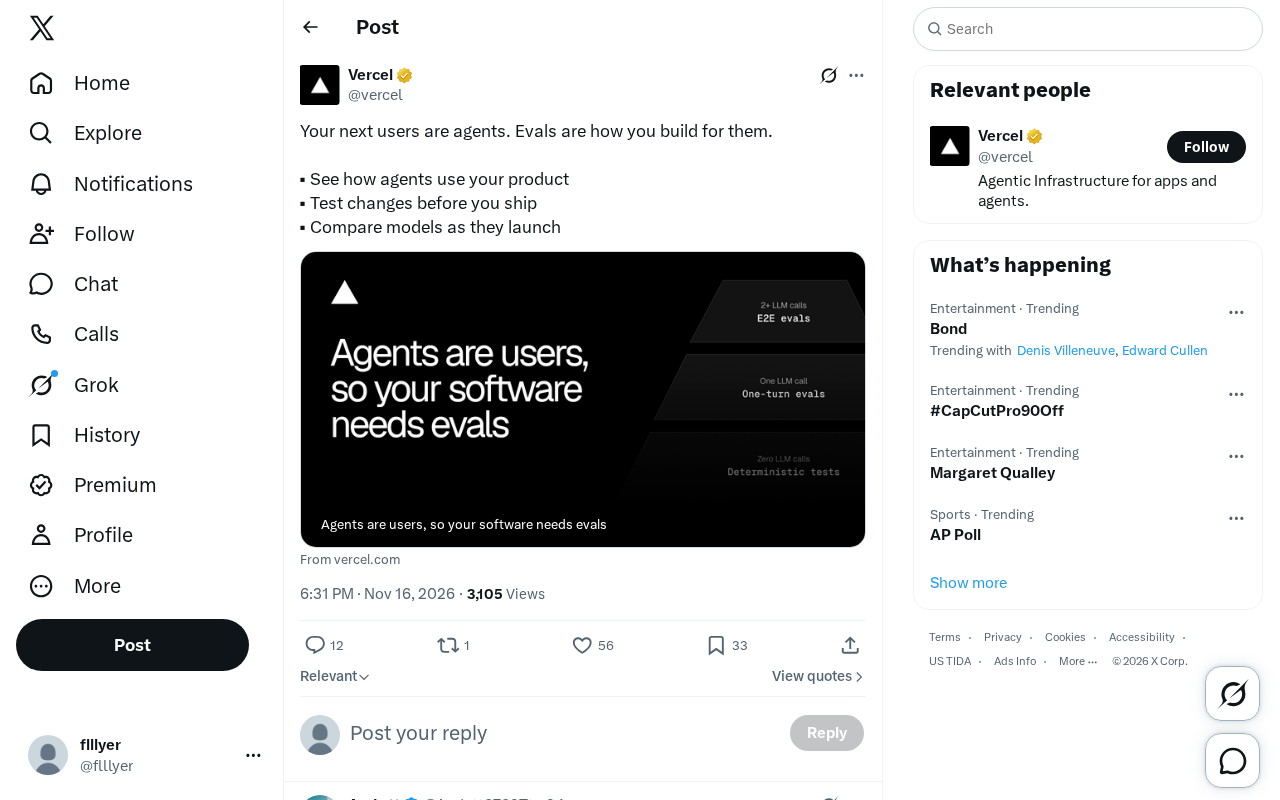
The AI Agent Era: Building a New Product Paradigm with Evals
AI Agents are becoming the next users of products. This article explains how to use Evals to observe Agent usage behavior, test changes before launch, and compare new model performance, helping product teams establish a development methodology for the Agent era.

Microsoft Global Email Outage Leads to Chlorine Leak at German Hotel, Injuring 15
A Microsoft 365 and Outlook global outage prevented a chlorine safety alert from reaching a German Phantasialand hotel, injuring 15 guests and exposing the fragility of cloud-dependent safety systems.
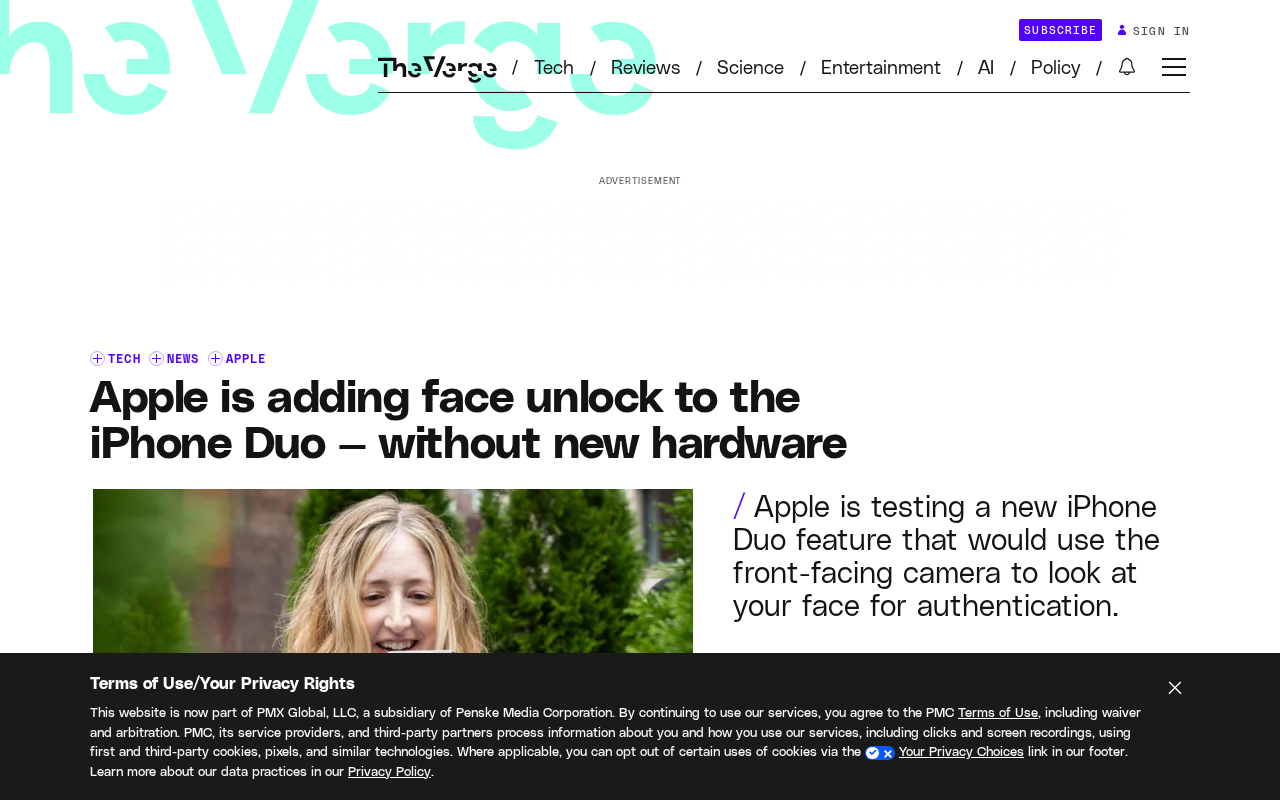
iPhone Duo to Support Face Unlock Using Only the Front Camera
Apple is developing front-camera-only face unlock for the iPhone Duo, now testing in the iOS 27.3 beta. We analyze the technical approach, user experience, and security trade-offs.