Non-Coding Dad Builds 3D Earth Toy with Claude Code, Unexpectedly Goes Viral in Classrooms

Non-coding dad builds a 3D interactive Earth with Claude Code for his kids, unexpectedly reaching classrooms worldwide.
A father with no programming background independently developed My Earth Toy, a 3D interactive Earth app, using Claude Code's natural-language-driven "vibe coding" to make his kids' screen time more meaningful. His two children became the feature requesters and chief testers, driving continuous iteration. The current version includes 830+ 3D landmarks, 470+ animals, 180+ vehicles, plus a day-night system, moon travel, quiz games, and multilingual support. After being shared on Reddit, it gained far more attention than expected and was adopted by teachers and parents worldwide. The article argues this case shows how AI coding tools lower barriers to creation, enabling ordinary people with clear needs to independently build fully functional interactive apps—with low iteration cost as the key workflow advantage.
A father with no programming background built a 3D interactive Earth using Claude Code to make his kids' screen time more meaningful. The project, called My Earth Toy, received far more attention than expected after being shared on Reddit—and even made its way into classrooms around the world.
It Started with "Dad, why isn't this in the game?"
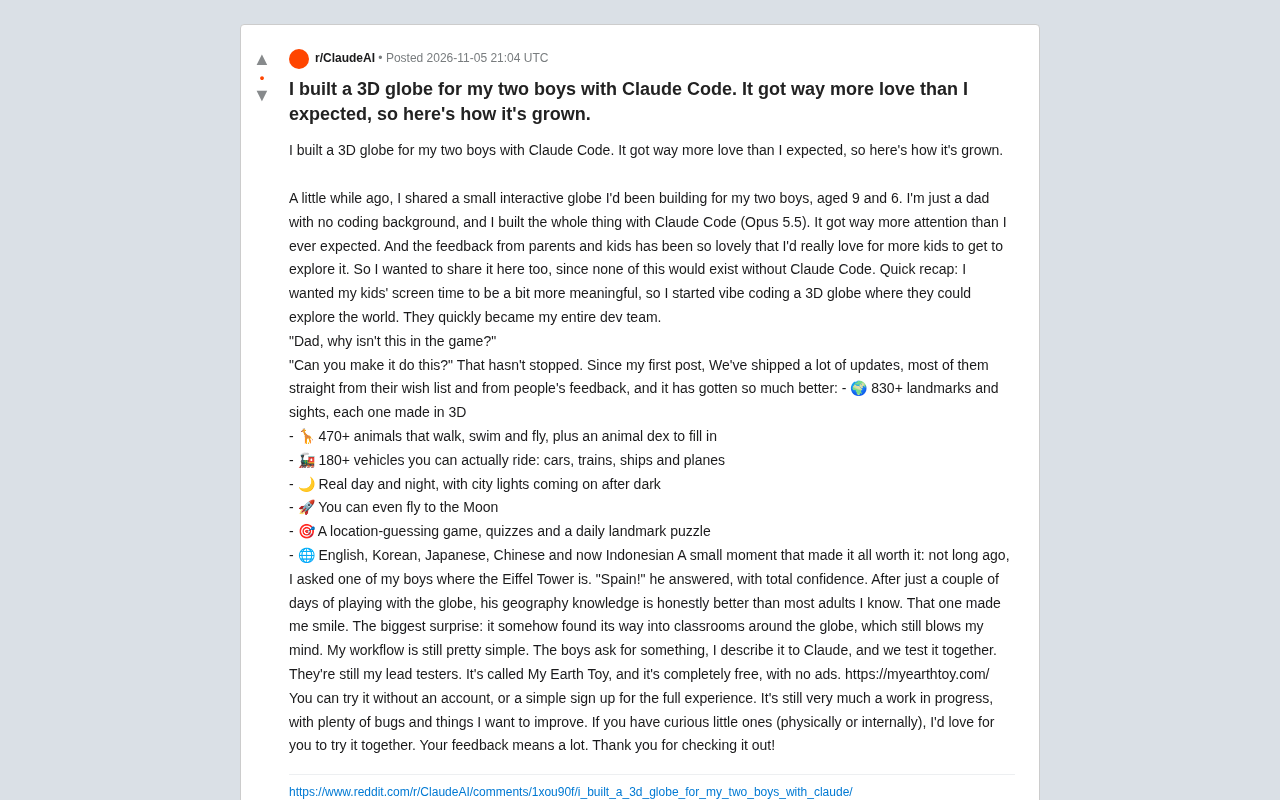
According to the original Reddit poster, he's just an ordinary father with two kids, aged 9 and 6. Wanting their screen time to be more valuable, he began using Claude Code (Opus 5.5) for what he calls "vibe coding"—generating code by describing requirements in natural language.
To his surprise, his two kids quickly became his "dev team." They kept pitching new requests: "Dad, why isn't this in the game?" "Can you make it do this?" These questions became the original driving force behind product iterations. The author admits he has zero programming background—the entire project was completed almost entirely with Claude Code.
This development model is quite representative: AI coding tools are lowering the barrier to creation, enabling people without technical backgrounds to turn ideas into usable products. The father handles description and judgment, the kids handle testing and feature requests, and AI handles implementation—a three-person "family dev team" running like clockwork.
"Vibe coding" is a term coined in early 2025 by AI researcher Andrej Karpathy to describe a programming approach that uses natural language as the primary input, with almost no line-by-line code review. Developers focus on "what they want" rather than "how to write it," leaving syntax, API calls, and debugging details to large language models. The typical workflow: describe requirements in everyday language, the model generates or modifies code, run it, then paste back errors or unsatisfactory results, and repeat. This approach excels at rapid prototyping and small-to-medium applications, but it's not safe for complex architectures, performance optimization, or systems with high security requirements—because users often can't judge whether the generated code is correct or has hidden issues. My Earth Toy is a textbook case of this model: the author has no programming background and used conversational iteration to push an idea to a shippable state.
Claude Code is Anthropic's command-line AI coding agent. Unlike web-based chat, it can directly read project files, execute commands, modify code, and run tests—essentially embedding the model into the development environment. The "Opus 5.5" mentioned in the article refers to the Claude model version powering it. The stronger the model, the higher the proportion of usable code generated in one pass, and the fewer iteration rounds needed. For non-programmers, agentic tools lower environment barriers like "where do I paste the code and how do I run it," dramatically shortening the path from describing requirements to seeing a finished product.
Changelog: From Landmarks to Animals, and Then the Moon
Since first being shared, My Earth Toy has undergone numerous updates, most coming from the kids' wish list and community feedback. According to the feature list the author posted, the current version includes:
- 830+ 3D landmarks and attractions, each rendered in three dimensions
- 470+ animal species that walk, swim, and fly, with a collectible animal encyclopedia
- 180+ rideable vehicles, covering cars, trains, ships, and planes
- A realistic day-night system where city lights turn on after dark
- The ability to fly to the moon
- Location guessing games, quizzes, and daily landmark puzzles
- Multi-language support: English, Korean, Japanese, Chinese, plus newly added Indonesian
These numbers are noteworthy: 830+ 3D landmarks, 470+ animals, 180+ vehicles—quite a scale for a personal project. More importantly, this content wasn't dumped in all at once; it was layered around the core experience of "exploring the world," forming a gamified learning loop—encyclopedia collection, guessing games, and daily puzzles all reinforce kids' memory of geographic knowledge.
3D landmarks and custom 3D assets typically rely on WebGL or WebGPU rendering, paired with JavaScript libraries like Three.js to draw 3D scenes in real time in the browser. To support hundreds of landmarks, hundreds of animals, and a large number of vehicles, common techniques include instancing and LOD (level of detail): distant models use low-poly versions, and multiple copies of the same model share geometry data, thereby controlling VRAM usage and frame rate. The day-night system simulates lighting changes by adjusting ambient light, directional light, and emissive materials—city lights turning on after dark is the result of emissive materials interacting with light intensity. While these technical details don't appear directly in the article, they explain why a personal project can carry content at this scale without stuttering.
A Moment That Made the Father Smile
The author shared a small story: not long ago he asked one of his kids where the Eiffel Tower is, and the child confidently answered "Spain!" Though the answer was wrong, a few days later the child's geographic knowledge was already "better than most adults." This detail genuinely reflects the nature of interactive learning—kids build spatial cognition through repeated exploration rather than rote memorization.
What surprised the author even more was that the project "somehow made its way into classrooms around the world." A small toy originally made for two sons was eventually discovered by teachers and parents and used in educational settings. This bottom-up spread precisely demonstrates the diffusion power of tool-type products when faced with real demand.
Simple Workflow, Not-So-Simple Product
The author describes his workflow as still "very simple": kids propose requests, he describes them to Claude, then they test together. The kids remain chief testers. This model reveals a key advantage of AI-assisted development—extremely low iteration cost, ample room for trial and error, and non-professional developers can respond quickly to feedback.
My Earth Toy is currently completely free with no ads, usable without an account, with full experience available after registration. The author candidly admits it's still a "work in progress" with plenty of bugs and areas for improvement. He invites curious kids (whether by biological age or mental age) to give it a try and welcomes feedback.
Implications for AI Coding Tools
The value of this case goes beyond a children's educational product. It demonstrates what tools like Claude Code actually look like in the hands of "non-programmer creators": not replacing developers to write complex systems, but enabling ordinary people with clear needs and aesthetic judgment to independently complete a fully functional interactive application.
From a product perspective, My Earth Toy's success factors are also clear: a real use case (his own kids' needs), a fast iteration feedback loop (kids as testers), and a free, ad-free positioning that lowers the barrier to trying it. For creators exploring the boundaries of AI coding, this father's experience may be more convincing than any tutorial.
Project URL: https://myearthtoy.com/
One-line Summary
A father with no programming background built a 3D interactive Earth for his kids using Claude Code, and it unexpectedly made its way into classrooms worldwide.
Related articles
 Tech Frontiers
Google Omni 1.2 Flash: 15-Second AI Video at Just $0.07 per Second
Google DeepMind releases Gemini Omni 1.2 Flash: 15-second video, 720p at $0.07/sec (30% cheaper), multi-turn editing without regeneration, draft upscaling to 4K.
 Tech Frontiers
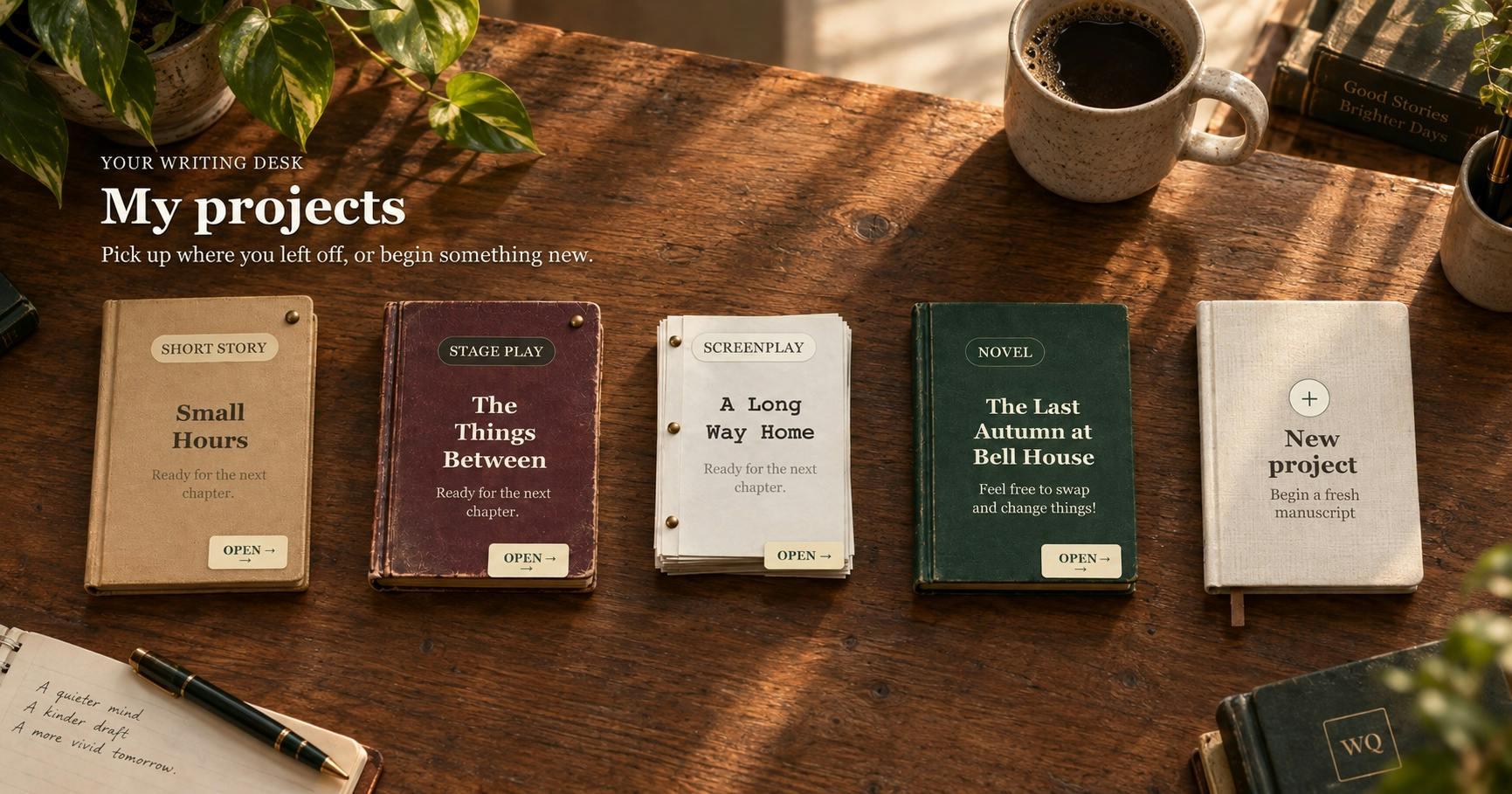
No AI Ghostwriting: Writer's Quarter Reinvents Novel Writing with a Visual Workbench
The Writer's Quarter is an AI-free novel writing and planning tool that unifies character building, story planning, and manuscript writing in one visual workbench. This article analyzes its positioning, target users, and differentiated value amid the rise of AI writing tools.
 Tech Frontiers
Fleeep: A Unified Inspiration Collection Notes App for Creatives
Fleeep is a notes app for creatives that unifies screenshots, bookmarks, saved posts, and inspiration into one calm, cross-device, offline-capable space. This article analyzes its positioning, differentiation, and target users.