Ollama+RAG Local Knowledge Base Setup: A Step-by-Step AnythingLLM Tutorial
Build a local RAG knowledge base with zero code using AnythingLLM and Ollama, so a private model can answer internal company questions.
The article starts with the three limitations of general LLMs—missing non-public data, knowledge cutoff, and difficulty handling real-time information—explaining why they can't answer internal company questions. It compares fine-tuning, prompt engineering, and RAG, noting fine-tuning is costly and repeated prompt-stuffing isn't sustainable, while RAG solves this through "retrieve first, generate after." It breaks down RAG's two cores and five-stage pipeline, then gives hands-on AnythingLLM + Ollama deployment steps: choosing a local model, configuring the embedding tool and LanceDB vector store, and uploading documents or scraping web pages to build the knowledge base. Verification shows the same model can cite clauses after internal policy documents are mounted. Finally, it discusses RAG use cases and the privacy value of local deployment, noting enterprise rollouts usually require custom development.
General-purpose LLMs can write poetry and code, yet they can't answer questions like "What are our company's HR policies?" This isn't because the model isn't smart enough—it's because its knowledge boundary is determined by its training data. In this tutorial, Mike, founder of Gupao Technology and a Bilibili creator, walks through the full process—from principles to hands-on practice—of building a localized RAG knowledge base with AnythingLLM + Ollama, teaching a private model to "learn" internal documents.
The Three Limitations of General LLMs
Mike boils down the obstacles to deploying LLMs into three points. Missing non-public data is the primary issue: models are trained on public corpora, and internal company documents, product prices, and customer data never enter the training set, so they naturally can't be answered. Knowledge cutoff is the second limitation—pretraining data is collected and cleaned at a specific point in time, freezing the model's knowledge base and preventing it from acquiring updated information. Third, real-time information streams are hard to use directly for training: the data is noisy and unstructured, involves privacy and copyright compliance, and requires strong real-time processing capabilities that most enterprises simply don't have.
This explains why general models often "drop the ball" in commercial scenarios. Mike's conclusion is straightforward: training is still based on offline data, so to give a model domain-specific knowledge, you must find another path.
Choosing Between Fine-tuning, Prompting, and RAG
There are two common ways to teach a model new knowledge: fine-tuning and prompt engineering. Fine-tuning injects domain knowledge by adjusting some of the base model's weights—effective but costly and difficult. The prompt approach stuffs domain content directly into the prompt and lets the model read it before answering.
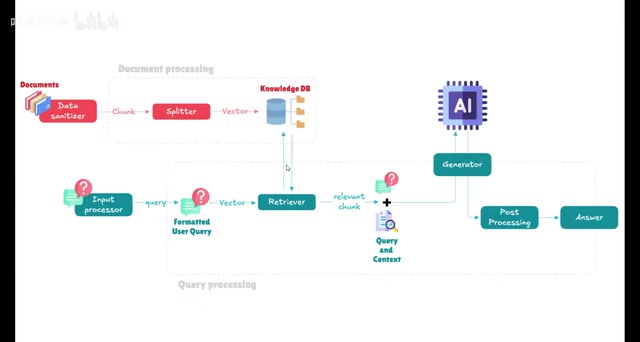
The latter is simple to implement, but Mike points out its fatal flaw: you have to re-enter the document content with every question, which becomes extremely cumbersome once documents get large. In essence, it only makes the model "read the document once" temporarily, and it lacks sustainability for commercial deployment. RAG exists precisely to solve this repetitive labor problem—organize materials into a knowledge base stored in one place, retrieve relevant content when a question is asked, then assemble it into a new prompt for the model to generate an answer.
Fine-tuning means continuing to train a pretrained model on domain-specific data, adjusting some or all of its parameters so that the model's behavior and knowledge distribution shift toward the target domain. Common approaches include full-parameter fine-tuning and parameter-efficient fine-tuning (such as LoRA), the latter training only a small number of additional parameters at relatively manageable cost. The advantage of fine-tuning is that it "internalizes" knowledge into the model weights, requiring no extra context at inference time; the drawbacks are the need for high-quality labeled data, significant compute investment, and the fact that updating knowledge still requires retraining—making it hard to keep up with frequently changing internal documents. This is the practical reason Mike chose RAG over fine-tuning in his tutorial.
The Two Cores of RAG: Retrieval and Generation
RAG stands for "Retrieval-Augmented Generation," which breaks down into two steps. Retrieval: find several document fragments in a large knowledge base that are relevant to the question. Generation: turn the retrieved information into fluent, natural text output. The "augmentation" means feeding the retrieved content to the model as context, filling in its knowledge gaps in a specific domain, and then letting it generate an answer.
The full pipeline has five stages: preparing knowledge base documents, splitting text into fragments, embedding them into vectors and storing them in a vector database, vectorizing the user's question and computing similarity, and extracting the top-ranked fragments to assemble into the prompt template. Mike emphasizes that this step typically takes the top two or three fragments and feeds them to the LLM along with the question, so the model can find the answer in the context.
Vector embedding is the pivotal step linking the stages of the RAG pipeline. Simply put, it maps text fragments into numerical vectors in a high-dimensional space, so that semantically similar texts end up closer together in that vector space. This step is usually performed by an embedding model—for example, models like nomic-embed-text that can be pulled in Ollama. After text is split into fragments, each fragment is converted by the embedding model into a fixed-length vector, stored in the vector database, and indexed. When a user asks a question, the question is converted into a vector by the same embedding model, and similarity is computed against the vectors in the database (cosine similarity is commonly used); the top-ranked fragments are considered the most relevant to the question. The choice of embedding model directly affects retrieval quality, and it can be a separate model from the LLM that generates the answer.
A vector database is a database system designed specifically for storing and retrieving vector data. Traditional databases match fields exactly, whereas vector databases support "approximate nearest neighbor" (ANN) search, quickly finding the records most similar to a query vector among massive numbers of vectors. LanceDB, used in this article, is one such database; it runs in embedded mode, requires no separate service deployment, and suits local desktop scenarios. Vector databases typically also store the original text fragments and their metadata, making it easy to pull out the text and insert it into the prompt after retrieval.
Hands-On: Deploying AnythingLLM + Ollama
The two open-source components used in the tutorial have distinct roles. Ollama handles local model execution, while AnythingLLM is a framework for building local LLM applications, integrating RAG, vector databases, and agent capabilities to address hallucinations and knowledge gaps in enterprise applications.
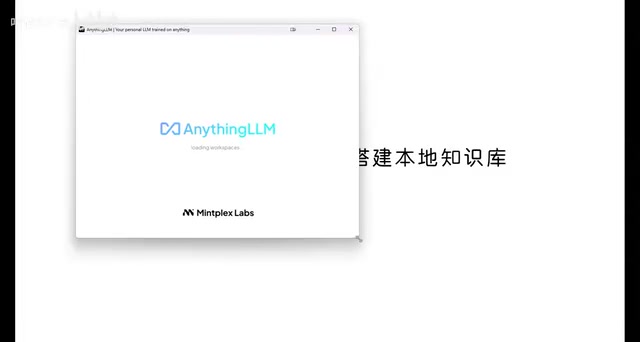
The deployment steps are not complicated: download the desktop client from anythingllm.com and install it. Error messages during installation don't affect functionality—just confirm and proceed. The prerequisite is that Ollama is installed and models have been pulled—Mike uses Alibaba's Qwen model and Meta's Llama 3 locally. Choose a model size that matches your machine's specs, or it will run painfully slowly.
After launching, select Ollama as the model provider; AnythingLLM automatically detects the local port and installed models. Max token refers to the context window size—larger settings yield more accurate results but longer parsing time. For the embedding tool, use the built-in option, and the vector database is LanceDB. Once you create a workspace, you can start chatting.
Ollama is a local LLM execution and management tool offering command-line and API interfaces. A single command pulls and runs open-source models (such as Llama 3 and Qwen), automatically handling model downloads, quantized format loading, and hardware acceleration (CPU/GPU) adaptation. It encapsulates model weights and the inference engine, so users don't need to worry about the underlying inference framework. AnythingLLM positions itself as a "local LLM application framework"; it doesn't train models itself but integrates model connectivity, document management, vectorization, retrieval, and a chat interface, supporting isolated multiple workspaces, each of which can mount a different document collection. When the two work together, Ollama provides model inference and AnythingLLM orchestrates the RAG pipeline, forming an out-of-the-box local knowledge base solution.
From "I Don't Know" to "Here's the Basis"
The verification step illustrates the point best. Mike first asks, "What are Gupao's employee reward and penalty policies?" The general model directly says it has no relevant information.
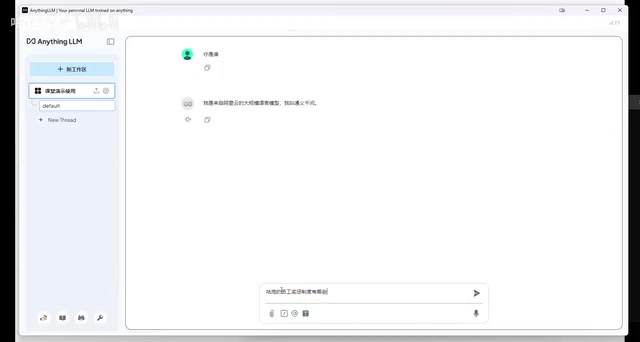
He then uses the upload button to mount the company's internal policy documents into the workspace, and also demonstrates scraping external content from a web address as a knowledge base. After executing "move to workspace" for both and clicking save, the system automatically performs text splitting, vectorization, and storage in LanceDB. When the same question is asked again, the model begins retrieving matching content from the knowledge base, integrates it into a new context, and answers—explicitly citing clauses from the documents in its reply.
The turning point in the whole process is this: the model itself hasn't changed; what changed is the context carried with the question. Mike also notes that open-source tools are good for quick validation, but enterprises building real knowledge bases often need to develop their own solutions, which is considerably more complex.
Use Cases and Boundaries
RAG has drawn attention because it addresses the shortcomings of LLMs in commercial applications. General Q&A, intelligent customer service, and smart document processing are all typical use cases—for example, compiling all product information into a document library so that when a user asks about product compatibility, the system first retrieves similar products and then hands them to the model to compose an answer.
Local deployment also brings an added benefit: documents never leave the local machine and models run locally, so privacy-sensitive internal materials don't need to be uploaded to third parties. For enterprises that want to use LLM capabilities within a compliance framework, this combination offers a low-barrier starting point.
Related articles
The Ultimate Ollama Tutorial: A Beginner's Guide to Running Large Models Locally for Free
Ollama is an open-source local large model management tool supporting free download and deployment of models like DeepSeek, with command-line and Web UI, cross-platform, automatic GPU/CPU scheduling — ideal for AI beginners and private deployment.
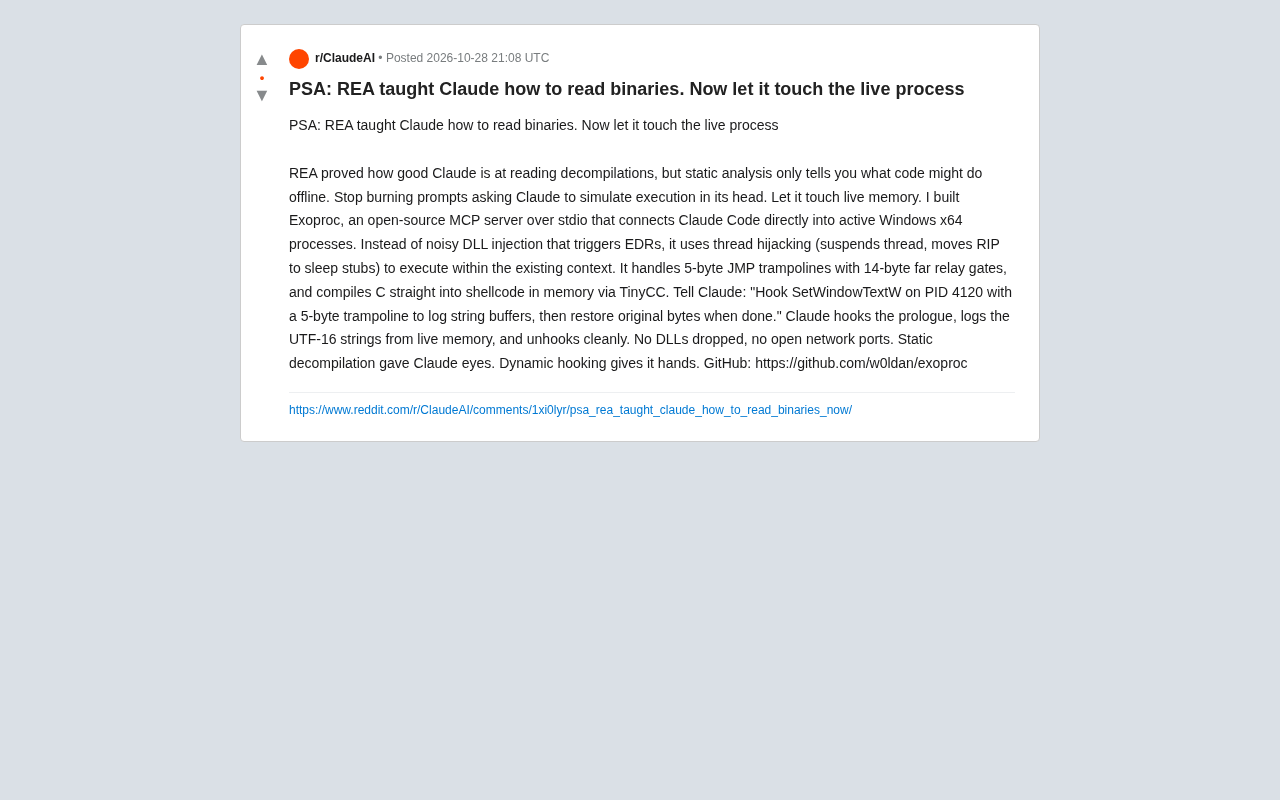
Giving Claude "Hands": Exoproc Open-Source MCP Server Enables Live Process Hooking
Exoproc is an open-source MCP server enabling Claude Code to hook live Windows x64 processes via thread hijacking, bypassing EDR for dynamic analysis. Static decompilation gave Claude eyes; dynamic hooking gives it hands.
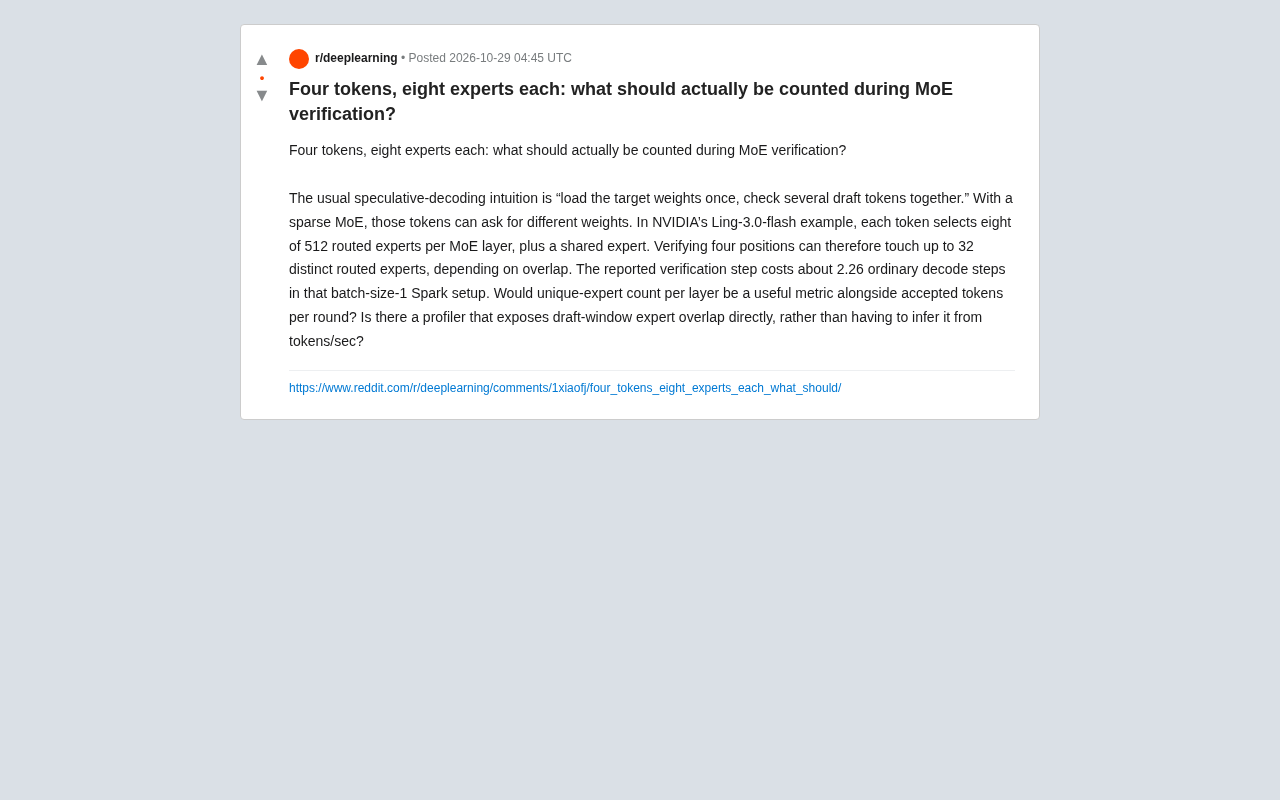
What Should MoE Verification Actually Count? The Math Behind Four Tokens and Eight Experts
In MoE speculative decoding, verifying multiple draft tokens can touch different expert weights—four tokens and eight experts may involve up to 32 routed experts. This article explains why unique expert count should complement accepted token count, and how profilers can expose expert overlap at the routing layer.