The Ultimate Ollama Tutorial: A Beginner's Guide to Running Large Models Locally for Free
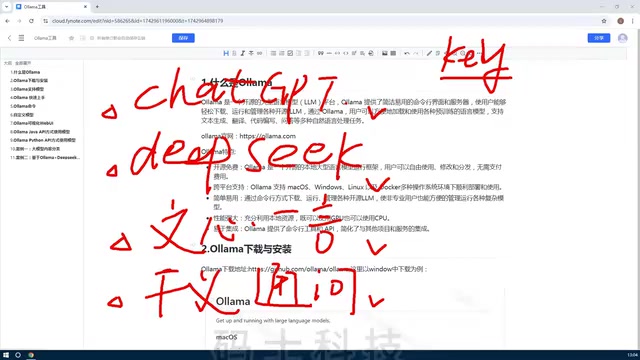
Ollama is a free, open-source local large model management platform that lowers deployment barriers and eliminates API fees.
The article first explains why running large models locally matters: online services charge per token and are hard to customize, while open-source models can be downloaded and deployed, eliminating API fees and ensuring data privacy. It then introduces Ollama — an open-source model management platform supporting both command-line and Web UI, simplifying local deployment. Its core features include being free and open source, cross-platform (macOS/Windows/Linux/Docker), automatic GPU and CPU resource scheduling, and multi-language API interfaces. Typical use cases cover local model experience, private development, and teaching/research. The summary notes that Ollama lowers the barrier to open-source large models, making it a practical tool for AI beginners and private deployment, with installation and hands-on guides to follow.
Why Run Large Models Locally?
With online large models like ChatGPT, DeepSeekAd, and ERNIE Bot, users can only interact through fixed web pages or APIs. The models are preconfigured by the service provider and cannot be freely customized. If you want to build personalized applications via API, you usually need to apply for a key and pay based on token count. Take DeepSeek as an example: early registrants received 10 yuan in trial credit, but this has now been discontinued, meaning you must bear the API usage costs yourself.
The emergence of open-source models has changed the game. Models like DeepSeek and Llama are now open source, allowing users to download and deploy them locally. Running locally not only eliminates API fees but also enables flexible resource allocation based on hardware — especially suitable for scenarios requiring data privacy or customized development.
API Key and Token Billing: Online large model providers typically use API Keys for authentication and metering. An API Key is a unique secret string that developers must include in request headers to call the model. A token is the basic unit of text processed by the model — think of it as a "word piece." One Chinese character roughly corresponds to 1-2 tokens, while English words may be split into multiple tokens. Providers bill based on the total tokens of input and output, so long texts or high-frequency calls incur ongoing costs. Local deployment of open-source models completely bypasses this billing system, consuming only local hardware resources.
What Is Ollama?
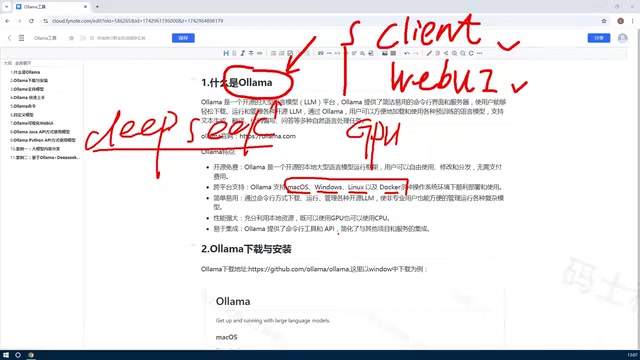
Ollama is an open-source model management platform whose core purpose is to help users deploy various open-source large models locally and provide a unified management interface. It supports both command-line (Client) and Web UI interaction. Users can download, delete, and create models through it, and even train private versions based on existing models.
Ollama positions itself as a "model manager," not a model itself. It simplifies the complex process of local deployment, allowing developers to quickly call models without manually configuring GPU environments.
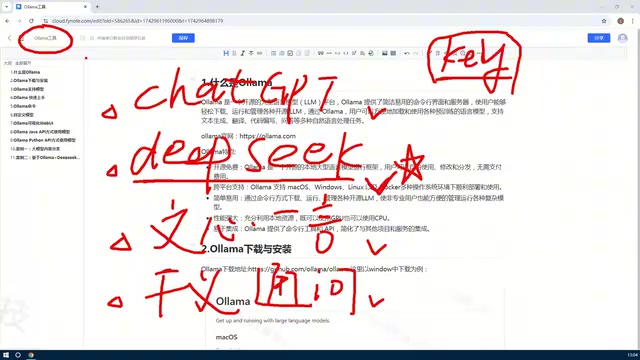
Open-Source Large Models and Model Weights: Open-source models have their architecture, training code, and even weight parameters publicly available, allowing users to download, modify, and use them commercially (subject to specific licenses). Weights are the parameter files obtained after training that determine the model's capabilities. Common open-source models like Llama and DeepSeek range from several GB to tens of GB in file size, with corresponding requirements for VRAM and RAM. Ollama is essentially a runtime and package manager that encapsulates model downloading, format conversion, inference engines, and hardware acceleration layers, so users can run models without directly handling weight files and low-level inference frameworks (such as llama.cpp).
Core Features of Ollama
Free, Open Source, and Cross-Platform
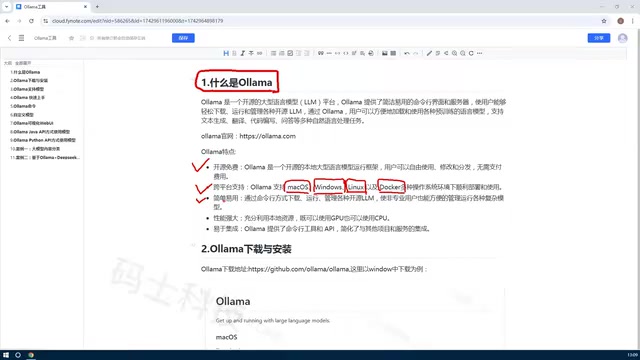
Ollama is completely free and open source, supporting macOS, Windows, Linux, and Docker environments. Individual users can install it on their local computers, while enterprise users can deploy it to servers via Linux or Docker, flexibly adapting to different scenarios.
Efficient Resource Utilization
Traditional local deployment requires manual GPU environment configuration, which demands high hardware specs and technical expertise. Ollama automatically schedules GPU and CPU resources, dynamically allocating based on model size and machine configuration, significantly lowering the barrier to entry. Even without a dedicated graphics card, you can run smaller models on CPU.
Differences Between GPU and CPU Inference: GPUs have many parallel computing cores and high-bandwidth VRAM, making them suitable for the large-scale matrix operations of large models — inference speed is typically much faster than CPU. However, GPU VRAM is limited, and large models may need quantization (e.g., 4-bit quantization) to fit on consumer-grade graphics cards. CPU inference is slower, but RAM capacity is usually larger, allowing larger models to run. Ollama automatically selects the backend based on available hardware and partially offloads to CPU memory when VRAM is insufficient, achieving "GPU+CPU hybrid inference" to balance speed and feasibility on limited hardware.
Simple to Use, Highly Extensible
Ollama offers both Client command-line and Web UI management. Users can download, run, and delete models with simple commands. It also provides API interfaces supporting Python, Java, Rust, and other languages, making it easy to integrate into existing applications or private knowledge bases to build domain-specific Q&A bots.
Local API and OpenAI-Compatible Interface: Ollama starts a local HTTP service by default (typically http://localhost:11434), providing REST API-style endpoints similar to OpenAI, including generation completion, chat, and embedding endpoints. Developers can use HTTP clients in Python, Java, Rust, and other languages to call directly without additional SDKs. This compatibility allows existing applications based on the OpenAI API to migrate to local models at low cost — simply changing the base URL and model name — facilitating the construction of private knowledge base Q&A, domain bots, and other applications.
Typical Use Cases
- Local Model Experience: Run open-source models like DeepSeek for conversation or testing without paying.
- Private Development: Connect local models to enterprise intranets via API, combining private data to build customized AI applications.
- Teaching and Research: Experiment with different models in isolated environments, avoiding network dependencies and cost limitations.
Summary
Ollama lowers the barrier to using open-source large models, enabling individuals and enterprises to deploy and manage models locally at low cost. Its free, cross-platform, and flexible resource scheduling features make it a practical tool for AI development beginners and private deployment. Follow-up tutorials will detail installation and hands-on operations.
Related articles
Ollama+RAG Local Knowledge Base Setup: A Step-by-Step AnythingLLM Tutorial
Based on a Bilibili tutorial, this guide details building a local RAG knowledge base with Ollama + AnythingLLM: from general LLM knowledge limits and RAG principles to document upload, vector storage, and verification.
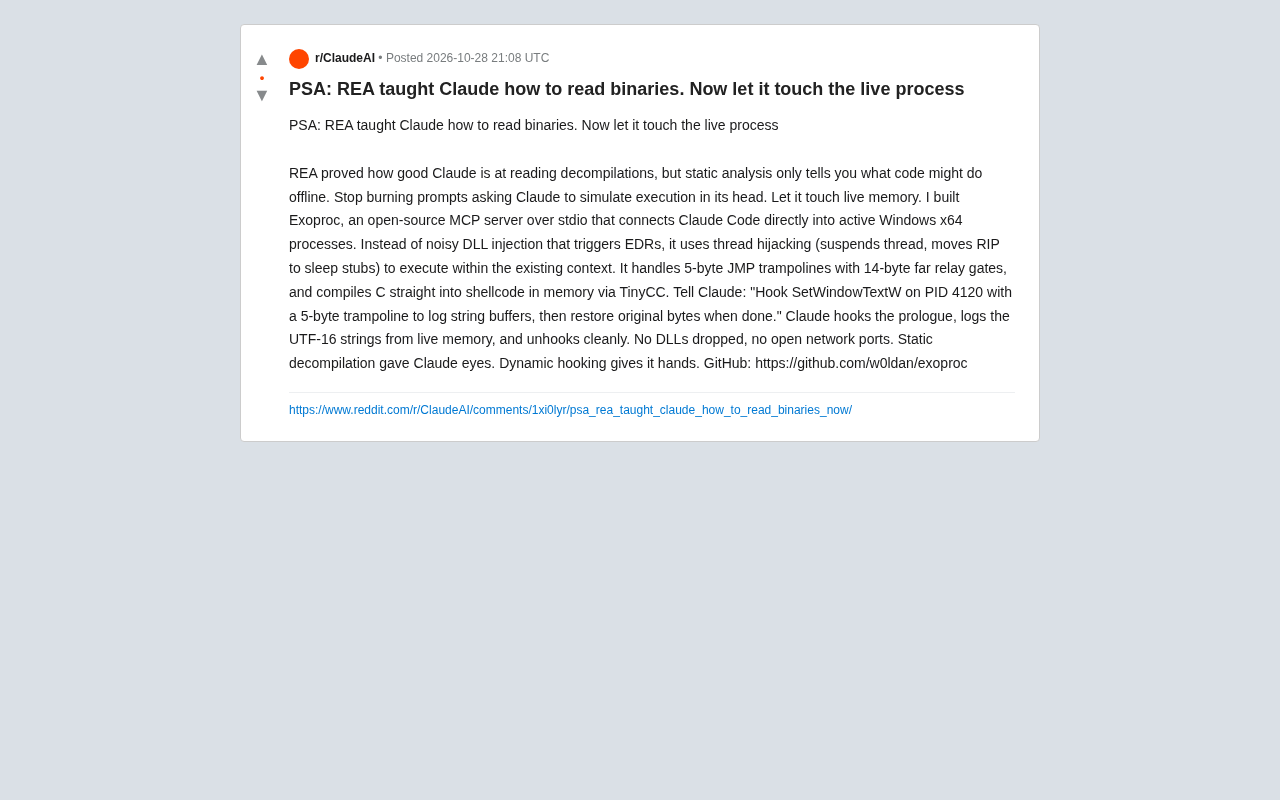
Giving Claude "Hands": Exoproc Open-Source MCP Server Enables Live Process Hooking
Exoproc is an open-source MCP server enabling Claude Code to hook live Windows x64 processes via thread hijacking, bypassing EDR for dynamic analysis. Static decompilation gave Claude eyes; dynamic hooking gives it hands.
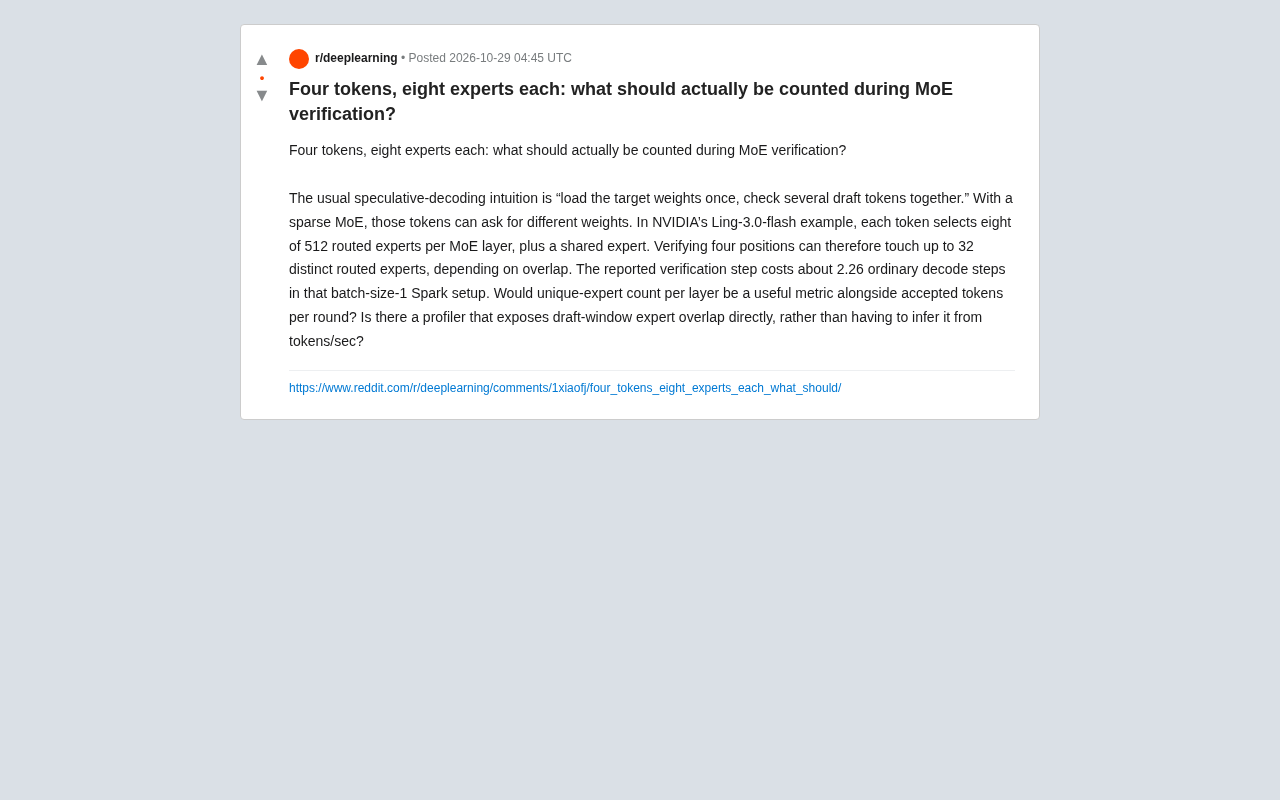
What Should MoE Verification Actually Count? The Math Behind Four Tokens and Eight Experts
In MoE speculative decoding, verifying multiple draft tokens can touch different expert weights—four tokens and eight experts may involve up to 32 routed experts. This article explains why unique expert count should complement accepted token count, and how profilers can expose expert overlap at the routing layer.