Vercel Sandbox Adds Managed npm Credentials for Private Package Installs Without Exposing Tokens
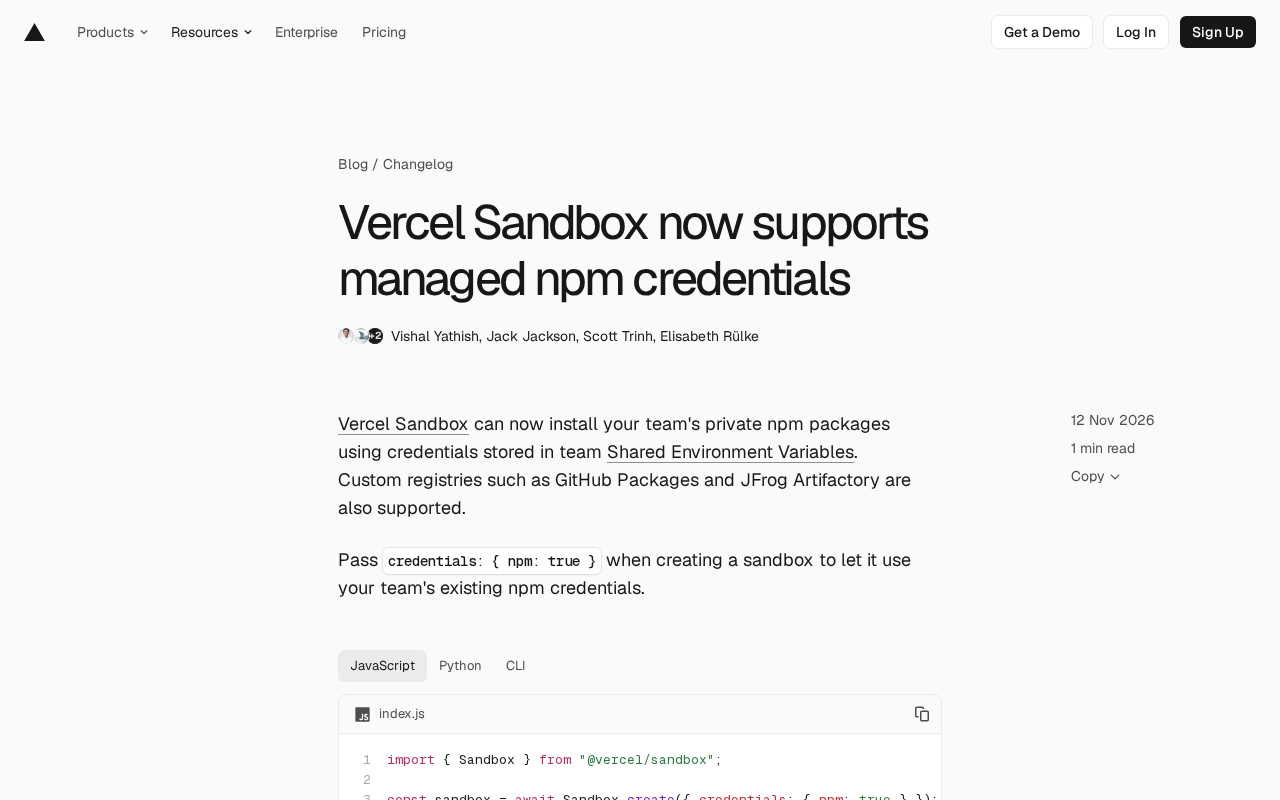
Vercel Sandbox adds managed npm credentials, keeping tokens out of the sandbox with the firewall adding authentication.
Vercel Sandbox now supports managed npm credentials. Passing `credentials: { npm: true }` lets sandboxes install private npm packages using team Shared Environment Variables. Tokens never enter the sandbox—the firewall appends authentication to registry requests, so code inside (including AI coding agents) never sees real tokens. Supports GitHub Packages, JFrog Artifactory, and other custom registries by reusing existing team credentials. Requires the latest SDK/CLI and team-level shared variables. This update addresses credential management for AI agents accessing private dependencies in isolated environments.
Vercel recently added support for managed npm credentials to its Sandbox product. Developers can now pass credentials: { npm: true } when creating a sandbox, allowing the sandbox to install private npm packages directly using credentials stored in the team's Shared Environment Variables. This update solves the credential management challenge that AI coding agents face when accessing private dependencies in isolated environments.
Core Mechanism: Credentials Stay Outside the Sandbox
According to Vercel's official documentation, the key design principle behind the new feature is that "tokens don't enter the sandbox." Specifically, the Sandbox firewall appends authentication information to install requests bound for configured registries, and code running inside the sandbox—including AI coding agents—never sees the actual npm token at any point.
This architecture separates credential storage from usage: tokens are stored in the team's Shared Environment Variables and managed centrally on the platform side; the sandbox is only responsible for initiating install requests, and authentication is handled by the firewall as requests leave the sandbox. For scenarios that require automated agents to install private dependencies, this significantly reduces the risk surface for token leakage.
The code for creating a sandbox is very concise:
import { Sandbox } from "@vercel/sandbox";

const sandbox = await Sandbox.create({
  credentials: { npm: true }
});
// First clone or copy project files into the sandbox working directory
await sandbox.runCommand("pnpm", ["install"]);
The official example specifically notes that project files need to be placed in the sandbox's working directory before executing install commands. The SDK offers three integration methods: JavaScript, Python, and CLI.
Vercel Sandbox is an isolated compute environment provided by Vercel that allows developers to run untrusted code, execute build tasks, or host AI coding agents. Sandboxes have independent file systems, network access policies, and resource limits, and are typically used in scenarios requiring secure isolation—such as running user-submitted code or letting automated agents operate on project repositories. Unlike traditional virtual machines or containers, Sandboxes are created on demand and discarded after use, making them suitable for short-lived tasks. Understanding the isolation properties of Sandboxes helps grasp the security value of this solution: once credentials enter a sandbox, they can be read by any code running inside it, so moving authentication outside the sandbox is key to reducing risk.
Custom Registry and Enterprise Private Source Support
In addition to the public npm registry, this feature also covers custom registries such as GitHub Packages and JFrog Artifactory. This means teams using enterprise-grade artifact repositories can also have sandboxes reuse existing credential configurations without having to inject tokens individually for each sandbox or maintain additional copies of environment variables.
For organizations that have already configured Shared Environment Variables in their Vercel team, the integration cost is nearly zero—existing credentials can be reused without building a separate authentication system dedicated to sandboxes.
Shared Environment Variables is a team-level environment variable management feature in Vercel that allows multiple projects to share the same set of configuration values and centrally control access to sensitive information (such as API keys and tokens). Unlike traditional per-project environment variables, Shared Environment Variables are defined once at the team level and can be referenced by multiple projects or sandboxes under that team, avoiding duplicate configuration and token sprawl. This solution relies on this mechanism to store npm credentials: tokens exist only in shared variables, and sandboxes use them by reference rather than plaintext injection, with the platform side completing authentication at the request egress point, further strengthening the isolation between credentials and the runtime environment.
Significance for AI Coding Agent Workflows
The most direct value of this update is in AI coding agent scenarios. When agents need to install project dependencies in a sandbox, private packages often require authentication; the traditional approach is to inject tokens into environment variables or configuration files, which gives the agent process the ability to read credentials. Vercel's solution moves authentication to the firewall layer, so agents only see the "install successful" result and never see the credentials themselves.
From a security boundary perspective, this echoes the industry's current general concern about agent runtimes: the source of code executed by agents is uncontrollable, and once credentials enter their accessible range, there is a risk of misuse or leakage. Moving credentials out of the sandbox is a more conservative but more reliable choice.
Upgrading and Usage
To use this feature, you need to update the Sandbox SDK or CLI to the latest version, for example by running pnpm add @vercel/sandbox@latest. Official documentation on npm credentials provides specific configuration steps.
One limitation to note: credentials come from the team's Shared Environment Variables, so this feature requires that the corresponding credential configuration has already been completed at the team level. For independent developers or users who don't use team-shared environment variables, the original approach is still needed.
Overall, this is an engineering-security-oriented enhancement—it doesn't introduce new abstractions, but adds a switch to the existing sandbox creation parameters, handing credential management to the platform side and making the dependency installation process inside sandboxes closer to "plug and play."
One-line Summary
Vercel Sandbox adds managed npm credentials; tokens never enter the sandbox, with the firewall adding authentication on their behalf.
Paragraph Summary
Vercel has added support for managed npm credentials to its Sandbox product. By passing credentials: { npm: true } when creating a sandbox, developers can let the sandbox install private npm packages using credentials stored in the team's Shared Environment Variables. The core design is that "tokens don't enter the sandbox": the Sandbox firewall appends authentication information to install requests bound for configured registries, and code running inside the sandbox (including AI coding agents) never sees the actual token. Beyond the public npm registry, it also supports custom registries such as GitHub Packages and JFrog Artifactory, reusing existing team credential configurations. Usage requires upgrading the SDK or CLI to the latest version and depends on team-level shared variable configuration. This update primarily solves the credential management challenge for AI coding agents accessing private dependencies in isolated environments, reducing token leakage risk by moving authentication to the firewall layer.
Related articles

Why Microsoft CEO Nadella Still Backs Nvidia After Jensen Huang's Departure
Microsoft CEO Nadella publicly expresses confidence in Nvidia interim CEO Colette Kress. This article analyzes Nvidia's power transition after Jensen Huang's departure, Microsoft's compute dependency, and the trust logic of the AI supply chain.

Nadella: Critical Infrastructure Is 'Unpatchable' as AI Cybersecurity Arms Race Escalates
Microsoft CEO Nadella addresses AI cyberattack fears, saying much critical infrastructure is unpatchable, downplaying the Outlook outage, and analyzing AI's dual role in cybersecurity.

Musk Backs Jensen Huang: Firing Him Is Like Cutting Jordan
Musk says Jensen Huang is loyal to the U.S. and likens firing him to cutting Michael Jordan—highlighting politicization anxieties in the AI chip industry and defending talent value.