What Is Ollama? A Beginner's Guide to Deploying Open-Source LLMs Locally

Ollama lets you deploy open-source LLMs like DeepSeek locally with no API fees or complex setup.
Ollama is a free, open-source platform for managing large language models locally, solving the pain points of per-token API billing and sending private data to external servers. It supports macOS, Windows, Linux, and Docker, offers both CLI and Web UI interfaces, and is compatible with Python, Java, and other languages. Its standout feature is GPU/CPU hybrid offloading — even without a high-end GPU, ordinary machines can run models partially via CPU. The most common enterprise use case is building private RAG-based Q&A chatbots powered by internal knowledge bases, with all data staying on-premise.
Why Run Large Language Models Locally
Anyone who has used ChatGPT, DeepSeekAd, ERNIE Bot, or Qwen knows they all share one thing in common: these online large language models require you to log in to a specific website and interact with a model hosted on someone else's infrastructure. Casual chatting is usually free, but once you move into personalized development — for example, calling a model via API to embed it in your own application — you can't avoid applying for an API Key and paying per token.
Each user can apply for their own Key, delete it, and reapply, but costs accumulate based on the number of tokens in each request and response. By comparison, DeepSeek's pricing is already relatively affordable, and early registrants even received free call credits — though that promotional policy has since ended. Token pricing varies across different models, and the cost of frequent, long-term usage can add up significantly.
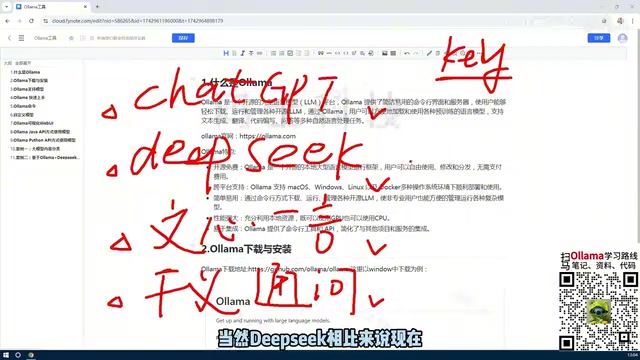
This naturally raises a question: since models like DeepSeek are open-source (unlike ChatGPT), can you deploy an open-source model directly on your local machine? The answer is yes. Once deployed locally, you no longer need to apply for API Keys or pay per call — your personalized applications run against a model on your own machine. And the tool that makes all of this possible is Ollama.
A token is the basic unit large language models use to measure text — think of it as a fragment of a word or character. In Chinese, each character typically corresponds to roughly 1–2 tokens; in English, approximately every 4 characters or ¾ of a word equals 1 token. Online model services charge separately for input and output tokens in each interaction. A complete conversation includes both the question you send (input) and the response the model returns (output). When an application makes frequent calls, or when the context window is long (such as with system prompts or conversation history), the token consumption per call grows substantially, and costs accumulate quickly over time. This is the core economic logic that draws developers to local deployment: a one-time hardware investment, with zero marginal cost per subsequent call.
What Exactly Is Ollama
At its core, Ollama is a large language model management platform. Its primary purpose is to help users deploy various open-source models locally, while providing a unified interface to download, manage, delete, and customize models.
It offers two interaction modes: a command-line interface (CLI) for direct terminal interaction, and a Web UI for graphical management. Both modes can be used to manage and invoke models, and users can choose whichever suits their workflow.
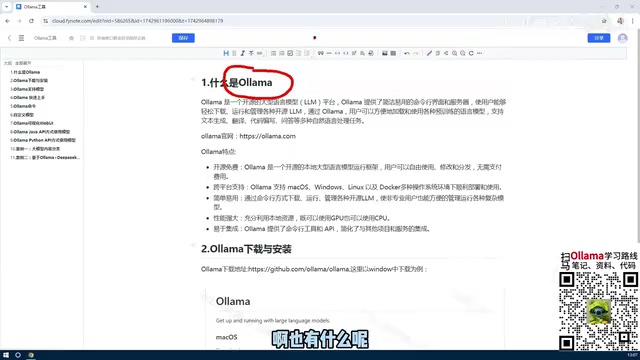
In terms of cross-platform support, Ollama covers macOS, Windows, Linux, and Docker environments. Individual users who want to experiment can install it directly on Windows or Mac; enterprise deployments are better suited to Linux or Docker. Regardless of the operating system, you can download and run open-source models through Ollama.
Take deploying DeepSeek's latest model as an example — the full version can weigh in at hundreds of gigabytes. Pulling a model like that from the internet and getting it running locally is exactly what Ollama excels at. Of course, the larger the model, the higher the hardware requirements.
The Key to Lowering the Barrier: GPU and CPU Hybrid Utilization
Before tools like Ollama existed, manually deploying various large models was a significant hassle. Users had to set up complex GPU environments locally, and whether their machine supported GPU acceleration — and whether the right drivers and dependencies could be configured — directly determined whether the model would run at all. Even with GPU support, the tedious environment setup discouraged many people from trying.
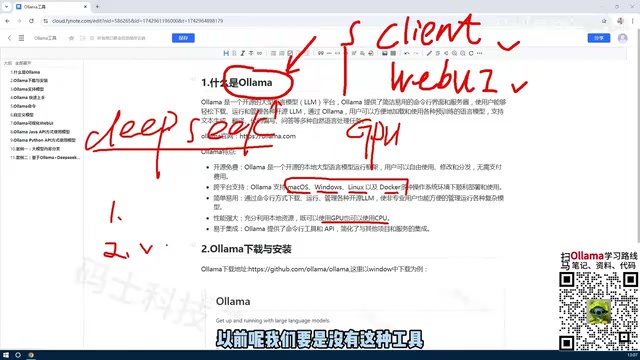
Ollama simplifies all of this. Models managed through Ollama can make full use of available hardware, leveraging either GPU or CPU resources. This means even without a high-end graphics card, an ordinary machine can still run open-source models — dramatically lowering the barrier to entry. Once the tool is installed, users can start downloading and managing models right away, without worrying about the underlying environment.
LLM inference (the process of generating responses) is essentially a massive amount of matrix multiplication. GPUs have thousands of parallel compute cores that are naturally suited to accelerating these operations, which is why high-end graphics cards (such as NVIDIA's RTX or A-series) can dramatically speed up model execution. However, when VRAM isn't large enough to hold the full model parameters, traditional approaches often crash outright. Ollama internally integrates llama.cpp as its inference engine, which supports layered model storage: the portion that fits in VRAM is handled by the GPU, while the remainder is offloaded to system RAM and processed by the CPU. This hybrid offloading mechanism makes "running a model without a high-end GPU" a practical reality. The trade-off is that generation speed will be slower than running entirely on a GPU, but for individual development and testing use cases, it's more than sufficient.
Key Features and Typical Use Cases
To summarize, Ollama has several standout characteristics:
- Open-source and free: The tool itself is free and open-source; running models locally incurs no call fees.
- Cross-platform support: Compatible with macOS, Windows, Linux, and Docker environments.
- Easy to use: Offers both CLI and Web UI management options.
- Flexible performance: Can leverage GPU or CPU, adapting to different hardware configurations.
- Highly extensible: Supports model access via Python, Java, and other languages.
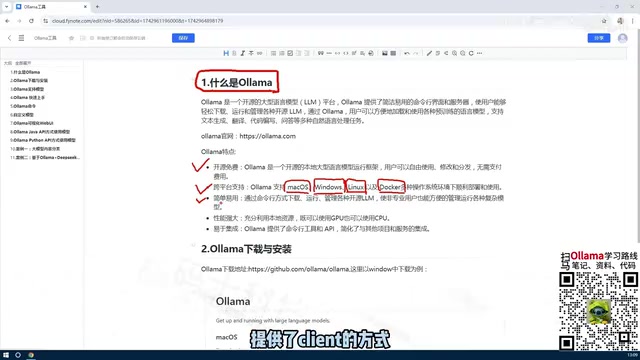
In practice, one of the most common use cases is interacting with local models via API. Going further, you can inject a company's or team's private knowledge base into an existing open-source model to build a domain-specific private model, enabling an intelligent Q&A chatbot tailored to a specific field. This type of solution used to carry a high implementation cost, but with Ollama it becomes relatively straightforward.
Private knowledge base chatbots are typically built on the RAG (Retrieval-Augmented Generation) architecture. In simple terms, private documents such as company files and product manuals are split into small chunks and converted into vectors stored in a vector database. When a user asks a question, the system first retrieves the most relevant passages from the vector database, then passes those passages along with the original question to the local model, which generates an answer grounded in the actual source material. This approach doesn't require modifying model weights (it's not "fine-tuning" in the traditional sense), has low implementation cost, and keeps data entirely within the local network — making it the most common deployment path for enterprise private deployments. Ollama's local API and compatibility with Python, Java, and other languages fits naturally into the model-calling step within a RAG pipeline.
Summary
Ollama's role can be summed up in three points: it is a model management tool that makes open-source models easy to deploy locally with no ongoing call fees; it is feature-rich, offering both API and CLI interfaces for managing and invoking models; and it is highly extensible, flexibly utilizing CPU or GPU resources depending on available hardware. For developers looking to explore local LLM development at low cost, or for teams with private deployment needs, Ollama is an entry-level tool well worth getting to know first.
Related articles
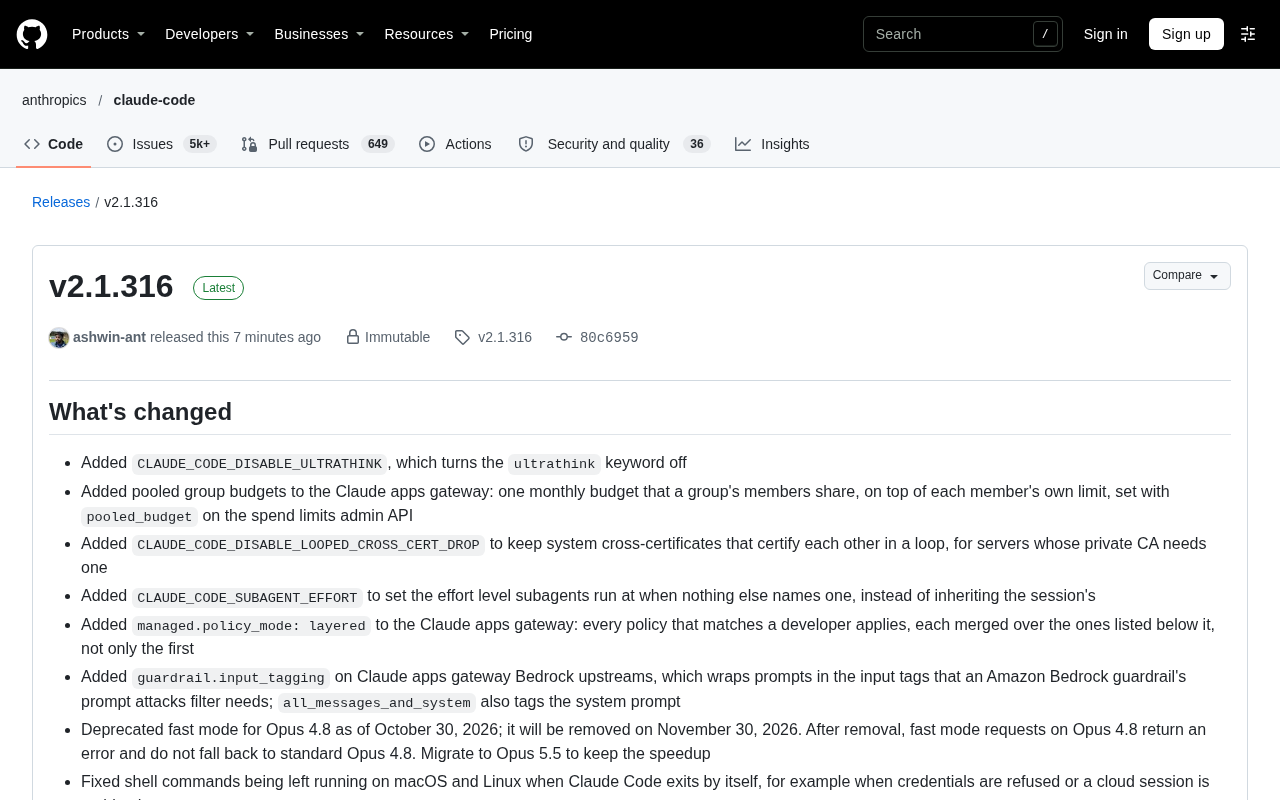
Claude Code v2.1.316 Update Analysis: Enterprise Gateway and Multiple Stability Fixes
Claude Code v2.1.316 released: new enterprise gateway pooled group budgets, layered policy mode, subagent effort control, dozens of Shell, network, and session recovery fixes, and Opus 4.8 fast mode deprecated.

17th-Century British Floods and Doomsday Panic: A New Perspective on Weather History
Based on a Hacker News discussion of '17th-Century British Floods and Foreboding,' this piece explores how extreme weather was given divine and political significance, and what weather history teaches us about contemporary climate communication.
Salesforce Acquires Rune for $375M: AI Logistics Tech Bolsters Defense Business
Salesforce reportedly acquires defense tech startup Rune for $375M. Rune's AI logistics tech will strengthen Salesforce's Missionforce defense platform, continuing its M&A spree.