When Coding Agents Become The Sims: The Agent Office Experience
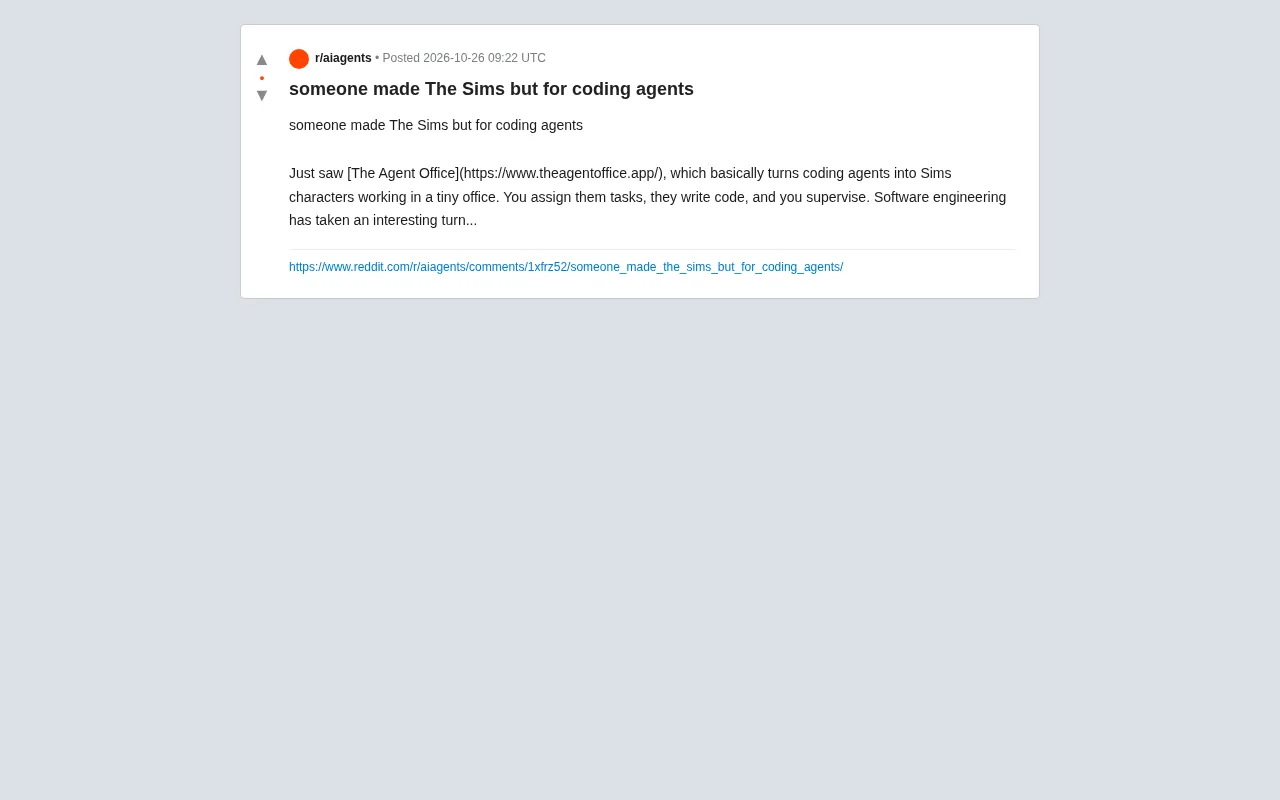
The Agent Office manages coding agents via a Sims-style office interface, boosting multi-agent observability.
The Agent Office is an experimental project that turns coding agents into Sims-like characters: users assign coding tasks to agents in a miniature office scene, agents produce code in the background, and humans act as "bosses" supervising progress and reviewing results. Its differentiation lies not in the workflow itself but in the interface metaphor—replacing dashboards and log streams with a spatial office view that makes "who's busy, who's idle, who's stuck" clear at a glance during multi-agent parallel work, continuing the "information radiator" design philosophy in software engineering. The article also notes its limitations: whether a gamified interface can carry complex task flows is unclear, project information is limited and closer to a proof of concept; moreover, while anthropomorphism lowers the cost of understanding, it may lead users to overestimate agent autonomy—a pragmatic approach is to restrict anthropomorphism to the interface layer while keeping clear task queues, state machines, and audit logs underneath.
From The Sims to Coding Agent Management
Recently I saw someone on Reddit share a project called The Agent Office, which turns coding agents into characters from The Sims working in a miniature office. You assign them tasks, they write code, and you supervise. The original poster remarked: "Software engineering is heading in an interesting direction..."
The core idea of this project is to visualize and gamify the abstract process of multi-agent collaboration. Traditional agent orchestration tools often present things as flowcharts, task lists, or code logs, whereas The Agent Office opts for a more "anthropomorphic" interface—you see characters busy at their desks, as if playing a management game.
The Sims is a life simulation game series developed by Maxis and published by Electronic Arts, in which players advance the game by arranging virtual characters' daily routines, work, and social interactions. Its core interaction metaphor is "god's-eye management of multiple autonomous individuals": each character has independent states and behavioral logic, and the player assigns tasks and observes the results. The Agent Office borrows exactly this visual language and mental model—mapping coding agents to "employees at desks" and task assignment to "arranging work," thereby making the multi-agent collaboration process perceptible and scannable at a glance. Understanding this prototype helps grasp the project's design orientation: it does not aim to simulate agents' "personalities," but rather borrows management-game interfaces that players are already familiar with to carry task orchestration and status monitoring.
How Does It Actually Work?
According to the project page and the original post, The Agent Office's interaction model can be broken down into three parts:
Assigning tasks: You hand a coding task to an agent character, just like assigning work to a Sim in a game.
Agents write code: The assigned agent executes the coding task in the background and produces code.
Human supervision: As the "boss," you observe progress, review results, and intervene to adjust when necessary.
This workflow isn't new—there are already quite a few multi-agent coding assistants doing similar things. But The Agent Office's differentiation lies in its interface metaphor: instead of a dashboard or terminal, it uses an office scene to make "who is doing what" clear at a glance. For developers managing multiple agents simultaneously, this spatial presentation may be more intuitive than a list.
Why "Gamification" Is Worth Noticing
Wrapping coding agents as game characters sounds like a gimmick, but it touches on a real pain point: observability of multi-agent systems.
When you have three or five agents working in parallel, traditional log streams quickly become hard to track. Which agent is stuck? Which is duplicating work? Which one's output needs review? In a text interface, this information requires active searching; in an office scene, agents' states (busy, idle, waiting for instructions) can be scanned at a glance.
This design approach is in the same lineage as the "information radiator" concept in software engineering—making key states naturally visible in the environment rather than hidden in menus. The Agent Office applies this principle to agent management.
That said, let's stay level-headed: whether a gamified interface can carry the details of complex task flows remains to be seen. The original post offers limited information and doesn't show the specific technical architecture, supported models, or task types. It's more like a proof of concept, or an interesting interface experiment.
"Information Radiator" is a classic concept in agile development, referring to information displays placed in a team environment that members can scan without actively querying—such as physical kanban boards, burndown charts, or CI status lights. Its key point is lowering the cost of obtaining information: key states are not hidden in menus or logs but continuously exposed in public view, so problems can be discovered even when no one is specifically inspecting. The Agent Office migrates this principle to the agent management scenario—states such as busy, idle, and waiting for instructions are presented directly in the office view, essentially creating a visual status board for multi-agent systems. This also explains why it's more intuitive than terminal logs: logs require searching, while a radiator only requires a glance.
The Boundaries of "Anthropomorphizing" Coding Agents
Another thought The Agent Office raises: to what extent should we treat agents as "people"?
Anthropomorphic interfaces lower the cost of understanding, but they can also mislead. Characters in The Sims have emotions and needs, whereas coding agents are fundamentally executing instructions. When an interface presents agents as "employees," users may unconsciously overestimate their autonomy or make inappropriate attributions about failures.
From an engineering perspective, a more pragmatic approach is to restrict anthropomorphism to the interface layer, while keeping the underlying layers as clear task queues, state machines, and audit logs. What The Agent Office currently shows is exactly this kind of surface-level anthropomorphism—it doesn't claim agents are conscious, it just borrows the visual language of games.
In technical contexts, "Agent" usually refers to a system that can perceive its environment, make autonomous decisions, and take actions to accomplish goals, with autonomy varying widely: from workflow nodes that strictly follow predefined processes to LLM-driven agents that can plan steps on their own, call tools, and adjust strategies based on feedback. This spectrum means that an "employee" image in the interface doesn't necessarily correspond to actual autonomy—anthropomorphic appearance does not equal an equivalent degree of autonomous decision-making capability underneath. What The Agent Office shows belongs to surface-level anthropomorphism: it doesn't endow agents with emotions or intentions, but simply uses character images to present task ownership and execution status. Distinguishing "anthropomorphism of the interface metaphor" from "autonomization of system capabilities" is key to avoiding misjudgment when evaluating such tools.
A Small Experiment Worth Trying
If you're interested in multi-agent coding workflows, The Agent Office offers a low-barrier entry point. It may not be suitable for production environments, but as an interactive demo for understanding the concept of "agent orchestration," its intuitiveness has merit.
The forms of software engineering tools have been evolving continuously—from command line to IDE, from IDE to visual orchestration. The Agent Office represents one direction: turning agent collaboration into something you can "see" and "play with." How far this direction can go depends on whether, beyond being fun, it can truly solve the efficiency problems of task tracking and result review.
The popularity of the original post's discussion also shows that the developer community is curious about such experiments. As for whether it will become a mainstream way of working, more practical use will be needed to test that.
Related articles

DeepSeek Harness: A Beginner's Installation and Testing Guide
A DeepSeek Harness tutorial for test engineers: set up Node.js, launch with one NPX command, configure official and third-party models, and explore web search, file I/O, and trace-view agent observability.
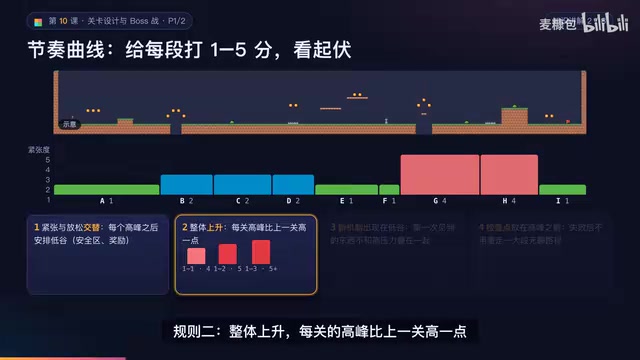
AI Game Development in Practice: Designing Levels with the Four-Step Method and Pacing Curves
AI game development lesson 10: design levels with the four-step method (teach, practice, combine, test) and a 1-5 pacing curve, plus sightline guidance and safety zones—implement Animatable Body 2D moving platforms and generate ASCII sketches for 1-2 Underground Cavern and 1-3 Guard Hall.

AI Game Development in Practice: Two-Phase Boss State Machines and Death Heatmap Tuning
AI game development lesson 10: implement a two-phase Boss with a state machine, guarantee fairness with color signals and a 0.4-second warning floor, locate difficulty cliffs with a death heatmap, and apply lightest-to-heaviest fixes one at a time, with an acceptance checklist and common pitfalls.