WhoIsCooking: Find Out Which AI Agent Is Making Your Mac Overheat

WhoIsCooking is a Mac menu bar utility that shows chip temperature and identifies which AI agent is generating heat, with one-click load migration to efficiency cores.
WhoIsCooking is a menu bar app for Mac developers that solves the problem of not being able to tell which of several AI coding agents (Claude Code, Codex, Cursor) is causing chip overheating. It displays chip temperature in real time and attributes heat sources to specific AI agents. Its core feature is one-click cooling: scheduling busy tasks onto Apple Silicon's efficiency cores so tasks keep running while overall temperature drops. Priced at a one-time $5 purchase with minimal interaction. The trade-off is slower execution for scheduled tasks, and it currently only covers heat source identification for the aforementioned agents—suitable for long-running sessions rather than users who need immediate results.
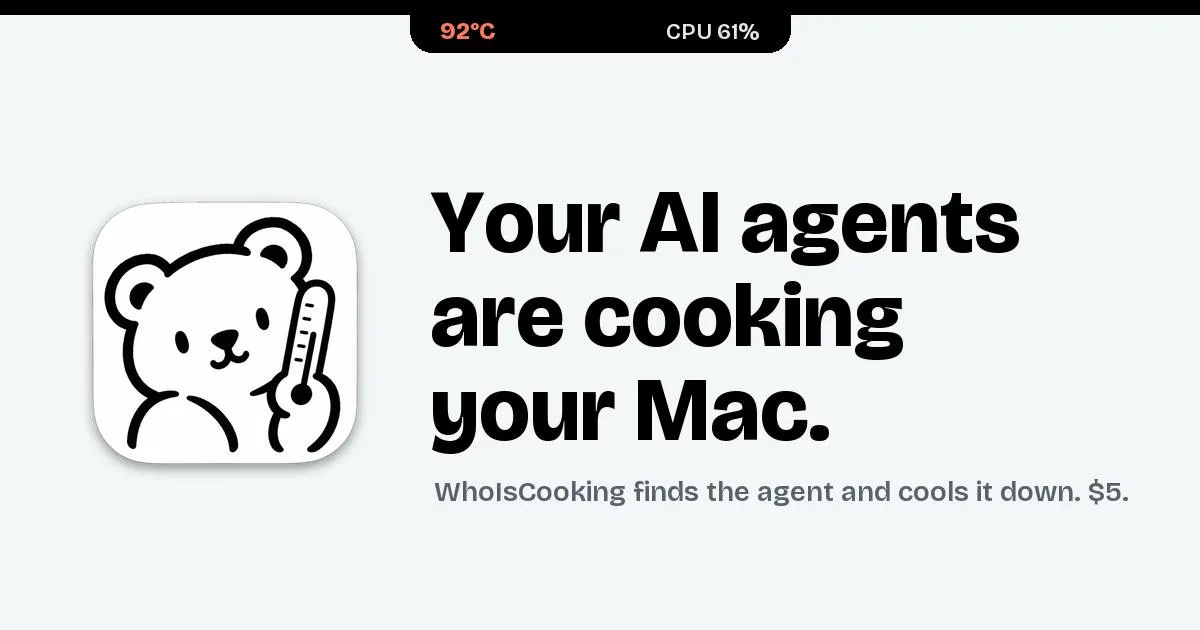
When you're running Claude Code, Codex, and Cursor on your Mac at the same time, the spike in chip temperature often has no obvious "culprit." WhoIsCooking was built for exactly this pain point: a Mac menu bar app that displays chip temperature in real time and tells you which AI agent is heating up your Apple Silicon.
What problem does it solve
AI coding assistants have gone from "novelty" to daily tools for many developers. Agents like Claude Code, Codex, and Cursor continuously consume CPU resources while running inference, indexing codebases, and generating patches in the background. The problem is that macOS's Activity Monitor can only tell you which process is eating CPU—it's hard to see at a glance, among these three AI tools, exactly which one is generating the heat.
WhoIsCooking puts this information directly in the menu bar: what the chip temperature is, and which AI agent is the primary heat source right now. Priced at a one-time $5 purchase, it's a classic small utility—no subscription, no bundling, just solving one specific small problem.
Activity Monitor aggregates CPU usage by process, but the percentages it shows don't directly correspond to heat output. On Apple Silicon, the same 20% CPU usage consumes significantly more power and generates more heat when running on performance cores than on efficiency cores. In addition, AI coding agents often spawn multiple child processes—language servers, indexers, patch generators—which appear as a scatter of separate entries in Activity Monitor, making it hard for users to attribute these processes to a specific AI tool. WhoIsCooking's value lies in performing this attribution layer, mapping scattered child process activity back to the corresponding agent identity.
Core mechanism: moving busy tasks to efficiency cores
The most interesting design of this app is its "one-click cooling." When clicked, it schedules busy workloads onto Apple Silicon's efficiency cores rather than performance cores.
Apple Silicon's architecture inherently distinguishes between performance cores and efficiency cores: the former run fast but generate more heat, while the latter save power and run cooler. WhoIsCooking's approach is to route AI agents' background tasks through efficiency cores—tasks aren't interrupted, but overall temperature drops. For someone who needs AI agents running for long coding sessions, this trade-off is quite pragmatic—you don't necessarily need indexing or patch generation running on the fastest core.
Apple Silicon's heterogeneous core architecture is exposed on macOS through the QoS (Quality of Service) thread priority mechanism. When the system identifies background threads, it tends to schedule them onto efficiency cores; user-interactive or high-priority tasks preferentially occupy performance cores. WhoIsCooking's one-click cooling essentially adjusts the scheduling policy of the relevant processes so the system treats them as background workloads, naturally landing them on efficiency cores for execution. This approach doesn't require suspending or modifying the tasks themselves, so it won't interrupt the AI agent's reasoning flow—but the scheduling change is probabilistic, not 100% enforced.
Who it's for, and its boundaries
From a product positioning standpoint, it targets Mac developers who heavily use AI coding agents, especially Apple Silicon users. Always in the menu bar, one-time payment, just two actions—"check temperature" and "click to cool"—with virtually zero learning curve.
It's worth noting that pushing workloads to efficiency cores means those tasks will execute more slowly—this is a physical trade-off the app itself can't eliminate. For scenarios where you need AI agents to return results as quickly as possible, this button may not be the first choice. Additionally, it currently only covers heat source identification for Claude Code, Codex, and Cursor—broader background process monitoring isn't within its advertised scope.
Summary
WhoIsCooking is a small tool with a clear concept: it turns the vague question of "who's generating the heat" into a definitive answer in your menu bar, then offers a low-cost action to address it. The $5 one-time purchase price fits its positioning of "solving a small annoyance." For developers who keep multiple AI coding agents running on their Mac long-term, the visibility and one-click scheduling it provides fill exactly the gap that built-in system tools don't cover.
Related articles

LLM Application Development: A High-Paying Career Guide for Ordinary People
LLM application development offers fresh graduates up to 35K/month, with SP offers reaching 600K. This article explains the core skills, how to break in, and how ordinary people can seize AI opportunities through learning by doing.

Say Goodbye to AI Influencer Faces: A Complete Guide to Creating Visual Assets for AI Comic Dramas from Scratch
Bilibili creator shares a full workflow for zero-basics AI comic drama visual assets: use Doubao Work skills with script-first, visual references, and real-person texture to escape AI influencer faces, then lock character and scene consistency with asset sheet layouts, weapon detail images, scene nine-grids, and cinematic color palettes.

The AI Production Pipeline Behind Great Videos: From Research to Agent Validation
AI video production isn't just a model race. This article breaks down a transferable four-step pipeline: researching professional workflows, organizing a skill checklist, configuring agents, and experimental validation—and explains how general-purpose LLMs like DeepSeek can replace paid tools to run the entire process.