WorkBuddy for Beginners: Complete Guide from Installation to Hands-On Practice
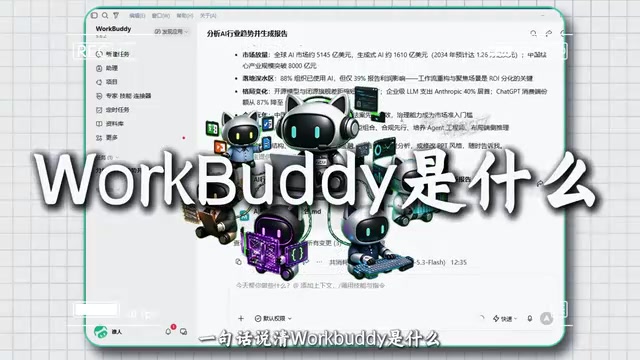
WorkBuddy is a Chinese-speaking AI assistant that takes action; the tutorial includes 28 exercises to help beginners get started.
This article introduces the core features and hands-on tutorial of the AI assistant WorkBuddy. Unlike ordinary chatbots, WorkBuddy can directly operate software to complete tasks such as material organization, spreadsheet calculation, and document writing, positioning itself as an "all-in-one" productivity tool. The Bilibili creator's tutorial includes 28 follow-along exercises covering four major modules: installation, core operations, real cases, and everyday scenarios, along with a companion blue book (including installation instructions, case breakdowns, partial customization, industry applications, and 12 commonly used scales). The tutorial emphasizes beginner-friendliness, no programming required, and same-day usability after registration. The article also offers sobering advice: the tool is new and needs time to be tested, efficiency gains vary from person to person, and it's best to try it hands-on before deciding whether to incorporate it into your workflow.
AI tools keep emerging, but most products still stop at the "conversation" level—you ask a question, it answers, and when it's time to actually get work done, you still have to do it yourself. WorkBuddy (工作伙伴) aims to break that pattern: it not only understands Chinese but can also take direct action, organizing your materials, calculating spreadsheets, and writing documents for you. Recently, a set of WorkBuddy hands-on tutorials on Bilibili—billed as the "most complete and detailed"—claims that even complete beginners can follow along. Drawing on the tutorial content, we've put together this full guide from installation to getting started.
What Is WorkBuddy: An AI Assistant That Takes Action
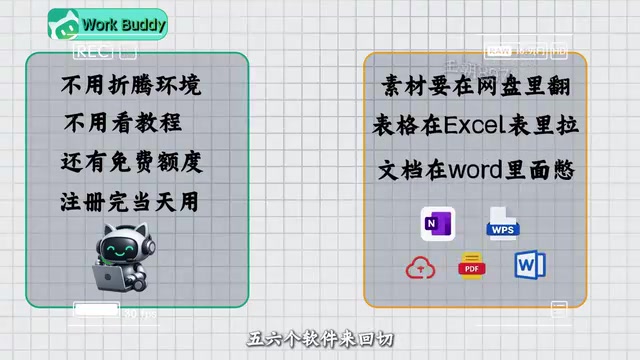
Simply put, WorkBuddyAd is an AI assistant that understands Chinese and can directly operate tools. You don't need to fiddle with environments or read lengthy tutorials—you can start using it the same day you register, and it offers free credits. Unlike typical chatbots, its core differentiator is that it "takes action"—previously, organizing materials meant digging through cloud drives, building spreadsheets meant dragging cells in Excel, writing documents meant editing in a web editor, and you'd be switching between five or six apps. Now these tasks can be handed directly to WorkBuddy: it organizes the materials, it crunches the spreadsheets, it writes the documents. It's no longer a window for chatting with you, but a helper that does the work for you.
According to the Bilibili creator in the video, in his first month of using WorkBuddy he canceled two paid AI subscriptions—one tool replacing three, saving on subscription fees. This "all-in-one" positioning is indeed appealing for users who don't want to constantly switch between multiple AI products.
What is an AI assistant that "takes action"?
Traditional chatbots (like early ChatGPT) are essentially "text generators"—they can only output text suggestions, and users must copy them into other software to execute. An AI assistant that "takes action" (also called an AI Agent) has tool-calling capabilities, able to directly operate file systems, spreadsheet software, document editors, etc., to complete end-to-end tasks. Its technical foundation is "Function Calling" or a "plugin mechanism," which lets the large model autonomously decide which external tools to call during a conversation and parse the returned results. WorkBuddy's "action-taking" capability stems from this—it no longer just tells you "how to organize materials," but directly executes categorization, calculation, writing, and other operations, turning AI from an "advisor" into an "executor."
Installation and First Experience: Even Beginners Can Get It Running
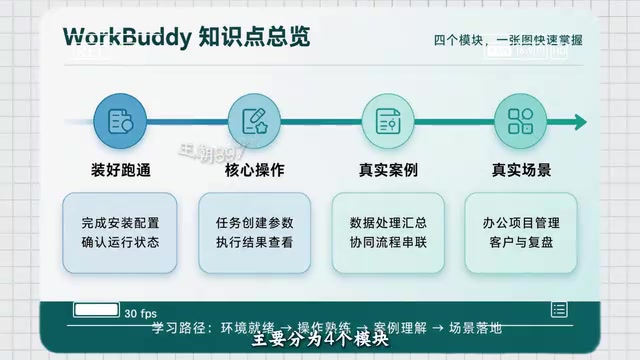
Many people get stuck at the installation step, but WorkBuddy's installation process is designed to be quite lightweight. According to the tutorial, the whole process requires no coding, and it doesn't matter if you've never touched AI before—just follow each step and click. The first module of the course is "Getting You Installed and Running," ensuring you see the tool in action in the shortest time possible.
After installation, it's recommended to familiarize yourself with the core operation interface and basic commands. The tutorial emphasizes that most users only ask a few simple questions after installing and then think "that's it"—the problem isn't the tool, but the lack of a set of methods you can directly put to use. So don't rush to judge; follow the exercises once through to experience its "action-taking" capabilities.
Hands-On Cases: Starting from Real Scenarios
The third module of the tutorial covers hands-on real cases, and the fourth module dives into everyday real scenarios. The entire course includes 28 exercises you can follow along with, covering high-frequency tasks such as material organization, spreadsheet calculation, and document writing. These exercises are designed to embed WorkBuddy into your workflow, rather than treating it as a toy.
For example, you can have it categorize materials scattered across cloud drives by topic, or generate summary tables from several sets of data, or dictate a requirement and have it draft a document. Each exercise corresponds to a specific pain point, and after completing them, you'll have a clearer understanding of "what AI can do for you."
Companion Materials: Blue Book and Customized Content
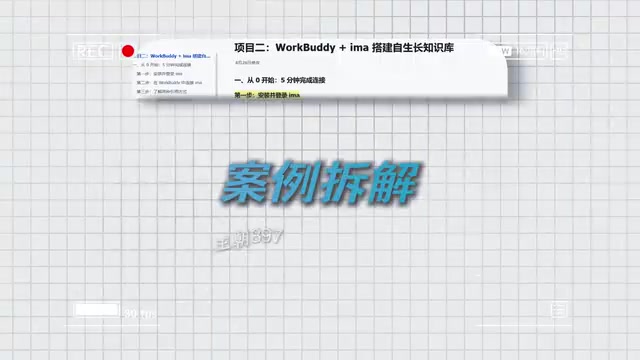
The creator has also put together a blue book to accompany the course, covering four major modules: installation instructions, case breakdowns, partial customization, and industry applications, along with 12 commonly used scales (skills/templates) and more materials for direct hands-on practice. For users who want to dive deeper into customization or learn about industry applications, this material provides additional reference.
To get it, reply "蓝皮书" (blue book) under the original video. The creator suggests reading and doing along after receiving the materials—don't let the tool just sit in your bookmarks. This actually points out a common pitfall in learning AI tools: bookmarking never stops, but action never starts.
What does "scale" mean in the context of AI tools?
The "12 commonly used scales" mentioned in the original text does not refer to a mathematical ratio scale, but rather "skill units" or "operation templates" in the AI assistant ecosystem. In agent platforms like WorkBuddy, a scale usually refers to a preset, reusable task flow or instruction set, such as "categorize cloud drive files by keyword" or "generate a summary table from CSV data." Users can directly invoke these scales to quickly complete common tasks, or modify parameters based on their own needs, or combine multiple scales to implement complex workflows. This design lowers the barrier to use, allowing non-technical users to customize automation workflows by "building blocks."
Who Is It For? A Few Sobering Suggestions
This tutorial is clearly aimed at users with zero foundation and no high computer specs, with all explanations in Chinese and 28 exercises progressing step by step. If you're curious about AI tools but have been put off by installation and environment configuration, it's a low-barrier starting point.
However, it's also important to be rational: as a relatively new tool, WorkBuddy's ecosystem and stability still need time to be tested; the cases in the tutorial are mostly basic operations, and how it performs in complex scenarios still needs to be verified by yourself. In addition, the claim of "one replacing three" comes from the creator's personal experience—different users' workflows vary greatly, and actual efficiency gains will differ from person to person.
The most practical advice is: register and start using it first, follow the exercises to do a few real tasks, and then decide whether to incorporate it into your daily tool stack. No matter how good a tool is, if you don't use it, it's just an icon in your bookmarks.
Related articles

Anthropic's New Model Fable 5.2 Tested: Performance Surpasses Opus 5.5
Anthropic releases Fable 5.2, tested to outperform Opus 5.5. Higher per-token price but lower cost per task. Release highlights, public benchmarks, custom benchmarks, three hands-on tests, and model selection advice.

OpenAI on the Data Center PR Crisis and AI Regulation Through Self-Restraint
OpenAI executive interview: why AI data centers face a PR crisis, and why OpenAI supports a "speed limit" framework to regulate recursive self-improvement, stressing humans must control AI.
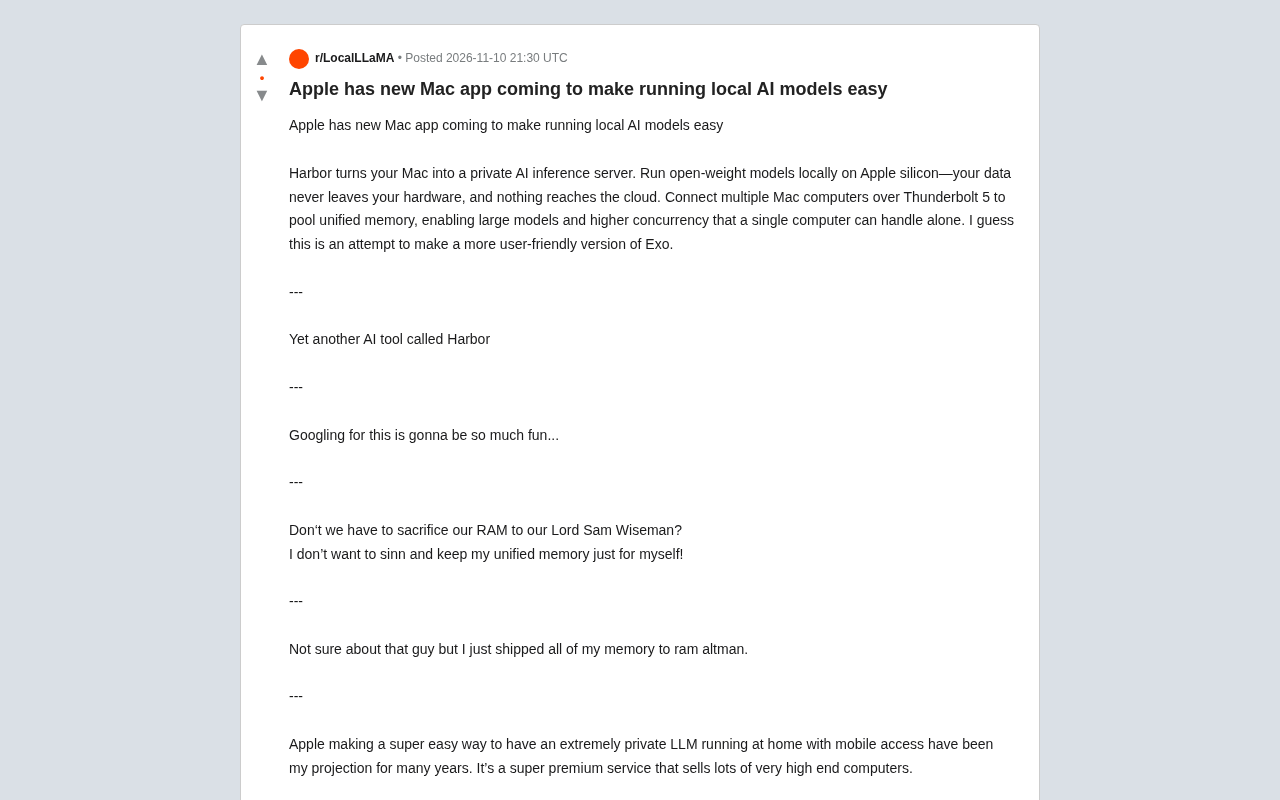
Apple's New Mac App Harbor: Local AI Inference and Thunderbolt 5 Clustering
Apple's new Mac app Harbor exposed: turning Macs into private AI inference servers, pooling unified memory across multiple Macs via Thunderbolt 5 to run large models. This article analyzes its features, differences from Exo and LM Studio, and impact on the local AI ecosystem.