#ComfyUI
54 related articles
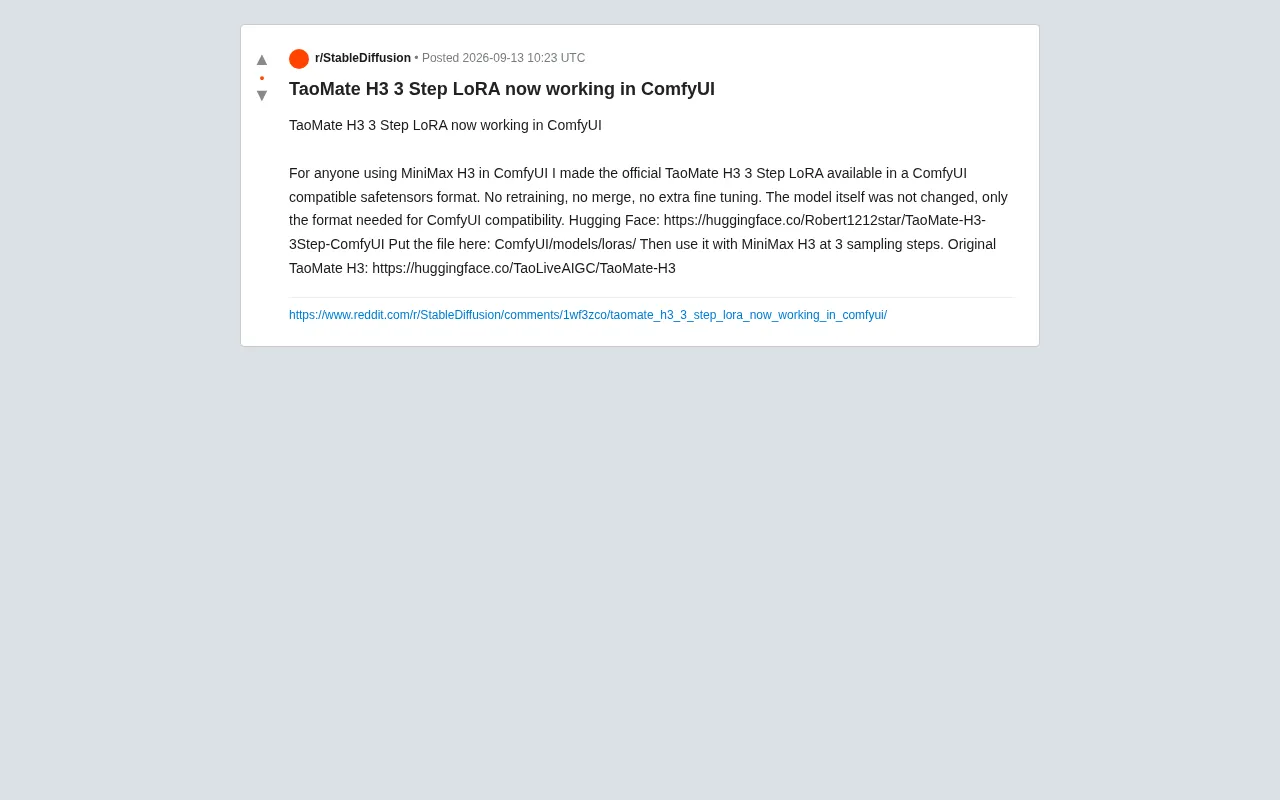
TaoMate H3 Three-Step LoRA Now Compatible with ComfyUI: Accelerating MiniMax H3 Image Generation
A Reddit user converted the official TaoMate H3 3 Step LoRA to ComfyUI-compatible safetensors format, enabling MiniMax H3 to generate images in just 3 sampling steps with no retraining required.

Getting Started with Local AI Art: Configuring a Realistic-Style Workflow on an RTX 3060
A beginner's guide to local AI image generation on consumer GPUs. Using the RTX 3060 12GB as an example, covering realistic model selection, ComfyUI workflow setup, sampling parameter tuning, and where to find resources.

MiniMax Music Production Toolkit 2.5 Released: Professional Mastering Comes to ComfyUI
MiniMax Music Production Toolkit 2.5 brings full mastering to ComfyUI: Auto-EQ, parametric EQ, stereo compression, LUFS control, 44.1/48kHz output, CPU-only processing.

MiniMax Music Production Toolkit 2.5 Released: Complete Mastering Chain Comes to ComfyUI
MiniMax Music Production Toolkit 2.5 brings a complete mastering chain to ComfyUI, featuring Auto-EQ, 8-band parametric EQ, LUFS loudness control, and true-peak limiting — all running on CPU with no VRAM usage.
 Tutorials
Z-Image Model in Practice: Generate Cinema-Quality Ancient Chinese Beauty Portraits in 3 Minutes
Complete guide to Z-Image model variants and ComfyUI workflow setup, using Doubao for prompt reverse-engineering to generate cinema-quality ancient Chinese beauty portraits in minutes.
 Tutorials
ComfyUI Video Matting Tutorial: Complete Workflow with RMBG Model + APNG Export
Step-by-step ComfyUI video matting workflow using the RMBG model for AI background removal, generating transparent APNG animations compressed from 160MB to 30MB for mobile use.
 Tutorials
AI Video Generation Control Tips: A Practical Guide to Model Selection and Camera Movement Prompts
A detailed guide on AI video generation covering model selection (Runway, Kling, Hailuo, etc.) and writing quality prompts with camera movement, scene, and subject descriptions, plus practical templates.
 Tutorials
Local AI Comic Drama Production with ComfyUI: Complete Workflow from Images to Final Cut
Complete guide to local AI comic drama production with ComfyUI, covering KLEIN image editing, LTX first-last frame video generation, and QWEN TTS voice synthesis on a 4060Ti GPU.
 Tutorials
Build Custom ComfyUI Nodes with AI from Scratch: A Complete Hands-On Tutorial
Learn how to create custom ComfyUI nodes with zero coding experience using AI tools like Claude and Gemini. Covers node structure, AI tool selection, and hands-on development.
 Tutorials
Anima Anime AI Model: Local Deployment with 6GB VRAM & Workflow Configuration Guide
Complete guide to locally deploying the Anima anime AI model with just 6GB VRAM. Covers ComfyUI workflow setup, txt2img parameters, upscaling tips, and low-VRAM optimization for mid-range GPUs.
 Tutorials
Complete AI Comic Drama Production Guide: A 5-Step Practical Workflow from Script to Final Cut
A detailed breakdown of the complete AI comic drama production workflow covering scriptwriting, keyframe generation, ComfyUI super resolution, Kling AI video effects, and editing with dubbing.
 Product Reviews
ComfyUI-Copilot: An AI Assistant for Building Stable Diffusion Workflows with Natural Language
ComfyUI-Copilot is an open-source AI assistant plugin supporting natural language workflow building, smart node recommendations, and parameter optimization. With 5,100+ GitHub stars, it dramatically lowers the barrier to Stable Diffusion workflow creation.
 Tutorials
Complete Guide to ComfyUI-Impact-Pack: Essential Plugin for Face Restoration & Image Enhancement
Complete guide to ComfyUI-Impact-Pack's core features: FaceDetailer for face restoration, Detectors, Upscalers, and Pipe systems to fix facial distortion and blurry details in AI-generated images.
 Tutorials
ComfyUI-WanVideoWrapper: A Complete Guide to Installing and Using Wan Video Generation Nodes
A detailed guide to ComfyUI-WanVideoWrapper: integrate Wan video generation models into ComfyUI with text-to-video and image-to-video workflows, VRAM optimization tips, and use cases.