Cursor 2.0 in Practice: Building a Complete App with Parallel Agent Development

Cursor 2.0 launches with Agent view, built-in browser debugging, and parallel Agent development
Cursor's 2.0 major update introduces key changes: a new Agent view that elevates development thinking from file-level to feature-level with Plan mode for planning before execution; built-in browser debugging that lets AI Agents autonomously read errors and fix code; parallel Agent development for exploring multiple implementation approaches simultaneously; and the in-house Composer 1 model balancing speed and capability. The article demonstrates these features through building a complete habit tracking application.
Overview: What Cursor 2.0 Brings to the Table
The Cursor team has released their biggest update yet — Cursor 2.0. This update introduces a brand-new AI coding model called Composer 1, a completely redesigned Agent view interface, built-in browser debugging, parallel Agent development, and more. This article walks through the entire process of building a Habit Tracker application to demonstrate how these new features work in practice.
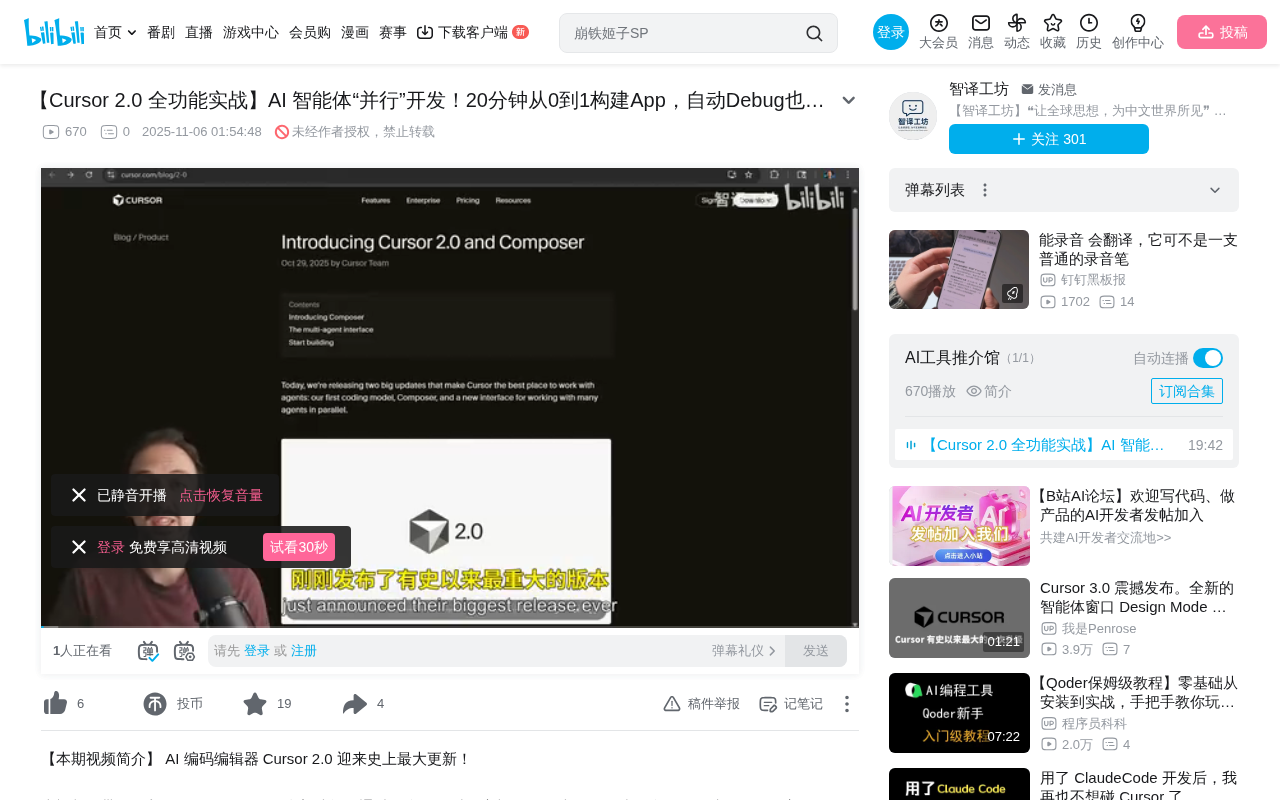
The New Agent View: From File-Level to Feature-Level Thinking
Goodbye Traditional Editor View
The most significant change in Cursor 2.0 is the introduction of the Agent view. Unlike the traditional editor view (which displays file lists and file contents), the Agent view shifts developers' attention from individual files and functions up to the feature level. You no longer need to switch back and forth between different files — instead, you focus on describing the feature you want to build and let the AI Agent handle the specific file operations.
This design philosophy stems from the core concept of "abstraction levels" in software engineering. Traditional IDEs (Integrated Development Environments) like VS Code and IntelliJ have their core interaction paradigm built on the file system — developers navigate through file trees, open files, and edit lines of code. This paradigm worked well for decades, but as AI coding capabilities have improved, it has actually become an efficiency bottleneck. The Agent view essentially elevates the interaction abstraction layer from "file operations" to "intent expression," which aligns with the recent trend in DevOps from imperative to declarative approaches — you describe what you want, not how to achieve it.
In the Agent view, you can:
- Run commands and modify files directly
- View all changed file diffs (unified in a single view)
- Roll back to previous checkpoints at any time
- Use the "Find Issues" button to let AI automatically review code
Plan Mode: Plan First, Execute Later
Cursor 2.0 introduces Plan mode, a highly practical workflow improvement. In Plan mode, the AI doesn't start coding immediately. Instead, it first creates a detailed implementation plan with a to-do checklist, then executes step by step.
Plan mode's design philosophy is closely aligned with the classic software engineering principle of "design first," but it gains new life in the AI context. In the working mechanism of Large Language Models (LLMs), this approach is known as Chain-of-Thought reasoning — having the model decompose the problem before solving it step by step, which typically improves output quality significantly. Research shows that LLMs tend to produce "hallucinations" or miss edge cases when directly generating complex code, while generating a plan first and then executing can reduce error rates by 30-50%. This is also why OpenAI's o1 series models and Anthropic's Claude both adopt similar "think first, act later" strategies for complex tasks.
This "plan-then-build" methodology is remarkably effective. As the demonstrator put it: "You should spend a lot of time reviewing these plans, because once the AI implements them, fixing it is much harder than getting it right from the start." In previous versions, developers had to write their own planning and review prompts — now this has become a core part of the workflow.
Built-in Browser: Debugging Without Leaving the Editor
Automated Browser Control
Cursor 2.0 integrates a browser directly into the editor. You can connect to Google Chrome and let the AI Agent autonomously drive the browser for debugging.
The technical foundation for this capability is the Chrome DevTools Protocol (CDP), a remote debugging protocol exposed by the Chrome browser that allows external programs to control browser behavior — including page navigation, DOM manipulation, network request interception, and console log reading. Well-known automation tools like Puppeteer and Playwright are based on similar protocols. Cursor's innovation lies in connecting this capability with the AI Agent's decision loop: the Agent reads console errors → understands the error meaning → locates the source code issue → generates fix code → verifies the fix result, forming a complete automated debugging loop. This "observe-reason-act" cycle is known as the ReAct (Reasoning + Acting) paradigm in AI Agent research.
Here's the specific workflow:
- Click "Connect to Browser" to connect to Chrome
- Tell the Agent to check the browser console for error logs
- The Agent automatically navigates to the specified URL and reads error messages
- It automatically fixes the code based on the error information
This means you never need to manually copy and paste error messages again. In the actual demo, when the habit creation API had issues, the Agent was able to automatically identify the error, locate the problem (missing database fields), and create a new migration file to fix it.
The "Database Migration" mentioned here is a standard practice in modern web development for managing database schema changes. When an application needs to add fields, modify table structures, or create new tables, developers don't modify the database directly. Instead, they create a "migration file" — a piece of code describing the structural change. These migration files are ordered chronologically and can be moved forward (apply changes) or rolled back (undo changes), similar to version control for databases. Common migration tools include Rails' ActiveRecord Migrations, Node.js's Prisma Migrate, and Python's Alembic. The fact that the AI Agent can automatically identify "missing field" errors and generate correct migration files demonstrates that it understands the correspondence between the ORM (Object-Relational Mapping) layer and the actual database structure.
Select Element Feature
Another practical feature is "Select Element" — you can directly select UI elements in the browser and provide them as context to Cursor. This allows you to describe modifications needed for specific UI components, greatly improving frontend development efficiency.
Parallel Agent Development: Exploring Multiple Paths Simultaneously
Running Multiple Agents at Once
One of the most exciting features in Cursor 2.0 is parallel Agent development. You can launch multiple Agents simultaneously to implement the same feature, then compare the results of different versions and choose the best approach.
The concept of parallel Agents draws from ideas across multiple fields: "population evolution" in genetic algorithms (exploring multiple solution spaces simultaneously), "multi-variant experiments" in A/B testing, and "multi-path exploration" in Monte Carlo tree search. From a technical implementation perspective, each parallel Agent is essentially an independent LLM session with its own context window and code generation state. They share the same codebase snapshot as a starting point but independently generate different implementation approaches. This method is particularly suitable for scenarios where multiple reasonable implementation paths exist — such as UI design, algorithm selection, and architectural decisions. The trade-off is multiplied API call costs and token consumption, which also explains why Cursor needs to offer different pricing tiers to support this high-consumption usage pattern.
In the demo, the author launched three Agents simultaneously to implement the habit tracking calendar view:
- Two using the Composer 1 model
- One using the Sonnet 4.5 model
This approach is particularly valuable in creative development — when you're unsure which implementation approach is better, you can let AI explore multiple paths simultaneously.
Branch Management and Comparison
Each parallel Agent's results can be applied to the main branch for review using the "Apply All" button. If a branch's implementation has issues (such as missing imports), you can simply discard that branch and choose the working version. This workflow is similar to Git branches but much more lightweight and immediate.
Hands-On: Building a Habit Tracker from Scratch
Project Initialization
The author used CreateVoloApp (an open-source starter template) to quickly scaffold the frontend, backend, and local database infrastructure. The entire process required just a single sentence description, and Cursor automatically ran the commands to complete project initialization.
Feature Iteration Process
The entire app-building process demonstrates a typical AI-assisted development workflow:
- Describe the feature → Use voice input to describe application requirements
- AI planning → Plan mode generates a detailed implementation plan
- Review the plan → Developer confirms before building begins
- Automatic implementation → Agent writes code (generating 12 files and over 1,000 lines of code in this case)
- Debug and fix → Built-in browser discovers issues, Agent automatically fixes them
- Parallel optimization → Multiple Agents handle different features simultaneously
The final application includes: a garden page (with drag-and-drop habit plants), a habit management page, a calendar tracking view, streak counting, and other complete features.
Composer 1 Model: Balancing Speed and Capability
Cursor's in-house Composer 1 model is one of the core highlights of this update. From actual usage, its biggest advantage is blazing speed. Response times when generating plans and writing code are noticeably faster than other models. Of course, you can still switch to Sonnet 4.5 or other industry-leading models from the dropdown menu.
The release of Composer 1 marks an important transition for AI programming tool vendors from "model consumers" to "model producers." Previously, Cursor primarily relied on OpenAI's GPT series and Anthropic's Claude series as underlying models. The advantages of an in-house model include: specialized optimization for code generation scenarios (such as better understanding of file editing formats and faster incremental code generation), reduced dependency on and costs from third-party APIs, and lower inference latency. Similar industry trends include GitHub Copilot's shift from pure reliance on OpenAI Codex to a multi-model strategy, and various IDE vendors training their own code-specific models. Its speed advantage likely comes from Knowledge Distillation techniques — training smaller, faster specialized models using large model outputs, maintaining most capabilities while dramatically reducing inference cost and latency.
Conclusion and Reflections
Cursor 2.0 represents an important directional shift in AI programming tools: from "assisting with writing code" to "managing AI Agents to complete feature development." The developer's role is transforming from "the person who writes code" to "the person who plans features, reviews results, and makes decisions."
However, it's worth noting that Cursor is a paid product (with a one-week free trial), and professional developers may need the Ultra tier or even pay-as-you-go pricing. For users unfamiliar with software development fundamentals, encountering issues like database migrations and API errors can still be challenging. AI tools have lowered the barrier to coding, but they haven't eliminated the need for foundational knowledge.
Key Takeaways
- Cursor 2.0 introduces a new Agent view that elevates development thinking from file-level to feature-level, with Plan mode for planning before execution
- Built-in browser debugging enables the AI Agent to autonomously drive the browser, read error logs, and automatically fix code
- Parallel Agent development allows running multiple AI Agents simultaneously to explore different implementation approaches, supporting mixed model usage
- The in-house Composer 1 model is extremely fast while retaining the flexibility to switch to third-party models like Sonnet 4.5
- Full demonstration of building a habit tracking app with garden page, calendar tracking, and streak statistics from scratch in 20 minutes
Related articles
 Tutorials
Cursor + Codex Dual-IDE Collaboration: A Practical Methodology for Open-Source Project Customization
A complete methodology for open-source project customization based on real-world experience, detailing the Cursor+Codex dual-IDE workflow, seven-stage process, MVP validation, and AI source code reading techniques.
 Tutorials
Cursor Multi-Agent in Practice: Building a Full-Stack Next.js Blog in 50 Minutes
Build a full-stack blog in 50 minutes using Cursor IDE's multi-Agent mode with Next.js, Clerk auth, and Supabase. Learn the 4-phase AI Agent workflow and key integration pitfalls.
 Tutorials
Building an AI Software Factory from Scratch: A Cursor Engineer's Hands-On Experience with Multi-Agent Collaboration
Cursor engineer Eric shares practical insights on building an AI software factory: automation levels, guardrail design, parallel Agent management, and scaling to 1000+ Agents for 24/7 development.