Practical Guide to Building a Local AI Knowledge Base with Qwen3.5 + RAGFlow + Ollama

Build a private local RAG knowledge base with RAGFlow + Docker + Ollama for traceable AI Q&A.
This article provides a detailed guide on building a local RAG knowledge base system using RAGFlow to address LLM knowledge cutoff, AI hallucination, and data privacy concerns. By deploying RAGFlow via Docker, running LLMs with LM Studio, and Embedding models with Ollama, it enables intelligent document chunking, semantic retrieval, and traceable AI Q&A—ideal for researchers and enterprises needing private knowledge management.
Why Do You Need a Local AI Knowledge Base?
While current large language models are powerful, they have several core pain points: knowledge cutoff date limitations, limited knowledge systems in local models, AI hallucination issues, and the inability to use cloud services in enterprise confidentiality scenarios.
AI Hallucination refers to large language models generating content that appears reasonable but is actually incorrect or fabricated. This stems from the fundamental nature of LLMs—they are probabilistic models that predict the next token based on statistical patterns in training data, rather than truly "understanding" facts. When a model encounters questions not covered or insufficiently covered in its training data, it will still confidently generate fluent answers. This problem is particularly severe in specialized domains and can lead to incorrect decision-making bases.
For these reasons, building a local RAG (Retrieval-Augmented Generation) knowledge base has become essential. RAG is a technical framework proposed by Facebook AI Research in 2020. Its core idea is to retrieve relevant document fragments from an external knowledge base before the LLM generates an answer, injecting them as context into the prompt, thereby allowing the model to generate answers based on real data. Compared to pure model fine-tuning, this approach offers advantages of lower cost, faster updates, and traceability. The RAG workflow typically consists of three steps: document chunking and vector storage, semantic retrieval of user queries, and joint generation from retrieved results and the question. By providing real documents as context, RAG constrains the model's generation scope to verifiable information, significantly reducing the probability of hallucinations.
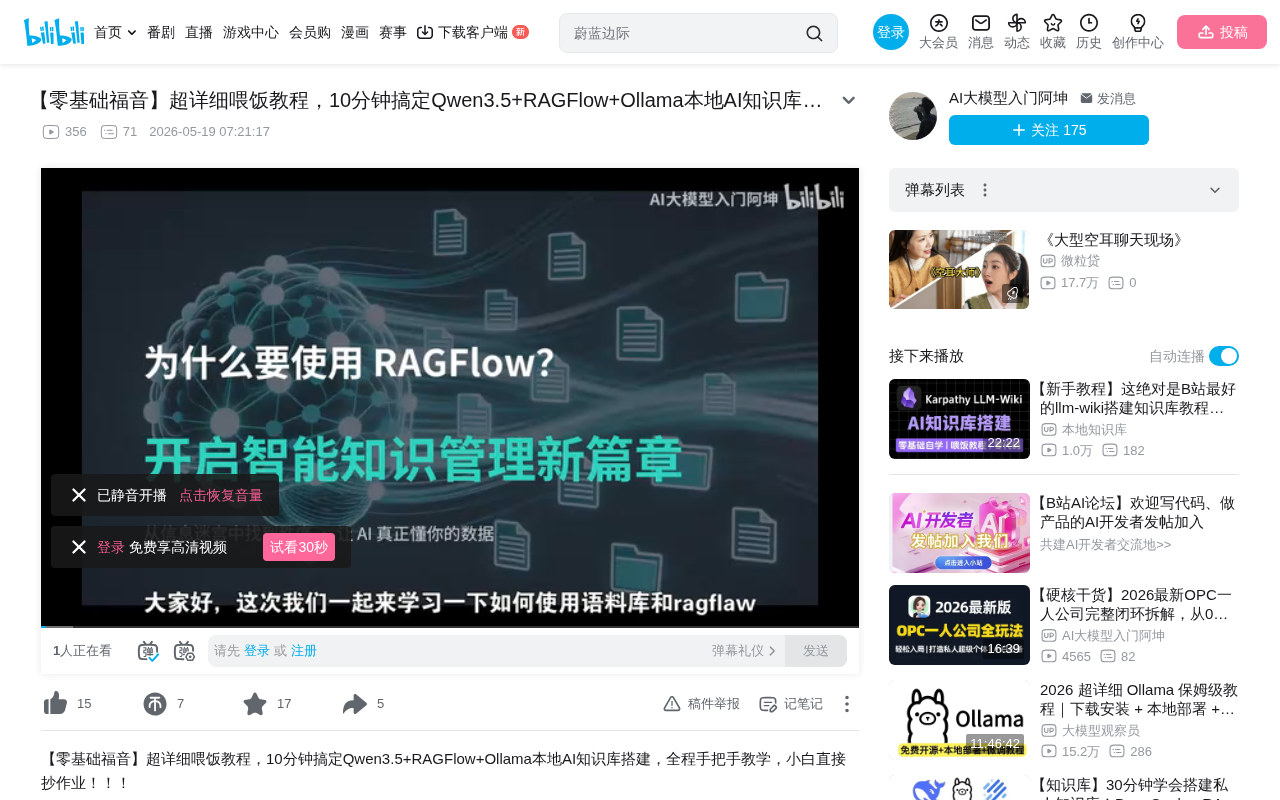
RAGFlow is an excellent open-source RAG project on GitHub. It supports processing multiple file formats including TXT, PDF, and JSON, has built-in OCR capabilities from the DeepDocs project, can perform intelligent document chunking and indexing, and can build automated workflows similar to ComfyUI. More importantly, it can precisely indicate the source of answers—which paragraph from which article. This traceability is one of RAG's greatest advantages over pure LLM conversations, allowing users to verify the reliability of AI answers.
Pre-Deployment Preparation
Hardware and Software Requirements
Generally speaking, hardware that can smoothly run Windows 10/11 can meet basic needs. If you need to run larger LLM models (7B parameters or above), it's recommended to have 16GB+ RAM and a CUDA-capable NVIDIA GPU—the more GPU VRAM available, the larger the model you can load and the faster the inference speed. On the software side, you'll need:
- Docker Desktop: As the containerized runtime environment, RAGFlow and its dependent services (databases, etc.) all run in Docker. Docker is an OS-level virtualization technology that packages applications and all their dependencies into standardized "containers," ensuring consistent operation in any environment. Unlike traditional virtual machines, Docker containers share the host machine's OS kernel, resulting in fast startup and low resource usage. Docker Compose is a tool for defining and running multi-container applications—a single YAML configuration file can orchestrate the startup order and network relationships of multiple services (such as databases, application servers, caches, etc.).
- Ollama: Used for deploying Embedding models. Ollama is a lightweight local model runtime framework that supports one-click downloading and running of various open-source models, automatically handling underlying details like model quantization and GPU acceleration.
- LM Studio: Used for deploying LLM large language models (you can also use Ollama for everything). LM Studio provides a graphical interface for browsing, downloading, and testing various open-source models, with a built-in local server compatible with the OpenAI API format.
- WSL: Windows Subsystem for Linux, the foundation for Docker operation. WSL (Windows Subsystem for Linux) is a Linux compatibility layer provided by Microsoft in Windows 10/11. WSL2 uses a lightweight virtual machine architecture running a real Linux kernel. Docker Desktop on Windows relies on WSL2 as its backend engine because Docker itself is built on Linux container technologies (namespaces, cgroups). Through WSL2, Docker containers can run on Windows with near-native Linux performance without requiring users to install a full Linux distribution.
Understanding the Difference Between LLM and Embedding
Before deployment, you need to understand these two core concepts:
- LLM (Large Language Model): Responsible for conversation, processing text context, and outputting natural language answers, such as Qwen3.5. LLMs are based on the Transformer architecture, trained on massive text data to learn statistical patterns of language and world knowledge. They receive text input and generate answers token by token. Parameter counts range from billions to hundreds of billions—more parameters generally mean stronger capabilities but higher hardware requirements.
- Embedding Model: Converts input text into vector representations for computer storage, retrieval, and semantic similarity computation. Embedding models map text to high-dimensional vectors (typically arrays of 768 or 1024 floating-point numbers), where semantically similar texts are closer in vector space. For example, the vectors for "car" and "automobile" would be very close, while "car" and "apple" would be far apart. Vector databases are specifically designed to store and efficiently retrieve these vectors, using algorithms like cosine similarity or Euclidean distance to quickly find the most relevant document fragments.
Both are indispensable—Embedding is responsible for "finding relevant content," while LLM is responsible for "organizing language answers." In the RAG workflow, a user's question is first converted to a vector by the Embedding model, then the most similar document fragments are retrieved from the vector database, and finally these fragments along with the original question are sent to the LLM, which generates the final natural language answer.
Docker Environment Setup
Installing Docker Desktop
- Go to the Docker official website and download the Windows AMD64 version
- Right-click and run the installer as administrator
- If you encounter permission errors, grant read/write/execute permissions to the current user for the C:\Program Files folder
After installation, Docker Desktop will display an icon in the system tray—a green status indicates the Docker engine is running normally. The first startup may take a few minutes to initialize the WSL2 backend.
Enabling Virtualization Support
Enable the following two items in Windows Features:
- Virtual Machine Platform (Hyper-V related components, providing virtualization infrastructure for WSL2)
- Windows Subsystem for Linux (WSL core component)
Note: Some computers may also need CPU virtualization technology enabled in BIOS (Intel VT-x or AMD-V), otherwise WSL2 won't work properly.
Then execute wsl --install in the command line to install WSL. If an error occurs, pressing a key within 60 seconds will resume normal download. WSL will install the Ubuntu distribution by default. Restart your computer after installation for settings to take effect.
Deploying the RAGFlow Service
Downloading and Starting RAGFlow
# Clone the project (download ZIP directly if network is poor)
git clone https://github.com/infiniflow/ragflow.git

# Enter the Docker directory
cd ragflow/docker

# Start services (ensure Docker Desktop is running)
docker compose up -d
Docker will automatically download related dependencies based on the compose configuration file. RAGFlow's Docker Compose file typically orchestrates multiple service containers, including: the RAGFlow main application, Elasticsearch (for full-text search and vector storage), MySQL or PostgreSQL (for storing metadata and user information), Redis (for caching and task queues), etc. These services communicate with each other through Docker's internal network, exposing only RAGFlow's web interface port externally (default is usually 80 or 9380).
Predefined variables in the configuration file can be viewed and modified in the .env file in the same directory. Common configurable items include port mappings, data storage paths, memory limits, etc. Interestingly, the default RAGFlow image does not include Embedding models—they need to be deployed separately.
Deploying Model Services
LLM Deployment (using LM Studio):
- Download and install LM Studio
- Search for and download the Qwen3.5 model (choose an appropriate quantization version based on your VRAM size—e.g., Q4_K_M quantization can run a 7B model with 8GB VRAM)
- Enable the API service in the background so other programs can call it via API. LM Studio's API service is compatible with OpenAI's API format, meaning any application supporting the OpenAI API can seamlessly connect.
Embedding Deployment (using Ollama):
# Pull the Embedding model in CMD
ollama pull nomic-embed-text

# View downloaded models
ollama list
nomic-embed-text is a high-quality open-source Embedding model supporting 8192 token context length and generating 768-dimensional vector representations. For Chinese-language scenarios, you might also consider models with better Chinese support such as bge-m3 or mxbai-embed-large. Ollama provides API service on port 11434 by default.
RAGFlow Configuration and Usage
Connecting Model Services
After starting RAGFlow, register an account (information can be filled in arbitrarily since it's a local deployment with no real email verification required), then add local models in the upper right corner:
Adding LLM:
- Search for "OpenAI API Compatible" format (this is a universal API protocol standard supported by almost all local model serving tools, including LM Studio, Ollama, vLLM, etc.)
- Enter LM Studio's port number and API endpoint address (default is http://localhost:1234/v1)
- Select Chat as the model type
- API Key can be filled in with anything (local services typically don't verify API Keys, but the field cannot be empty)
Adding Embedding:
- Find the Ollama option in the dropdown
- Since RAGFlow runs in Docker's network segment, you need to use the physical machine's LAN IP (check via
ipconfig) rather than the container's internal localhost - Change the IP address in the URL to your machine's LAN IP (e.g., 192.168.1.100:11434)
Solving Docker Network Configuration Pitfalls
This is where beginners most commonly get stuck: RAGFlow is in Docker's virtual network, and when accessing Ollama services on the host machine, you cannot use 127.0.0.1 or localhost—you must use the host's actual IP address on the LAN.
The technical reason behind this: Docker containers have independent Network Namespaces, where localhost inside the container points to the container itself, not the host machine. Docker creates a virtual bridge named "bridge" by default, and containers communicate with external networks through this bridge. When a container needs to access services on the host, it must use the host's IP address on the physical network, or use Docker's special DNS name host.docker.internal (available in Docker Desktop for Windows/Mac). If host.docker.internal still doesn't work, falling back to the LAN IP address found via ipconfig is the most reliable solution.
Creating a Knowledge Base and Testing Retrieval
- Create a knowledge base and select OCR functionality based on your needs (OCR, or Optical Character Recognition, can extract text from scanned PDFs or images—particularly useful for recognizing charts in academic papers)
- Upload files (supports TXT, PDF, and other formats)
- Critical step: Click the "Parse" button—files won't be indexed without this. The parsing process includes: document format parsing → text extraction → intelligent chunking → each chunk is converted to a vector via the Embedding model → stored in the vector database. Chunking strategy affects retrieval quality, and RAGFlow provides multiple chunking methods (by paragraph, fixed length, semantics, etc.).
- Select the associated knowledge base in the chat interface
- Enter questions to test retrieval effectiveness
In practice, after enabling deep thinking mode, RAGFlow can successfully extract relevant content from the knowledge base and annotate article indexes and content sources at the end of answers. This citation mechanism allows users to quickly verify answer accuracy—clicking a citation jumps to the corresponding position in the original text.
Practical Tips and Considerations
- Proxy Settings: If Docker fails to download dependencies, configure a network proxy. You can set HTTP/HTTPS proxy addresses in Docker Desktop under Settings → Resources → Proxies.
- Distributed Deployment: Besides RAGFlow, tools like Ollama can be deployed on different physical machines and interconnected via API, reducing single-machine performance pressure. For example, you can deploy the Embedding model on a GPU-equipped server and RAGFlow on another machine, achieving collaborative work through LAN API calls. This architecture is particularly practical in team collaboration scenarios.
- Model Selection: Ollama supports running multiple models simultaneously and can completely replace LM Studio for unified model management. When choosing models, balance performance and resources: 7B parameter models suit 8GB VRAM, 14B suits 16GB VRAM, and larger models may require multi-GPU or CPU-only inference (which significantly reduces speed).
- File Parsing: After uploading files, be sure to manually click parse—otherwise content won't be indexed. Parsing progress can be monitored in real-time on the interface; large files may take considerable time.
- Chunk Optimization: Retrieval quality largely depends on the document chunking strategy. If answers aren't precise enough, try adjusting chunk size and overlap length. Generally, a chunk size of 256-512 tokens with an overlap of 10%-20% of the chunk size is recommended.
The core value of a local RAG knowledge base lies in: completely private data, customizable domain-specific knowledge, and elimination of AI hallucinations (through citing original text as evidence). For researchers and enterprise users, this is infrastructure worth investing time to build. As open-source model capabilities continue to improve and RAG technology continues to evolve, the practicality of local knowledge bases will only grow stronger.
Related articles
 Tutorials
Cursor + Codex Dual-IDE Collaboration: A Practical Methodology for Open-Source Project Customization
A complete methodology for open-source project customization based on real-world experience, detailing the Cursor+Codex dual-IDE workflow, seven-stage process, MVP validation, and AI source code reading techniques.
 Tutorials
Cursor Multi-Agent in Practice: Building a Full-Stack Next.js Blog in 50 Minutes
Build a full-stack blog in 50 minutes using Cursor IDE's multi-Agent mode with Next.js, Clerk auth, and Supabase. Learn the 4-phase AI Agent workflow and key integration pitfalls.
 Tutorials
Building an AI Software Factory from Scratch: A Cursor Engineer's Hands-On Experience with Multi-Agent Collaboration
Cursor engineer Eric shares practical insights on building an AI software factory: automation levels, guardrail design, parallel Agent management, and scaling to 1000+ Agents for 24/7 development.