The Vibe Coding 6-Step Method: A Complete Process for Building Real Products with AI and Zero Coding Experience

A complete 6-step methodology for non-programmers to build and launch real products using AI coding tools.
Bilibili creator PK developed a Vibe Coding 6-Step Method for non-coders to build products with AI: align requirements to produce a PRD, establish brand identity with Design.md, plan tech stack and database architecture, implement one module at a time with Git version control, verify with test cases, and polish before launch. The core philosophy is leveraging product thinking to command AI coding tools — success depends on requirements decomposition and process management, not coding ability.
Introduction: Non-Programmers Can Build Products with AI Too
You have a Claude Code or ChatGPT subscription and want to build a real product with AI, but have no idea where to start? Bilibili creator PK, with 10 years of product and interaction design experience but zero coding background, has developed a complete Vibe Coding workflow — the 6-Step Method — to help non-coders go from a vague idea to a launched product.
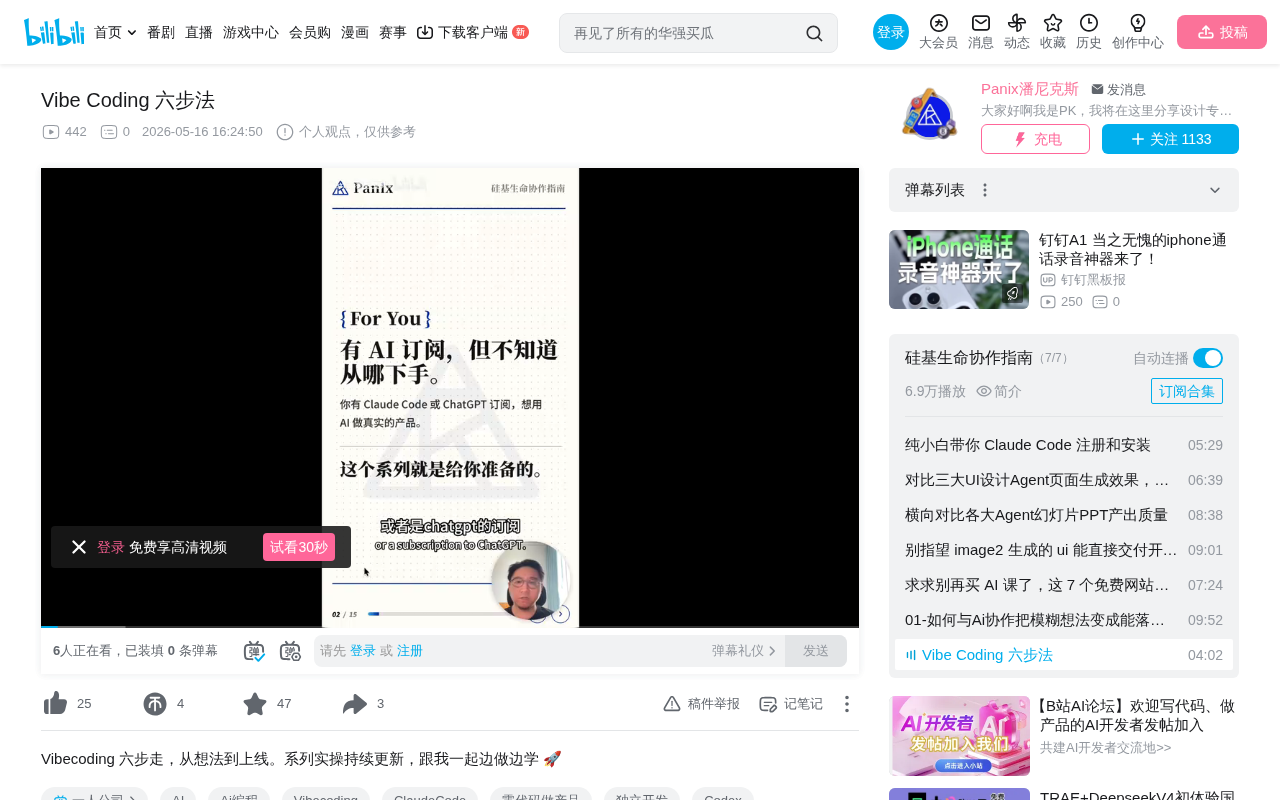
The core philosophy of Vibe Coding is: you don't need to master code — you just need to understand products, requirements, and how to collaborate with AI, and AI will help you build it. This concept was first introduced by OpenAI co-founder Andrej Karpathy in early 2025, describing a completely new programming paradigm: developers no longer write code line by line, but instead describe their intent in natural language and let AI generate and debug the code. The developer's role shifts from "the person who writes code" to "the person who guides AI to write code." This fundamentally lowers the barrier to software development — you don't need to memorize syntax or understand underlying implementations, you just need to clearly express what you want.
But this doesn't mean you can wing it — you need a structured process to keep AI on track and ensure quality output.
Step 1: Requirements Alignment — Turning Vague Ideas into Clear Documentation
This is the starting point of the entire process and the step most easily overlooked. Many people grab an AI tool and rush to write code, only to end up with something completely different from what they envisioned.
Requirements alignment answers several core questions:
- Who is this product for?
- What problem does it solve?
- What are the core features?
- What should the MVP include, and what should be left out?
The specific approach is to discuss requirements with AI and have it produce a standard PRD (Product Requirements Document). A PRD is the core deliverable of product managers in the tech industry. A standard PRD typically includes: project background, target user personas, feature list with priorities, user stories, acceptance criteria, and non-functional requirements (such as performance and security). In traditional development workflows, the PRD serves as a "contract" between the product manager and the development team, ensuring both sides agree on what needs to be built. In the Vibe Coding context, the PRD serves a similar purpose — it's the "contract" between you and AI. AI will use this document to understand your intent and generate code accordingly.
PK mentioned that he created a dedicated Skill (prompt template) specifically for having AI produce PRDs, which can structurally guide AI to output complete requirements documents. The key takeaway from this step: The clearer you are about what you want, the more precise AI's execution will be downstream.
Step 2: Brand Identity & High-Fidelity Prototyping
This step plays to PK's strengths as a designer. His tool combination is:
- ChatGPT Image and LoveArt: Establishing brand style and visual standards
- Stitch and Figma: Producing high-fidelity prototypes
This step produces three deliverables: brand design guidelines, page interaction mockups, and a Design.md document. The last one — Design.md — is especially important. It's essentially a lightweight text-based expression of a Design System. In large tech companies, design systems typically include color specifications, typography hierarchy, spacing systems, component libraries, and interaction patterns, managed by dedicated design tools (like Figma's Design Tokens). But AI coding tools can't directly read Figma files, so visual specifications need to be converted into Markdown-formatted text descriptions — such as hex values for primary colors, button border-radius sizes, heading font size hierarchy, etc. This way, when AI generates front-end code, it can follow unified visual standards, avoiding inconsistent styles across pages.
Many people skip this step when doing Vibe Coding, letting AI freestyle the UI, which results in chaotic visual styles and inconsistent interaction logic. Investing time in prototyping saves massive rework later.
Step 3: Technical Planning — Define Three Things Before Writing Code
PK admits this is his experience blind spot, relying entirely on AI for planning. But he did his homework and identified three things that must be decided before writing any code:
- What tech stack to use (front-end framework, back-end language, etc.)
- How to design the database (table structure, field relationships)
- How to organize the project file structure (directory organization)
A tech stack refers to the combination of technologies used to build a software product. For web applications, this typically includes a front-end framework (e.g., React, Vue, Next.js), back-end language/framework (e.g., Node.js, Python/Django), database (e.g., PostgreSQL, MongoDB), and deployment platform (e.g., Vercel, Railway). In the Vibe Coding context, tech stack selection requires an additional consideration: how familiar AI is with the technology. Since large language models have far more React and Next.js code in their training data than niche frameworks, choosing mainstream tech stacks enables AI to generate higher-quality code.
Once these three things are decided, AI won't go off-track when writing code. The deliverable from this step is a technical specification document. Even if you know nothing about technology, you can have AI help with tech stack selection — but you must lock down the plan before coding begins, rather than changing it as you go.
Step 4: Modular Implementation — One Feature Module at a Time
Finally, it's time to start writing code. PK plans to use OpenAI's Codex or Claude Code within Cursor, switching flexibly based on actual usage.
This step has one core principle: Work on one feature module at a time. Complete it, commit via Git, then move to the next.
Git is the most mainstream version control system in software development. Its core function is recording every change to the code, allowing developers to roll back to a previous state when things go wrong. Branches are one of Git's core concepts — you can create an independent branch from the main codebase to develop a new feature, then merge it back into the main line after development is complete and verified. The benefit of this approach: even if new feature development goes wrong, it won't affect the already-stable main codebase. For Vibe Coding, Git branches serve as a "safety net" — if AI breaks something in a feature, you can simply discard that branch and start fresh from the last stable state.
Why can't you dump all requirements to AI at once? The reasons are practical:
- The context window will overflow
- AI will experience memory compression and loss
- When errors occur, it's hard to pinpoint which module caused the problem
Regarding the context window — this is one of the core technical limitations of large language models. It refers to the total amount of text the model can "see" and "remember" in a single conversation, typically measured in tokens (1 token ≈ 0.75 English words or 0.5 Chinese characters). Even the most advanced models like Claude and GPT-4 have limited context windows (typically between 128K-200K tokens). When you stuff an entire project's code and requirements into AI at once, it may "forget" earlier instructions due to information overload, or experience attention degradation in the middle of long texts (the "Lost in the Middle" problem). This is why modular implementation is so important.
PK recommends leveraging Codex's branching feature, developing each feature module on an independent branch and merging only after verification passes. This approach is essentially the modular development philosophy from software engineering — except the executor has changed from a programmer to AI.
Step 5: Testing & Verification — Running Doesn't Mean It's Bug-Free
An important recommendation: You don't have to wait until this step to write test cases. After the prototype is ready in Step 2, the interaction flow is already clear — that's when you can have AI produce test cases.
You don't need a complete automated test suite here, but at minimum you should:
- Run through all main flows end-to-end
- Cover edge cases
- Manually verify each item against AI-generated test cases
The deliverables are a test case checklist and a test report (marking each case as pass/fail). This step seems simple, but for non-technical people, being able to systematically verify product quality is the critical leap from "toy" to "product." Edge cases refer to atypical usage scenarios — for example, what happens when user input is empty, how to handle network disconnection, whether the app lags with very large data volumes, etc. These situations may not occur during normal use, but when they do, they can cause crashes or data loss.
Step 6: Polish & Launch — From 60-70% to 80-90%
At this final step, the product already works, but this is also the most time-consuming step. PK's experience:
What AI delivers is roughly 60-70% quality. Our job is to polish the core features to 80-90%, and then it's ready to launch.
Specific approach:
- Use the product repeatedly yourself, noting every friction point
- Invite friends to test and collect real usage feedback
- Fix interaction issues (misplaced buttons, missing prompts, clunky flows, etc.)
The work at this stage is essentially what the tech industry calls "UX polishing." AI excels at implementing functional logic, but for subtle user experience details — like what feedback a button should give after being clicked, what state to show during loading, what tone to use for error messages — these often require human judgment and adjustment. This is also why people with product design backgrounds have a natural advantage in Vibe Coding: you can intuitively sense when something feels "off" and precisely tell AI how to fix it.
The most important mindset: Ship first, iterate later — don't wait for perfection. As long as the main flow is smooth and core features are stable, you can launch and collect real user feedback. This aligns with the core philosophy of Lean Startup — validate market demand quickly with a Minimum Viable Product (MVP), then decide the next iteration direction based on real data.
Summary: Vibe Coding Is Fundamentally Product Thinking + AI Collaboration
The value of this 6-Step Method is that it doesn't teach you how to write code — it teaches you how to leverage product thinking to command AI coding tools. The core logic of the entire process:
- Think it through first (Requirements Alignment)
- Visualize it clearly (Prototype Design)
- Set the rules (Technical Planning)
- Execute in steps (Modular Implementation)
- Verify rigorously (Testing)
- Continuously polish (Launch & Iterate)
For people with product thinking but no coding skills, this may be the most practical AI product development methodology available today. The key isn't whether you can write code, but whether you can break down requirements clearly, manage the process well, and maintain quality standards. From a broader perspective, Vibe Coding represents the trend of software development democratization — when AI can handle code implementation, the core competency of "building products" returns to its essence: understanding user needs, designing sound solutions, and ensuring delivery quality. These abilities were never exclusive to programmers.
Key Takeaways
- The Vibe Coding 6-Step Method includes: Requirements Alignment, Brand & Prototyping, Technical Planning, Modular Implementation, Testing & Verification, and Polish & Launch
- The core principle of modular implementation is working on one feature module at a time, committing via Git before moving to the next, to avoid AI context overflow
- Test cases should be prepared during the prototyping phase, not after code is written
- AI-generated code quality is roughly 60-70%; human polishing of core features to 80-90% is needed before launch
- The methodology's essence is commanding AI coding tools with product thinking — you don't need to know code, but you need to master requirements decomposition and process management
Related articles
 Tutorials
Cursor + Codex Dual-IDE Collaboration: A Practical Methodology for Open-Source Project Customization
A complete methodology for open-source project customization based on real-world experience, detailing the Cursor+Codex dual-IDE workflow, seven-stage process, MVP validation, and AI source code reading techniques.
 Tutorials
Cursor Multi-Agent in Practice: Building a Full-Stack Next.js Blog in 50 Minutes
Build a full-stack blog in 50 minutes using Cursor IDE's multi-Agent mode with Next.js, Clerk auth, and Supabase. Learn the 4-phase AI Agent workflow and key integration pitfalls.
 Tutorials
Building an AI Software Factory from Scratch: A Cursor Engineer's Hands-On Experience with Multi-Agent Collaboration
Cursor engineer Eric shares practical insights on building an AI software factory: automation levels, guardrail design, parallel Agent management, and scaling to 1000+ Agents for 24/7 development.