7 Context Management Tips to Save Tokens in AI Conversations

Seven practical strategies to manage AI context windows, reduce token waste, and maintain output quality.
This article explains why AI conversations degrade over time due to context window limitations and the "Lost in the Middle" effect. It presents seven actionable strategies for managing context effectively: starting new conversations for new topics, monitoring context usage, compressing at 50-60% capacity, leveraging the 5-minute cache rule, streamlining instruction files, using planning mode, and trimming MCP servers and skills.
Why Do Your AI Conversations Get Worse Over Time?
Most people use Claude, GPT, and other AI tools the same way: open a chat, start asking questions, and keep going. But have you noticed that the longer the conversation, the worse the output quality tends to get?
The reason behind this is actually simple: every time you send a message to the AI, it re-reads the entire conversation from the beginning. Your first message might only cost about 500 tokens, but by the thirtieth message, it could cost 13,000-15,000 tokens because it has to re-read everything that came before. Your costs don't add up linearly—they multiply exponentially.
More critically, AI allocates the most attention to the beginning and end of a conversation, with the middle receiving far less focus. This phenomenon is known in academia as the "Lost in the Middle" effect—a 2023 Stanford study found that when key information is placed in the middle of a long context, large language models' retrieval accuracy drops significantly, sometimes falling below 20%. This happens because the mainstream Transformer architecture naturally tends to assign higher attention weights to tokens at the beginning and end of a sequence (the so-called "U-shaped attention curve"). So as the context fills up, you pay more money but get worse results. This is why "context management" is so important.

Understanding How Context Windows Work
The context window is like AI's short-term memory—it contains your conversation plus any files or documents you've shared. Taking Claude's latest model as an example, it has a 1-million-token context window, roughly equivalent to 750,000 English words.
To understand the significance of context windows, consider their evolution: in 2019, GPT-2's context window was only 1,024 tokens (about 750 English words). By 2023, GPT-4 expanded to 8K-32K tokens, Claude 2 reached 100K tokens that same year, and now Claude has broken through the 1-million-token threshold. Context window expansion relies on continuous optimization of the underlying architecture, including KV Cache (Key-Value Cache) technology—the model generates Key and Value vectors for each token during processing and caches them to avoid redundant computation. But this also means that the longer the context, the larger the KV Cache that needs to be stored and retrieved, with GPU memory consumption growing linearly. This is the hardware-level reason why long conversations are expensive.
That sounds like a lot, but when you factor in conversation history, uploaded files, project instructions, MCP servers, Cloud skills, and everything else, the context window fills up much faster than you'd expect.
An important clarification: The context window limit is per conversation, not per day. Each conversation has its own independent context window. When a conversation starts giving garbage responses, it's not because you've used up your daily quota—it's because that specific conversation's context window has been filled.
Strategy 1: Start a New Conversation for Each New Topic
This is the simplest and most effective strategy. When you've completed a specific task in a conversation, don't switch to a new task in the same chat—just open a new chat window.
The reason is straightforward: every message in a long conversation costs exponentially more than the same message in a new conversation. A fresh conversation means a fresh context window, allowing the AI to serve you at peak performance. This is similar to the "restart fix" in software development—rather than struggling with a memory-leaking process, it's better to start clean. Each new conversation is a "memory reset"—the AI doesn't need to search through thousands of historical tokens for information relevant to your current question, and can instead focus all its attention on your new request.
Strategy 2: Use Context Monitoring Commands
You can't manage what you can't measure. In Claude Code, there are two key tools:
- The
/contextcommand: When entered, it tells you exactly where your tokens are being spent. Even before you've typed anything, the context window might already be using nearly 20,000 tokens. These "invisible costs" typically come from the System Prompt, project instruction files, loaded MCP tool definitions, and more—they quietly occupy context space before you even say a word. - Status Line: Once configured, it stays at the bottom of your screen, showing the current context window usage percentage in real time.
I recommend running the /context command in a fresh conversation first to see what the baseline looks like, so you know exactly where tokens are being spent. This approach is similar to the "profile before optimizing" principle in performance engineering—without understanding the bottleneck, any optimization might be misguided.
Strategy 3: Manually Compress When Context Reaches 50-60%
When your context window usage hits 50-60%, it's advisable to manually execute a Compact. Compression is essentially the AI summarizing older conversation content—like someone condensing a pile of meeting notes into a few key points. You retain the critical decisions but lose some details.
From a technical perspective, the compression process involves the model performing a summary-style rewrite of the existing conversation history: the model reads the complete conversation record, extracts key information (such as decisions made, confirmed approaches, important code changes, etc.), and then generates a summary far shorter than the original to replace the raw conversation. This process itself consumes tokens (because the model needs to read all historical content to generate the summary), but the payoff is that every subsequent conversation turn runs within a smaller context. It's important to note that compression inevitably causes information loss—subtle discussion context, details of rejected approaches, specific wording preferences, and more may be lost during compression. This is why it's recommended to compress at 50-60% rather than waiting until 90%: the earlier you compress, the more complete the original information is, and the higher the summary quality.
Recommended workflow:
- Save progress first (have the AI track progress and key decisions up to the current step)
- Execute the compact command to free up token space
- After several compressions, get a work summary and start a new conversation
- Pull the previous conversation's summary into the new conversation
This gives you a fresh context window while preserving all important context, resulting in better output quality.
Strategy 4: Use the Five-Minute Cache Rule to Save Money
Many people don't realize this: when you're actively chatting with the AI, it caches your conversation (prompt caching) so it doesn't have to reprocess everything from scratch each time. But this cache expires after approximately five minutes.
Prompt Caching is an important optimization technique offered by AI providers like Anthropic. Here's how it works: when you send messages consecutively, the system caches the prefix portion of the conversation (i.e., all previous conversation history and system instructions) on the server side. On the next request, if the prefix hasn't changed, the system can directly reuse the cache without reprocessing those tokens. According to Anthropic's pricing, cached token processing costs only one-tenth of normal input costs, meaning your actual spending during active conversations might be just a fraction of full price. However, the cache has a TTL (Time To Live), typically around 5 minutes. Once it times out, the cache expires, and the next message needs to reprocess the entire context at full price.
If you step away from your computer to grab a coffee and come back five minutes later, the next message will reprocess the entire context at full price. This is why some people see their usage suddenly spike.
Solution: If you know you're going to take a break, save your progress and compress before stepping away. This way, there's less content for the AI to reprocess when you return. Another small trick: if you're only stepping away briefly (say 3-4 minutes), you can send a short message (like "continue") to refresh the cache's TTL and prevent it from expiring.
Strategy 5: Streamline Your Project Instruction Files
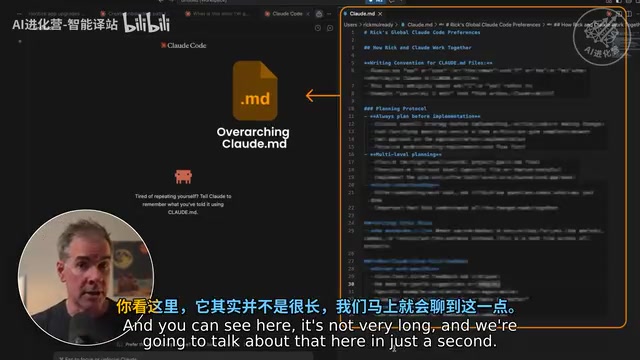
The Claude.md file (or similar system instruction files) is read at the start of every new conversation. If your instruction file is a thousand lines long, the entire content gets counted toward the context window every time a conversation begins.
Key principles:
- Keep it concise—under 200 lines (Anthropic engineers' files are around 100 lines)
- Treat it as a "router" rather than an "encyclopedia"—tell the AI where to find information instead of stuffing everything in
- Use "if...then go to..." structures to load reference documents on demand
- Document important decisions to avoid re-explaining them every time
This "router" mindset is essentially a Lazy Loading strategy, borrowed from a classic software engineering design pattern: don't load all resources at startup—fetch them only when actually needed. For example, instead of writing complete API documentation in Claude.md, write a single line: "When you need to understand the payment API specifications, read /docs/payment-api.md." This way, those tokens are only consumed when the AI is actually handling payment-related tasks; the rest of the time, that information doesn't occupy precious context space.
You can also add context management rules to your instruction file, such as "When starting a new conversation, first read the Project Log file and continue from where the last conversation left off"—this saves tokens with every conversation.
Strategy 6: Use Planning Mode to Avoid Wrong Turns
Planning mode prevents the biggest cause of wasted tokens—the AI heading in the wrong direction.
Without planning mode, the AI receives a task and immediately starts executing. Five minutes later, you might discover it went completely off track, and all the tokens spent going the wrong way are wasted. There's a classic analogy in software development: "design before coding" is far more efficient than "write and revise." Research shows that fixing errors discovered during the requirements phase costs 1/10 of fixing them during coding, and fixing errors during coding costs 1/10 of fixing them during testing. The same logic applies: having the AI spend a small number of tokens on planning is far more cost-effective than having it spend massive tokens executing and then starting over.
Practical tips:
- Add a rule to your instruction file: "Unless you're 95% confident about what to build, don't make any changes—keep asking me questions until you reach that confidence level"
- Use a stronger model (like Opus) for planning, then switch to a lighter model (like Sonnet) for execution once you're satisfied with the plan
- This gives you high-quality planning depth while using lower token costs for execution
This "strong model for planning + light model for execution" strategy is also known in the industry as "Model Cascading." Opus-level models perform better at reasoning, planning, and complex decision-making, but cost more per token. Sonnet-level models perform well enough when executing clear instructions (like writing code according to an established plan) at significantly lower cost. Combining both allows you to maintain quality while substantially reducing overall token consumption.
Strategy 7: Streamline MCP Servers and Skill Configurations
Every MCP server loads all its tool definitions into the context of every message—a single MCP server can consume approximately 18,000 tokens per message.
MCP (Model Context Protocol) is an open standard introduced by Anthropic in late 2024, designed to provide AI models with a unified interface for interacting with external tools and data sources. When each MCP server connects, it needs to declare all its available Tools to the model—including tool names, function descriptions, parameter definitions, and usage examples. These tool definitions are injected into every request's context in JSON Schema format, letting the model know "what tools I have available to call." The problem is that even if you don't need a particular tool in a given conversation, its definition still occupies context space. A feature-rich MCP server might offer a dozen tools, each with definitions containing hundreds of tokens, adding up to a significant "hidden tax."
Similarly, every enabled Skill consumes tokens to scan, even if that skill is completely irrelevant to your current work.
Rules of thumb:
- Only keep MCP servers you genuinely use frequently
- Only keep skills that are called in more than 20% of your conversations
- Some users trimmed from 40+ skills down to 12-15 and immediately saw noticeable improvements in response quality
The benefits of streamlining are twofold: it reduces the fixed token overhead per message, and it also lowers the model's "decision burden"—when too many tools are available, the model needs to spend more "cognitive resources" deciding which tool to use, which itself impacts output quality.
Summary: Make Every Token Count
The core idea of context management is: managing the amount of information the AI's brain carries at any given time. These seven strategies aren't complicated, but they solve most problems related to token waste and declining output quality:
- Start a new conversation for each new topic
- Monitor context usage
- Compress at 50-60%
- Mind the 5-minute cache expiration
- Streamline project instruction files
- Use planning mode to avoid wrong turns
- Streamline MCP and skills
From a broader perspective, these strategies reflect a core paradigm shift in AI usage: from "mindless chatting" to "consciously managing AI's cognitive resources." Just as a good project manager doesn't dump all requirements on the development team at once, but rather breaks tasks apart, controls information flow, and ensures clear objectives at each stage—managing AI context follows the same principle. As AI models continue to grow more capable and context windows expand further, the value of these management techniques won't diminish—it will only increase, because larger context windows mean greater potential waste and more room for optimization.
The real work is incorporating these habits into your daily AI usage. When you can consistently manage context well, the quality of AI output will improve dramatically.
Related articles

A Gen-Z Woman Making $1.5M/Month: Deconstructing the Growth Methodology Behind AI Apps
Gen-Z indie dev Nicole built 4 hit AI apps earning $1.5M/mo. Deep dive into her industrialized UGC engine, traffic testing system, and minimalist tech stack.
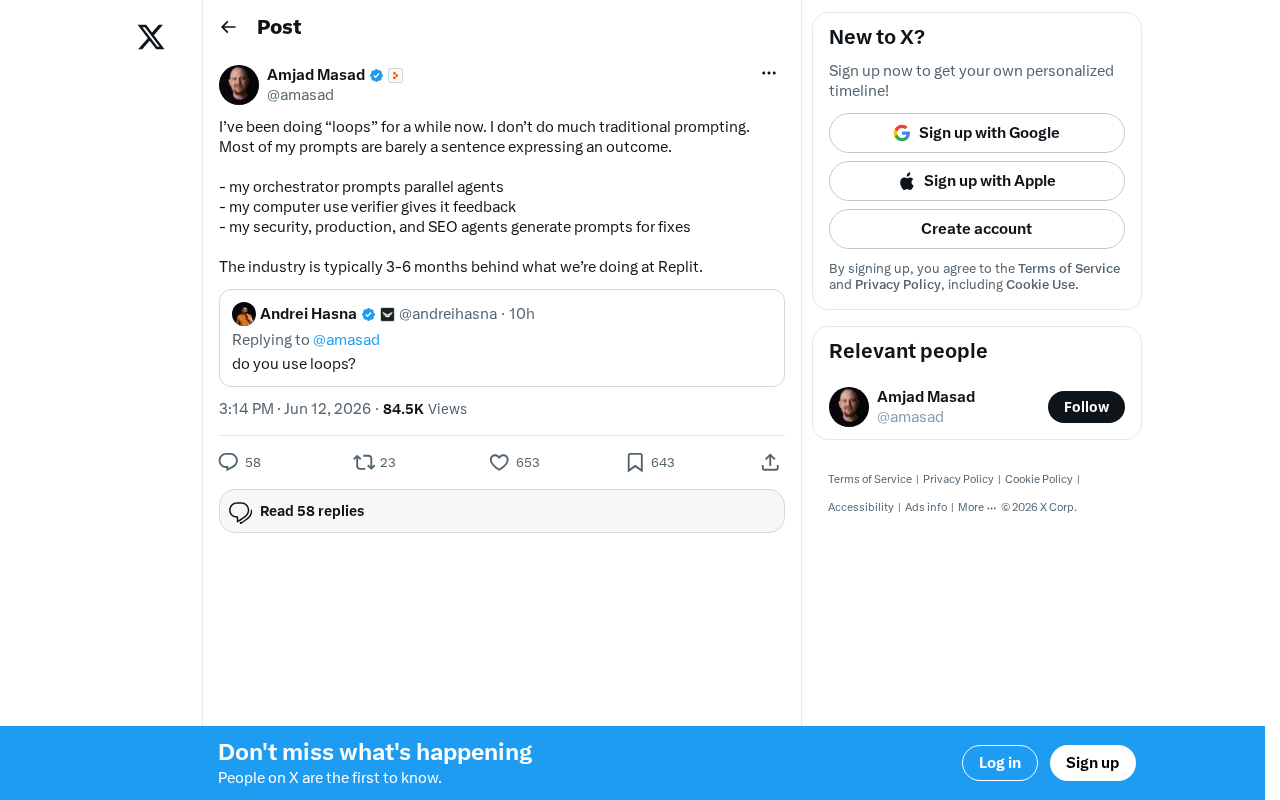
Replit's AI Loops Workflow Explained: Multi-Agent Collaboration Replaces Prompt Engineering
Deep dive into Replit's AI Loops workflow: how orchestrators, parallel agents, and Computer Use Verifiers build automated closed-loop systems through multi-agent collaboration.
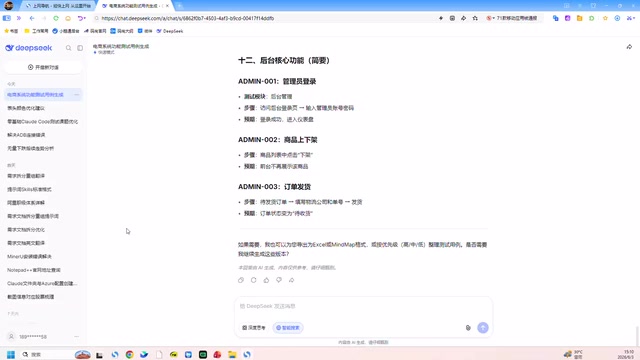
Claude Code + Skills: A Practical Guide to AI-Powered Test Case Generation
Learn how to use Claude Code + Skills to auto-generate enterprise-grade test cases. Covers AI Agent vs LLM differences, the four core capabilities, and the complete workflow from requirements to test cases.