AI Coding Tool Selection Guide: In-Depth Comparison of Cursor, Copilot, and Trae
AI Coding Tool Selection Guide: In-Dep…
A practical comparison of top AI coding tools to help developers choose the right one.
This guide provides a comprehensive comparison of mainstream AI coding tools including Cursor, GitHub Copilot, Windsurf, Trae, and others. It covers their core features, supported models, strengths and weaknesses, and pricing to help developers select the best tool based on their budget, workflow preferences, and project complexity.
The Age of AI-Assisted Programming Is Here
In the traditional programming paradigm, software development is a highly specialized task — programmers need to master at least one programming language (Python, Java, C++, etc.), have a clear understanding of complex logic, and instruct computers precisely through line-by-line code. This process has a high barrier to entry, long development cycles, and tedious details.
However, with the rapid advancement of AI large language models, the way we write code is undergoing a revolutionary transformation. Today's developers use AI tools to some degree — even if they don't use Cursor, they rely on DeepSeek, ChatGPT, Doubao, or similar tools to generate code snippets or find solutions. AI-assisted programming has become an extremely common practice in everyday development.
The core logic of AI programming is: natural language conversation + powerful AI models + intelligent processing. In the past, we simply asked AI to generate a piece of code. Now we need it to truly serve as a programming assistant — helping solve complex problems and shortening development cycles. A project that used to take one or two months can now potentially be completed in a week with AI coding tools; a year-long project might be compressed to three months.
More importantly, this paradigm dramatically lowers the barrier to programming. Whether you're a beginner or a developer with some experience, you can leverage AI models' intelligent assistance to quickly turn ideas into reality through conversation, significantly boosting development efficiency.
Head-to-Head Comparison of Leading AI Coding Tools
There are several noteworthy AI coding tools on the market today, each with distinct strengths and weaknesses. Your choice should be based on your specific needs.
GitHub Copilot: The Veteran AI Coding Plugin
As the first AI coding tool to gain mainstream attention, GitHub Copilot exists as an IDE plugin, supporting major development environments like VSCode and IntelliJ IDEA.
Core Features:
- Code completion
- Conversational chat
- Code modification suggestions
Supported Models: GPT-4, Claude 3.5, etc.
Strengths: Excellent code completion capabilities, broad programming language support, and a mature community. As the world's largest open-source community, GitHub's understanding of code is arguably stronger than other tools.
Weaknesses: Limited understanding of entire codebases; relatively weaker refactoring capabilities.
Cursor: The Most Feature-Complete AI Coding IDE
Cursor is currently the top choice in AI programming. It's not a plugin but a standalone IDE (built on VSCode), excelling in the following areas:
- Code generation and refactoring
- Natural language editing
- Multi-file collaboration
- Advanced features like MCP support
Strengths: Comprehensive feature set, high degree of intelligence, supports project-level code understanding and modification for complex projects.
Weaknesses: Relatively expensive.
Windsurf: A Local-First AI Coding Tool
Windsurf is another standalone IDE whose core differentiators include AI Flow workflows, dynamic thinking canvas, and real-time diff evaluation. It runs AI models locally, resulting in faster response times, and is centered around web development.
Strengths: Local-first architecture with fast response times.
Weaknesses: Features are not yet fully mature; requires high-end hardware.
ByteDance Trae: A Free AI Coding Newcomer
Trae recently released a new version, and the experience is already impressive. It offers a high degree of intelligence, supports natural language-to-code conversion, and follows a low-code/no-code direction. It supports models like Claude 3.5 and DeepSeek R1.
Biggest advantage: Currently completely free.
Tongyi Lingma: Alibaba's Free AI Coding Assistant
An AI coding tool from Alibaba that is also free and quite capable, particularly well-suited for developers in China.
Codeium: A Lightweight AI Coding Plugin
Exists as an IDE plugin supporting nearly all mainstream IDEs including VSCode, IntelliJ IDEA, and PyCharm — ideal for users who don't want to switch their development environment.
How to Choose the Right AI Coding Tool for You
Here are selection recommendations based on different needs:
Want the most powerful features: Choose Cursor. It's currently the most complete solution for code generation, refactoring, multi-file collaboration, and advanced features like MCP — ideal for professional developers with budget.
Limited budget / Free first: Choose domestic tools like Trae or Tongyi Lingma. They currently offer free access, and the core functionality for writing and modifying code is all there — they just lack the polish and ecosystem of paid tools.
Already comfortable with your IDE and don't want to switch: Choose plugin-based tools like GitHub Copilot or Codeium that integrate seamlessly into your existing workflow.
Important note: Free tools typically fall short in community support and advanced features (such as MCP development). If your work heavily relies on AI programming, investing in a paid tool usually delivers positive ROI.
Key Skills for Mastering AI-Assisted Programming
Tools are just the medium. What truly determines your AI programming efficiency are these core skills:
- Prompt Engineering: Learn how to communicate effectively with AI and describe requirements precisely
- Context Management: Help AI fully understand your project background and code structure
- Iterative Thinking: Don't expect perfect code in one shot — optimize progressively through multiple conversation rounds
- Validation Skills: Maintain basic code review capabilities to ensure the quality of AI-generated code
Even non-professional users can quickly generate working code once they master the art of interacting with AI models. However, this doesn't mean you can skip learning entirely — understanding basic programming concepts and logic enables you to better harness AI tools and avoid becoming someone who can only ask questions but never verify answers.
Related articles
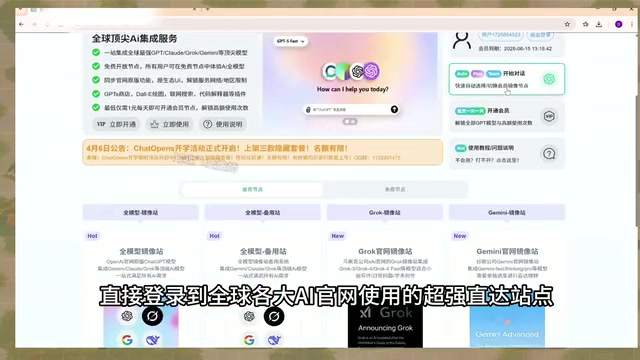
AI Aggregator Platforms Tested: A Complete Guide to Using GPT 5.5 and Other Top Models for Free
A hands-on guide to using GPT 5.5, Gemini 3.1 Pro, and Grok 4.2 for free via AI aggregator platforms, covering cross-model context memory, account pool mechanisms, and key security risks.
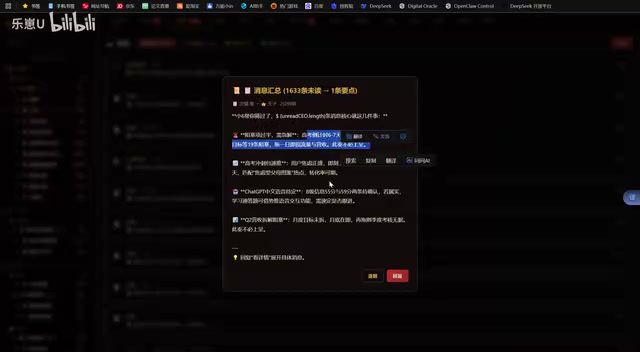
Vibe Coding in Practice: A Junior Student Uses Cursor to Build a Multi-Agent System with 51 AI Officials Based on the Three Departments and Six Ministries Framework
A junior student uses Cursor and Vibe Coding to build a multi-agent system with 51 AI officials modeled on China's Three Departments and Six Ministries, featuring task distribution, approval workflows, and Token cost visualization.
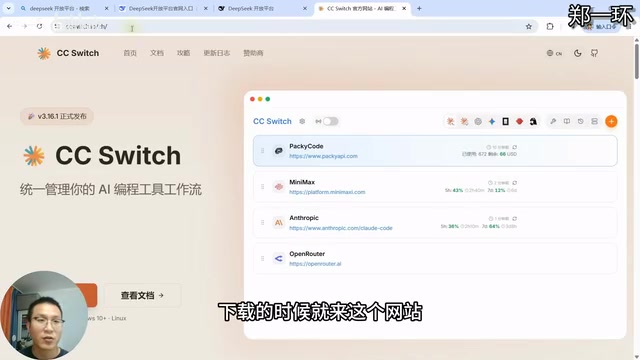
How to Connect Codex to DeepSeek Models: Free Switching via CC Switch
Learn how to connect OpenAI Codex to DeepSeek models via CC Switch, enabling free switching between DeepSeek and GPT with complete setup and routing guide.