Deep Dive into Anthropic's Official Claude Code in Action Course: Four Core Modules to Master AI Programming
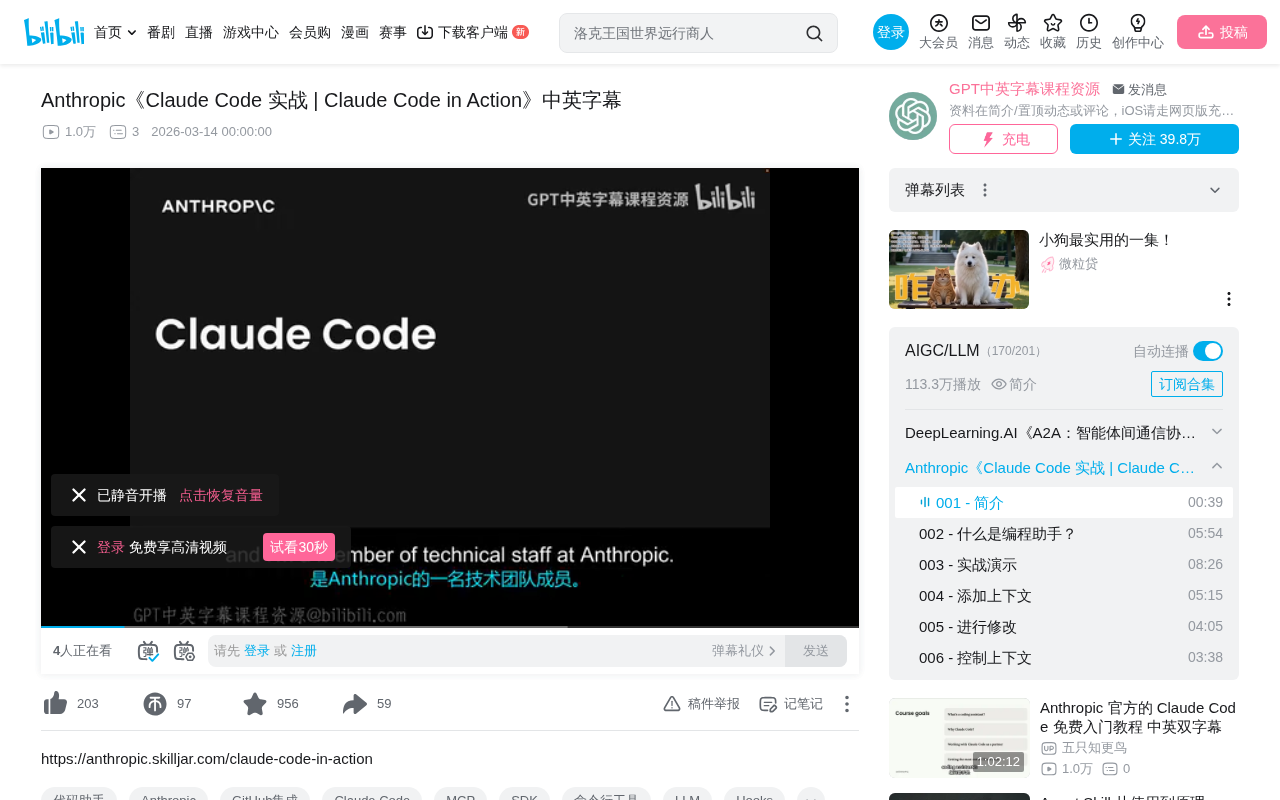
Anthropic releases official Claude Code course systematically teaching terminal-native AI programming assistant usage.
Anthropic released the Claude Code in Action hands-on course presented by technical team member Stephen Greider, organized into four modules: understanding programming assistant concepts, differentiating advantage analysis, hands-on project practice, and best practices. Using project-driven teaching, the course systematically guides developers to master this terminal-native, agentic AI programming assistant, marking the transition of AI coding tools from experimentation to professional application.
Course Overview
Anthropic recently released the Claude Code in Action hands-on course, presented by their technical team member Stephen Greider. This is an official, systematic tutorial on using Claude Code, designed to help developers quickly get up to speed with this terminal-native AI programming assistant.
Founded in 2021 by former OpenAI Research VP Dario Amodei and his sister Daniela Amodei, Anthropic is one of the most important companies in the large language model space today. With AI safety research as its core mission, the company's Claude model series excels in code generation, reasoning, and long-context processing. Claude Code relies on Claude's powerful code comprehension capabilities under the hood—particularly its leading performance on code benchmarks like SWE-bench—giving it the ability to handle real-world software engineering tasks. Anthropic's decision to have its internal technical team produce an official tutorial reflects the company's commitment to building a developer ecosystem.
Course Structure and Content: Four Core Modules
According to the course introduction, the entire tutorial is organized into four core sections, progressively guiding developers from conceptual understanding to practical application:
Part One: Understanding the Nature of AI Programming Assistants
The course begins by helping learners understand what a "Coding Assistant" actually is. This section lays the conceptual foundation for everything that follows, enabling developers to build a clear cognitive framework for AI-assisted programming and understand the core logic of human-AI collaborative coding.
Part Two: Claude Code's Differentiating Advantages
After establishing foundational knowledge, the course dives deep into Claude Code itself, focusing on what makes it unique among the many programming assistant products available. The current AI coding tool market is fiercely competitive, with products like GitHub Copilot and Cursor. How Claude Code stands out through its terminal-native architecture and deep code comprehension capabilities is a core question developers care about.
The AI programming assistant market has formed a multi-layered competitive landscape. GitHub Copilot, as the earliest large-scale commercial product, centers on inline code completion within IDEs. Cursor deeply integrates AI capabilities into a customized VS Code fork, offering conversational programming and codebase-level context understanding. Other products like Windsurf (formerly Codeium) and Tabnine each have their own focus areas. Claude Code's differentiation lies in choosing an "Agentic" path—rather than simply completing code snippets, it can autonomously plan and execute complex, multi-step development tasks, including cross-file refactoring, debugging, and test writing, more closely resembling a junior developer capable of working independently.
Part Three: Hands-On Project Practice
This is the core hands-on segment of the course. By using Claude Code in a typical project, learners gain direct practical experience. Hands-on practice is the most effective way to master any development tool, and the official team's choice of project-driven teaching reflects a pragmatic course design philosophy.
Project-Based Learning has been widely validated in software development education as one of the most effective methods. Compared to reading feature-list documentation, learning tools in real project scenarios helps developers build intuition about "when to use" and "how to combine" capabilities. For AI programming assistants, this is especially important—because effective use of AI tools requires not just knowing command syntax, but understanding how to craft prompts, how to decompose tasks, and how to verify the correctness of AI output. These soft skills can only be acquired through practice.
Part Four: Best Practices and Advanced Tips
The final section focuses on how to maximize Claude Code's value in personal projects. The course goes beyond teaching basic usage to share strategies and techniques for efficient use, helping developers truly integrate Claude Code into their daily development workflows.
Course Value Analysis: Why It's Worth Learning
As an official Anthropic tutorial, this course has several notable advantages:
Authority: Presented by Anthropic technical team members themselves, ensuring depth and accuracy of product understanding, and conveying the most accurate design intentions and usage philosophy.
Systematic Approach: From concepts to practice to optimization, it forms a complete learning path rather than scattered feature introductions, suitable for developers at different levels to learn according to their needs.
Practicality: Using real projects as the teaching vehicle, learners can directly apply what they learn to their own development work, quickly generating real value.
Implications for Developers: How to Properly Use AI Programming Tools
As a terminal-native AI programming assistant, Claude Code's working approach is fundamentally different from IDE plugin-based tools. It runs directly in the command-line environment, capable of reading project files, executing commands, and making code modifications—more akin to an intelligent collaborator with code comprehension abilities.
This terminal-native architecture means it doesn't depend on any specific IDE or editor, but runs directly in the command-line interface. This design philosophy stems from the Unix/Linux tool composition philosophy—each tool does one thing well, achieving complex functionality through pipes and composition. Unlike tools like Cursor that require a specific editor environment, the terminal-native architecture allows Claude Code to seamlessly integrate into any developer's existing workflow, whether they use Vim, Emacs, VS Code, or any other editor. It can directly access the file system, execute shell commands, and operate git repositories, essentially possessing the same system-level operational capabilities as the developer.
For programmers looking to boost development efficiency, systematically learning the correct way to use an AI programming tool is far more effective than simply installing it and using it casually. The release of this official course provides Claude Code users with a standardized learning entry point, and also signals that AI programming assistants are moving from the experimentation phase to the professional application phase.
AI programming tools are undergoing a transformation from "novelty toy" to "professional productivity tool." Early users often explored with a casual, experimental mindset, but as tool capabilities strengthen, systematic usage methodologies become crucial. This includes: how to write effective CLAUDE.md project configuration files to provide context, how to design appropriate task granularity to avoid AI hallucinations, and how to establish code review processes to ensure the quality of AI-generated code. The release of an official course marks the beginning of standardized training systems for these tools, similar to the phase when IDE vendors introduced certification courses in earlier years.
Key Takeaways
- Anthropic officially released the Claude Code hands-on course, presented by technical team member Stephen Greider
- The course is divided into four parts: understanding programming assistant concepts, Claude Code's differentiating advantages, hands-on project practice, and best practices with advanced tips
- The course adopts a project-driven teaching approach, emphasizing hands-on practical experience
- As an official tutorial, it has significant advantages in authority, systematic coverage, and practicality
- Claude Code adopts a terminal-native agentic architecture, differentiating itself from IDE plugin-based tools
- AI programming tools are moving from experimentation to professional application, making systematic learning methodologies increasingly important
Related articles
 Tutorials
Cursor + Codex Dual-IDE Collaboration: A Practical Methodology for Open-Source Project Customization
A complete methodology for open-source project customization based on real-world experience, detailing the Cursor+Codex dual-IDE workflow, seven-stage process, MVP validation, and AI source code reading techniques.
 Tutorials
Cursor Multi-Agent in Practice: Building a Full-Stack Next.js Blog in 50 Minutes
Build a full-stack blog in 50 minutes using Cursor IDE's multi-Agent mode with Next.js, Clerk auth, and Supabase. Learn the 4-phase AI Agent workflow and key integration pitfalls.
 Tutorials
Building an AI Software Factory from Scratch: A Cursor Engineer's Hands-On Experience with Multi-Agent Collaboration
Cursor engineer Eric shares practical insights on building an AI software factory: automation levels, guardrail design, parallel Agent management, and scaling to 1000+ Agents for 24/7 development.