Apple Releases 26.6 Beta Across All Platforms: Developer Adaptation Guide

Apple releases 26.6 Beta across all platforms with year-based unified versioning system.
Apple has released iOS, iPadOS, macOS, tvOS, visionOS, and watchOS 26.6 Beta versions to developers, adopting a unified "26.x" year-based naming system that reinforces its multi-device collaboration strategy. Developers need to use Xcode 26.5 for compatibility verification and build testing, synchronize CI/CD pipelines, and submit feedback through Feedback Assistant. visionOS continues its synchronized iteration, making spatial computing worth early investment.
Apple Pushes Simultaneous Beta Updates Across All Platforms
Apple recently released the latest round of beta test versions to developers, covering virtually all of its major operating system platforms. This update includes iOS 26.6, iPadOS 26.6, macOS 26.6, tvOS 26.6, visionOS 26.6, and watchOS 26.6, demonstrating Apple's high-frequency rhythm in system iteration.
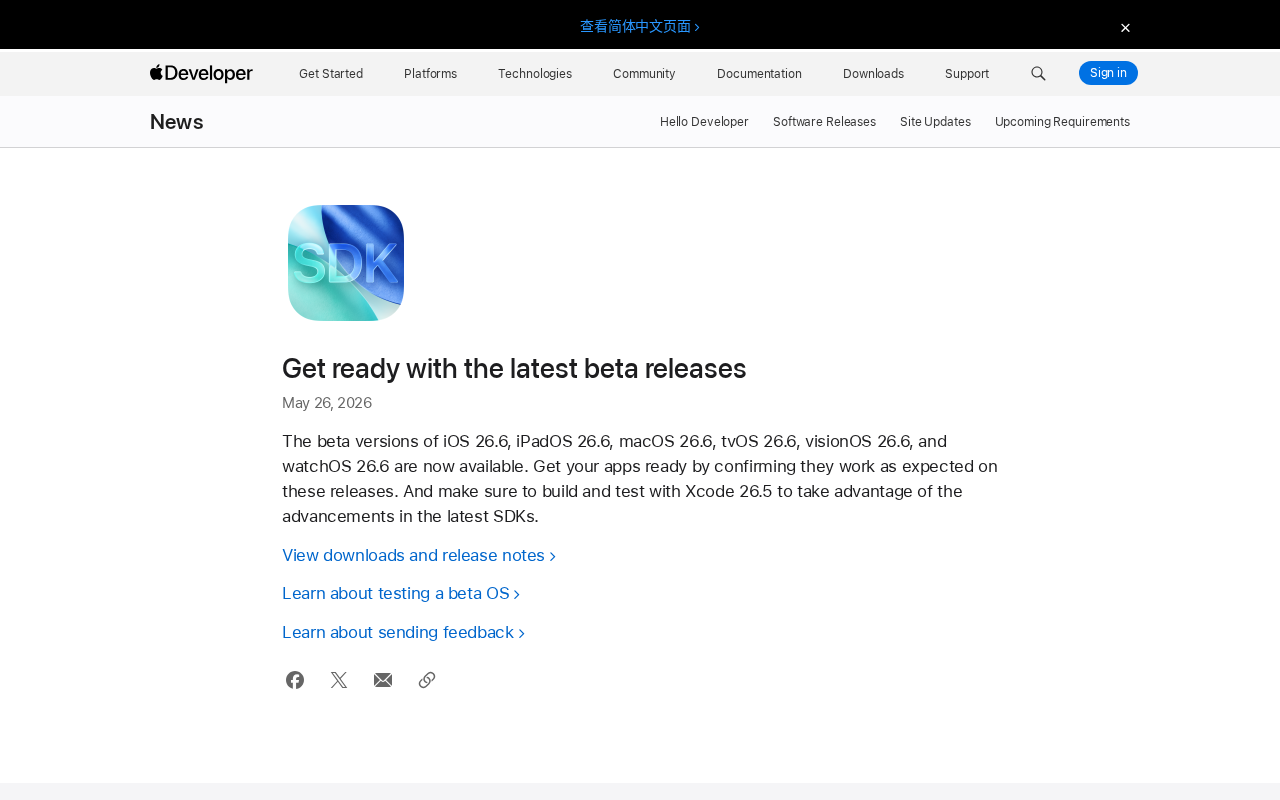
A notable detail: Apple has adopted a new "26.x" versioning system, which differs from the previously familiar iOS 18/19 naming convention. This suggests Apple may be adjusting its operating system version management strategy—a change that deserves attention from both developers and industry observers.
In fact, Apple's version numbering has undergone multiple evolutions throughout history—from the early iPhone OS 1-3, to the long-running iOS 4-17 era, and now to the "26.x" system. The industry widely believes that "26" corresponds to 2026, meaning Apple has officially adopted a release year-based version naming approach. This represents a complete break from macOS's long tradition of using location names, moving instead toward the year-based naming conventions used by competitors like Android and Windows. The deeper logic behind this change is clear: as Apple's ecosystem devices proliferate (iPhone, iPad, Mac, Apple Watch, Apple TV, Vision Pro), maintaining multiple independent version numbering systems creates increasingly high cognitive overhead. Unified year-based naming allows users and developers to intuitively grasp the concept of "same-generation systems," fundamentally reducing the mental burden of cross-platform development.
What Developers Need to Do
Compatibility Verification Is the Top Priority
Apple explicitly requires developers to confirm that their apps "work as expected" on the new beta versions. This isn't just a routine reminder—every system update can bring subtle API behavior changes, permission model modifications, or even UI rendering differences. For apps that rely on system-level capabilities (such as camera, location services, push notifications, etc.), this type of verification is especially critical.
Developers should focus on the following areas:
- Functional regression testing: Whether core business flows operate normally
- Performance: Whether the new system version introduces performance regressions
- UI adaptation: Whether interface elements have layout anomalies under the new system
- Privacy and permissions: Whether the new version adjusts the permission request flow
Build and Test with Xcode 26.5
Apple specifically emphasizes that developers should use Xcode 26.5 to build and test their apps, taking full advantage of technical improvements in the latest SDK. This means the new SDK may include new framework capabilities, performance optimization tools, or replacement APIs for deprecated ones.
For team development, uniformly upgrading the Xcode version and ensuring CI/CD pipelines are updated in sync is a fundamental practice to avoid build environment inconsistencies. In the Apple ecosystem, Xcode versions are tightly coupled with SDK versions, meaning that once Apple releases a new version of Xcode, a team's automated build environment must follow suit—otherwise, build artifacts won't match the target system. Common CI/CD platforms such as Xcode Cloud (Apple's official offering), GitHub Actions, Bitrise, and Fastlane all require explicit Xcode version specification in their configuration files. It's worth noting that major Xcode version upgrades sometimes introduce compiler behavior changes (such as adjustments to default Swift language version settings), causing previously compilable code to produce warnings or even errors. Therefore, verifying CI/CD pipeline compatibility during the beta phase is a key preventive measure to avoid build blockages during the official release window.
Strategic Significance of Full-Platform Coverage
visionOS Continuous Iteration Deserves Attention
The appearance of visionOS 26.6 in this beta update once again demonstrates Apple's sustained investment in the spatial computing platform. Although Apple Vision Pro's market performance is still in its early stages, Apple is sending a clear signal to developers by maintaining an update cadence synchronized with other platforms: visionOS is a long-term play worth investing in early.
visionOS is the operating system Apple built specifically for Apple Vision Pro. Its foundation integrates iPadOS's app runtime, the RealityKit spatial rendering engine, the ARKit perception framework, and entirely new SwiftUI spatial extension APIs. Unlike traditional flat UI development, visionOS introduces three application presentation modes—"Window," "Volume," and "Immersive Space"—requiring developers to rethink interaction paradigms, shifting from touch and mouse to combinations of eye tracking, gesture recognition, and voice input. The visionOS developer ecosystem is still in its early accumulation phase, but Apple is gradually lowering the development barrier through continuous system updates and developer tool investments (such as Reality Composer Pro). For teams interested in spatial computing, accumulating visionOS development experience at this stage—establishing first-mover advantage before the competitive landscape solidifies—represents a strategically valuable long-term investment.
Deeper Implications of the Unified Version Number System
All platforms uniformly adopting the "26.6" version number further reinforces Apple's technical strategy of "one ecosystem, multi-device collaboration." This unification not only reduces cognitive overhead for developers but also provides better infrastructure support for cross-platform code sharing and feature synchronization.
Feedback Channels and Testing Recommendations
Apple has also opened bug feedback channels, encouraging developers to actively submit issue reports during testing. For compatibility issues discovered, submitting detailed reproduction steps and log information through Apple's Feedback Assistant is the most effective way to drive bug fixes.
Feedback Assistant is Apple's official issue reporting tool, built into all Apple operating systems and also available via a web portal (feedbackassistant.apple.com). Unlike general user feedback channels, reports submitted through Feedback Assistant go directly into Apple's engineering team's internal tracking system, with each piece of feedback receiving a unique FB number. When Apple engineers process feedback during the beta period, they prioritize reports that include complete reproduction steps, system logs (sysdiagnose), crash logs, and minimal reproduction projects (sample projects). Apple typically doesn't reply directly to individual feedback, but developers can determine whether their submitted issues have been fixed by monitoring the "Bug Fixes" entries in subsequent beta version Release Notes.
Practical Recommendations:
- Prioritize testing on real devices—simulators cannot fully cover all system behavior differences
- Pay attention to "Known Issues" noted in Release Notes to avoid wasting debugging time on known problems
- If your app involves Apple Intelligence or other AI features, pay special attention to changes in related APIs
- Beta versions should not be installed on production devices—use dedicated test devices instead
Regarding point three, Apple Intelligence is the system-level AI capability suite Apple announced at WWDC 2024, encompassing Writing Tools, Image Playground, enhanced Siri understanding, priority notification summaries, and more. It's powered by a hybrid architecture combining Apple's custom on-device small models with Private Cloud Compute. For third-party developers, Apple Intelligence exposes capabilities through the App Intents framework extensions, Writing Tools API, and other interfaces. Each system beta update may adjust the behavior, permission requirements, or output formats of these AI-related APIs. Additionally, since some Apple Intelligence features depend on specific hardware (A17 Pro chip and above), developers also need to handle graceful degradation logic properly, ensuring apps remain usable on unsupported devices.
Summary
Apple's full-platform beta push is a routine but important part of its annual system update cycle. For developers, getting involved in testing early and promptly identifying and fixing compatibility issues is key to ensuring the best user experience when the official version launches. As Apple's ecosystem continues to expand, cross-platform adaptation capability is becoming one of developers' core competitive advantages.
Key Takeaways
- Apple simultaneously released iOS/iPadOS/macOS/tvOS/visionOS/watchOS 26.6 Beta versions
- The "26.x" naming system adopts a year-based approach, marking a systematic shift in Apple's cross-platform version management strategy
- Developers need to use Xcode 26.5 for build testing to adapt to the latest SDK improvements, and synchronize CI/CD pipeline configurations
- All platforms uniformly adopt the 26.x version numbering system, reinforcing the multi-device collaboration strategy
- visionOS continues to maintain synchronized update cadence with other platforms; the spatial computing ecosystem is in a first-mover window
- Apple has opened bug feedback channels; reports submitted through Feedback Assistant go directly to the engineering team's internal tracking system
- Apple Intelligence-related APIs may change with each beta; special attention is needed for graceful degradation compatibility handling
Related articles
 Tech Frontiers
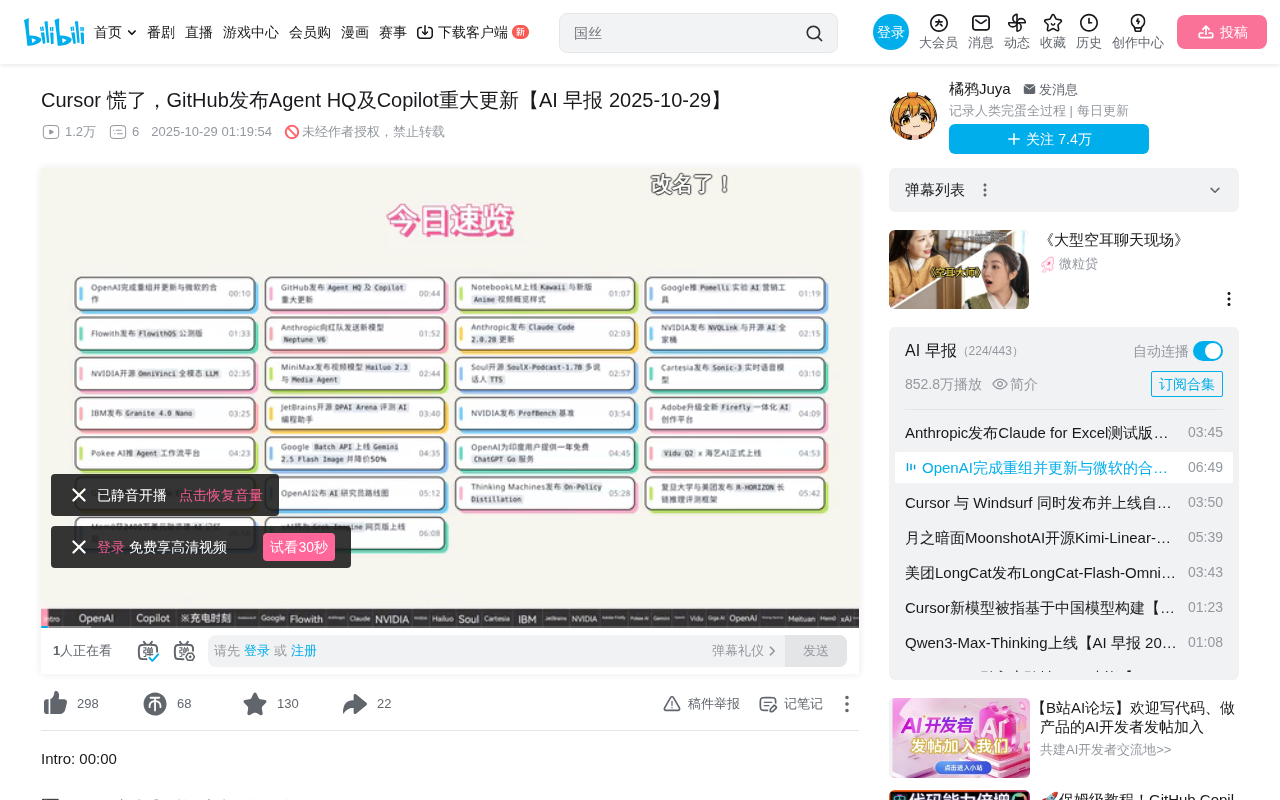
GitHub Agent HQ Launch: AI Coding Tools Enter the Era of Platform Competition
GitHub Universe unveils Agent HQ platform for unified coding agent management, Copilot upgrades with multi-model support. OpenAI completes restructuring, Anthropic tests new model, NVIDIA open-sources AI models.
 Tech Frontiers
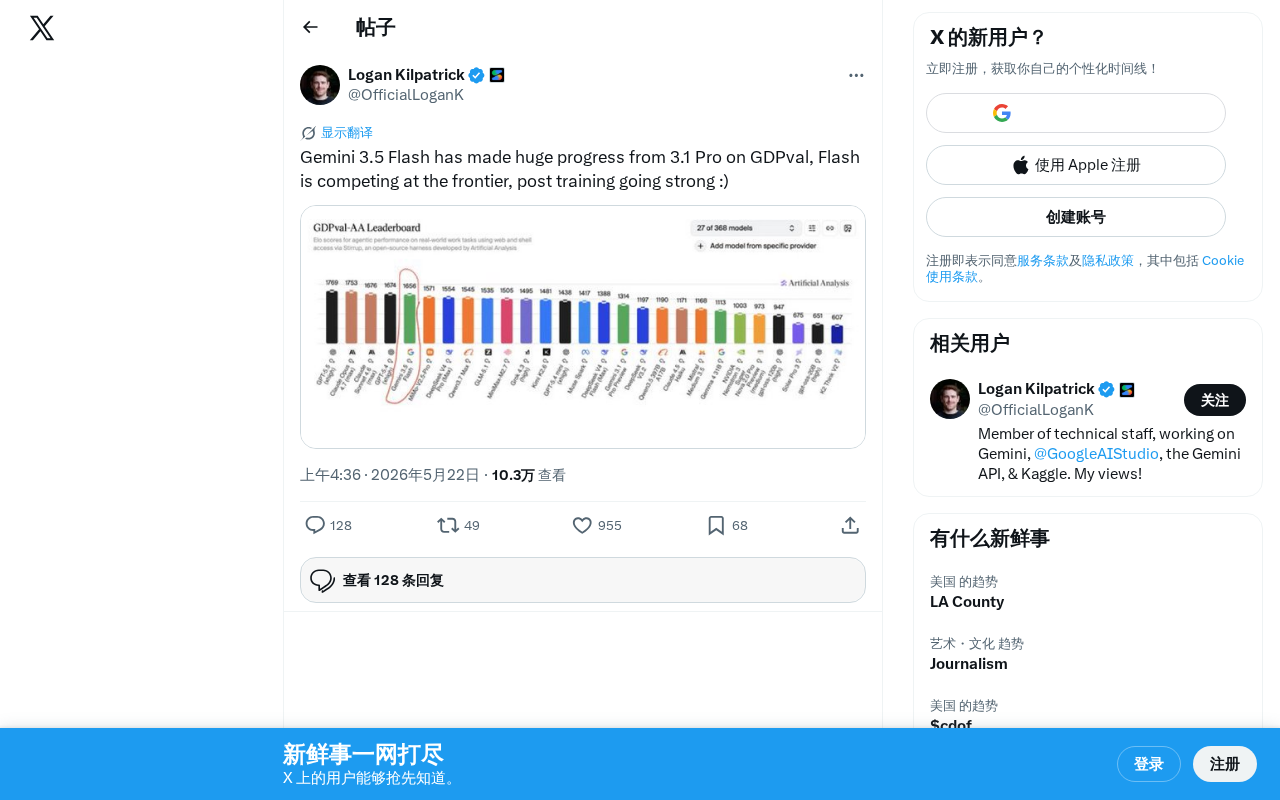
Gemini 3.5 Flash Achieves a Massive Leap on the GDPval Benchmark
Google Gemini 3.5 Flash surpasses Gemini 3.1 Pro on the GDPval benchmark. The lightweight Flash model leverages post-training techniques to approach frontier-level performance, redefining the balance between quality and cost.
 Tech Frontiers
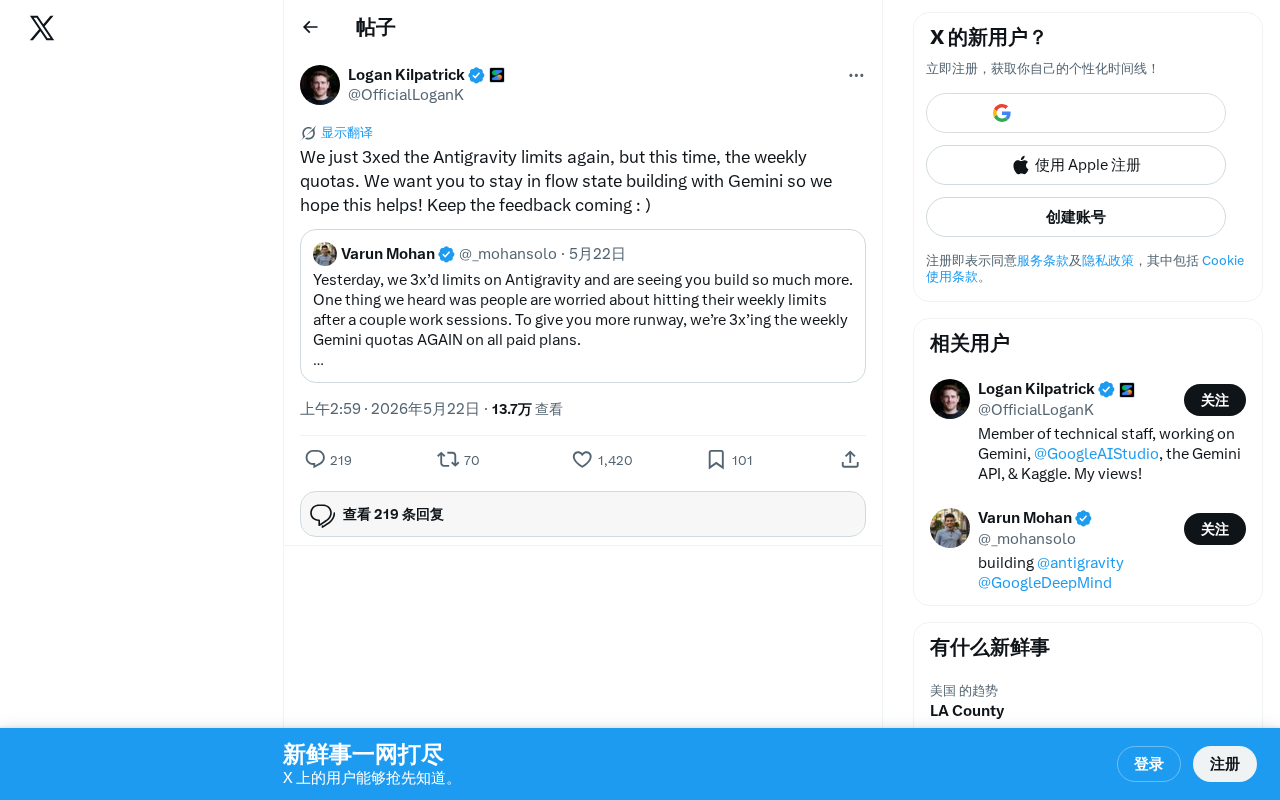
Google Gemini Antigravity Weekly Quota Tripled — AI Coding Without Limits
Google Gemini triples Antigravity weekly quotas following a prior daily quota boost. Analyzing the impact on developers and its strategic significance in AI coding.